
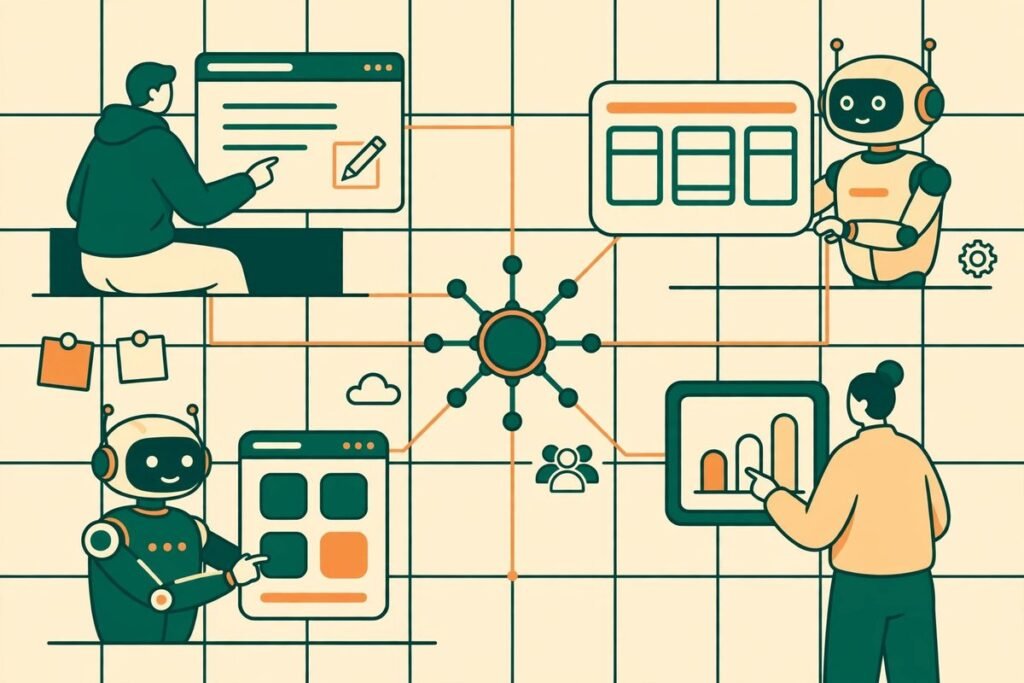
The AgentGrid AI agents platform is Anima’s answer to a problem that has quietly grown alongside agent adoption: the work your agents produce no longer lives in one place. A report is buried in one chat, a landing page draft sits in another, a design file is downloaded to somebody’s laptop, and by Monday nobody is quite sure which version is current. AgentGrid.io gives humans and agents one shared workspace for the same live documents, websites, apps and designs, with a stable link, a full version history and controls over what each agent can touch. This review explains what it does, what it costs, who it suits, and where you should still be cautious.
Our verdict up front: if your team already produces real work with AI agents every week, AgentGrid is worth a free trial run on a single low-risk project. It solves a genuine coordination problem rather than inventing one. If you only use one chatbot occasionally, you probably do not need it yet, and a shared drive plus good naming discipline will do. The sections below explain how we reached that verdict, so you can test it against your own workflow rather than taking our word for it.
What the AgentGrid AI agents platform actually does
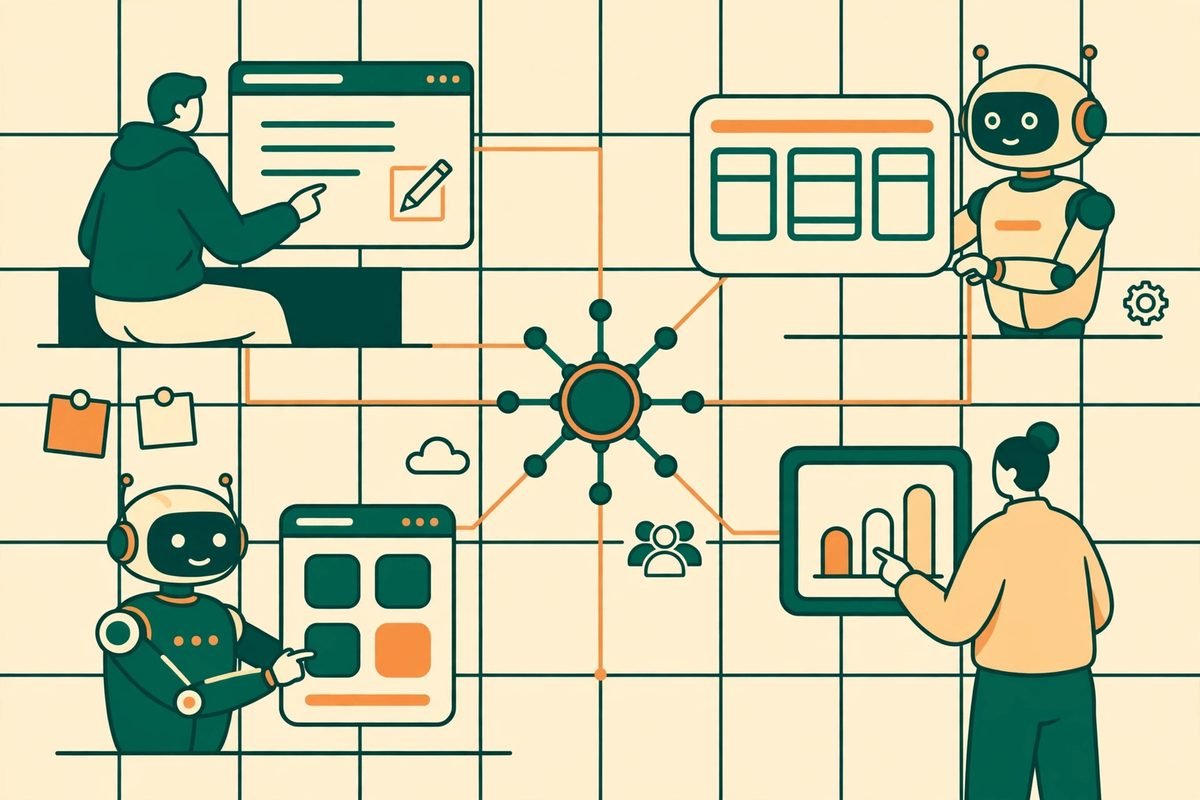
AgentGrid.io, launched by Anima in late September 2026, describes itself with a useful shorthand: Google Drive for humans, Git for agents. Humans open a document in the browser and edit it much as they would in Google Docs. Agents, meanwhile, work through a Markdown and Git-style interface, or connect through MCP, the command line or an API. Everyone works on the same live artifact instead of passing copies back and forth.
The artifact types matter here, because they show the product is aimed at real deliverables rather than chat transcripts. Documents and reports, Markdown files, HTML pages, React apps, slides and designs all live in the same workspace. An agent can build a small internal app, a teammate can open it in the browser, edit the copy by hand, and another agent can then improve it, all without anyone re-uploading a file or wondering whether the version in the chat is newer than the one on the drive.
Three features carry most of the value. First, every document, app or design gets a persistent, shareable link, so work stops disappearing into chat history. Second, there is a complete version history: you can see who changed what and restore an earlier version when an agent makes a confident but wrong edit. Third, access is controlled per artifact, so you can decide what each agent is allowed to read or change rather than giving every agent the keys to everything.
How multi-agent collaboration works in practice
The most interesting claim is that AgentGrid is agent-agnostic. It is built to work with Claude, ChatGPT, Codex, Grok Bot, Cursor, Hermes, OpenClaw and other agents, rather than locking you into one provider’s agent. In the launch pitch, the makers describe a plausible chain: Claude creates a report, ChatGPT improves it, Grok Bot generates visuals, and a human teammate edits it manually, all on the same artifact.
That chain is worth testing rather than assuming. In our experience building agent workflows for clients over nine-plus years, multi-agent handoffs usually fail on context, not on capability. One agent rewrites a section without knowing why the previous agent chose that structure; another optimises for a different audience. A shared live artifact helps, because the context is the document itself rather than a summary pasted between chats. It does not remove the need for a human owner who decides what “good” looks like and checks the result before it goes anywhere public.
The practical workflow the makers suggest is simple: connect AgentGrid to your agent and ask it to share its work there, using a prompt along the lines of “share this with me on AgentGrid.io”. You can also import existing files, websites and Figma designs, so a team does not have to start from scratch. For agencies and product teams, that import path matters: the first test should be with work you already have, not a greenfield demo, because that is where version confusion and permission problems actually show up.
Pricing: free to start, paid tiers not yet published
AgentGrid is free to start, with unlimited agent seats, and the makers say it is free to use during the launch period. At the time of writing, no paid pricing tiers are published on the product pages we checked, and independent coverage notes the same gap: you cannot evaluate cost fit from the marketing site alone.
That is not a reason to avoid the free tier, but it is a reason not to build a critical workflow on it without asking the vendor directly about future pricing, data retention and export. The right question before you commit is blunt: if a paid tier appears in three months, what happens to our artifacts, our links and our version history if we choose not to pay? Get the answer in writing, and test the export path while you are still in the free period. A shared workspace only earns its keep if leaving it is possible.
Anima itself is an established company rather than a weekend project: the launch material notes more than 1.8 million builders have used Anima’s products, and that the company is SOC 2 Type II and GDPR compliant. Those are reassuring signals for a business evaluating a new home for its documents, but compliance badges describe the vendor’s controls, not your configuration. Your own permission settings still decide whether an agent can read a sensitive draft.
Who it is for, and who should skip it
AgentGrid is aimed, in the makers’ own words, at anyone creating real work with AI: founders, builders, designers, developers, marketers, product teams, agencies and companies bringing agents into daily workflows. In practice, the fit is narrowest and strongest for teams that already juggle two or more agents and produce documents, reports, slides or small apps as their output.
- Marketing and content teams whose agents draft reports, decks and landing pages that humans then revise.
- Product and engineering teams prototyping internal tools and dashboards with agents, where the app itself is the deliverable.
- Agencies that hand work between agents and human reviewers and need one current version to show a client.
- Small teams that want to publish a simple site or app from agent output without setting up a repository, build pipeline and hosting.
Skip it, or at least postpone it, if your agent use is still one person and one chatbot, if your deliverables live happily in code repositories with proper review, or if your work is mostly regulated or highly sensitive data. In those cases the added layer can create more governance work than it saves, and a repository with pull-request review remains the stronger control for code.

Watch-outs and honest limitations
First, the share-from-agent flow assumes your agent can actually write to AgentGrid. If your agent of choice cannot connect through MCP, the command line or the API, you will be exporting and uploading by hand, which quietly erases the main benefit. Test your actual agents on day one, not just the ones in the launch video.
Second, permission setup takes real effort. Granular control is only a control if somebody structures the folders and roles, reviews them when projects end, and revokes access when a contractor’s engagement closes. Without that discipline, teams drift into one of two failures: over-restriction that slows work to a crawl, or under-restriction where every agent can read and rewrite everything. Treat permissions as a quarterly housekeeping job, not a one-time setup.
Third, do not confuse AgentGrid.io with similarly named tools. A different project called Agent Grid, built on the Orquesta platform, is a terminal dashboard for monitoring coding agents on your own machine, and agentgr.id documents an open “society of agents” vision. They solve different problems. When you search, evaluate or buy, check you are looking at Anima’s AgentGrid.io, because the names will otherwise waste your afternoon.
Fourth, a shared workspace changes habits, and habit change is the hidden cost of every collaboration tool. Moving from “paste the output into chat” to “share the artifact in the workspace” only works if the team agrees on the norm and one person enforces it for the first few weeks. Teams that skip that step tend to end up with the same fragmentation in a new place, plus a subscription.
How it compares to the alternatives
Against Google Drive or Notion, AgentGrid’s edge is not document editing, which those tools already do well. It is the agent-native side: a Git-style interface, MCP and API access, and publishing a React app or website from the same artifact without a separate build and hosting step. If your agents only ever produce text, Drive plus a clear folder structure is probably enough.
Against GitHub, the comparison runs the other way. GitHub remains the right home for production code, with code review, branching discipline and CI. AgentGrid is better suited to the messy middle: drafts, reports, prototypes and small apps that need human review before they ever become code worth committing. The two can coexist, with AgentGrid holding the working artifact and GitHub holding the shipped code.
Against agent orchestration tools that run and coordinate agents themselves, AgentGrid is deliberately simpler. It does not claim to schedule, supervise or assign work to a fleet of agents. It gives the fleet one place to put its work. That modesty is a strength if you already like your agents and only need shared ground, and a gap if what you actually need is orchestration. Buy the layer you are missing, not the one with the best launch video.
From our experience: a sensible first pilot
If you decide to try it, run a two-week pilot with one project, one human owner and no more than two agents. Pick a deliverable with a real deadline but low blast radius, such as an internal report or a prototype landing page, never a client-facing site or anything containing customer data. Define three rules before you start: one current version lives in AgentGrid and nowhere else; agents get write access only to their project folder; and nothing publishes without a human pressing the button.
Measure the pilot honestly. Count how many times somebody asked “which version is current” before and during the pilot, how long review took, and how many agent edits had to be reverted from version history. If those numbers do not move, the tool is not solving your problem, however elegant it looks. If they do move, you have evidence to expand it, and a shortlist of permission and export questions to put to the vendor before you scale. That is the same discipline we apply when we build AI integration and automation for clients: the workflow has to earn its place in production, and the exit route has to be tested before the dependency grows.
Frequently asked questions
What is the AgentGrid AI agents platform?
It is AgentGrid.io, a shared workspace from Anima where humans and AI agents create, edit, share and publish the same live documents, websites, apps and designs, with version history and controlled access for each agent.
Which AI agents work with AgentGrid?
The makers list Claude, ChatGPT, Codex, Grok Bot, Cursor, Hermes, OpenClaw and others, connecting through MCP, the command line or APIs. Test your specific agents first, because the share-from-agent flow depends on that connection working.
How much does AgentGrid cost?
It is free to start with unlimited agent seats and free to use during the launch period. No paid tiers were published at the time of writing, so ask the vendor about future pricing, retention and export before building a critical workflow on it.
Can agents publish work directly from AgentGrid?
HTML and React apps created in the workspace can be shared securely or published to the web without managing repositories, builds or hosting. For business use, keep publish permission with humans and let agents draft, not ship.
Is AgentGrid a replacement for GitHub or Google Drive?
No. GitHub remains the right home for production code with proper review, and Drive or Notion still suit plain document collaboration. AgentGrid fits the gap between them: agent-produced drafts, reports, prototypes and small apps that need shared, versioned review.
AgentGrid is a small, well-aimed idea: stop letting agent work scatter across chats and downloads, and give it one home with one current version. Used with disciplined permissions and a human in charge of publishing, it can genuinely reduce the “which version?” tax that agent-heavy teams pay every week. Try it free on one low-risk project, test your real agents and the export path, and expand only if the pilot numbers justify it. For more tools in this wave, browse our AI Tools Directory, or talk to us about building an agent workflow that fits your team rather than the other way round.