
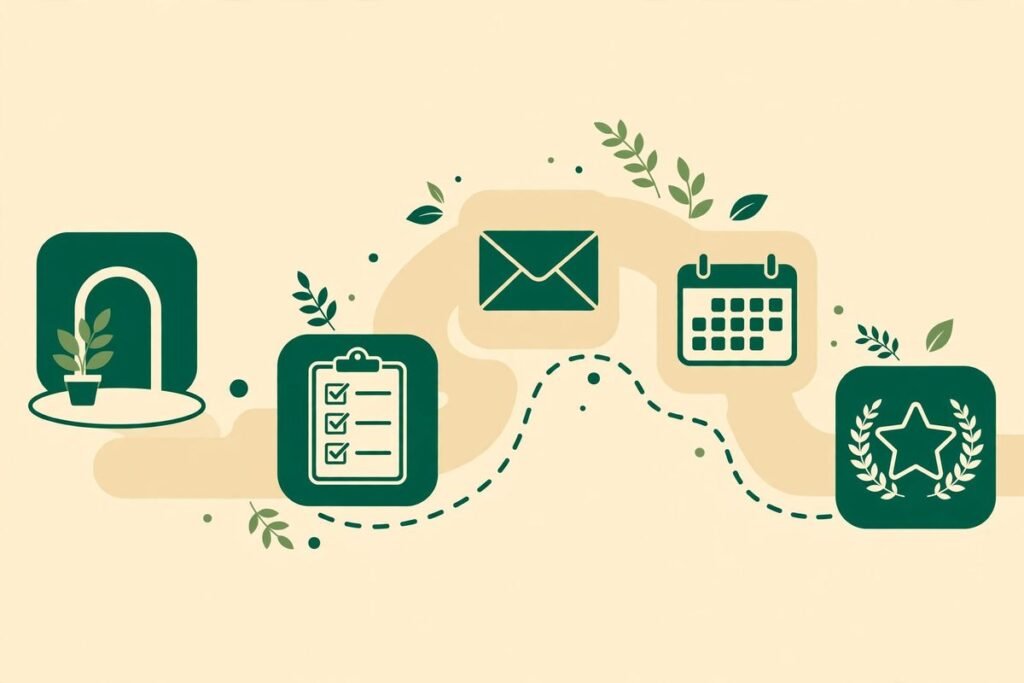
AI client onboarding automation is the difference between a new client feeling looked after from day one and a new client wondering whether anyone noticed they signed. For agencies, consultancies and service businesses, onboarding is the first real delivery: everything before it was a promise, and everything after it is judged against how that first week felt. This guide explains how to automate the repeatable parts of onboarding — intake, document collection, CRM setup and first-week check-ins — without turning the relationship into a robot. By the end, you will be able to map your own onboarding workflow, choose what to automate first, and avoid the mistakes that make automated onboarding feel cold.
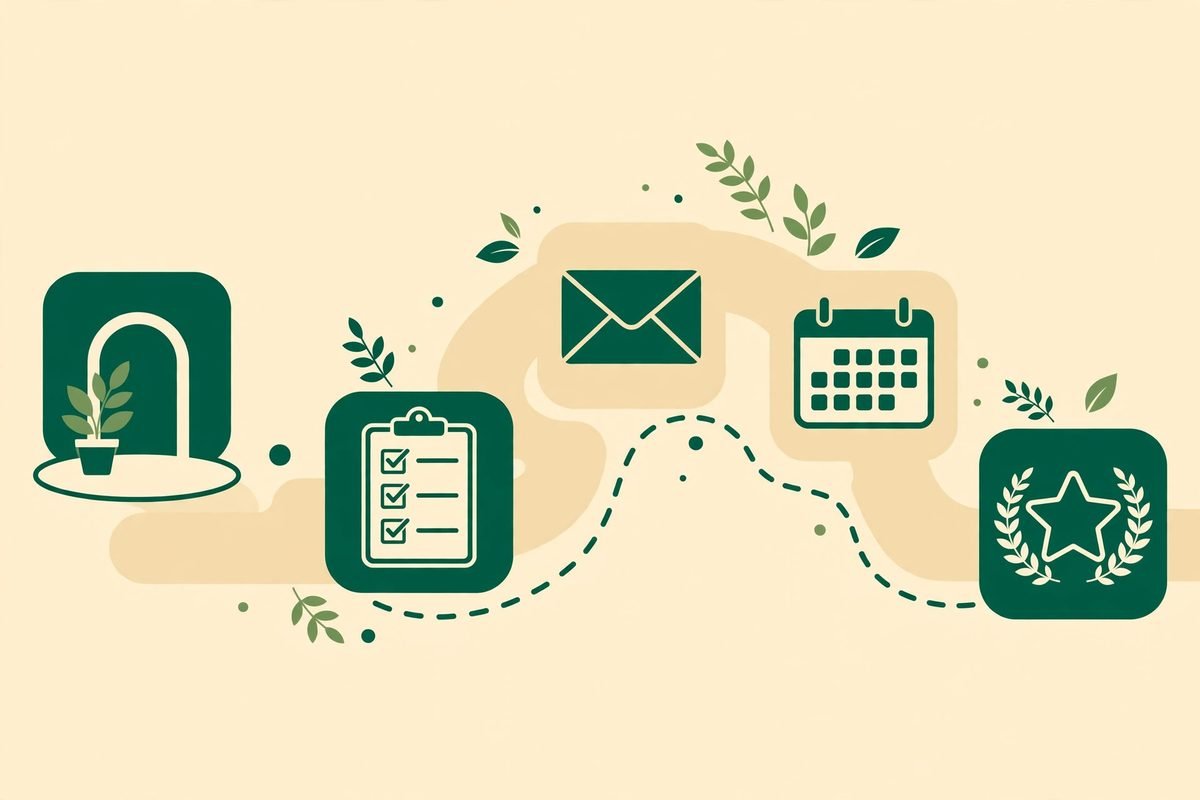
What AI client onboarding automation actually covers
Automated onboarding is not one tool. It is a chain of triggers and handoffs: something happens — a contract is signed, a payment clears, a form is submitted — and a set of steps runs without anyone remembering to start them. The AI part sits on top of that chain in specific places: drafting a personalised welcome message from intake answers, summarising a client’s goals into a kickoff brief, checking that a submitted document looks complete, and routing follow-ups based on what the client has or has not done yet. The workflow engine underneath is usually something like n8n or Make, connected to your CRM, your project tool, your email and your calendar.
The workflow, step by step: intake, documents, CRM and the first week
A workable onboarding workflow has four stages. Each one can be automated independently, which is useful: you do not need to rebuild everything at once, and a failure in one stage should never block the others.
Stage 1: Intake, captured once and reused everywhere
Intake is where most onboarding quietly fails. The client answers the same questions three times — once on a sales call, once on a form, once on the kickoff call — and each copy drifts. The fix is a single intake form whose answers become the single source of truth. The form should ask for the minimum needed to start work: primary contact and decision-maker, goals for the first 90 days, systems the work touches, brand assets and access, and anything with a deadline. Keep it short. A fourteen-question form gets abandoned; a conversational intake, whether a smart form or a short guided chat, gets finished.
When the form is submitted, the workflow creates or updates the client record in your CRM and copies the answers into the project workspace, the kickoff brief and the welcome message. Nobody retypes anything. If a field is missing, the workflow flags it immediately rather than discovering the gap on the kickoff call. One practical rule from agency automation guides is worth adopting: start with the intake-to-record handoff and the welcome sequence, because those two steps carry most of the early-churn risk, and add provisioning and scheduling after them.
Stage 2: Document collection without the chase
Document collection is the stage clients experience as nagging. Logos, copy, logins, contracts, compliance documents — each arrives late, in the wrong format, or in a different email thread. An automated request list changes the dynamic: the client gets one branded checklist, each item shows its status, and reminders go out on a schedule you set, not when somebody remembers. An AI draft can turn a short description or an existing PDF into a structured request list with sections and field types, which saves the setup time. But the AI does not validate what comes back — a human still checks each item before it is marked approved. Plan your process around that check; it is the quality gate, not a flaw.
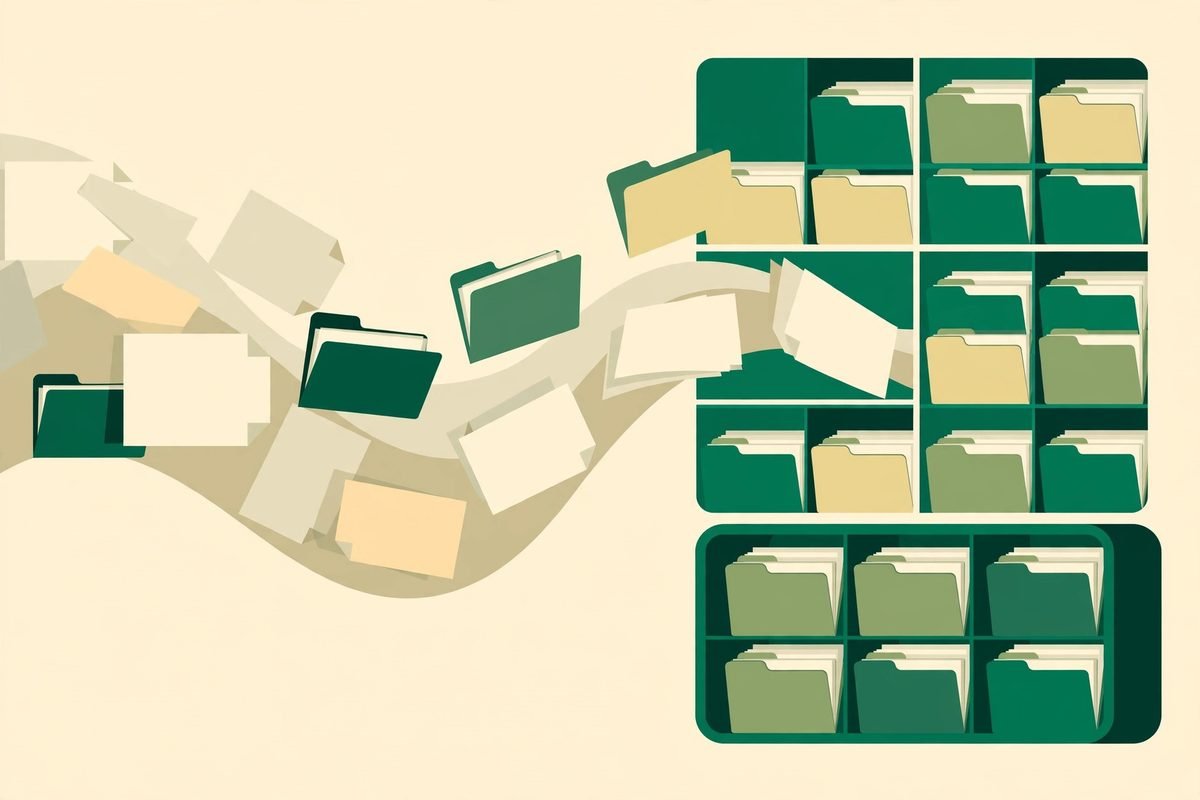
Stage 3: CRM setup and internal provisioning
Once intake is in, the workflow provisions everything the team needs: the CRM record, the project in your management tool, the shared folders, the communication channel, and access for the right team members. Doing this by hand takes a surprising amount of time — one agency automation guide puts a full client-onboarding build at one to two weeks of work, saving three to five hours per client from then on, while a field report from onboarding-automation builds puts manual coordination at roughly twenty-five to thirty hours per client and automation savings at eight to ten hours. The exact numbers depend on your process, but the direction is consistent: the savings are in coordination, not in cleverness.
Split this stage into sub-workflows — intake, provisioning, communications — so a failure in one does not block the others, and add retries on the flaky external calls. A folder-creation failure should not stop the welcome email. Require human approval on anything irreversible, such as sending an external message under a person’s name or granting access to a production system. The cheapest automation mistake is an irreversible action fired by a trigger nobody reviewed.
Stage 4: First-week check-ins that actually happen
The first week is where automation earns its keep or loses the client. The pattern that works is a short, scheduled sequence: a welcome message within minutes of signing, a kickoff call booked through a scheduling link that already carries the intake context, a preparation brief sent the day before the call, and a check-in a few days after kickoff asking what is unclear. Each message should reference something the client actually said — their goal, their deadline, their team — because that is what makes an automated message feel personal. An AI summary of the intake answers, reviewed by a human before it is used, is how you get that personalisation without writing every message by hand.
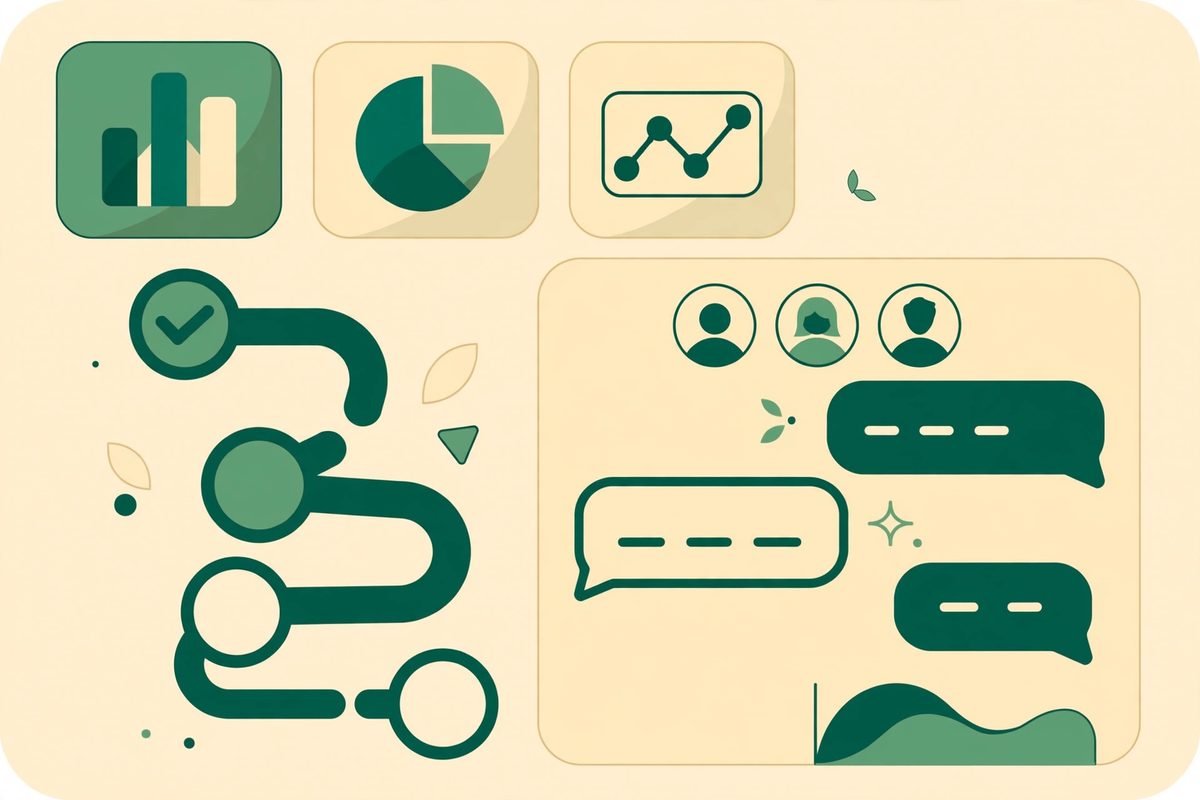
What to automate first, and what to leave alone
If you automate one thing this month, automate the intake-to-record handoff and the welcome sequence. They are repetitive, time-sensitive and high-impact: data captured once and reused everywhere, and a first impression that fires within minutes rather than days. Next, automate document reminders and internal provisioning. Leave scoping, pricing, strategy and any difficult conversation with people, and use the workflow to prepare for those conversations rather than conduct them.
There are also things automation should never do unsupervised. Do not let an AI send a contract, a price or a commitment without a human review. Do not auto-grant access to client systems. Do not auto-archive a document request before approval. And do not feed client confidential material into a consumer AI tool without checking its data policy — the difference between an API product and a consumer chat product matters here, because their data-handling terms are not the same. When in doubt, route the step to a human and log why; the log becomes your improvement list.
From our experience: the gotchas that sink onboarding automation
After building automation for agencies and service businesses for over nine years, the pattern we see is consistent. The first gotcha is automating before documenting: if two team members onboard differently, the workflow will encode one person’s version and the other person will work around it. Write the checklist, run it manually twice, then automate it. The second gotcha is the silent failure — the welcome email that never went out, the folder nobody created. Every workflow needs a notification when a step fails, and a weekly review of failed runs, or you will discover the failure from the client.
The third gotcha is cost creep in disguise. Workflow tools charge per run or per operation, and an onboarding flow that polls an inbox every minute or retries a failed step fifty times can cost more than the hours it saves. Set retry limits, avoid polling where a webhook exists, and review run counts monthly. The fourth gotcha is over-personalisation: an AI welcome message that invents a detail about the client’s business is worse than a generic one. Ground every generated message in intake answers the client actually gave, and keep a human in the review step until the error rate is boringly low.
Finally, measure the right thing. Time saved per client is the headline, but time-to-first-value and the share of clients who complete intake without chasing are what predict retention. Track those two from the first week.
Build options: workflow tools, AI drafting, and when to get help
Most teams build this on a workflow platform such as n8n or Make, connected to their CRM and project tool, with an AI model drafting messages and summaries. Self-hosting suits teams that want data control and predictable costs at volume; a hosted plan suits teams that want to move fast and do not want to maintain infrastructure. Either way, the build is usually measured in days to a couple of weeks for the core flow, not months — provided the process is already written down. If your team is weighing a broader automation programme, our n8n workflow automation service covers exactly this kind of intake-to-delivery pipeline, and our AI integration and automation work covers the AI drafting and summarising layer on top of it.
For background reading, an agency automation guide that maps onboarding build time against hours saved per client is a useful reality check, and a practitioner playbook for client onboarding automation with n8n covers sub-workflows, retries and human approval in practical detail. A broader look at automating client onboarding without losing the human touch is worth reading for the 30-to-90-day B2B window and why the first three automations — intake forms, e-signature routing and task assignment — separate fast onboardings from slow ones.
Frequently asked questions
How long does it take to build AI client onboarding automation?
A core flow — intake form to CRM record, welcome sequence, document checklist and kickoff booking — typically takes a few days to two weeks, depending on how many systems it touches. The variable is rarely the tooling; it is whether the process is already written down. If it is not, add time to document and test it manually first.
Does automated onboarding feel impersonal to clients?
It feels impersonal when messages are generic or invent details. It feels more personal than manual onboarding when every message references the client’s actual goals and progress, because nothing falls through the cracks. The difference is grounding: generate from intake answers the client gave, and keep a human reviewing messages until the quality is consistent.
What should I automate first in client onboarding?
Start with the intake-to-record handoff and the welcome sequence. They are repetitive, time-sensitive and carry most of the early-churn risk. Add document reminders and provisioning next, and leave scoping, pricing and strategy conversations with people.
How much time does client onboarding automation save?
Published agency guides report roughly three to five hours saved per client for a standard onboarding flow, and field reports from automation builds report eight to ten hours where manual coordination was heavier. Your number depends on how much coordination your current process involves; measure time-to-first-value and intake completion alongside hours saved.
Do I need AI, or is a workflow tool enough?
A workflow tool alone covers most of the value: moving data, creating records, sending scheduled messages. Add AI where a human currently reads something and rewrites it elsewhere — drafting welcome messages, summarising intake into a kickoff brief, or checking document completeness. If no step involves reading and rewriting, you do not need AI yet.
Onboarding is the first delivery you make, and clients judge everything after it against that first week. Automate the coordination, protect the human moments, and measure time-to-first-value rather than how clever the workflow looks. If you would like help mapping your onboarding process and building the first version, talk to MTD Technologies — we build these pipelines for agencies and service businesses, and we will tell you honestly which parts are worth automating and which should stay human.