
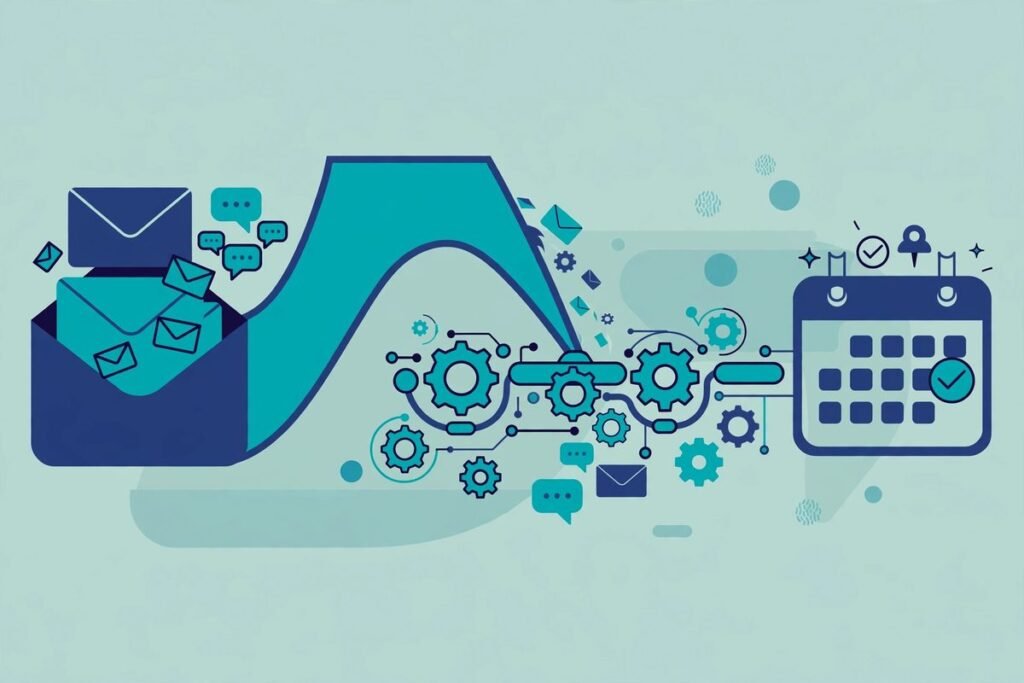
Most sales are not lost on the call. They are lost in the silence after it. AI sales follow-up automation exists to fix exactly that: a workflow that notices every new lead, writes a personalised reply, follows up on a disciplined cadence, and hands the conversation to a human the moment it turns serious. This guide is for business owners and sales leaders who want to know what a working follow-up system looks like, how to build one, and where the traps are.
By the end, you will understand the seven stages of a follow-up workflow, a reference architecture you can build in a tool like n8n, the cadence that books meetings without annoying people, the guardrails that keep automation legal and deliverable, and the metrics that tell you whether any of it is working.
Why follow-ups are where deals quietly die
A practitioner on social media recently reframed missed follow-ups as a memory problem, not a skill problem, and that framing is worth keeping. Salespeople do not forget to follow up because they are lazy. They forget because follow-up is repetitive, emotionally unrewarding work that competes with everything urgent on their desk. One salesperson described the manual version as a task she constantly procrastinated on, then built an AI agent that drafts each follow-up in her own tone and style, doing roughly eighty percent of the work and removing the mental load entirely.
The maths of the problem is unforgiving. A lead that gets one generic touch and then nothing converts far worse than a lead that receives four or five well-spaced, genuinely personalised touches. Yet in most small businesses the “workflow” is a salesperson’s memory plus a spreadsheet they update when they remember. Anything that depends on memory at scale will leak. Automation does not leak.
This is why AI sales follow-up automation pays for itself faster than almost any other sales technology. It does not try to be clever. It does one boring, valuable thing — remembering, writing, and sending — with machine consistency.
What an AI sales follow-up automation workflow actually contains
Strip away the marketing and every working follow-up system has the same seven stages. Whether you build it in n8n, Make, Zapier, or a dedicated sales platform, the anatomy is identical:
- Trigger. A new lead enters the system — a form submission, a downloaded resource, a demo request, a replied cold email, a website visit to the pricing page.
- Enrichment. The workflow looks the lead up: company, role, industry, tech stack, recent activity. Personalisation without enrichment is just a mail-merge with a first name.
- Scoring. The lead is graded hot, warm, or cold based on fit and behaviour. Hot leads get a human immediately; the workflow handles the rest.
- Personalisation. The AI drafts the message using the enriched context and the conversation history — in your company’s voice, referencing something real about the prospect.
- Send. The message goes out on the right channel at the right time, with send limits that protect your domain reputation.
- Tracking. Opens, replies, clicks, and sentiment are logged back to the CRM automatically. Every touch is visible; nothing lives in someone’s head.
- Handoff. A positive reply, a meeting request, or a high score triggers an instant alert to the sales rep, with the full context attached.
Notice what the AI does and does not do. It drafts, schedules, tracks, and escalates. It does not close. The job of the workflow is to manufacture qualified conversations, not to pretend a machine is your sales team.
A reference architecture you can build in n8n
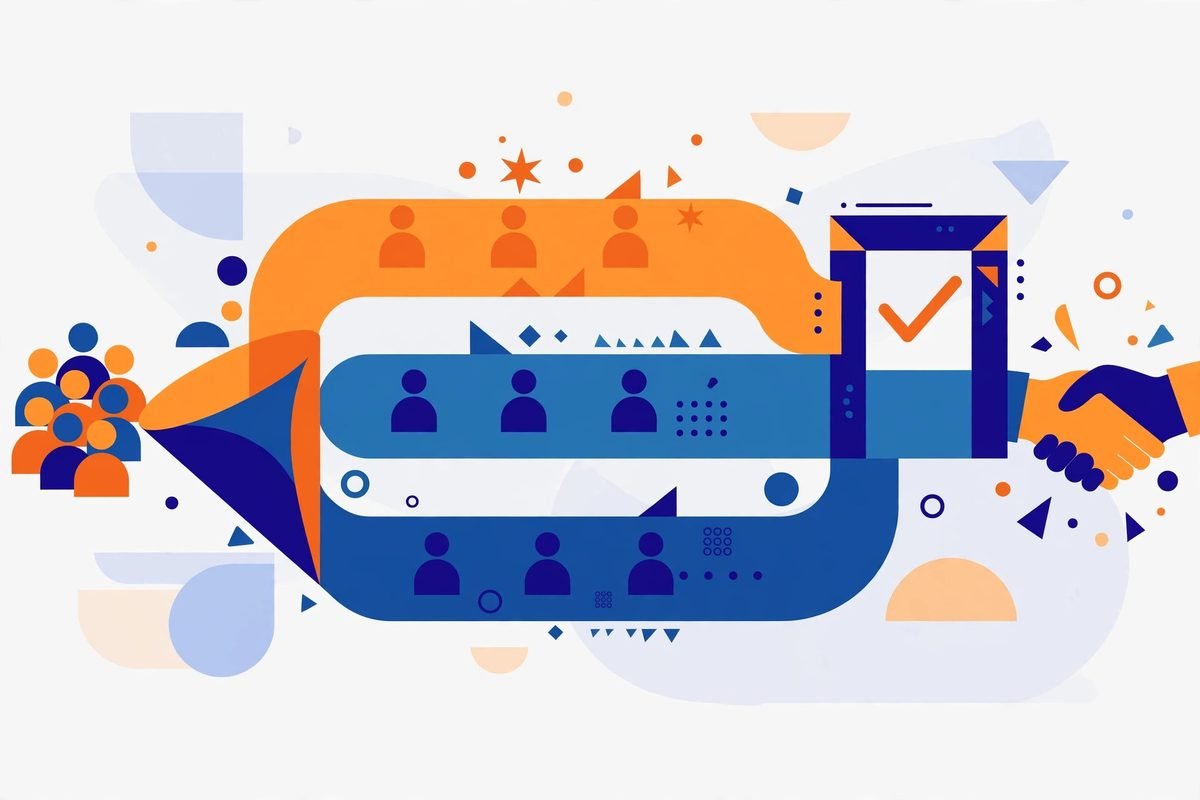
A widely shared n8n tutorial walks through an email follow-up workflow built from Gmail, OpenAI, and Google Sheets, and its architecture is a solid template for production use. The pattern is: Trigger, then Extract, then AI Analysis, then Structured Output, then Validation, then Business Rules, then Action, then Logging. That ordering matters more than the specific tools.
In concrete terms, here is how we would build it:
- Gmail or webhook trigger fires on a new lead or a new inbound reply.
- A Code node extracts the fields the AI needs — name, company, message body, thread ID — and nothing else.
- An OpenAI node classifies intent and drafts the reply, returning structured JSON (intent, score, draft body), never free text the workflow has to parse.
- An IF node routes hot leads to a human-approval branch and lets warm leads go straight to send.
- A deduplication check stores the thread ID and refuses to process a message twice, so a retry or a re-fired trigger can never double-send.
- A CRM node logs every touch — sent, opened, replied — so the sales rep sees the full story.
- Error handling on every branch, because an API failure that silently kills the pipeline is worse than no automation at all.
The structured-output step is the one most tutorials skip and most production workflows need. Language models are unreliable narrators; asking for JSON with a schema and validating it before acting is the difference between a demo and a system. One practitioner put it well: do not assume the model will always return perfect output, so validate the required fields before continuing.
The cadence that books meetings
Automation makes it easy to send more messages, which is exactly why most automated sequences fail: they send more of the same message. The cadence that actually books meetings varies the angle of every touch. A pattern that works consistently in B2B:
- Day 0 — the personal reply. Sent within minutes of the trigger. References the lead’s actual request or action. Speed matters more than polish here; responding while the intent is fresh beats a perfect email sent tomorrow.
- Day 2 — the value add. A short message with something useful: a relevant case pattern, a two-minute video, an answer to the question every prospect in their role asks. No pitch.
- Day 5 — the social proof. One concrete result for a similar company. Specific beats generic: “a 40-person logistics firm” beats “our clients”.
- Day 9 — the objection handler. Addresses the most common reason people in their position go quiet — usually price, timing, or implementation effort. Name it directly.
- Day 14 — the clean break. A graceful close: permission to stop following up, with the door left open. These emails get surprisingly high reply rates precisely because they are honest.
Then stop. A sequence that never ends is not persistence, it is noise, and it trains prospects to mark you as spam. Long-term nurture is a separate, much slower lane — a monthly insight, not a weekly nudge.
Multi-channel touches beat email-only sequences when the deal size justifies it. Comparisons of follow-up platforms consistently highlight the same capabilities as table stakes: automated sequences, multi-channel coordination, CRM synchronisation, and engagement tracking that shows who is actually hot. If your current tooling cannot tell you which prospects opened, clicked, or replied, you are flying blind regardless of how good the copy is.
Guardrails: the rules that keep automation from becoming spam
This is the section most “AI sales” content skips, and it is the section that determines whether your system survives contact with reality. Five rules we consider non-negotiable:
- Validate every AI output before sending. Check the draft against required fields, blocklisted phrases, and length limits. An unreviewed model will eventually hallucinate a discount, a feature, or a meeting time that does not exist.
- Human approval for hot leads. For high-value prospects, the workflow should prepare the draft and pause for a rep’s one-click approval rather than sending autonomously. Automation handles volume; humans handle the deals that matter.
- Protect deliverability like revenue depends on it — because it does. Authenticate with SPF, DKIM, and DMARC. Warm up new sending domains. Cap daily volume per mailbox. One burned domain poisons every future campaign.
- Every message must be stoppable. Clear opt-out on every touch, instant suppression on request, and automatic pause when a prospect replies negatively or asks to be left alone. Intent-aware branching — stopping all automation the moment frustration is detected — is now standard in serious platforms.
- Minimise the data you feed the model. Send the workflow only the fields it needs. Customer data sent to an external AI service should be a conscious, documented decision, not a default.
On compliance: cold outreach rules differ by market — GDPR in Europe, CAN-SPAM in the US, PECR in the UK — and consent requirements for automated outreach are real. If you operate across borders, get the outreach copy and the data handling reviewed properly. A workflow that books meetings and creates legal exposure is not a win.
What to measure (and what to ignore)
Open rates are vanity. Reply rates are direction. Positive reply rate and meetings booked per hundred leads are the numbers that decide whether the workflow earns its keep. Track the full funnel: leads entered, touches sent, replies, positive replies, meetings booked, meetings held, deals closed. Then track cost per meeting — tooling plus AI inference plus the human time reviewing drafts — against whatever you were spending on manual follow-up.
Run the numbers for at least one full sales cycle before declaring victory or defeat. Follow-up compounds: the Day 14 break-up email converts leads the Day 0 email never could, and cutting the sequence short because week one looked flat is the most common way teams misread their own data.
From our experience: what the demos do not tell you
We build AI automation for clients, including outreach and follow-up systems, and three lessons come up in nearly every engagement.
First, tone drift is the silent killer. The first fifty AI-drafted emails sound like your best rep. By month three, without review, they sound like every other AI email on the internet — because nobody updated the examples the model was given. Schedule a monthly review of sent drafts. Fresh examples in, stale phrasing out.
Second, the CRM integration is half the project. The workflow is the easy part; the unglamorous work is making sure every touch, reply, and score lands in the CRM exactly where the sales team expects it, deduplicated and attributed. Budget for it. A follow-up system the reps do not trust because “the CRM doesn’t show what was sent” will be abandoned within a quarter.
Third, know when NOT to automate. Enterprise deals with six-figure values, sensitive negotiations, and relationships that took years to build do not belong in an automated sequence. Neither do apology or recovery conversations. Automation is for the repeatable middle of the funnel — the follow-ups that are important but identical in shape every time.
Tooling choice matters less than people think. Independent testing of AI sales automation tools consistently ranks n8n, Zapier, and Make among the strongest workflow platforms, with entry tooling ranging from free tiers to around fifty dollars per user per month and mid-market stacks running higher. Start with the platform your team can actually maintain. A simple workflow your team understands beats a sophisticated one nobody dares to touch.
If you are evaluating your options more broadly, our AI Tools Directory tracks sales and automation tools with practitioner notes on what each one is actually good for.
Frequently asked questions
Will AI follow-up emails sound robotic to my prospects?
Only if you let them. The robotic feel comes from generic prompts and stale examples, not from the technology itself. Drafts built on enriched context — the prospect’s role, company, and actual request — and reviewed monthly against your best human-written emails will read as personal. The workflows that sound robotic are the ones nobody maintains.
How much does AI sales follow-up automation cost?
A self-hosted n8n workflow plus AI inference can run for tens of dollars a month in tooling for a small team, with the real cost being the build and maintenance time. Managed platforms and sales-engagement tools typically charge per user per month, with mid-market stacks landing in the low hundreds. The honest comparison is cost per booked meeting versus your current manual process.
Should AI send follow-ups without human review?
For warm and cold leads in a standardised sequence, reviewed templates with validated outputs work well. For hot, high-value leads, keep a human in the loop: let the AI draft and the rep approve with one click. Fully autonomous sending to your most important prospects is a risk no cost saving justifies.
How many follow-ups should an automated sequence send?
Four to five touches over about two weeks is the reliable range for B2B, with a different angle each time and a clean break at the end. More than that, and reply quality drops while spam complaints rise. Long-term nurture belongs in a separate, much slower lane.
Can this work for WhatsApp and SMS, not just email?
Yes, and in many markets messaging channels outperform email — but the consent bar is higher and the tolerance for automation is lower. Keep messaging sequences shorter, always honour opt-outs instantly, and check local regulations before you start. One careless broadcast can get a number banned.
The businesses winning with follow-up in 2026 are not the ones with the cleverest AI. They are the ones whose systems never forget, never send the same tired message twice, and know exactly when to hand the conversation to a human. If you want a follow-up workflow built for your sales process — triggers, scoring, copy, and CRM integration done properly — talk to us. We have spent nine years building systems like this, and we will tell you honestly whether automation is the right answer for your funnel.