
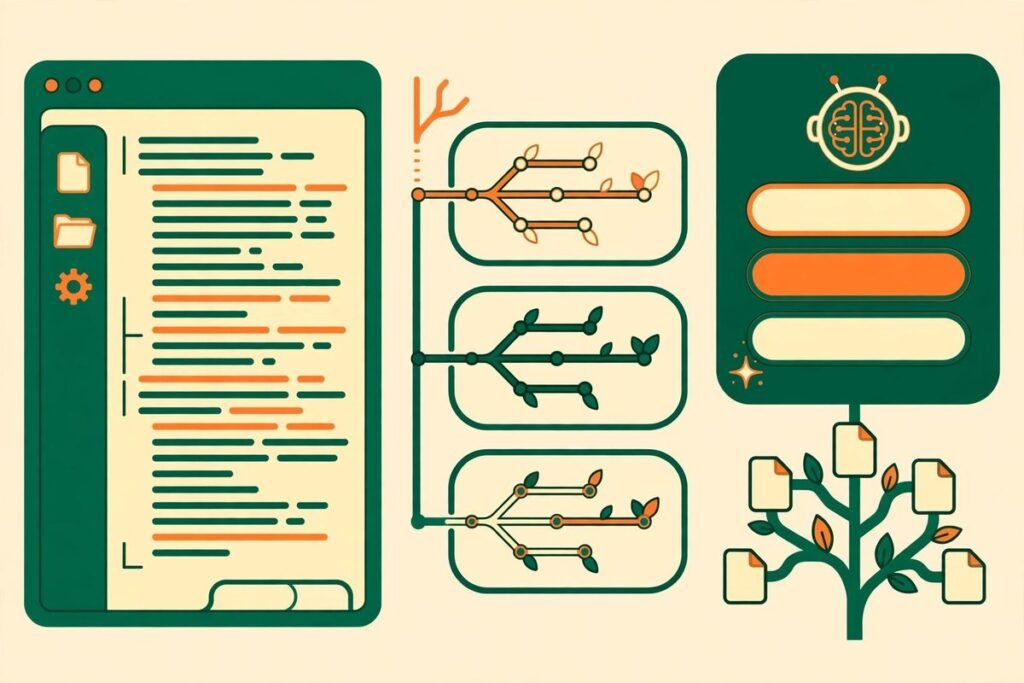
The JetBrains ThinkRail vibe coding IDE is JetBrains’ answer to a question every development team is asking in 2026: what happens when the coding agent stops being a sidebar and becomes the centre of the editor? At the time of writing, the open-source project on GitHub has 3,322 stars and 179 forks, is written in TypeScript, and is licensed under Apache 2.0. In plain terms, ThinkRail wraps the pi coding agent in a real, lightweight IDE, gives every task its own isolated workspace, and keeps a living set of specifications beside the code so the agent does not forget what the project is supposed to do. The short verdict: ThinkRail is worth a trial if your pain is lost context, tangled branches, and agents that rewrite yesterday’s decisions. It is not a replacement for your existing IDE yet. Its value is structural — workspaces, specs, and reviewable change — rather than a bigger model.
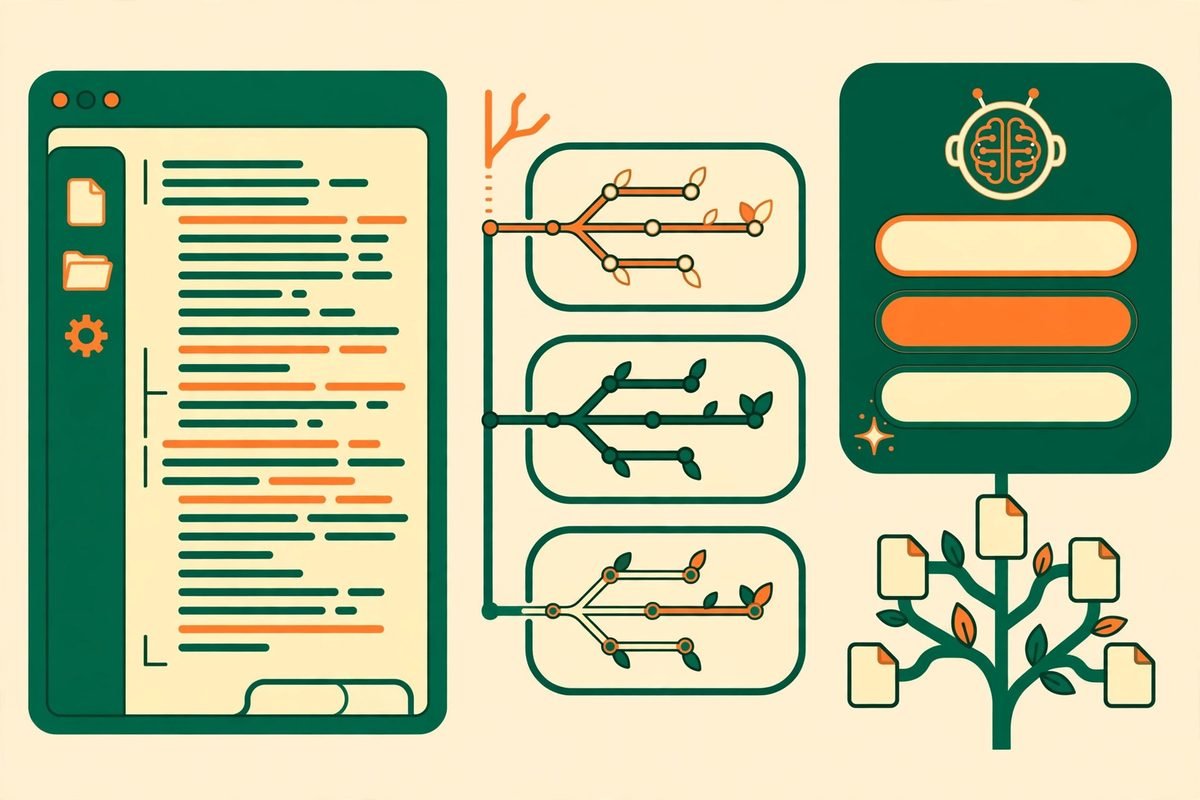
What the JetBrains ThinkRail vibe coding IDE actually is
ThinkRail describes itself as “the agentic IDE that gets better every time you use it”. Strip away the slogan and you get three layers. First, there is the ThinkRail project on GitHub, published by JetBrains as an incubator project. Second, there is pi, the open-source coding agent that does the actual reasoning, tool calls, and code edits. ThinkRail is a thin host around pi: pi owns models, skills, compaction, cost, and session state, while ThinkRail owns the workspace, the editor, and the connection between them. Third, there is the product idea that makes ThinkRail different from a terminal agent: the IDE is built to remember.
That matters because the biggest failure mode of vibe coding is not bad code — it is amnesia. An agent that only sees the current chat will happily re-litigate an architecture decision, reintroduce a pattern the team rejected, or invent an API that does not exist. ThinkRail’s answer is to keep intent in the repository itself, in specification files the agent reads, searches, and maintains. When the next session starts, it does not start from zero.
ThinkRail is also deliberately lightweight — not a full JetBrains IDE, but a focused workbench of editor tabs, a files tree, terminals, documents, and chat, all scoped to the active workspace. You can open the same worktree in your installed IDE when you need heavier tooling. That division of labour is honest, and it is one reason the tool is worth taking seriously despite being young: created in July 2026, it was still being updated daily at the time of writing.
What it can do
The README lists six practical capabilities, each solving a real team problem.
- Isolated workspaces. Open any git repository as a project and cut workspaces as git worktrees, each with its own branch and directory. Agents work in parallel without touching your main checkout; merge the good branch, delete the rest.
- A real IDE around the agent. Monaco editor tabs, a files tree with live git change marks, a changed-files view, terminals, and documents — all scoped to the active workspace, with anchored review comments you can send to a chat as structured context.
- Concurrent chats. Several pi sessions per workspace, each with its own model and a live token and cost readout. Steer a running turn, queue a follow-up, delegate to subagents, and commit each completed plan step separately.
- Specs as ground truth. A connected graph of SPEC.md files lives beside the code. The agent reads, searches, and maintains it through dedicated spec tools, and the IDE renders the graph as a tree.
- Skills and workflows. Portable Agent Skills you already keep for other coding agents are read in place, and bundled workflows guide setup, design brainstorming, and shipping a pull request through your own gh tool.
- Agent tools beyond the shell. Web research, inline diagrams, option comparisons, and file previews in the chat — including a before-and-after mockup when the agent proposes a UI change. MCP servers from your pi configuration can be connected, with approval required for non-read-only calls.
The pull-request workflow deserves emphasis because it is where agent tools usually fall apart. ThinkRail’s top bar shows where the active branch stands against its remote and its pull request, with the next step one click away: publish, push, or open a pull request described from the plan, the commits, your template, or an agent-written draft. Once open, it shows CI checks and the review decision, and lets you hand failing checks or a diverged branch back to the agent, merge, or delete the remote branch.
How it works under the hood
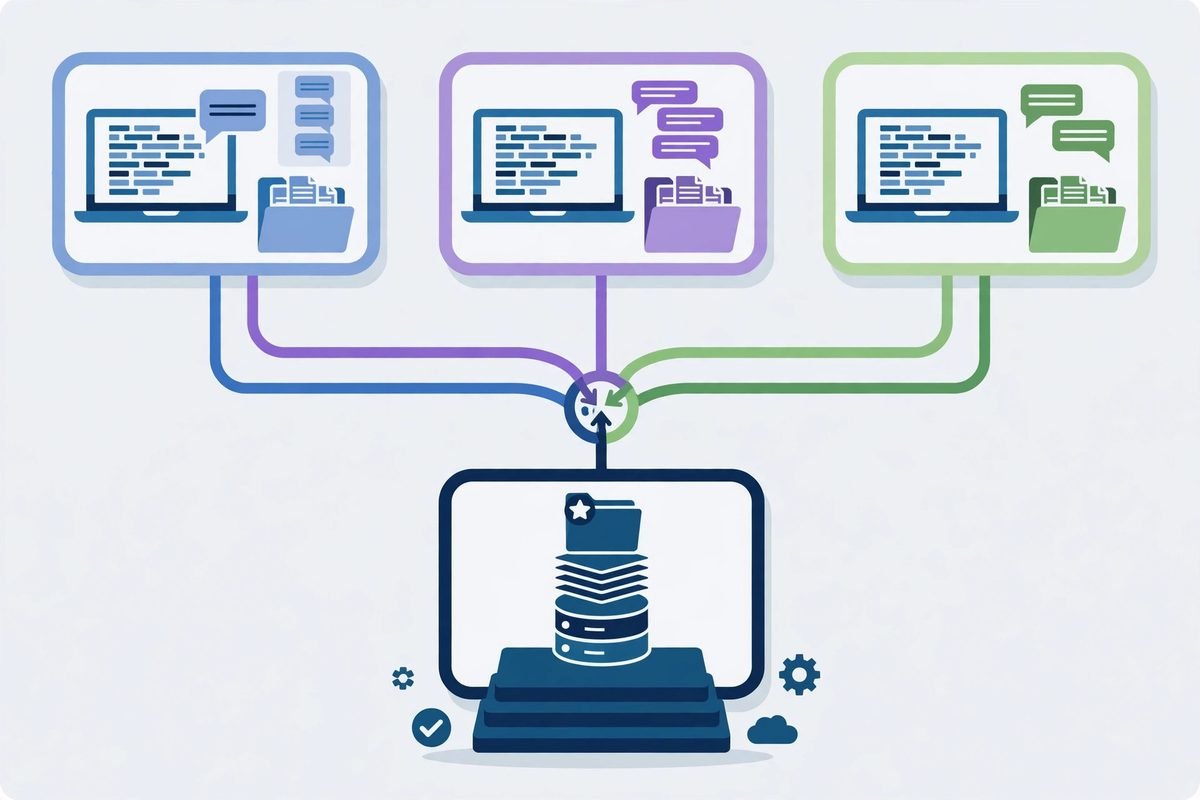
ThinkRail’s architecture splits into three rings: an engine host running pi in-process (one session per chat), a typed, versioned protocol between host and interface, and a React interface client that depends on the contracts only. The interface can therefore evolve without touching the engine, and vice versa.
The project is also developed spec-first: a SPEC.md file sits beside every module, and a change that moves a boundary, contract, or decision updates the spec in the same change. On providers and privacy, ThinkRail has no accounts of its own — sign in with JetBrains AI or connect any provider through pi, which ThinkRail reads from your existing configuration. Analytics cover basic events such as launches and chat creation, tied to a random installation ID, and the project states they never include prompts, code, files, credentials, or account identity. Treat that as a starting point for your own due diligence, not a substitute for it.
Why it is trending now
ThinkRail hit GitHub trending because it lands at the intersection of three shifts. First, vibe coding has moved from solo experimentation to team evaluation: managers now ask how agent output is reviewed, branched, and rolled back, not just how fast it is generated. Second, portable agent skills mean a team’s practices can travel with the agent instead of being re-taught every session. Third, JetBrains entering this space signals that the agent workbench is becoming a product category of its own, not a feature bolted onto an existing editor.
The timing also reflects a reaction against terminal-only agents. A terminal agent is powerful but opaque: diffs scroll past, context is invisible, and parallel tasks collide in one working tree. ThinkRail’s bet is that the next productivity gain comes not from a smarter model but from better scaffolding — workspaces that isolate risk, specs that preserve decisions, and a review surface that makes the agent’s work checkable.
From our experience: where ThinkRail helps, and where it does not
At MTD Technologies, we have spent nine-plus years shipping client software across more than 300 projects, and the pattern with agent tooling is consistent: the tools that survive real client work are the ones that make review cheaper, not just generation faster. ThinkRail’s workspace model does exactly that. Cutting a worktree per task means an agent experiment can fail safely — the main branch is untouched, the bad branch is deleted, and the lesson costs minutes instead of a rollback. The spec graph does the same for decisions: when a client asks why a feature works a certain way six months later, the answer should be in the repository, not in a departed contractor’s chat history.
The honest limitations matter just as much. ThinkRail is young, with rough edges: desktop builds carry platform caveats (Linux artifacts are unsigned, the macOS command-line tool is signed but not yet notarized, older desktop packages may be blocked by Gatekeeper), full extension support is explicitly a next step rather than a shipped reality, and the project depends on pi, so pi’s quirks become your quirks. Do not adopt it as your only editor on day one — adopt it as a second workbench for agent-driven tasks, judge it on one real feature branch, and remember the live token readout does not cap your bill: parallel workspaces multiply token usage fast.

A responsible-use note
Agent IDEs lower the barrier to generating code, which also lowers the barrier to generating the wrong code at scale. Treat every agent-produced change like a junior developer’s first pull request on a production codebase: read the diff, run the tests, and check anything touching authentication, payments, personal data, or external integrations by hand. Never paste credentials or client data into an agent chat, and keep spec files honest — a spec describing what you wish the system did will mislead the next session just as surely as a stale wiki page misleads a new hire.
Getting started with ThinkRail
Trying ThinkRail takes minutes. You need git on your path and a model provider — JetBrains AI sign-in, or your own pi credentials. Desktop installers are also on the releases page, with SHA256SUMS published alongside.
- Install the command-line tool. On macOS or Linux, run the installer from the project’s README:
curl -fsSL https://raw.githubusercontent.com/JetBrains/thinkrail/main/install.sh | bash. The installer verifies the binary’s SHA-256 checksum and puts thinkrail on your path. - Launch it on a real repository. Run
thinkrail ~/code/my-repowith a repository you already know, not a toy project. A familiar codebase makes it obvious when the agent misunderstands something. - Connect your provider. Sign in with JetBrains AI from the app, or use your existing pi provider setup.
- Cut a workspace for one small task. Open the repository as a project, create a workspace, and give the agent one bounded job — a small feature, a bug fix, or a refactor with tests.
- Write one spec before you prompt. Add a short SPEC.md describing the goal, the constraints, and what success looks like, then ask the agent to work. Compare with a session that had no spec.
- Review, then merge or delete. Review the diff, leave anchored comments if needed, and either merge the branch or delete the workspace.
Frequently asked questions
Is ThinkRail a replacement for IntelliJ IDEA or VS Code?
No — not yet, and not by design. ThinkRail is a lightweight, agent-centred workbench built around pi. Use it for agent-driven tasks where workspaces, specs, and reviewable diffs matter, and open the same worktree in your installed IDE when you need full language services or debugging depth.
What is the JetBrains ThinkRail vibe coding IDE’s relationship to pi?
ThinkRail is a host for pi, not a competing agent. Pi owns models, skills, cost tracking, and session state; ThinkRail owns the workspace, the editor, and the interface. ThinkRail itself has no accounts of its own.
Do I need to pay for ThinkRail?
ThinkRail itself is open source under Apache 2.0, so there is no licence fee for the editor. Your costs are the model provider you connect — JetBrains AI or your own provider through pi — plus review time. The per-chat token readout shows spend as it happens, but does not cap it.
How do living specs actually help a team?
Specs keep decisions in the repository, where every future session — human or agent — can find them. Instead of re-explaining goals, constraints, and past decisions in every prompt, the agent reads the SPEC.md graph beside the code and maintains it as the project changes.
Should a business adopt ThinkRail in 2026?
Trial it on one real feature branch first. It fits teams already experimenting with agent coding, struggling with lost context, and comfortable reviewing output carefully. It is a poor fit as a sole editor, or for anyone who expects the agent to replace code review.
ThinkRail is a small, well-aimed bet: that the next leap in agent coding comes from structure — isolated workspaces, living specs, and a review surface you can trust — rather than from a larger model alone. For teams feeling the pain of agent amnesia and branch tangles, that bet is worth a week-long trial on real work. If you want help evaluating agent tooling, setting up spec-driven workflows, or building AI features into your own product, talk to our AI integration team or contact MTD Technologies — and browse more tools in our AI Tools Directory.