
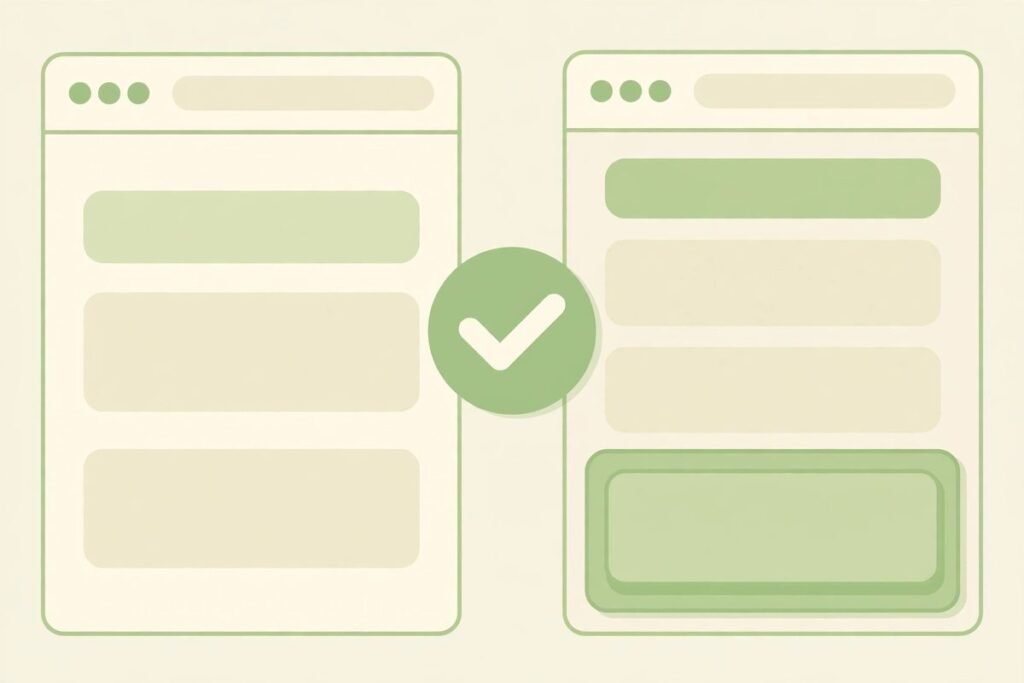
Live preview for product changes is the feature that finally answers the most reasonable objection to AI-written code: what if it gets it wrong? Ovren, the AI engineering service that launched Live Preview on Product Hunt on 23 October 2026, does not ask you to trust its work. It shows you the change on your real page, on a safe copy of your project, and lets you click through it before anything ships. Verdict up front: for small, visible website and app changes, that preview loop is genuinely useful — and it is the part of Ovren worth trying first. For large or invisible backend work, the preview is only half the story, and you still need a human review of the code.
What Ovren actually is
Ovren describes itself as your AI engineering department that ships your backlog — the small fixes, landing page tweaks, and minor features that never make it into a sprint because the human team is busy with bigger priorities. Instead of a chat assistant that suggests code while you type, Ovren provides AI frontend and backend engineers that work inside your real codebase, execute scoped tasks, and hand back reviewable code updates.
The workflow starts with a GitHub App install, the only setup step on your side according to the company. You connect a project, describe the change in plain language, and Ovren’s agents do the work. Every change arrives as a pull request with an execution report explaining what it understood, which files it changed, and any risks it flagged. Nothing ships without approval: you, or your developer, review the change and merge it. That approval gate is the whole product. Without it, Ovren would just be another code generator; with it, it becomes a delegation tool for work you would otherwise leave undone.
Ovren first launched on Product Hunt on 14 April 2026 and finished fourth Product of the Day. Live Preview is its second launch, answering the question its team says it heard most afterwards: the change may be ready, but how do you know it looks right before it goes live? A pull request diff answers that for a developer. It answers nothing for a founder or marketer who cannot read code — exactly the people most likely to want backlog work done without hiring.

How live preview for product changes works
The Live Preview flow has three steps, and each one matters for a different reason.
- Describe the change in plain words. The company’s own example is “add a customer reviews section under the banner.” No technical knowledge or prompt engineering is required — you write the change the way you would explain it to a colleague.
- Ovren makes the change on a safe copy. The agents work on a copy of your project, not your live site. They write the code, then generate a live preview of every frontend change: your real page, with the change on it, to click through the way a visitor would.
- Approve it, or send it back. If the change looks right, you approve it and your team merges the pull request. If it does not, you send it back with a note. Nothing ships without that approval.
Two details deserve attention. First, the preview is of the frontend change specifically: behind-the-scenes changes — an API endpoint, a database migration, a background job — come with a plain-language report, not a clickable preview. That honest boundary tells you where the tool’s confidence genuinely lies. Second, the safe copy is what makes the loop safe to try. The worst outcome of a bad change is a wasted review cycle, not a broken live site — provided your team actually checks the pull request before merging, a human responsibility no preview can replace.
Pricing: what is verified and what is not
Ovren runs on a credit-based freemium model: task execution consumes credits, and plans scale by credits and by how many AI developers you get. That structure is consistent across its official site and independent coverage. The exact numbers, however, have shifted between listings published at different times, so treat any specific credit count as a snapshot, not a promise.
What is stable: a free tier for evaluation, a Pro plan at around $20 on a pay-as-you-go basis, and a custom Team plan, with unlimited projects on all plans according to third-party reviews. One recent listing puts the free tier at 5 credits with one AI developer and Pro at 50 credits with two; an earlier summary described 20 free monthly credits and a $20 Pro plan with 150. The official homepage has also shown a one-time figure of $29 for up to 50 changes. Those cannot all be current at once — this is a young product still tuning its pricing — so confirm the live numbers on ovren.ai before estimating a per-change cost.
The practical advice is simpler than the price list. Start on the free tier with one small, visible, reversible change and measure two things: how many credits it consumed, and how many review rounds it needed. That gives you a real cost per shipped change for your codebase. If the first change needs three rounds of corrections, your effective price is three times the sticker price, whatever the sticker says.
Who live preview for product changes is for
- Founders and small teams with a neglected backlog. If your site has small improvements everyone agrees on and nobody has time for, Ovren’s model fits: scoped tasks, visible results, approval before shipping. It is built for people who cannot review a diff but can judge a page.
- Product managers who need to show, not describe. A live preview turns a change request into something stakeholders can click, shortening the review loop from days of screenshots and staging links to minutes.
- Engineering managers clearing low-risk work. Frontend fixes, landing page sections, and component refactors are visible, testable by eye, and easy to revert. Offloading them frees human developers for architecture and performance work.
- Agencies handling client maintenance. Small client requests eat agency margins in context-switching. A preview-first flow lets a non-technical account handler request the change and a developer approve it — a realistic division of labour.
Who should skip it for now: teams whose backlog is mostly invisible backend work, regulated systems needing audit trails beyond an execution report, and anyone without somebody able to review a pull request. Ovren reduces the review burden; it does not remove it. If nobody on your side can judge whether the code behind a pretty preview is sound, you are approving blind — and a preview that looks right can still hide a security or performance problem.
Watch-outs and honest limitations
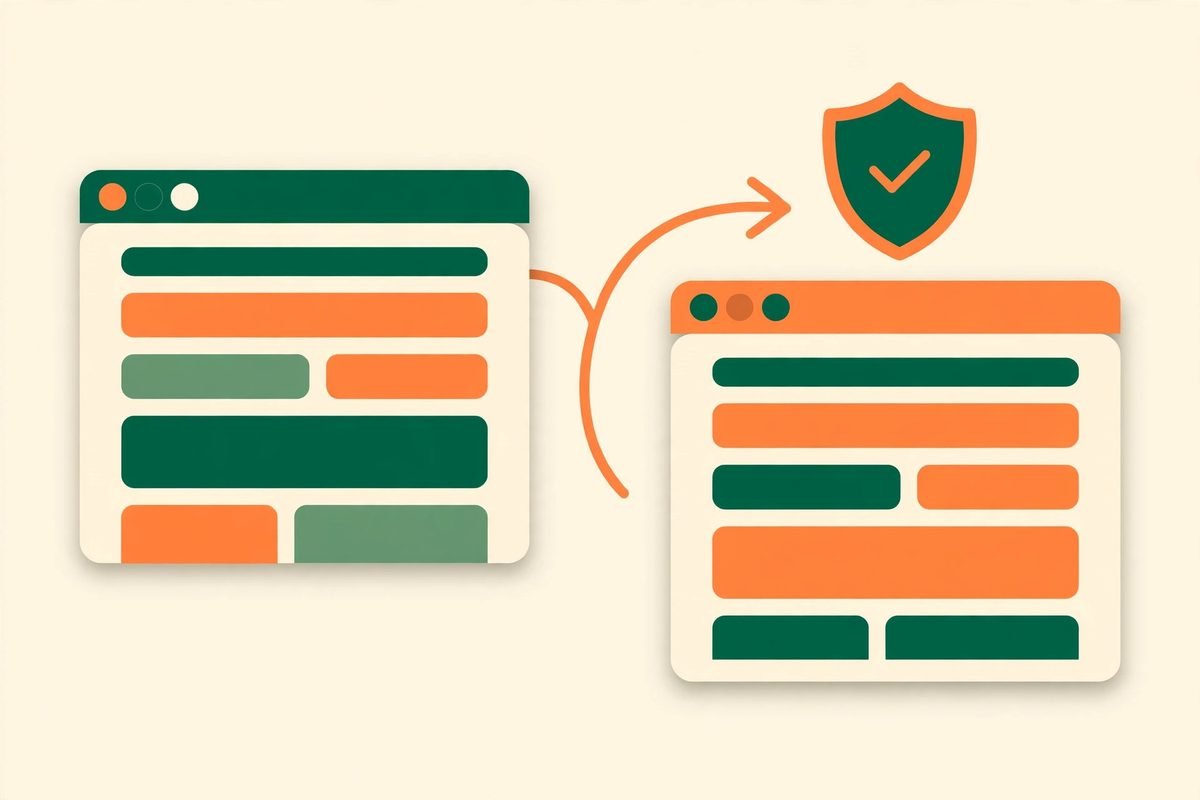
First, a preview is not a test suite. Clicking through a changed page tells you it looks right; it does not tell you it works on every browser and screen size, or that it broke nothing elsewhere. Ovren’s AI QA engineer is listed as coming soon, so automated test coverage is currently a gap you must fill yourself — especially around forms, payments, and responsive layouts.
Second, vague requests produce vague results. “Make the homepage better” is not a scoped task, and no preview loop fixes a brief that does not say what better means. The plain-language input works only when the request is specific: what section, where on the page, what content, what should happen on click. Teams expecting one-shot perfection from one-sentence requests will burn credits on review rounds.
Third, results depend on your codebase. A clean, conventional project will get better output than a tangled legacy one with unusual patterns. If your project has years of undocumented custom code, expect the first few tasks to need more corrections — a reason to start with the simplest change, not the most important one.
Fourth, ask the access and privacy questions before connecting anything. Ovren reads your codebase via a GitHub App — that is the product — but check which repositories it can access, whether you can scope it to one project, and what happens to your code after a task completes.
How it compares to the alternatives
Against a coding assistant such as Copilot or Cursor, Ovren is a different category: those help a developer write code faster, while Ovren does the task and returns a reviewable change. If you have developers with spare capacity, an assistant is cheaper and keeps knowledge in-house. If you do not, Ovren’s delegation model is the point.
Against hiring a freelancer per task, Ovren wins on speed and loses on judgement. A good freelancer asks clarifying questions and pushes back on a bad idea; Ovren executes the request as written. For well-specified small changes, that trade is worth it; for ambiguous work, a human still wins.
Against a traditional staging workflow, Ovren’s advantage is that the preview is generated, not assembled. Staging still needs a developer to make the change before anyone can preview it. Ovren collapses “make it” and “show it” into one step — which is why the review loop is shorter, but also why the requester has less control over implementation details.
From our experience: the review loop is the product
Having shipped client work for over nine years across more than 300 projects, the pattern we recognise in Ovren is one we see in every successful automation: the winning tool is rarely the one generating the most output, but the one making review cheapest. A staging link, a screenshot, a diff — each is a review format with a cost. A live preview on the real page is the cheapest yet for visible changes, because the reviewer needs no technical skill and no setup. That is a real improvement, not a gimmick.
The discipline that makes it work: approve the pull request, not the preview. The preview tells you the result looks right; the pull request, the execution report, and your own checks tell you the change is safe. Teams merging on the preview alone will eventually ship a change that looked fine and behaved badly. Treat the preview as the first gate and code review as the second, and you get the speed without the regret.
Keep a human in the loop for the first month, even for trivial changes. That month teaches you what Ovren does well in your codebase, where it misunderstands your conventions, and how to write requests it gets right first time. After that, widen the scope with evidence instead of hope. If you want help setting up that review workflow — or building features Ovren is not right for — our AI integration and automation team does exactly that work, and our AI tools directory tracks tools like this as they mature.
Frequently asked questions
What is Ovren Live Preview?
Live Preview is Ovren’s feature for seeing a product change before it ships. You describe the change in plain words, Ovren writes the code on a safe copy of your project, and you get a live preview of the frontend change on your real page. You click through it, approve it, and your team merges the pull request — or you send it back with a note.
Does Ovren change my live website directly?
No. Ovren works on a safe copy of your project and delivers the change as a pull request. Nothing ships without approval from you or your developer, and the live site is untouched until your team merges the change.
Does Live Preview work for backend changes?
Only partly. Live Preview shows anything you can see on the page. Behind-the-scenes changes, such as API or database work, come with a plain-language execution report instead of a clickable preview, so those still need a code review by someone technical.
How much does Ovren cost?
Ovren uses a credit-based freemium model with a free evaluation tier, a Pro plan at around $20 on a pay-as-you-go basis, and a custom Team plan. Exact credit counts have changed between listings, so confirm the current numbers on the official site before estimating your cost per change.
Do I need technical knowledge to use Ovren?
Not to request a change — you describe it in plain words and review the live preview. You do still need someone able to review the pull request before merging, especially for changes that touch payments, user data, or backend logic.
Live preview for product changes will not replace developers, and Ovren does not pretend otherwise. What it does is remove the most frustrating part of shipping small work: the wait between asking for a change and seeing it. If your backlog is full of visible improvements that everyone agrees on, try it on one small change, measure the real cost in credits and review rounds, and decide from evidence. And if you would rather have a team handle the work end to end — including the review, testing, and deployment that a preview cannot do for you — talk to us and we will scope it properly.