
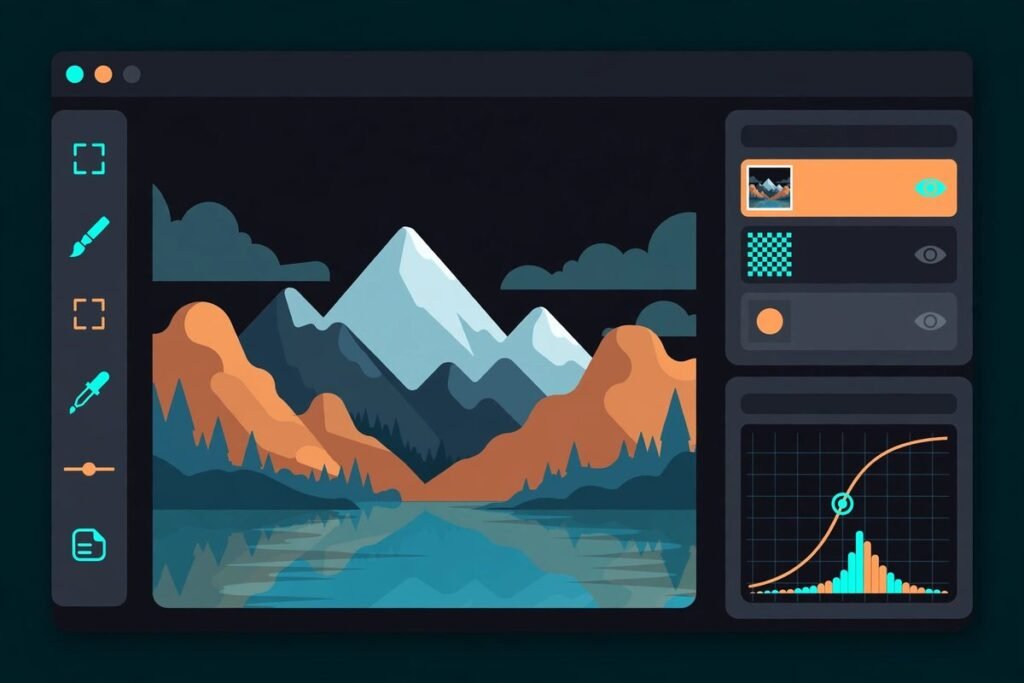
Every few years, someone declares Photoshop dead. This time the claim comes attached to 70,000 GitHub stars. PhotoCraft – an open source photo editor in Rust built as a clean-room reimplementation of Adobe Photoshop – went from a brand-new repository to one of the fastest-starred projects on GitHub in October 2026. It opens real layered PSD files, runs adjustment layers and layer styles the way Photoshop users expect, and ships a native Model Context Protocol server so AI agents can drive the whole app headlessly.
So is it real? We dug through the code, the README, and the hands-on coverage to separate what PhotoCraft actually does today from what the viral posts claim. Here is what it is, what it can do, how to install it, and – most importantly for your business – where it honestly stands against Photoshop and GIMP in late 2026.
What is PhotoCraft?
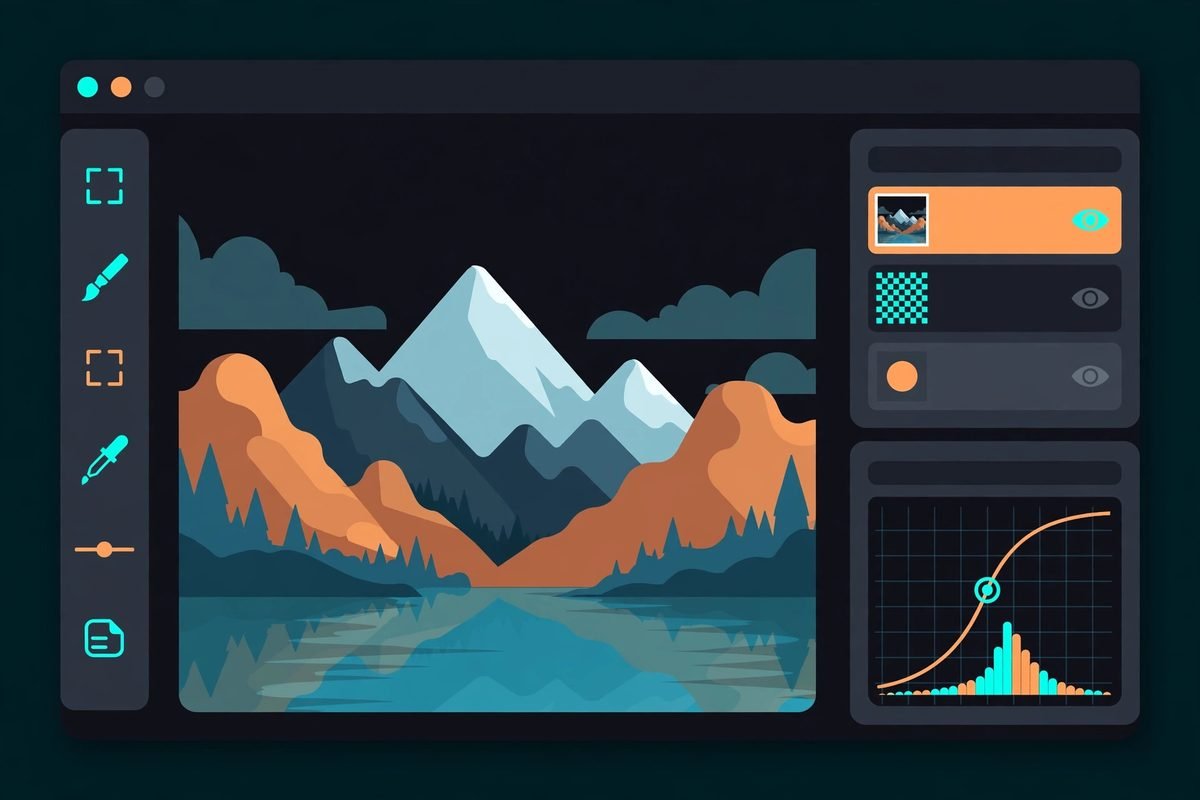
PhotoCraft is a native raster image editor written entirely from scratch in pure Rust – no Electron shell, no web-view UI, no Adobe code. Its stated goal is 1:1 Photoshop parity: the same menus, shortcuts, behaviour, and file fidelity, rebuilt from public specifications and observed behaviour rather than decompiled code (that is what “clean-room” means here). It lives at github.com/storytold/photocraft, is dual-licensed MIT or Apache-2.0, and is the flagship of a family of “Crafting Apps” from the ArtCraft team, which has launched sibling projects covering Illustrator, Premiere Pro, Lightroom, After Effects, InDesign, and Acrobat territory.
The project is in early alpha. Its own roadmap scores it at roughly 45% ready for real production work – and the README says plainly that it is not yet a Photoshop replacement for daily professional use. That honesty is part of why developers trust it: the star count is hype, but the documentation is not.
What PhotoCraft can do today
The feature list is genuinely impressive for a project that is only weeks old. From the README and the project’s own test corpus:
- Layers, masks, and adjustment layers that keep every edit non-destructive – stack Levels, Curves, Vibrance, Hue/Saturation, and a dozen more, then mask, reorder, or switch them off without touching the original pixels.
- 16 adjustment layers, including Curves with per-channel editing, Levels with a live histogram, Black & White, Channel Mixer, Gradient Map, Photo Filter, Selective Color, and Color Lookup support (.cube, .3dl, .look).
- Layer styles in Photoshop’s idiom: Drop Shadow, Inner Shadow, Outer and Inner Glow, Bevel & Emboss, Satin, Stroke, and Color, Gradient, and Pattern Overlays.
- Live type layers, vector shapes, smart objects with smart filters, and a brush engine with pen pressure.
- Real PSD support: open, edit, and save layered Photoshop documents. Against the psd-tools test corpus, 307 of 309 files round-trip with matching renders, and all 116 shape-layer tests match Photoshop’s pixels.
- Colour management through ICC profiles, with soft proofing and gamut warnings – implemented in Rust.
- File support beyond PSD: TIFF, EXR, HEIF, several camera RAW formats, and Paint.NET import.
How it works under the hood
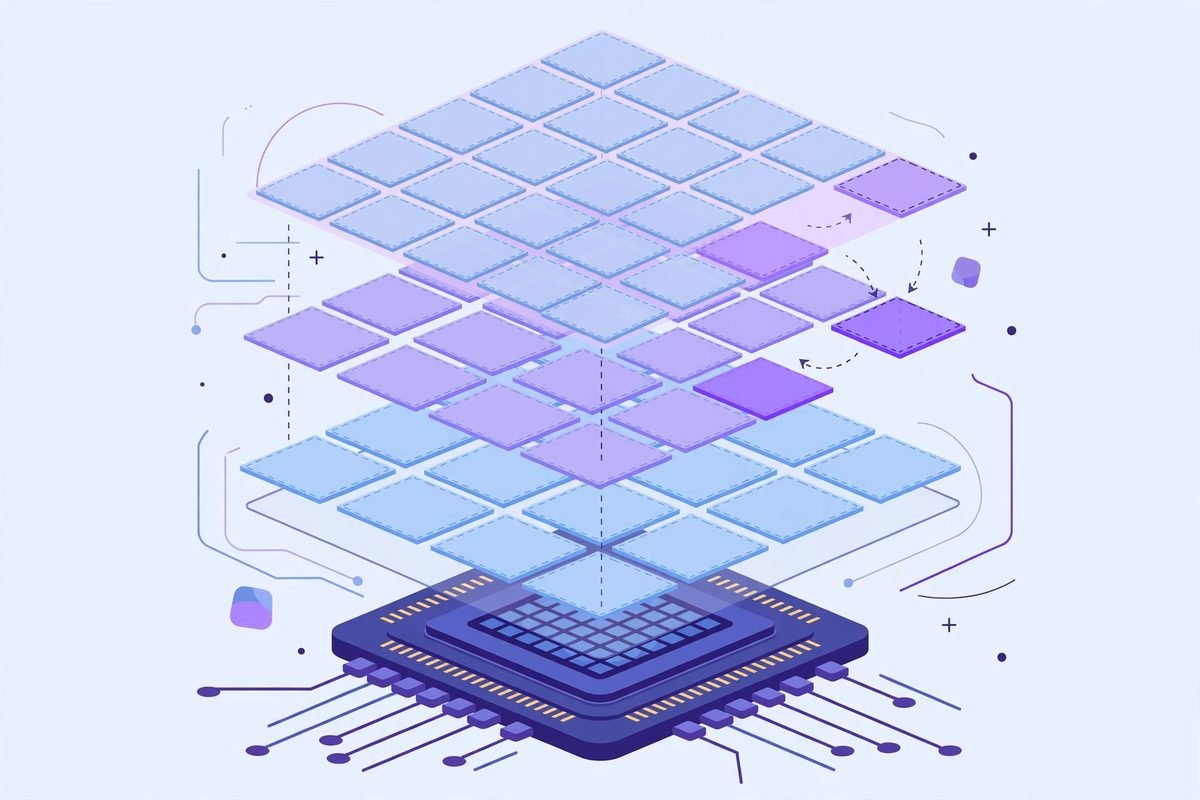
The architecture is what makes developers take PhotoCraft seriously, beyond the star count. The desktop app is native egui/eframe on a wgpu GPU compositor – targeting Metal, Vulkan, DX12, and WebGPU – with sparse 256×256 copy-on-write tiles and multithreaded filters. The web build is the same Rust compiled to WebAssembly, not a separate codebase. And the Rust is written with unsafe_code = “forbid”, which matters for teams evaluating it as a tool: memory safety is not a hope, it is enforced by policy.
It runs on macOS, Windows, Linux, and FreeBSD, plus in the browser. Installers ship with every GitHub release – the macOS build is a signed and notarized .dmg, and Linux users get a choice of AppImage, .deb, .rpm, tarball, or Flatpak.
Why PhotoCraft is trending
Three things converged. First, the timing: ArtCraft lead Brandon Thomas announced a whole family of open-source creative apps rebuilt in Rust in early October 2026, and the repository gathered tens of thousands of stars in its first week alone – one of the fastest adoption curves GitHub has seen this year. Second, the endorsement: open-source veteran Eric S. Raymond tweeted that the project was “the doom I predicted,” declaring “Adobe just got nuked” – a post that passed 1.8 million views and dragged the project into mainstream tech conversation.
But the durable reason is the third: PhotoCraft is arguably the clearest public case study yet of agent-built software at scale. Its second commit – titled simply “one-shot” – added roughly 42,000 lines, and within ten days the project had grown to about 378,000 lines of Rust across more than a thousand commits, most of them carrying an AI co-author trailer. That is why engineering leaders are watching it: not just as a photo editor, but as proof of what AI coding agents can ship when aimed at a well-specified target with a real test suite.
The agent angle: every action is a command
Here is the feature that matters most to businesses automating creative work. In PhotoCraft, every user action is a registered engine command with an id and parameter documentation, dispatched identically from the menus, a headless CLI, a JSON control channel, and a native MCP server. That means the same engine you drive with a mouse can be driven by an AI agent: batch-resize exports, apply a house style to a folder of product shots, or run an automated visual QA pass – scripted, headless, and reproducible.
We have built this class of pipeline before with our AI integration work, and the pattern is powerful precisely because it is deterministic: the agent is not clicking buttons, it is calling the same commands the UI calls. PhotoCraft is early, but its architecture is pointed exactly at the agentic-workflow future. If you are exploring what AI agents can do inside your design or marketing operations, our AI integration services cover the landscape from workflow automation to full agent builds – and the AI Tools Directory is where we track the tools worth watching.
From our experience: the honest limitations
Star counts measure excitement, not readiness. Here is what we would tell a client considering PhotoCraft for real work:
- Generative AI features are essentially absent – no generative fill, no AI object selection. If your workflow depends on Adobe’s Firefly-powered tools, PhotoCraft cannot replace them today.
- Third-party plugin support is minimal, and professional typography and CMYK print pipelines are still under active development. Print shops and prepress workflows should not bet on it yet.
- Performance tuning is incomplete – the project’s own scorecard says only a handful of its performance targets are met.
- The alpha label is real. For production client work, we would treat PhotoCraft as a promising evaluation build: install it, open your own PSDs, test the round-trip on your files, and watch the releases. Do not migrate a studio’s pipeline to it this quarter.
The responsible-use note cuts both ways, though: the licensing is clean. MIT/Apache-2.0 dual licensing means businesses can evaluate, deploy, and even commercialise around PhotoCraft without the audit anxiety that shadows some “open source” projects. The risk is not legal – it is maturity.
Getting started with PhotoCraft
- Go to github.com/storytold/photocraft and open the Releases page.
- Download the installer for your platform – macOS .dmg, Windows installer, or the Linux build of your choice (AppImage needs no install).
- Launch it and open one of your own layered PSDs to test round-trip fidelity on your actual work.
- For developers: clone the repo and run
cargo run --release -p photocraft -- image.psd. New contributors and AI agents should start with the project’s AGENTS.md. - If you want to experiment with the agent features, explore the MCP server and JSON control channel – that is where the long-term value lives.
Frequently asked questions
Is PhotoCraft really free for business use?
Yes. It is dual-licensed MIT or Apache-2.0, which permits commercial use, modification, and redistribution. There is no telemetry or account wall – it is open source, offline, and yours.
Can PhotoCraft replace Photoshop for professional work?
Not yet. The project itself says it is in early alpha and not a Photoshop replacement for daily professional use. Its own scorecard puts real-work readiness around 45%, with generative AI features, many third-party plugins, and parts of the professional typography and print pipeline still missing. It is excellent for evaluation and non-destructive editing of layered PSDs, but studios should keep Photoshop for production work for now.
Does PhotoCraft open real PSD files?
Yes – this is one of its strongest verified claims. It opens, edits, and saves layered Photoshop documents, and in the project’s own testing 307 of 309 psd-tools test files round-trip with renders matching Photoshop. Try it on your own files before trusting it, but the fidelity story is real.
Which platforms does PhotoCraft run on?
macOS, Windows, Linux, and FreeBSD, plus a web build compiled to WebAssembly from the same Rust codebase. Installers ship with every GitHub release.
How is PhotoCraft different from GIMP?
GIMP is a mature, battle-tested editor with a different interface philosophy and no native PSD round-trip at this fidelity. PhotoCraft’s bet is Photoshop familiarity – same menus, shortcuts, and PSD behaviour – plus a native Rust architecture and an agent-ready command layer. GIMP remains the safer production pick today; PhotoCraft is the more interesting bet on the future.
PhotoCraft earned its 70,000 stars honestly: a clean-room Photoshop reimplementation in Rust, real PSD fidelity, a GPU-native architecture, and an MCP server that points straight at agentic creative workflows. It is not ready to replace Photoshop for a working studio – its own roadmap says so – but it is the most credible open-source challenge the creative suite has seen in years, and the agent-command architecture makes it worth evaluating now if your business automates visual work. If you are weighing open-source tooling against licensed software for your team, talk to us – we help businesses make the build-vs-buy call with real numbers.