

Pomerado AI agent website integrations solve one of the most annoying problems in agent work: the website your agent needs has no API. Booking portals, supplier dashboards, legacy internal tools, flight search pages, grocery sites — the places where real work happens are often the places with no clean interface for software. Pomerado turns those websites into a bespoke API or MCP tool your agent can call directly, builds and tests the integration for you, hosts it, and repairs it when the site changes. Verdict up front: for teams whose agents keep getting stuck at the browser door, this is one of the most practical new tools of late 2026 — provided you treat it as infrastructure with guardrails, not magic.
This review draws on Pomerado’s Product Hunt launch page, its official site, and The Tool Nerd’s 27 October 2026 roundup, which checked the official site for pricing. Pomerado is young — Product Hunt launch 16 October 2026, Y Combinator Fall 2026 batch — so re-check prices and limits before committing budget.
What Pomerado does
Most AI agents today can reason well and call APIs well. What they cannot do well is use a website the way a person does. The usual workaround is browser automation: the agent drives a real browser click by click, waits for pages to load, and scrapes what it needs. That works, but it is slow, expensive in tokens, and brittle — one changed button label and the whole flow breaks.

Pomerado takes a different route. Instead of giving your agent a browser and hoping, it builds a proper tool for the website in advance. You describe the task — booking an appointment, checking a flight, ordering groceries, pulling a claim status — and Pomerado builds, tests, and hosts an API or MCP server for that site. Your agent then calls a clean function, such as searching flights or submitting a form, instead of navigating pages. The company describes the pitch simply: if a person can use the site, your agents can as well.
That distinction matters for cost and reliability. A browser-automation run can burn hundreds of steps and thousands of tokens on a single booking; a single API-style call does the same job in one step, with a predictable result your agent can handle. At volume, that gap is the difference between a demo and a production system.
How Pomerado AI agent website integrations work
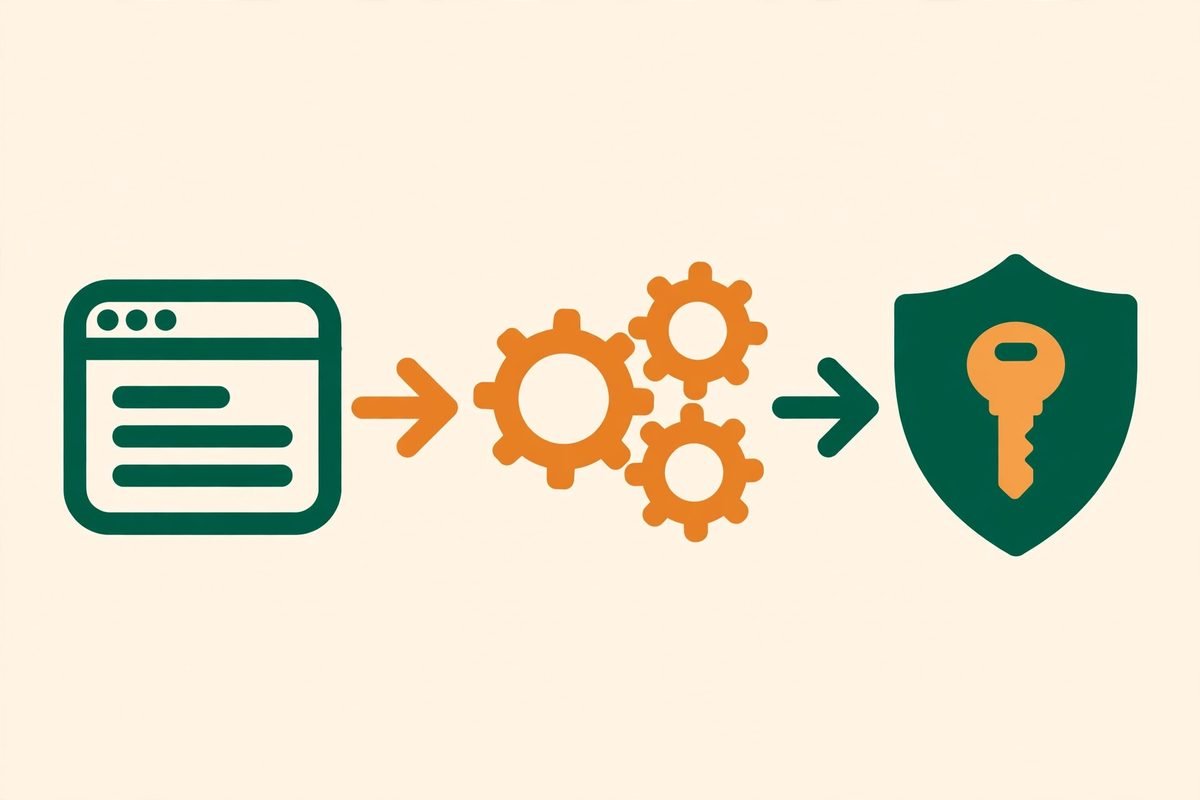
The workflow has three stages, and the first one is deliberately low-code:
- Describe the task. Through the Pomerado dashboard or over MCP, you describe what you want done in plain language — for example, finding apartments on a property site, booking appointments, or shopping for groceries. You do not write a scraper or a browser script.
- Get a bespoke API or MCP tool. Pomerado builds, tests, and hosts the integration for that site. A library of pre-made integrations covers common sites such as Google Flights, OpenTable, and Delta, so frequent tasks may need no build step at all.
- Hand it to your agent. The integration is exposed as an MCP server or API that works with agents built on tools such as Codex, Claude, and Cursor. Your agent calls it like any other tool.
Two parts of that pipeline do the heavy lifting: authentication, and maintenance. Many worthwhile sites sit behind a login, some demand two-factor codes, and Pomerado handles both as part of the integration — exactly the part that makes hand-rolled browser automation painful. And where a hand-built scraper breaks silently when a site changes, Pomerado says it repairs integrations on its own, re-testing and fixing the tool rather than letting your agent fail at 2 a.m.
There is also an open-source angle. Pomerado’s core tooling is open source under the MIT licence, with a public repository on GitHub, so teams can inspect how the technology works and build their own local APIs. That matters for trust: when a vendor is going to hold your logins and drive actions on websites on your behalf, being able to read the code is a genuine differentiator, not just a marketing line. Around 990 GitHub stars at the time of The Tool Nerd’s check suggests early but real developer interest rather than a launch-day spike alone.
Pomerado pricing: what it actually costs
Pomerado’s pricing, as checked against its official site in late October 2026, is usage-based and refreshingly simple:
- Free: 100 tool calls per day. Enough to prove the concept on one or two integrations and to run a small personal workflow.
- Premium: $50 per month for 1,000 tool calls per day. This is the tier where a small business or a serious side project lives.
- Business: Custom pricing, presumably for higher volumes, support, and enterprise controls.
Do the maths before you judge the $50 tier. One thousand calls a day is roughly 30,000 calls a month — a fraction of a cent per call, before counting the agent tokens saved by skipping browser navigation. That looks cheap as long as your tasks map to repeatable tool calls; for one-off browsing across hundreds of different sites, each needing its own integration, it buys you less.
One honest caveat: young products change pricing. Pomerado launched in October 2026, and early-stage pricing is often a placeholder for a model the company is still learning. Budget on the published tiers, but confirm them on the official site before signing a client up, and avoid building a fixed-price client quote on a free tier that could change.
Who Pomerado is for
Pomerado fits best where the work is repetitive, the site has no API, and the task is well-defined. That combination shows up in more businesses than founders usually admit:
- Operations teams checking supplier portals, claim statuses, or shipment tracking across sites that will never offer an API.
- Sales and support teams booking appointments, pulling order details, or checking availability without a human sitting in a browser all day.
- Agencies and developers building agent features for clients whose workflows live in legacy portals and internal tools.
- Individual power users who want an agent that can find a flat, track a flight, or order groceries without handing the agent a live browser session.
It fits less well where the task is open-ended research across the open web. If your agent needs to browse fifty unknown sites once each, building a bespoke integration per site is the wrong tool — that is a job for search APIs and browser automation, not for a maintained tool library. Pomerado earns its keep on the sites you visit again and again.
Watch-outs and honest limitations
From our experience building agent workflows for clients, the interesting questions about a tool like Pomerado are rarely about the demo. They are about what happens in production, and five are worth asking before you depend on it.
First, terms of service. Some websites prohibit automated access in their terms, even when a human could do the same task manually. Turning a site into an API does not change its terms. Before you automate a third-party site for a client, check whether automated access is allowed, and get the decision in writing from the client. This is the single most skipped step in agent projects, and it is the one that creates legal exposure.
Second, credentials and trust. An integration that logs in as you and passes 2FA codes is, by definition, holding the keys to accounts that matter. Pomerado’s open-source code helps here, because you can inspect what it does with credentials, but the hosted service still needs a clear answer on credential storage, rotation, and revocation before you connect anything sensitive. Start with low-risk accounts, prove the controls, and only then connect anything tied to money or personal data.
Third, self-repair has limits. Automatic repair is a strong claim, and it will be tested by the sites that change most aggressively — the ones with anti-bot measures, CAPTCHAs, and layout churn. Expect repair to handle routine changes well and hard anti-automation changes poorly. Build your workflows so a failed integration degrades gracefully: log the failure, notify a human, and never let an agent silently retry a payment or booking ten times.
Fourth, money actions need approval gates. An agent that can book, order, and submit forms can also book the wrong thing. Every Pomerado integration that touches money, commitments, or customer data should sit behind a human approval step until its error rate is proven in your environment. The tool makes the action easy; your workflow design makes it safe.
Fifth, vendor youth. Pomerado is a Y Combinator Fall 2026 company with a product launched in October 2026. That is a reason for optimism, not a guarantee of longevity. If an integration becomes load-bearing for a client, keep a fallback plan — a documented manual process or an alternative automation route — so a pricing change or a shutdown does not strand a workflow overnight.
How Pomerado compares to the alternatives
Pomerado sits between three neighbouring approaches, and picking wrong here wastes the most time. Raw browser automation tools, such as Browser Use and Browserbase, give an agent a live browser and maximum flexibility, but every task pays the full cost of navigation and every site change can break the run. Web-scraping and data platforms, such as Apify and Context.dev, are excellent at extracting data at scale, but they are built for data collection, not for driving logged-in, multi-step tasks as a reusable agent tool. Unified API platforms, such as Merge, offer clean integrations — but only for the vendors they already support, which is precisely the gap Pomerado targets: the long tail of sites nobody has built an API for.
The honest way to frame it: if the site has an official API, use it. If you need data from many sites once, use a scraping platform. If you need an agent to perform repeatable tasks on a specific site that has no API, Pomerado’s build-once, call-many-times model is the most economical shape — and the self-repair claim, if it holds up over months rather than weeks, is what separates it from a scraper you maintain yourself.
From our experience: where we would use it first
MTD Technologies has spent nine years building web, mobile, and AI systems for clients, and the pattern we see again and again is that the last mile of automation is always a website with no API. A client does not need a smarter chatbot; they need someone to check a supplier portal every morning, pull a status, and file it in their CRM without a human babysitting a browser tab.
That is where we would trial Pomerado first: one well-defined, high-frequency, low-risk task on one portal, with a human approval gate and a logged audit trail. Measure three things for a month — the failure rate, the time saved versus the manual process, and the real monthly call count against the pricing tier. If all three look good, expand to the next portal. If the failure rate is driven by one hostile site, that site stays manual, and no tool choice changes that. Teams that skip this trial and roll out ten integrations at once usually discover their maintenance bill in the second month.
For businesses exploring this properly, our AI integration and automation services cover exactly this kind of agent workflow design — including the approval gates and fallbacks that make an agent safe to run unsupervised. You can also browse more tools like this in our AI Tools Directory, or talk to us about a specific portal you need automated.
Frequently asked questions
What is Pomerado?
Pomerado is a platform that turns any website into an API or MCP tool for AI agents. You describe a task, Pomerado builds, tests, and hosts the integration, and your agent calls it like any other tool instead of driving a browser click by click.
Can Pomerado handle websites that need a login or 2FA?
Yes, handling logins and two-factor codes is part of the pitch, including legacy portals and internal tools. Start with low-risk accounts, verify how credentials are stored and revoked, and only then connect accounts tied to money or sensitive data.
How much does Pomerado cost?
As checked in late October 2026, Pomerado is free for 100 tool calls a day, $50 per month for 1,000 calls a day on Premium, and custom-priced for Business. Re-check the official site before budgeting, as early-stage pricing can change.
Is Pomerado open source?
Yes, Pomerado’s core tooling is open source under the MIT licence, with a public GitHub repository. That lets teams inspect how integrations are built and run their own local APIs, though the hosted build, test, and repair service is the paid convenience layer.
When should you not use Pomerado?
Do not use it where the site’s terms prohibit automated access, where the task is one-off browsing across many unknown sites, or where a money action would run without a human approval gate. And if the site already offers an official API, use that first — it will always be more stable than any automation layer.
Pomerado AI agent website integrations are a genuinely useful answer to a boring, expensive problem: the web’s most useful sites were never built for agents. For repeatable tasks on API-less sites, with approval gates and a fallback plan, it is worth a trial on the free tier this month. Start with one portal, measure it honestly, and let the numbers — not the launch hype — decide whether it earns a place in your agent stack.