

The TruLata AI website builder makes one promise that most AI website builders will not: it only writes what it can point to. Launched on 26 October 2026 and featured on Product Hunt on 27 October, Website Builder by TruLata builds a first version of a small business website in minutes, but every sentence on that site is supposed to trace back to a source — your answers, your existing website, or your Google Business Profile. If you run a small business and you have ever winced at an AI-written claim on your own homepage, this review is for you. By the end, you will know what TruLata does, what it costs, where its source checks genuinely help, and where you should still read every line before you publish.

What the TruLata AI website builder does
Getting started takes an email address and nothing else. TruLata signs you in with a link sent to your email, so there is no password to remember, and then asks a short set of questions: what the business is called, what it offers, where it works, and how customers reach it. Every question can be skipped, and a business name alone is enough for a first version. Anything you add later — a logo, photos, how you work with a customer, the look you like, or wording your trade requires — makes the draft better, because the builder has more verified material to draw on.
If you already have a website, you can point the builder at its address instead. It reads the site, keeps your own words and photos, and sets up forwards so old links keep working. When TruLata manages your Google Business Profile, your hours, photos, and reviews come in word for word. That import-first approach matters: most AI builders start from a blank page and a prompt, which is exactly how invented details creep in. TruLata starts from evidence you already own, which narrows what the AI is allowed to say.
The builder is designed for any kind of business — a local service, an online shop, or an artist — and it adapts when facts are missing rather than inventing them. With no phone number, every Call button becomes an Email button or a message form. With a town but no street address, the site says where the business is based and leaves out maps and directions. Example sites built from made-up businesses’ answers are published on TruLata’s own site for more than twenty trades, including roofers, plumbers, HVAC companies, dentists, chiropractors, law firms, landscapers, bakeries, nonprofits, churches, and real estate agents, which gives you a realistic preview of the output before you commit.
How the source check actually works
The core idea is simple, and it is worth understanding precisely, because it is also the product’s main limitation. TruLata does not write what it cannot point to. Reviews appear word for word, from real customers. Claims about results, guarantees, and awards wait for a TruLata reviewer before they publish. And if you ask for a rating you have not shown the builder, the assistant asks where it comes from instead of inventing one. Founder Trace Gordon put it bluntly: “An owner should never find out their own website made something up.”
That is a genuine improvement over the usual AI builder behaviour. The classic failure mode is familiar to anyone who has built client websites: the AI fills a gap with plausible-sounding experience, a star rating, or a guarantee, and the owner is the last person to find out. Gordon’s own example is a builder happily writing that a business has 20 years of experience and a 4.9 rating. TruLata’s design treats that kind of gap-filling as a defect, not a feature, and its review hold on boastful claims adds a human checkpoint where the risk is highest.
Two honest caveats follow from the same design. First, the source check is only as good as the sources you feed it. If you type an exaggerated claim into the questionnaire, the builder will treat your answer as a source and repeat it — it checks claims against sources, it does not fact-check you. Second, the human review hold applies to results, guarantees, and awards; it is not a line-by-line legal review of your whole site. You remain responsible for the accuracy of what you publish, and for regulated trades in particular, you should still have a professional check the wording before it goes live.
Editing, blocks, and going live
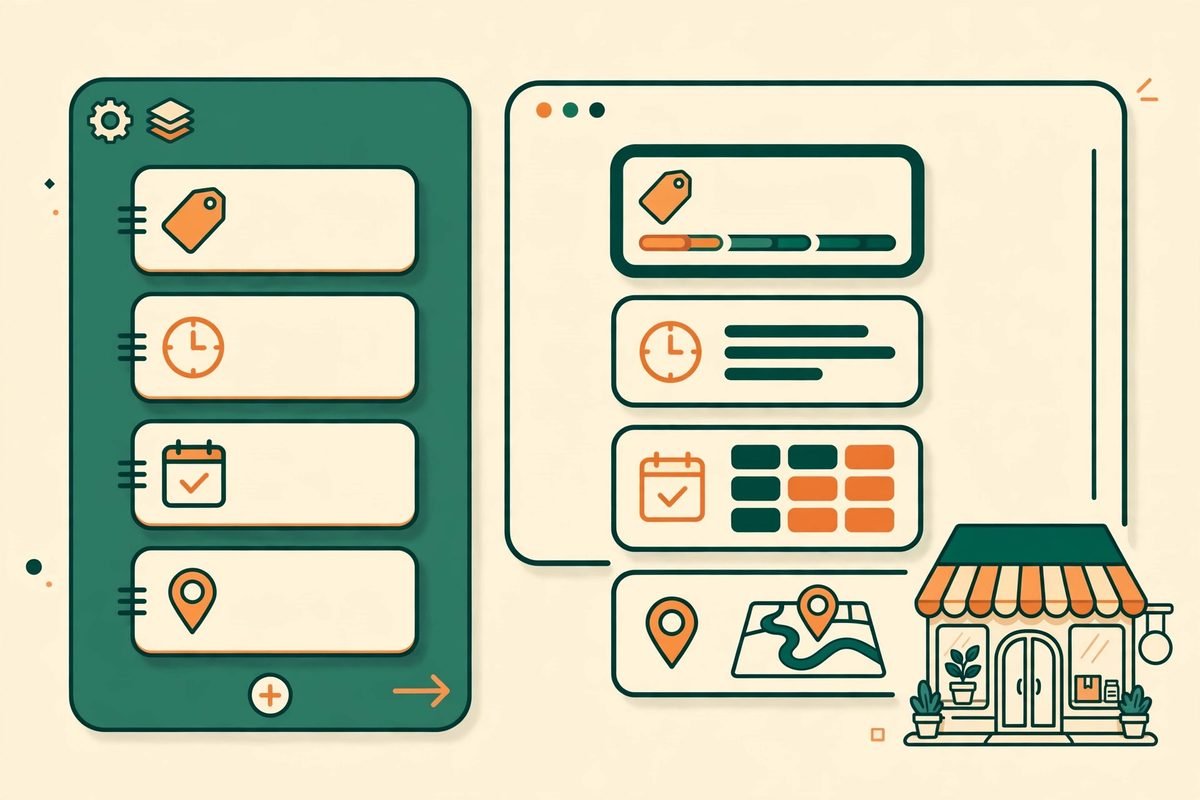
Editing works three ways: click any words on the page and type, add blocks from a library, or ask in plain words. The block library holds thirty blocks in nine groups, including prices, opening hours, steps, video, a map, online booking, and downloads — the practical sections a service business actually needs, rather than decorative filler. You can change the header, footer, colours, and lettering, drop in photos from your phone, and swap a photo with a click. Or you can ask the assistant in plain language, for example “make the menu dark” or “add a section on how it works,” and it makes the change.
Two workflow details are worth noting. Every change can be undone, and the site checks itself before anything reaches visitors, which reduces the fear of breaking a live page while editing. Permissions are also handled sensibly: people with an owner or admin seat at the business can edit and publish, while a member seat can look without changing anything. That is a small feature that matters a lot for businesses where more than one person touches the website.
Every site gets its own preview address while you work on it. To go live, you pick a plan, add the one DNS record the builder shows you where your domain is managed, and press Go live. The site switches on with a secure certificate and is open to search engines, and every message sent through the site’s contact form lands in TruLata. Owners who want the rest of their marketing on one screen can see those same leads beside their search, ads, and reviews.
Pricing: free to build, $49 a month to go live
Building and editing are free, with no card required, so you can see a real first version of your site before spending anything. That free-build model is the right way to evaluate this kind of tool: the value is in the draft, and you should judge it on your own business’s facts, not on a demo.
Going live on your own domain costs $49 a month, or $39 a month billed yearly ($468). It can be cancelled any time from Billing and receipts. Through 31 October, the code PRODUCTHUNT makes the first month of the monthly plan free. Those are the verified figures from the launch announcement; check the live pricing page before you buy, because launch offers expire and plans change.
There is a wider TruLata platform behind the builder. TruLata began in 2017 as a marketing agency for service businesses and turned that work into software that runs a business’s website, search, ads, and content on a schedule, showing every lead, where it came from, and what it cost on one screen. Platform plans start at $400 a month. That context matters for pricing: the builder is the free front door to a much more expensive managed-marketing product, and you should evaluate the $49 site on its own merits rather than assuming the platform upsell is included.
Who it is for — and who should skip it
TruLata fits small service businesses best: trades, clinics, law firms, landscapers, bakeries, and similar businesses whose websites need to state services, areas, hours, prices, and a contact route — accurately. If your current website is out of date, thin, or embarrassing, and you keep postponing a rebuild because you do not trust AI copy, this is the rare AI builder built around your exact worry. It also fits owners who already have a Google Business Profile with real reviews, because those reviews import word for word and become genuine social proof instead of rewritten fluff.
It is a weaker fit for businesses that need deep customisation, complex e-commerce, booking logic with real-time availability, or a distinctive brand design. Thirty blocks and a guided editor will not replace a custom build, and the source-first constraint means the copy will be accurate before it is exciting — which is the right priority for a plumber, but not for a brand-led business whose website is its main creative asset. If you need advanced functionality, a custom development project is still the honest answer, and our web development services cover that end of the spectrum.
How it compares to other AI website builders
Most AI website builders compete on speed and polish: type a prompt, get a beautiful page. TruLata competes on restraint. Where rivals fill gaps with invented experience and ratings, TruLata leaves the gap, asks for the source, or holds the claim for review. That makes its first drafts less impressive at a glance and more trustworthy on a second read — and for a business website, the second read is the one that wins customers or loses them.
The trade-off is real. A builder that refuses to invent will produce plainer copy when you give it thin inputs, and owners who expect marketing sparkle may find the output underwhelming. The fix is on your side of the keyboard: spend ten minutes gathering real facts — services, areas served, prices, hours, genuine reviews, and the way you actually work with a customer — before you start. The builder rewards preparation in direct proportion, which is a feature, not a bug. If you are comparing AI tools more broadly, our AI tools directory puts TruLata alongside the other tools we have reviewed.
From our experience: the accuracy habit that makes or breaks it
We have spent nine years building websites for clients, and the most expensive website mistake is rarely technical — it is a wrong claim on a live page that a customer, a competitor, or a regulator notices before the owner does. A wrong opening time costs a visit. A wrong price costs a dispute. An invented award costs trust that no redesign buys back. That is why TruLata’s premise resonates with us: it treats accuracy as a product feature rather than a disclaimer.
Our practical advice is to use the free build as a fact audit. Build the draft, then read it as a sceptical customer and mark every sentence you cannot prove. If a sentence survives that test, keep it. If it does not, either supply the source or delete the sentence — do not let the builder’s restraint become an excuse for your own. Also test the mobile view, the contact form, and the booking block before going live, because a source-accurate site that fails on a phone still loses the lead. And if your business outgrows a template — custom integrations, a customer portal, or a genuinely bespoke design — talk to a development team before bolting workarounds onto a builder. You can reach us through our contact page for that conversation.
Frequently asked questions
Is the TruLata AI website builder really free?
Building and editing are free, with no card required. You only pay when you take the site live on your own domain, at $49 a month or $39 a month billed yearly.
How does TruLata stop AI hallucinations on my website?
It writes only from sources you provide — your answers, your existing website, or your Google Business Profile. Reviews are reproduced word for word, claims about results, guarantees, and awards are held for a human reviewer, and the assistant asks for a source when you request a rating you have not shown it.
Can TruLata rebuild my existing website?
Yes. Give the builder your current site’s address and it reads the site, keeps your own words and photos, and sets up forwards so old links keep working.
What happens if I do not have a phone number or street address?
The builder adapts instead of inventing: Call buttons become Email buttons or message forms, and a town without a street address is shown as a base location without maps or directions.
Should a small business choose TruLata over a custom website?
Choose TruLata if you need an accurate, fast, affordable service-business site and you can supply real facts. Choose a custom build if you need complex e-commerce, advanced booking logic, integrations, or a distinctive brand design that templates cannot deliver.
The verdict is straightforward: the TruLata AI website builder is the first AI builder we have reviewed that treats an invented claim as a bug rather than a feature, and for small service businesses that alone makes the free build worth trying. Feed it real facts, read the draft like a sceptical customer, and check the live pricing before you commit — and you will end up with a website that says only what your business can stand behind. That is a smaller promise than most AI builders make, and it is exactly why it is worth taking seriously. Read the launch announcement from EIN Presswire, try the builder at trulata.com, or see its Product Hunt launch page — and if your business needs more than a builder can offer, talk to MTD Technologies about a custom build.