
If you run more than one brand, the question of WordPress multisite vs single site for business comes up sooner or later. A single WordPress install can power a whole network of sites, sharing users, themes and plugins across every brand. Or you can run each brand on its own separate install, fully independent. Both approaches are legitimate, both are used by serious businesses, and picking the wrong one costs real money in maintenance, hosting and rework. This guide compares them the way a developer who has shipped both would: what each setup actually means day to day, where the costs hide, and which one fits your situation.
What WordPress multisite actually is
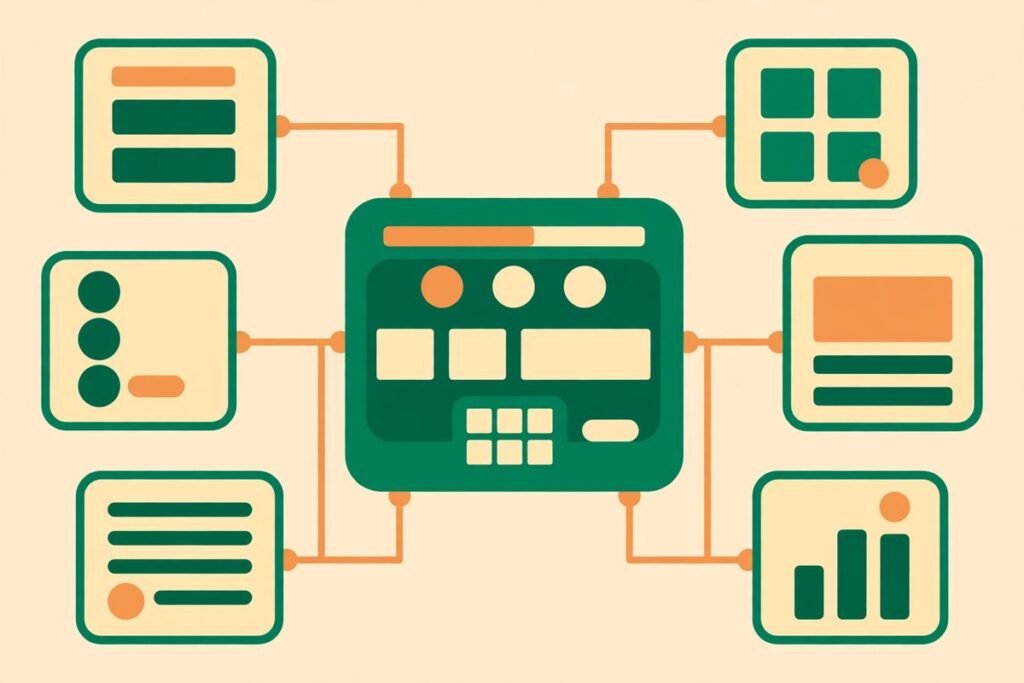
WordPress multisite is a feature built into WordPress core. One installation, one codebase and one database power many sites, each with its own URL, content and settings. The sites in the network can live on subdomains (brand1.example.com), subdirectories (example.com/brand1) or, with domain mapping, entirely separate domains (brand1.com, brand2.com). A super admin manages the whole network, while each site still gets its own administrator.
The practical effect is sharing. Themes and plugins are installed once at network level and activated per site. Users exist once across the network and can be given roles on individual sites. One core update covers every site at the same time. For a company running five brand sites on the same design system, that is a genuine operational saving, not a theoretical one.
There are limits worth knowing before you commit. All sites in a network share the same database tables structure, the same server resources and the same plugin set. A plugin that one brand needs is available to the network, even if other brands never touch it. And some plugins, particularly ones that assume a single site, behave badly in a network. The official WordPress documentation on creating a network is the first thing to read before enabling it, because converting an existing single site into a network later is possible but fiddly.
What a single-site setup looks like
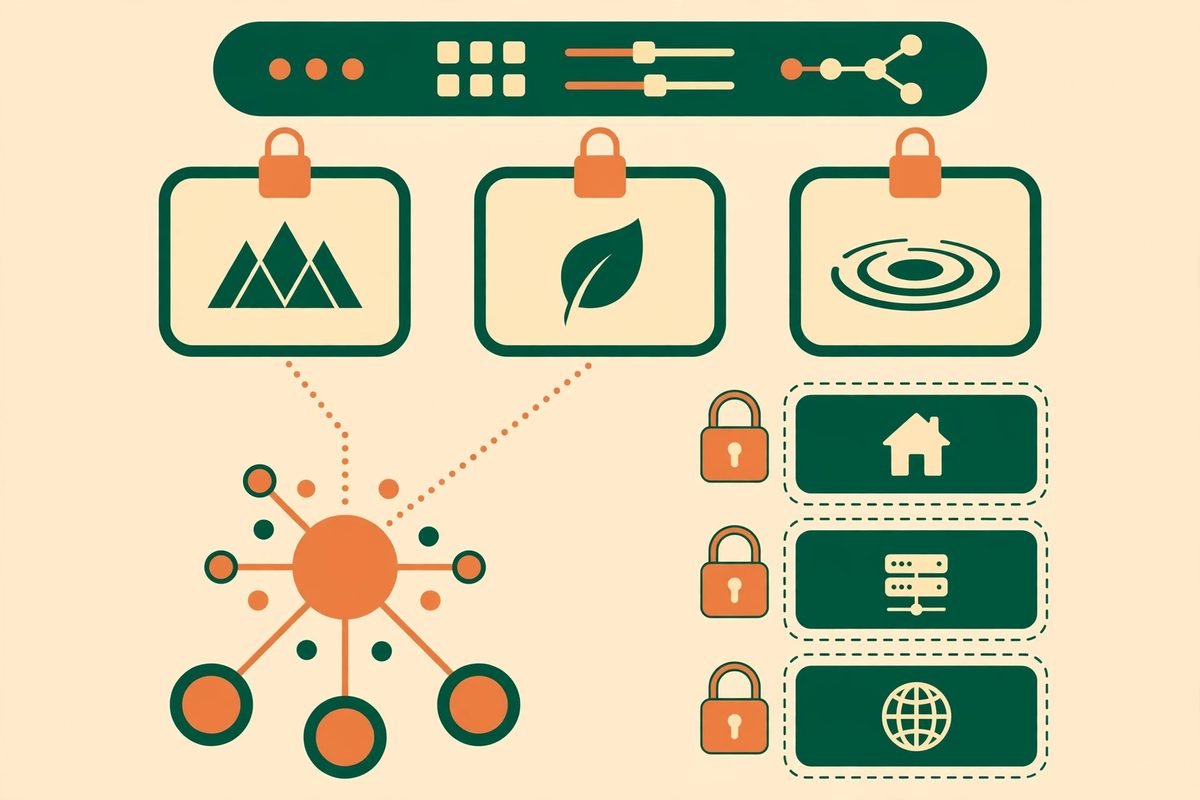
The alternative is refreshingly boring: one WordPress install per brand, each with its own database, its own plugins and its own admin. Nothing is shared except, usually, the hosting account. Each site can run a different theme, a different plugin stack and even a different version of WordPress if a legacy plugin demands it.
The cost is repetition. Every core update, plugin update and security patch has to be applied to every site. Five sites means five update runs, five backup schedules and five sets of credentials to manage. That sounds trivial until a critical security release lands on a Friday and you have twelve sites to patch before Monday. Managed update tooling and a disciplined maintenance routine close most of this gap, but they do not eliminate it.
What you buy with that repetition is isolation. A plugin conflict on brand A’s site cannot take down brand B. A traffic spike on one site does not share a database with the others. And when you sell a brand, you hand over its install, its database and its files, cleanly, with nothing else attached. For businesses where brands may be sold, spun off or run by different teams, that clean separation is worth real money.
WordPress multisite vs single site for business: the head-to-head comparison
The table below is the honest summary. Every row is a trade-off, not a win for one side.
- Updates: multisite updates core, themes and plugins once for the whole network; single sites repeat the work per site, but a bad update affects only one site.
- Users: multisite shares one user base across sites, so staff get one login; single sites need separate accounts per brand, or a single sign-on layer you build yourself.
- Design consistency: multisite enforces a shared theme and design system naturally; single sites drift apart unless someone actively keeps them aligned.
- Plugin freedom: single sites let each brand run exactly the plugins it needs; multisite sites share the network’s plugin pool, and network-activated plugins affect everyone.
- Hosting and performance: multisite concentrates load on one install and one database; single sites spread load and let you scale or move one brand independently.
- Failure blast radius: a multisite outage or database problem hits every brand at once; a single-site failure is contained to one brand.
- Exit and sale: extracting one site from a network is a migration project; selling a single-site brand is a file and database handover.
- Cost: multisite usually means one hosting plan and one maintenance routine; single sites multiply hosting and maintenance, though managed hosting narrows the gap.
Updates, plugins and themes: where multisite saves real time
The strongest argument for multisite is maintenance arithmetic. Consider a group with eight brand sites sharing a design system. On single sites, a plugin security update is eight update runs, eight post-update checks and eight chances for something to break quietly. On multisite, it is one update and one check, and every site benefits immediately.
That advantage is biggest when the sites genuinely share a stack: the same theme, the same core plugins, the same editorial workflow. If your brands share little more than a parent company, the saving shrinks, because each site will still want its own plugins activated, its own settings tuned and its own content reviewed. Shared updates help most when the sites are variations on one product, not eight unrelated businesses that happen to share an owner.
There is a catch that bites later. Because plugins are installed at network level, a plugin one brand requested sits in the network’s codebase for all of them. Deactivating it on seven sites does not remove it, and a vulnerability in an unused-but-installed plugin is still a vulnerability. Network hygiene, regular plugin audits and a rule that nothing gets installed without a business reason matter more on multisite, not less.
Users, permissions and brand isolation
Multisite’s user model is genuinely good for organisations where the same people work across brands. An editor can have access to three brand sites with one account, and the super admin controls who can create sites and install plugins. That is a real governance win for a central marketing team running several brands.
It is a weaker fit when brands are run by separate teams, franchisees or external agencies. Site administrators in a network cannot install plugins or themes unless the super admin allows it, which frustrates agencies used to full control. Worse, user data is shared: a user registered on one brand’s site exists in the network, which can surprise teams that assumed their customer or subscriber lists were separate. If brands need hard data separation for legal or contractual reasons, single sites give it by default.
For a business deciding between the two, ask this: do the same people administer all the brands, or does each brand have its own team? Shared administrators point to multisite. Separate teams with separate accountability point to single sites.
Hosting, performance and the single point of failure
Multisite concentrates risk. One database serves every site, so a slow query on one brand’s site can slow the others, and a database outage takes the whole network down. That is manageable: good hosting, object caching and sensible traffic expectations keep a network fast. But the ceiling is real. A network carrying one high-traffic brand alongside several quiet ones forces you to size hosting for the peak brand, and you cannot move just the busy site to a bigger server without migrating it out of the network.
Single sites scale independently. The flagship brand can live on serious hosting while the brochure sites sit on a modest plan, and a traffic spike on one never touches the others. The price is more hosting accounts to manage and more bills to reconcile, though in practice the difference is often smaller than people expect once managed WordPress hosting is in the picture.
Backups deserve a mention. Backing up a network backs up everything at once, which is convenient until you need to restore one site. Restoring a single site from a network backup is a partial-restore job that needs care. Single-site backups restore cleanly, one site at a time. If your recovery plan is “restore yesterday’s backup”, single sites make that plan simpler.
From our experience: when multisite goes wrong
Across 9+ years and 300+ projects, the multisite setups that caused trouble shared one pattern: they were chosen for the wrong reason. The most common mistake is picking multisite because it sounds efficient, then discovering the brands need different plugins, different themes and different teams. At that point the network is a constraint, not a shortcut, and every request becomes “can the network support this?” instead of “let’s just build it.”
The second recurring problem is plugin compatibility. Some popular plugins assume a single site and store settings or data in ways that clash across network sites. We have seen membership, e-commerce and booking plugins behave unpredictably on networks, and the fix is usually a custom workaround or a different plugin, not a setting. Before committing to multisite, test your must-have plugins on a network staging copy, not on a single-site demo.
The third is governance drift. A network starts tidy, then one brand gets a special plugin, then another, and within a year the network carries a plugin pile nobody fully understands. The discipline that keeps a network healthy is the same discipline single sites need, but the blast radius of neglecting it is larger. If your team does not have someone owning the network, single sites forgive neglect better.
None of this makes multisite a bad choice. It makes it a choice that pays off when the brands genuinely share a platform, a team and a design system, and that punishes you when they do not. The decision is less about technology than about how your business is organised.
A decision checklist: which setup fits your business
Work through these questions in order. The first “yes” that clearly applies usually settles it.
- Do your brands share one design system and one admin team? If yes, multisite is the natural fit.
- Will any brand be sold, spun off or handed to a separate operator? If yes, single sites keep the exit clean.
- Do brands need different plugins, especially e-commerce, membership or booking tools? If yes, single sites avoid compatibility fights.
- Is one brand dramatically bigger in traffic than the rest? If yes, single sites let you scale and host it independently.
- Do you have more than five sites and a central team maintaining them? If yes, the maintenance saving of multisite becomes hard to ignore.
- Do brands need hard separation of user or customer data? If yes, single sites give it by default.
If you are still torn, start with single sites. It is straightforward to consolidate later if the brands converge, and a single-site setup never traps you. The reverse migration, extracting a site from a network, is the painful direction. When in doubt, choose the setup that is easier to undo.
Either way, the setup decision is only part of the cost picture. If you are scoping the work, our guide to WordPress plugin development cost covers the pricing factors that apply to custom functionality on either setup, and our web development services cover the build itself. For a straight answer on your specific brands, talk to us and we will tell you which setup we would pick and why.
Frequently asked questions
Can I convert a single WordPress site into a multisite network later?
Yes, WordPress supports converting an existing install into a network, and the official documentation walks through it. It is not a one-click job: you need to enable the network, choose subdomains or subdirectories, update configuration files and check plugins for network compatibility. Plan it as a small project with a staging copy, not a Friday-afternoon change.
Does multisite hurt SEO?
No, not by itself. Search engines treat each mapped domain or subdomain as its own site. What matters is the same as always: quality content, sensible site structure and fast pages. Where multisite can indirectly hurt SEO is performance: if one busy site slows the shared database, every site on the network feels it, and page speed is a ranking factor.
Can each site on a multisite network have its own domain?
Yes. Domain mapping lets each network site use its own full domain, so visitors never see that the sites share an install. This is the standard setup for multi-brand businesses that want separate brand domains with central management.
Is multisite cheaper than separate sites?
Usually, but not always. You save on hosting plans and on update labour, which adds up across many sites. But you may spend more on the initial setup, on plugin compatibility work and on hosting sized for the network’s peak brand. For two or three small sites the saving is modest; for eight or more sites with a shared stack it is substantial.
Should a franchise or multi-location business use multisite?
Often yes, if locations share branding, templates and a central team. Multisite makes it easy to roll out a new location site from a template and push design changes everywhere at once. If franchisees need real independence, their own plugins or their own agencies, separate sites will cause fewer arguments.
The right setup is the one that matches how your business actually runs, not the one that sounds most efficient in a sales call. Shared platform, shared team and shared design system: multisite earns its keep. Separate teams, separate stacks or a possible sale on the horizon: single sites are the safer, simpler choice. Either way, decide deliberately, test your must-have plugins on the setup you pick, and put someone in charge of keeping it healthy. If you want help making the call for your brands, contact MTD Technologies and we will work through it with you.