
Agentic AI video creation has a dirty secret: the models got astonishingly good, but the workflow got worse. One prompt box, one black-box render, one disappointed creative director. ArtCraft, the open-source project that calls itself “the IDE for artists,” takes the opposite bet — that the future of AI filmmaking is not better prompting, but better directing. With more than 31,800 stars on GitHub, a desktop app for Windows and macOS, and a 62-model catalogue spanning Nano Banana, GPT Image, Kling, Veo, and Sora, it is one of the most serious attempts yet to turn AI video generation into a craft you can control.
This deep-dive is for designers, filmmakers, content teams, and agencies that need AI video they can repeat — the same character in the same room across ten shots, the same camera language across a campaign. You will learn what ArtCraft does, how its scene-first workflow differs from single-prompt generators, what the 62-model catalogue actually covers, where it fits in a production pipeline, and the honest limitations to price into your plan before you adopt it.
What ArtCraft actually is
ArtCraft describes itself as an intentional crafting engine for artists, designers, and filmmakers. The formula is short enough to fit on the README: compose in 2D, stage scenes in 3D, and choose the models that fit your work. Or, in the project’s own words: turn prompting into crafting — with visual tools for precise, repeatable results.
The IDE metaphor is deliberate and accurate. Just as a developer’s IDE wraps compilers, debuggers, and package managers into one controllable surface, ArtCraft wraps dozens of image, video, 3D, and audio models into one workspace where the artist stays in charge. It is a direct answer to the biggest complaint about AI video tools: they generate, but they do not direct.
Under the hood it is a serious engineering project. The codebase is written in Rust, dual-licensed under MIT or Apache-2.0 (your choice — both fully permissive for commercial work), and actively maintained: the repository was updated within days of this writing, carries roughly 5,000 forks, and has a live community across Discord, YouTube, and X. Dual permissive licensing plus an active maintainer base is the combination you look for before betting a production workflow on an open-source tool.
What it can do: the scene-first workflow
ArtCraft’s feature set reads like a pre-production department that happens to be generative. Instead of typing one prompt and hoping, you build the scene first and generate into it:
- 2D image compositing — compose scenes with image layers, background removal, and drawing tools, the familiar Photoshop-style layer stack.
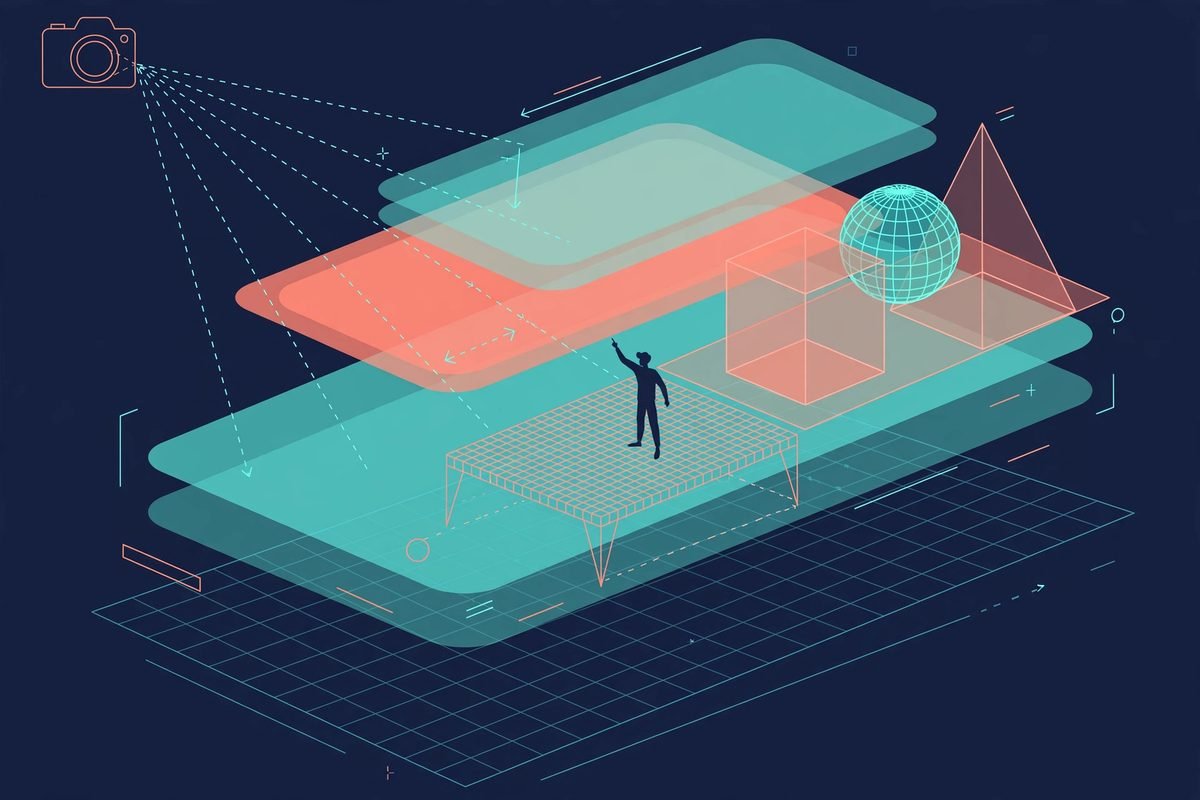
- 3D image compositing — layer backdrops, foregrounds, and props in actual 3D space, so compositions have real depth instead of faked parallax.
- Image to 3D mesh — turn a flat image into a 3D object you can position, rotate, and frame precisely, backed by models like Hunyuan 3D, Tripo3D, Meshy, and Rodin.
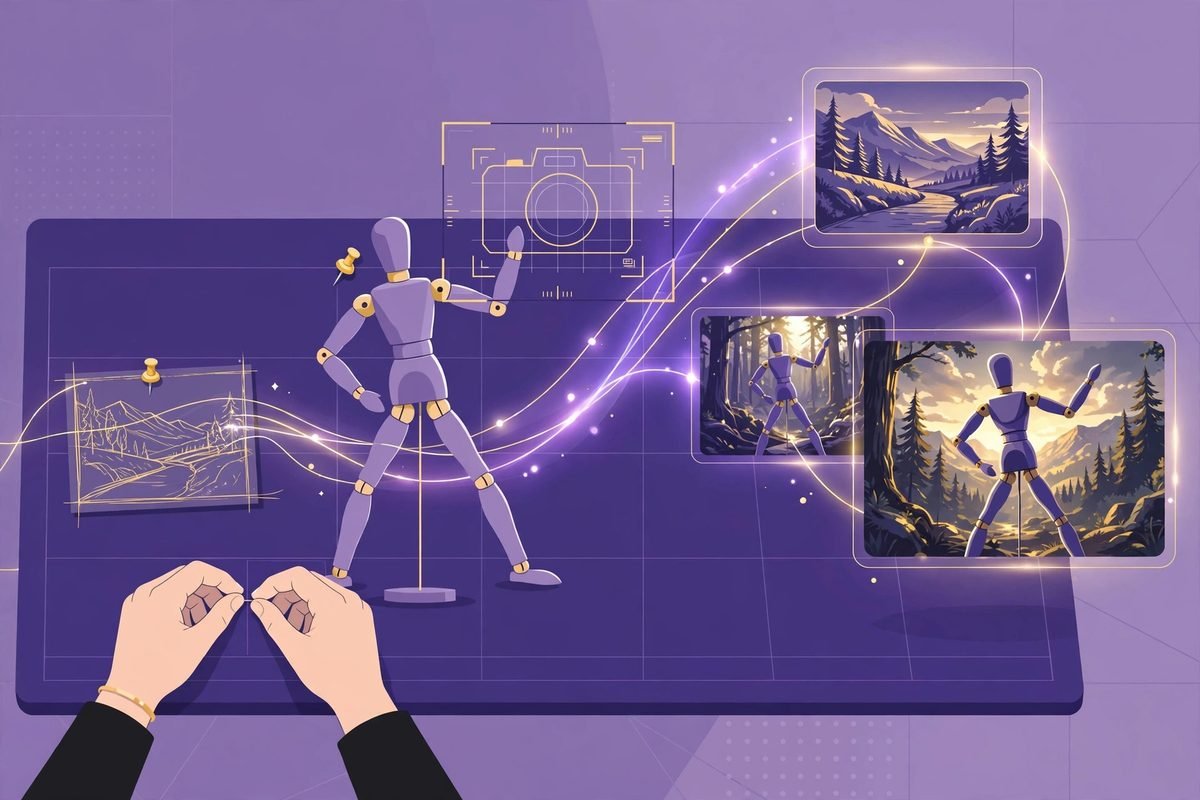
- Character posing — pose characters and set your camera before generating the final shot, so the AI inherits your blocking rather than inventing its own.
- Character identity transfer — use a posed mannequin to guide where your character stands and how it moves, attacking the number-one failure of AI video: characters that change face between shots.
- Image to location — place virtual actors in a consistent environment and plan multiple shots in the same room. This is the feature agencies should care about most: environment consistency is what separates amateur AI clips from campaign-usable footage.
- Scene blocking with kitbashing — combine 3D asset kits to control camera angles, object placement, and depth, the same kitbashing technique concept artists have used for years, now wired into generation.
- Mixed asset crafting — combine image cutouts, worlds, and 3D meshes in a single scene.
- Canvas image editing — drawing, masks, and inpainting to guide exactly where an image changes, instead of re-rolling the whole frame.
- Prompted image editing — describe changes with models such as Nano Banana Pro and GPT Image.
- Image to video — animate a staged image with your choice of video models and generation controls.
- Music, sound, and worlds — Suno-powered music and sound, plus Marble world generation with Gaussian splats for explorable environments.
How it works: the 62-model catalogue and the desktop app
ArtCraft’s headline number after the star count is 62 models in the built-in catalogue, broken down as 16 image models, 25 video models, 5 music and sound models, 11 3D mesh models, and 5 world/gaussian-splat models. The image roster covers Nano Banana, Nano Banana 2 and Pro, GPT Image 1.5 through 2.5, FLUX.1, and Seedream 4 through 5. The video roster is where it gets serious: Kling (1.6 through 3.0), Veo (2 through 3.1), Sora 2 and Sora 2 Pro, Vidu Q3, MiniMax H3, and Flux 3. A small number are marked disabled or restricted in the desktop app at any given time — model availability shifts, so treat the catalogue as a living list rather than a contract.
Beyond its native models, ArtCraft integrates external providers: Grok Imagine and Grok Video, Midjourney image generation, Sora 1, Sora 2, and GPT Image 1, and World Labs Marble world generation. The roadmap names further integrations for Kling, Google, Runway, and Luma, plus support for existing subscriptions through aggregators such as OpenArt and Freepik — a sensible direction, since most studios already pay for two or three of these.
The software itself is a desktop application. Stable releases ship for Windows and macOS from getartcraft.com, the latest builds are on the GitHub releases page, and Linux users can build from source — the repository ships development setup docs, desktop build scripts, and a public roadmap. Note the honest trade-off: there is no browser version, so teams that need collaborative, in-browser editing will feel the gap.
Why agentic AI video creation is trending now
ArtCraft’s 31,800 stars did not arrive by accident — they track a real shift in what creators need from AI video. Three forces are converging.
First, the models matured past the demo stage. When video models produced six-second novelties, a prompt box was enough. Now that Kling 3.0, Veo 3.1, and Sora 2 can hold a shot together, creators want to direct them — and directing needs scene tools: blocking, posing, camera placement, consistent environments. The tooling was lagging the models; ArtCraft is closing that gap.
Second, consistency became the commercial bottleneck. The number-one reason AI video fails in client work is not quality — it is repeatability. The character’s face drifts, the room changes between shots, the camera language is incoherent. Features like Image to Location and character identity transfer are aimed squarely at this problem. “Generate and hope” does not survive a brand review; “stage, pose, then generate” might.
Third, cost pressure is forcing fewer re-rolls. Every discarded generation burns inference budget. A workflow that lets you fix composition before generation converts expensive trial-and-error into cheap iteration — the difference between AI video as a novelty and AI video as a margin.
From our experience: honest limitations
We have shipped enough AI-assisted creative tooling to know where the brochure ends and the work begins. Here is the honest version of ArtCraft, from a team that builds with these tools rather than just reviewing them.
Open-source code does not mean free generations. Model access runs through providers and their billing — whether that is ArtCraft’s native models or your own Grok, Midjourney, and Sora accounts. Budget the pipeline like a media buy, not like a download. This is the most common miscalculation we see when teams adopt open-source AI tools: they price the software at zero and forget the meter is running on every render.
It orchestrates; it does not guarantee. ArtCraft is a directing layer, and its output quality is still bounded by the models underneath. Character consistency is better with posing and identity transfer than without — but “better” is not “solved.” Plan for a human review pass on every shot that matters, and keep your traditional fallback (stock, reshoot, manual VFX) scoped for hero assets.
Desktop-only is a workflow decision. A downloadable app means no link-sharing a live project, no browser-based review, and IT policies to clear on agency machines. For solo creators and small teams this is a non-issue; for distributed production teams, it is worth mapping against your collaboration stack before committing.
When NOT to use it: quick one-off text-to-video drafts (a prompt box is faster), teams that need real-time browser collaboration, or anyone without an inference budget. And like any fast-moving open-source project — 454 open issues at last count — pin a release, read the changelog, and test upgrades on a non-client project first.
Where it earns its place is in productized AI video pipelines. If your agency sells video content — social campaigns, product explainers, ad variants — ArtCraft’s scene assets become reusable IP: one staged environment, one posed character rig, dozens of campaign shots. That is the practitioner angle the star count is really signalling. Explore more open-source AI tools in our AI Tools Directory, and if you want this kind of pipeline built into your content operation, our workflow automation services cover exactly that territory.
Getting started in six steps
- Download the app — grab the stable release for Windows or macOS from getartcraft.com, or take the latest build from the GitHub releases page. Linux users: build from source following the dev setup docs in the repository.
- Connect your providers — wire up ArtCraft’s native models plus any external accounts you hold (Grok, Midjourney, Sora, World Labs).
- Start from an image, not a prompt — composite a 2D scene or generate a base frame, then use Image to Location to lock the environment your shots will share.
- Stage in 3D — kitbash a scene, convert key assets to 3D meshes, pose your character with the mannequin guide, and set the camera before a single video frame is rendered.
- Generate with intent — send the staged scene to your chosen video model (Kling, Veo, Sora 2) with generation controls, and iterate on the craft — blocking, posing, camera — instead of re-rolling prompts.
- Version your scenes — treat staged scenes like source code: name them, back them up, and reuse environments and character rigs across campaigns.
Frequently asked questions
Is ArtCraft really free?
The application code is free and open source under MIT or Apache-2.0, so you can download, modify, and use it commercially. Generating images and video, however, runs through model providers whose inference carries its own cost — the IDE is free, the renders usually are not.
Do I need a powerful GPU to run ArtCraft?
The desktop app runs the crafting interface locally, and the heavy generative lifting happens in the connected models rather than on your machine. Building from source requires a Rust toolchain, but day-to-day use is not a local-GPU story.
How is ArtCraft different from Runway or Pika?
Runway and Pika are closed, single-vendor generators: one company’s models behind one company’s interface. ArtCraft is an open-source directing environment that orchestrates dozens of models from many providers, with scene-staging tools (3D compositing, posing, kitbashing) that single-prompt generators do not offer.
Can I use ArtCraft for client work?
Yes — the MIT/Apache-2.0 dual license permits commercial use, modification, and redistribution. Just verify the commercial terms of whichever model providers you generate with, since their terms govern the output, not the IDE’s.
Does ArtCraft work on Linux?
There is no stable Linux binary listed on the downloads page; Linux users build from source using the development setup documentation in the repository. Windows and macOS have stable releases.
Agentic AI video creation is moving from “type a prompt, accept the result” to “stage a scene, direct the models, repeat what works” — and ArtCraft is currently the most credible open-source bet on that future. If your team wants to turn AI video from an experiment into a repeatable production capability, talk to us: we build the pipelines, integrations, and automation around tools like this so your creatives spend their time directing, not debugging.