
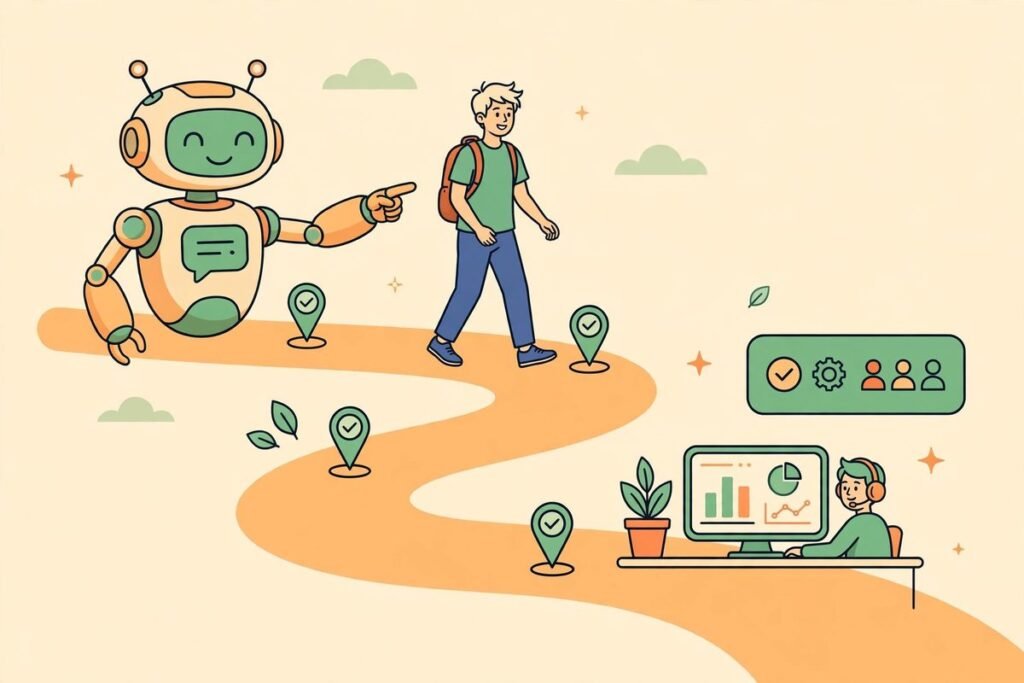
AI customer onboarding automation is the difference between a new customer who reaches real value in their first week and one who quietly churns before the month ends. Instead of a welcome email, a PDF guide and a kickoff call, an AI agent guides each new customer through setup, answers questions in context, and flags stalled accounts. This guide walks through the first 30 days as a working system: the phases, the tools, the handoff triggers, and the numbers that tell you whether it works.
This is for owners and operations leads who already feel the cost of manual onboarding: the repeated kickoff calls, the chase for missing documents, the customer who goes silent in week two and is gone by week six. You need a clear critical path, one agent with a narrow job, and the discipline to measure what happens next.
Why the first 30 days decide the whole relationship
Onboarding is not admin. It is the second sale. The customer trusted you once, at purchase; the first month decides whether that trust was misplaced. Benchmark roundups summarised by a8gent find that 40 to 60 percent of users churn within the first 30 days without ever experiencing the value they signed up for, and roughly 60 to 70 percent of annual churn is decided inside the first 90 days. Structured onboarding retains customers at two to three times the rate of self-onboarding, per research summarised by Taskade.
Automation earns its place here because the failure mode is volume, not difficulty. Nobody on your team lacks the skill to welcome a customer properly; what they lack is the hours to do it identically for the fiftieth customer this month. An agent does the repeatable parts the same way every time; your people do the parts that are actually hard.
What AI customer onboarding automation actually does
Strip away the marketing and the system has two halves. The AI agent is the conversational layer: it welcomes the customer, walks them through setup, answers questions from your documentation, and notices when progress stops. The workflow automation is the plumbing: the triggers, CRM updates and reminders that turn a conversation into a tracked process. One without the other is a chatbot nobody measures or emails nobody reads.
A chatbot answers a question and forgets the conversation. An onboarding agent keeps state: it knows which milestones this customer has completed, what their goal was on day one, and whether they have been stuck on the same step for two days. That memory lets it send the right nudge at the right moment, and escalate with context — not “customer needs help” but “this account has been stuck on the data import for 48 hours”.
- Welcome and orientation: sequences by plan tier and use case, each message pointing at one clear next action.
- Guided setup: walkthroughs with real-time validation, catching common mistakes before they become tickets.
- Document and data collection: structured requests for credentials and files, with automated chasing when things arrive late.
- Progress tracking: milestones monitored against segment benchmarks, accounts marked green, yellow or red.
- Stall detection: the moment an account misses a milestone, the right human gets the full context.
The four phases: a 30-day onboarding map
The four-phase map in the Darwin guide to automating customer onboarding matches how customers experience a new product.
Phase 1 — Pre-onboarding (days −5 to 0)
The work starts before the customer logs in. The moment a contract is signed, the agent sends a welcome sequence through the customer’s preferred channel, setting out what is coming and what to prepare. For agencies the prize is large: AI Workflows Studio puts the manual work before any strategy begins at 18 to 29 hours per client, and 60 to 70 percent of it is data collection and analysis — all automatable.
Phase 2 — Technical setup (days 1–5)
This is where most onboarding dies. Account creation, authentication, integration setup, data import — each step is small, but each has a failure mode, and two failures in a row usually end the attempt. The agent walks through procedures conversationally and troubleshoots the common failures itself. Our rule: if a setup step fails twice, the customer should see a human, already briefed, within the hour — not a third generic error message.
Phase 3 — Training and activation (days 6–14)
Once the product works, the customer needs to learn it — in their role, for their goal, in bite-sized pieces. The agent delivers a personalised training path, answers feature questions in real time, and tracks whether the customer has reached the activation milestone for their segment. This is where “first value” happens: the first report, the first workflow run, the first invoice sent. Reach that moment inside the first week and the rest of the month gets easier.
Phase 4 — Success monitoring (days 15–30)
From day 15 the job shifts from guiding to watching. The agent monitors usage against the milestones, runs scheduled check-ins, and spots early signals of expansion — a team inviting colleagues, usage climbing past a threshold. It also catches the slow fade: usage dropping, logins spacing out, the champion going quiet. Both signals reach the team with context, while they are still cheap to act on.
Building the workflow: the tools that do the work
n8n is the choice when you want full control: its AI Agent node reasons about which tool to call instead of following a fixed if-then path, and it is open source and self-hostable — important when customer data cannot leave your infrastructure. Our n8n workflow automation work is usually where these builds start. Zapier Agents is the fastest no-code start, and its MCP connectivity, launched in early 2026, gives AI models access to over 30,000 actions. Microsoft Copilot Studio fits Microsoft 365 shops.
Then there is the in-app experience most teams forget to budget for. Userpilot (from $299 a month) and Appcues (from $249 a month) handle product tours well, but they were built for walkthroughs, not for the workspace where the customer tracks their own onboarding. For document-heavy onboarding, Content Snare, Dock and Moxo close the gap with structured requests and shared client portals. Pick one orchestration tool and one collection tool — a workflow you can debug beats a platform you can demo.
Handoff triggers: the moments a human must take over
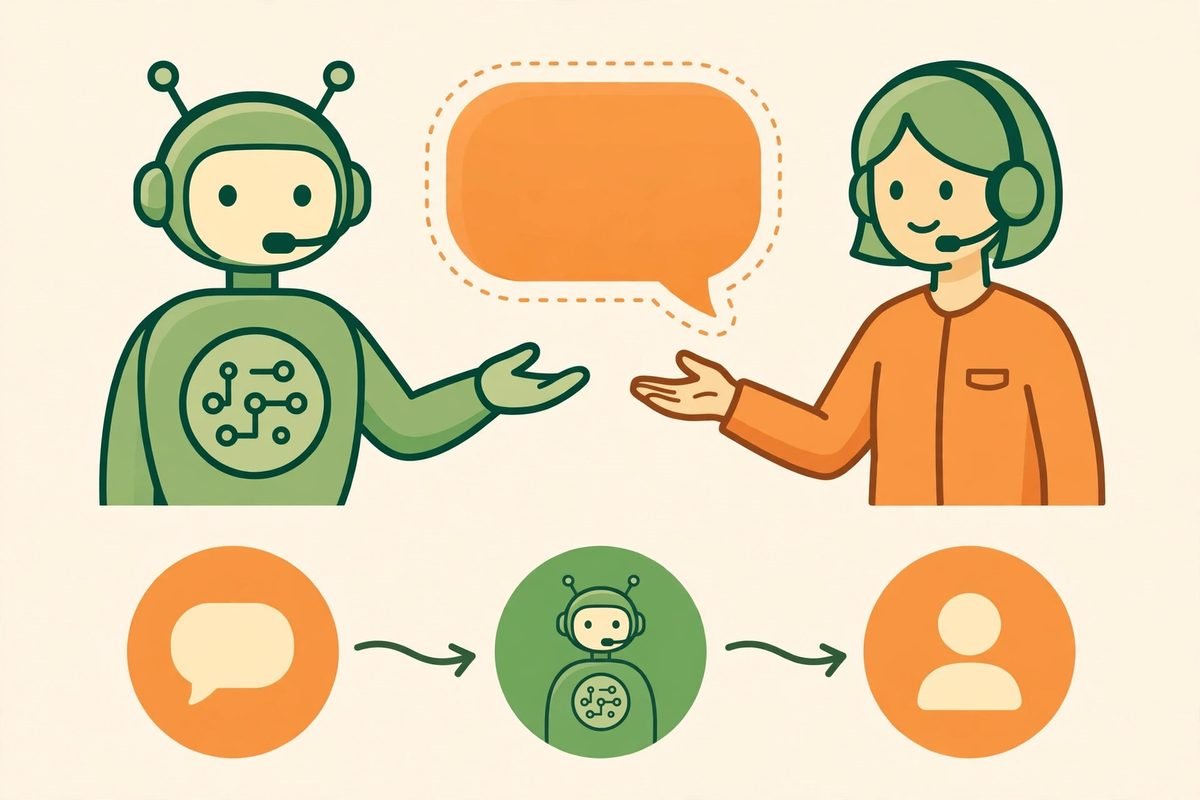
An onboarding agent that never hands off is a liability. The handoff is not a failure of the automation; it is the feature that makes it safe to run. Design the triggers before you design the conversations.
- Stall: a milestone missed by 48 hours, or the same step failed twice. Escalate with the full transcript attached.
- Sentiment: frustration or a complaint. Never let an agent argue with an unhappy customer.
- Value: high-value accounts get a human manager from day one, with the AI supporting rather than leading.
- Money and law: billing disputes, contract and compliance questions. The agent routes these instantly; it never improvises.
- Explicit request: any customer who asks for a person gets one immediately.
What makes a handoff work is context passing. The human who picks up should see the customer’s original goal, the milestones completed, the exact stall point, and the last three messages — before they say hello. The worst onboarding experience is still explaining a problem to an agent, getting transferred, and explaining it again from scratch.
From our experience: what breaks in real deployments
The most common failure is automating a broken process: if your manual onboarding is ad-hoc emails and tribal knowledge, an agent will deliver that mess faster and at greater scale. Map the critical path from signup to activation first, with the team that does the work today. If you cannot draw it, you are not ready to automate it.
The second failure is permission. An agent given broad access to your CRM, billing system and email will eventually do something creative with them. Give it the minimum access its job needs, on its own service account, and enforce hard rules in the software layer rather than in the system prompt — a prompt is a suggestion, a permission boundary is a fact. Run the first week in shadow mode — the agent drafts, a person approves — then go live during working hours first.
The third is measuring activity instead of outcomes. “The agent sent 400 welcome messages” tells you nothing; time-to-first-value, activation rate and CSM hours per onboarding tell you everything. And the fourth is the set-and-forget trap: an agent’s answers decay as your product changes, so somebody must review a sample of real conversations every week — twenty is a good number — and fix the wrong answers.
How to measure whether onboarding automation is working
Measure against a baseline taken before you automate. The six numbers that matter:
- Time-to-first-value: days from signup to first real value.
- Activation rate: the share of new customers who complete the critical path. One B2B analysis of 62 companies put the average at 37.5 percent.
- Milestone velocity: how fast accounts move between phases, by segment.
- Support tickets per new customer: onboarding-related volume should fall 40 percent or more within 90 days when the agent routes well.
- CSM hours per onboarding: if it is not falling, the agent is adding work, not removing it.
- 30, 60 and 90-day retention: the verdict — everything else is a leading indicator.
Review weekly at first, then monthly. If time-to-first-value is falling and retention is flat, your activation milestone is probably the wrong one.
Frequently asked questions
How long should AI-powered customer onboarding take?
Most B2B onboarding journeys complete within 14 to 30 days, with the critical setup in the first 5 days; B2C is shorter, often 1 to 7 days. What matters most is time-to-first-value: reaching a first real outcome inside the first week is the strongest predictor of retention.
Will customers notice they are talking to an AI agent?
Usually, yes — and that is fine. Customers do not object to automation; they object to being misled and to being trapped by it. Say clearly that the assistant is AI, keep the handoff to a human one message away, and nobody reasonable complains. The damage comes from an agent pretending to be a person, or a customer repeating themselves.
What tools do I need to automate customer onboarding?
At minimum, one orchestration tool and one place for customer records. n8n suits technical teams that want self-hosting and control; Zapier Agents is the fastest no-code start; Microsoft Copilot Studio fits Microsoft 365 shops. Add a document-collection tool such as Content Snare or Dock if onboarding is document-heavy, and a tour tool such as Userpilot only for guided walkthroughs.
When should a human take over from the onboarding agent?
On stall (a milestone missed by 48 hours or the same step failed twice), on frustration or a complaint, for billing, contract and compliance questions, for high-value accounts from day one, and whenever the customer asks for a person. The handoff must carry the full context, so the customer never repeats themselves.
How much does AI customer onboarding automation cost?
A focused build takes one to two weeks, and running costs are modest: workflow tools from free self-hosted tiers upward, tour tools from around $249 a month, and agent runtimes from $0.08 per runtime hour. The real ongoing cost is maintenance — a few hours a week reviewing conversations. Against the 18 to 29 hours of manual work per client agencies typically spend first, the payback is usually measured in weeks, not quarters.
The first 30 days decide whether customers made the right choice. An agent guiding them to value quickly, a workflow noticing when they stall, a human stepping in with full context — that combination turns a signup into a customer who stays. If you would like help designing that system, our AI integration team builds onboarding workflows on n8n. Talk to us about your first 30 days, or browse the tools in our AI Tools Directory.