
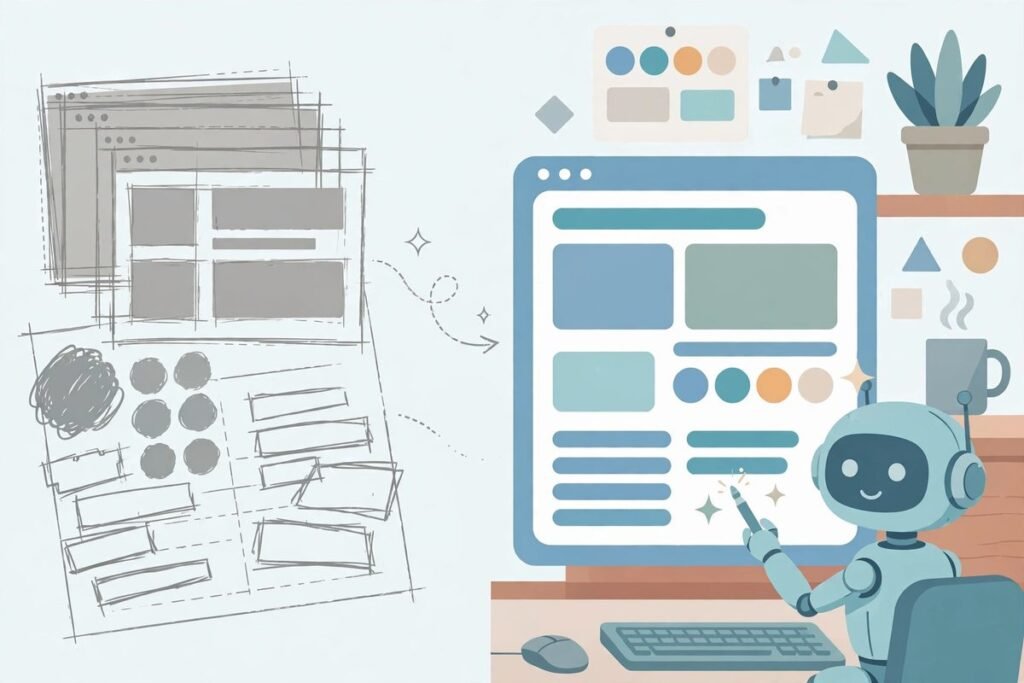
An AI design language harness open source project called Impeccable is solving one of the most visible problems in agent-built software: interfaces that work perfectly and still look like every other AI-generated page on the internet. If you have asked a coding agent to build a landing page recently, you have probably seen the result: tidy, functional, and yet unmistakably templated. The typeface, gradient, and layout are the same ones every model reaches for. Impeccable, built by Paul Bakaus at github.com/pbakaus/impeccable, gives agents a shared design vocabulary, a durable record of what the product is, and deterministic checks that catch those tells before they ship.
What Impeccable is
Impeccable describes itself as design guidance for AI coding agents: one skill, 24 commands, live browser iteration, and 62 deterministic detector rules. Each part does a different job. The skill is the instruction layer for typography, colour, spacing, motion, and interaction, including what to avoid. The commands are the working vocabulary: instead of explaining that a page feels flat, you run a polish, critique, or audit command and the agent knows the pass you mean. The detector rules are the automated safety net, running without a language model or API key and flagging concrete problems such as grey text on coloured backgrounds, nested cards, or dated bounce easing.
The project started from Anthropic’s frontend-design skill, which the README calls the first widely used design skill for Claude, and builds substantially on it. That lineage matters. Impeccable codifies judgement designers already apply, in a form an agent can follow repeatedly. The problem is not that models cannot write CSS; it is that every model trained on the same software-as-a-service templates converges on the same defaults: Inter for everything, purple-to-blue gradients, nested cards, and the rounded-square icon tile above every heading. Those are not bugs in one model. They are the average of the training data, and the average is what an unguided agent reproduces.
What an AI design language harness open source tool actually does
A design language harness differs from a component library, and that distinction is the whole point. A library gives you buttons and cards to reuse; a harness gives the agent rules, vocabulary, and context for deciding which button, spacing, and type scale fits this product, page, and audience. Impeccable records durable product truth separately from surface-level visual direction. That separation is practical: without it, an agent redesigning a page can accidentally change what the product claims to be.
In practice, the workflow starts with init: it inspects the project, asks only about material gaps in durable product context, and writes PRODUCT.md capturing audience, purpose, context, constraints, voice, and evidence. Visual direction per surface is chosen later; an existing system is recorded separately in DESIGN.md. That split prevents a common failure: the model treating a marketing claim, a brand colour, and a layout preference as interchangeable facts, then quietly rewriting one while adjusting another.
What it can do: the 24 commands
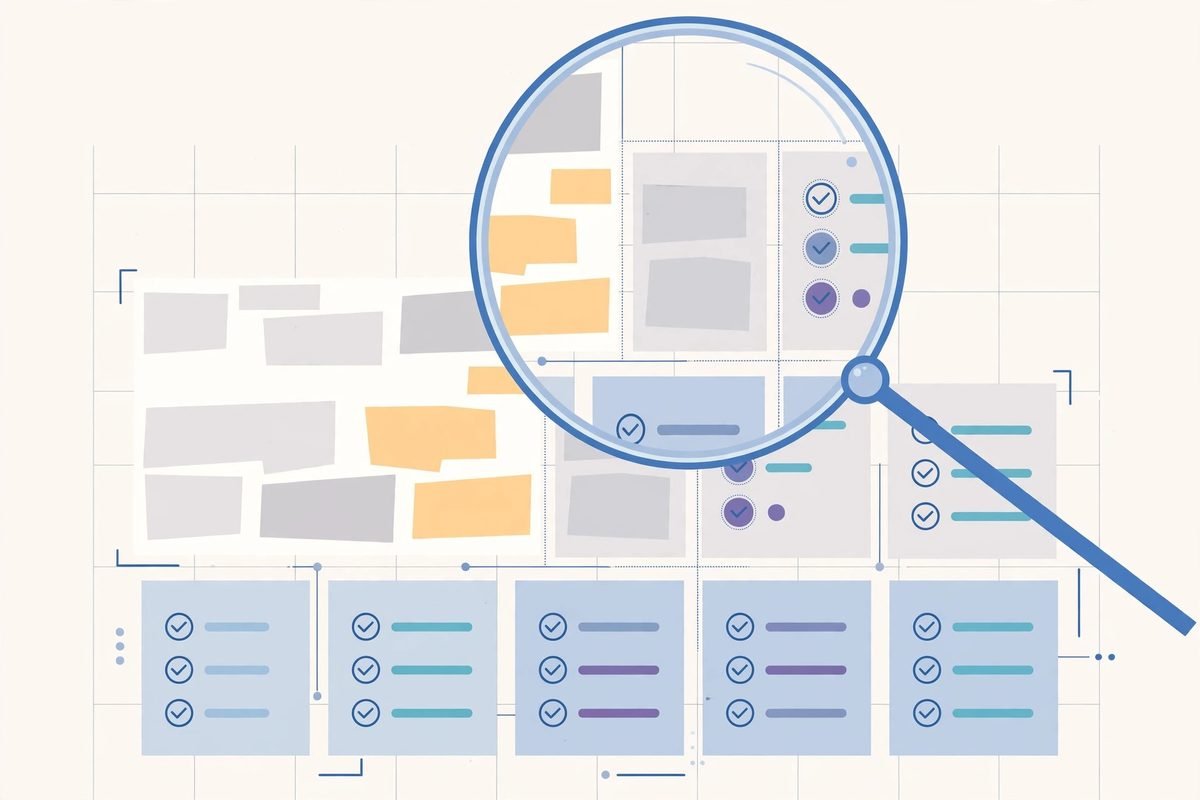
The command set is what you will talk to day to day. Shape plans the experience before code is written, craft runs the shape-then-build flow with visual iteration, document generates DESIGN.md from existing code, and extract pulls reusable components and tokens into a design system. Those four alone cover the common agency case: a client project with no written design system, where the agent is about to invent one.
- Critique and audit: critique reviews hierarchy and resonance; audit checks accessibility, performance, and responsiveness.
- Refinement passes: polish is the final shipping pass, bolder amplifies a flat design, quieter tones down an overblown one, and distill strips a design to its essence.
- Hardening: harden adds error handling, internationalisation, overflow handling, and edge cases; onboard improves first-run flows, empty states, and activation paths.
- Craft details: animate adds purposeful motion, colorize adds strategic colour, typeset fixes fonts and hierarchy, layout fixes spacing and rhythm, and delight adds small moments of joy.
- Scope and clarity: overdrive adds ambitious effects, clarify improves unclear copy, adapt adjusts for devices, and optimize improves performance.
- Live iteration: live opens visual variant mode in the browser; generate creates variants of a named element without manual picking.
The commands also separate taste from correctness: critique may be subjective about hierarchy, while audit and detector rules stay mechanical.
How it works: skill, detector, and live browser loop
Installation is low-friction. From the project root, the installer detects recognised harnesses, including Claude Code, Cursor, Codex, Gemini CLI, GitHub Copilot, and Grok Build, then installs the skill into the project or globally. The skill needs no runtime of its own: each copy ships a small launcher for a self-contained engine binary, downloaded once on first use. Node is only involved if you use the installer shim, so the same guidance follows developers across harnesses instead of locking to one vendor.
The detector is the most distinctive piece. It catches 62 deterministic issues in two families: AI slop tells such as side-tab borders, purple gradients, bounce easing, and dark glows, and general quality problems such as excessive line length, cramped padding, small touch targets, and skipped heading levels. Run it standalone against a directory, HTML file, or URL, with JSON output for continuous integration and GitHub Actions annotations for pull requests. Its exit codes distinguish clean, findings, and failed scans, which decides whether a check is genuinely usable in a pipeline.
Live browser mode closes the loop most guidance leaves open. Instead of editing code, rebuilding, and squinting at screenshots, you iterate on elements directly in the browser and generate variants of a named element without manual picking. Respect its boundary: live mode edits a local checkout through a development server or local static HTML, and injecting its helper into a deployed production site is not supported. For production, use the standalone detector or browser extension, which inspect the rendered page without writing back to source.
Why it is trending now
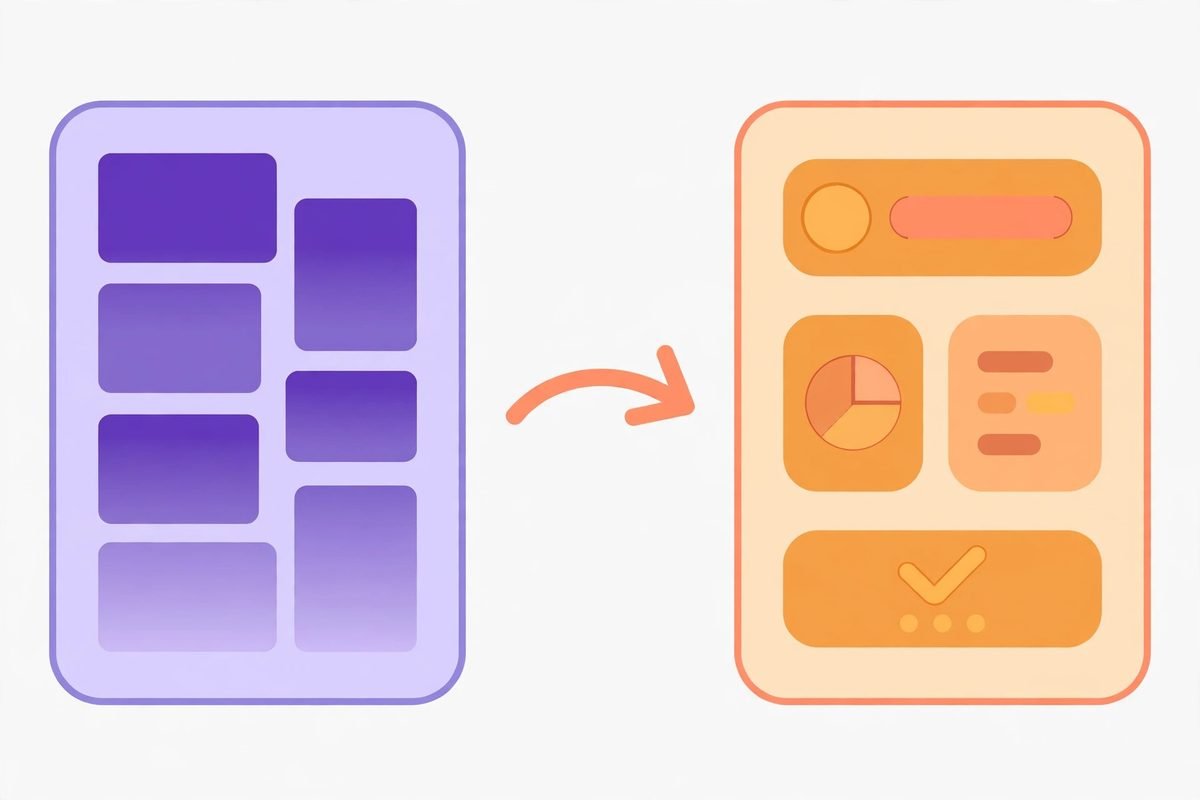
Impeccable is trending because of timing, not novelty. Agent coding is now daily production work, so the bottleneck has moved from whether an agent can build a working page to whether the page is good enough to put a brand on. Shipping speed without a taste layer produces lookalike products, and clients notice. An open-source, harness-agnostic skill from Paul Bakaus, creator of jQuery UI and a former Google engineer, is an easier adoption decision than hiring a design reviewer for every agent pull request.
The ecosystem confirms it. The project ships bundled with the new GitHub Copilot app, according to the author’s project page, and its parent company Renaissance Geek is backed by a16z. Third-party coverage put its star count at roughly 87,000 on 26 October 2026, with the repository back on GitHub Trending on 28 October after gaining roughly 1,400 stars in a day. Treat that as attention, not a quality certificate, but design quality for agent output has clearly become a category, and a skill plus a no-API-key detector fits existing workflows better than yet another dashboard.
From our experience: where it helps, and where it will not save you
At MTD Technologies, after nine years shipping client websites and software, this pattern is familiar from human teams as well as agent ones. The most expensive failures are rarely one bad colour choice; they are the quiet accumulation of defaults: a type scale nobody chose, spacing drifting a few pixels per page, and a component that breaks hierarchy beside real content. A detector flagging those issues mechanically, before human review, moves the conversation from catching design typos to judging whether the design serves the business goal. That is why we insist on a written product brief before an agent touches a client project: without durable context, every iteration is a coin flip.
There are honest limits. First, Impeccable improves the average but does not supply taste: its rules can stop a page looking generic, but cannot define distinctive for a law firm versus a streetwear brand versus a logistics dashboard. That judgement must come from the product team, recorded in PRODUCT.md and DESIGN.md, or the agent merely swaps one set of defaults for a shinier one. Second, a clean detector run is evidence, not proof. As the README itself says, deterministic checks do not replace inspecting the rendered experience across viewports, with real content, on real devices; long headlines, translations, and empty states will still break layouts that pass every rule. Third, live mode’s local-only boundary is a feature: never weaken a production site’s security policy for a development helper.
Cost and effort are worth stating plainly. The software cost is zero under Apache 2.0, but adoption is not free: somebody must write and maintain PRODUCT.md and DESIGN.md, review findings instead of bulk-ignoring them, and waive genuine brand choices explicitly. Teams skipping that ownership get a one-time polish, then drift back to defaults within a sprint. Teams treating the skill as part of their definition of done, alongside tests and accessibility checks, get compounding value, because every future session starts from the same recorded judgement.
Responsible use: taste is not a substitute for judgement
There is a subtler risk: a tool that makes agent output look professional can make weak products look credible faster than they deserve. A polished page for a product with no users, support process, or privacy policy is still weak, just better dressed. Use Impeccable to raise the floor of real work, not to dress up unsupported claims, and waive flagged brand decisions explicitly, with a reason.
Getting started in five steps
- From your project root, run the installer for the harnesses your team uses, or install globally across many repositories.
- Reload your harness, run init inside your AI tool, and answer only the material gaps it asks about, so PRODUCT.md reflects real product truth.
- If the project already has a visual system, generate DESIGN.md from existing code before any redesign, so the agent works from evidence.
- Run the detector on the current codebase for a baseline, then fix or explicitly waive findings, so later scans measure new problems.
- Pick one surface, such as the landing page or checkout, and run shape, critique, and polish on it, reviewing the result in the browser before rolling out further.
Full documentation lives at impeccable.style, including the detector reference and hook documentation. For a client project, start with the detector alone.
Frequently asked questions
Is Impeccable free to use?
Yes. Impeccable is open source under Apache 2.0, permitting commercial use, modification, and redistribution with attribution. The detector runs without a language model or API key, though your coding agent still has its usual model costs.
Which AI coding tools does Impeccable work with?
The installer supports Claude Code, Cursor, Codex, Gemini CLI, GitHub Copilot, Grok Build, and many others, including Devin, OpenCode, and Pi. A global install keeps the same vocabulary across tools.
Do I need to be a designer to benefit from Impeccable?
No, and that is the point. Developers and small teams without a designer get a structured review vocabulary and automated checks for common mistakes. You still supply product judgement, but not from scratch for every page.
Will Impeccable make all my pages look the same?
It should do the opposite, provided you record your own product and design context. Without that context, any guidance system converges on its own defaults; with PRODUCT.md and DESIGN.md filled in honestly, the agent has something specific to be faithful to.
Should I run Impeccable in production?
Use the detector or browser extension to inspect a production site, but keep live editing local: live mode is designed for a local checkout, and the project does not support injecting its helper into a deployed production site.
Impeccable will not turn a weak product into a great one, but it fixes the failure agent coding introduced at scale: fast, functional pages that all look alike. For teams shipping client work with agents, that is a practical improvement, and it costs nothing to try. If you want help wiring such a harness into your build pipeline, or auditing an agent-built site before launch, talk to MTD Technologies about AI integration and automation, browse our AI Tools Directory for more tools we have reviewed, or contact us to discuss your project.