
An AI PowerPoint generator with native slides is the difference between a deck you can present and a deck you can actually keep working on. PPT Master, the open source project from Hugo He at github.com/hugohe3/ppt-master, has passed 71,000 GitHub stars by turning documents or plain topics into real, editable PowerPoint files — native shapes, data-backed charts, transitions and narration, not flattened pictures of slides. This guide explains what it does, how to set it up, what it costs, and where it will disappoint you, so you can decide whether it belongs in your team’s workflow.
For teams that produce decks every week — sales proposals, board updates, training material — that distinction is the whole pitch: the tedious first draft disappears, and what remains is a file presenters can still edit properly.
What PPT Master actually is
PPT Master is not a website where you type a prompt and download a deck. It is a workflow — the project calls it a “skill” — that runs inside an agent-capable AI tool on your own machine. You tell the agent in chat, “make a deck from this PDF,” and it runs the workflow and exports a genuinely editable .pptx file. The author, a finance professional who reviews decks constantly, built it because AI-generated slides kept arriving as images he could not edit. Everything in the project flows from that frustration.
Three promises sit on top of that design. First, transparent cost: the project itself is free and open source under the MIT licence, so the only cost is whatever your AI model usage costs — there is no slide-tool subscription on top. Second, data stays local: apart from the AI model calls and any search, image or speech services you choose to enable, the whole pipeline runs on your machine. Third, no platform lock-in: any agent-capable IDE or CLI can drive it, including Claude Code, Cursor, Codex and Gemini CLI, with Claude, GPT, Gemini, Kimi and other models all supported.
What it can do: an AI PowerPoint generator with native slides
The headline feature is native depth, and it is worth spelling out because most competitors stop at “editable.” PPT Master authors PowerPoint’s native object model itself. That means real slide masters and layouts with inheritance on the template routes, rather than the same chrome pasted onto every page. It means native shapes with working adjustment handles — block arrows, chevrons, callouts, flowchart nodes, connectors and freeform paths — not just rectangles with text on top.
- Data-backed charts and tables on demand, with an Edit Data workbook when you want to change the numbers behind a chart.
- Native equations: documented Microsoft 365 LaTeX and mhchem input compiles to editable PowerPoint OMML instead of a picture of a formula.
- The full text, picture, fill and effect model: run and paragraph formatting, picture crop and shape-clip, gradients, patterns, outer shadow and glow.
- Real transitions, entrance, emphasis, path and exit animations, and speaker notes that can become voice narration — real OOXML timing and package parts, not a baked-in video.
- AI-generated images for slides, using image models such as OpenAI’s gpt-image-2.5-sunburst or Google’s gemini-nano-banana-2.1.
Beyond generating a new deck from source documents, PPT Master offers three reuse routes. It can distil a reusable brand, style, layout or deck template from your references, so future decks inherit your visual system. It can fill an existing .pptx with new content while preserving its design, with unchanged pages restored byte-for-byte. And it can add transitions, animations and narration to a finished deck. Each route has an explicit contract for what gets preserved, which matters when a brand template is a company asset rather than a toy.
How it works: from document to deck
The setup is deliberately small. You need Python 3.10 to 3.14, an agent-capable AI tool, and the project itself. The documented path is:
- Install Python 3.10–3.14, making sure it is on your PATH (Windows users get a dedicated step-by-step guide in the repo).
- Clone the project:
git clone https://github.com/hugohe3/ppt-master.git, thencd ppt-master. - Install dependencies:
pip install -r requirements.txt. - Open your agent tool in the working folder — not in the skill cache — and ask it in chat to make a deck from your material.
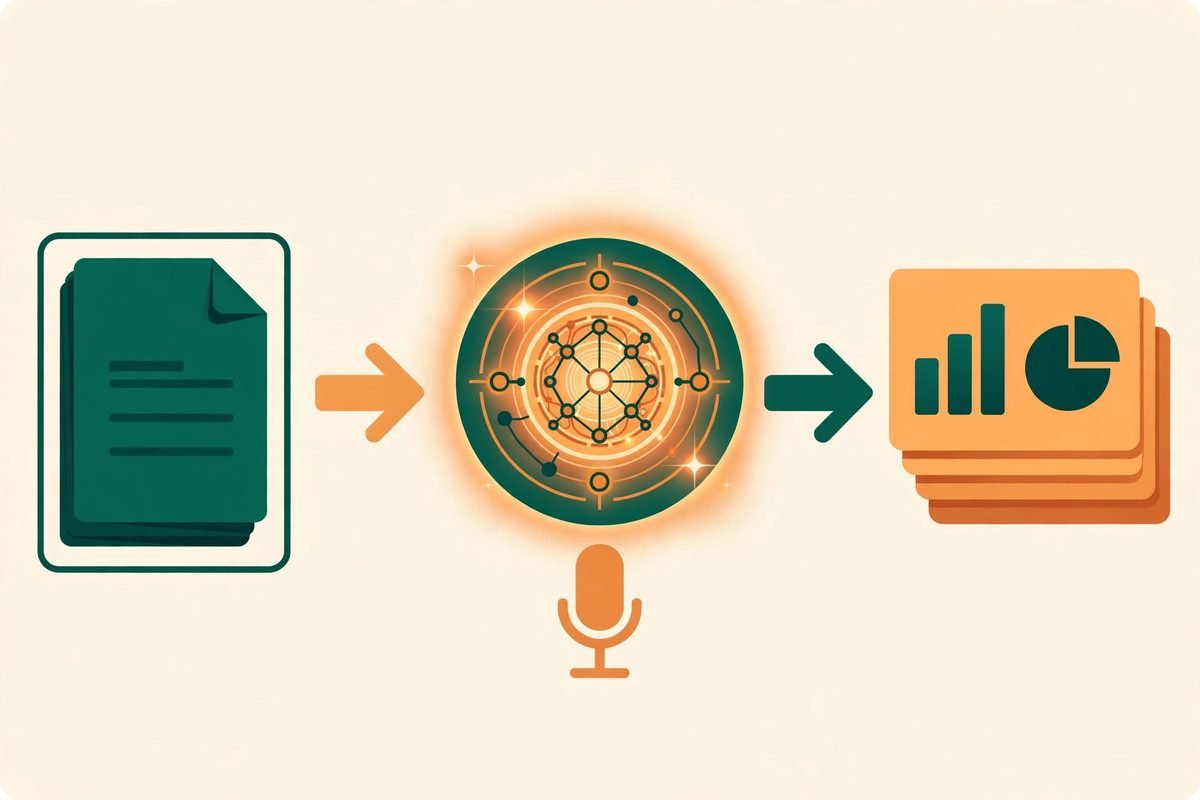
Inputs can be PDFs, DOCX files, web pages, or simply a topic. The agent reasons the argument into shape first, then designs: it identifies the key points, structures the narrative, and only then lays out slides. Example projects — a pixel-art Chinese breakfast atlas, a blueprint walkthrough of the Attention Is All You Need paper, and a China Telecom 2025 results deck on the company’s own template — are each a single pass with no manual polish, a fair way to judge raw output before you touch it.
One practical detail deserves emphasis: the model sets the ceiling. The author recommends Kimi K3 (or Claude) with a large context window of around one million tokens, paired with AI image generation. Other models can run the pipeline, with a quality gap. If results disappoint, the project’s own advice is to upgrade the model first, then check your usage against the getting-started guide and the example projects. That honesty is refreshing, and it is also a cost warning: a one-million-token context window is not free, even if the tool itself is.
Why it is trending now
PPT Master, created in December 2025, has grown to more than 71,000 stars and 5,500 forks, and it was still being updated on the day of writing. Three forces explain the timing. First, agent-capable coding tools are now mainstream, so a “skill that runs inside your agent” is no longer an exotic install — it is how a growing number of professionals already work. Second, teams are tired of AI output they cannot edit: a flattened slide image looks fine in a screenshot and fails the moment a manager asks to change one number. Third, the cost argument lands in budget season: paying per model call, with no per-seat slide subscription, is easy to justify for occasional deck production, especially when the output stays inside your own brand template.
There is also a quieter shift underneath. Presentation work couples several jobs — defining the audience, verifying evidence, shaping the argument, designing a visual system and building an editable document. Tools that compress only one layer hand the rework back at the next one; PPT Master’s bet is that connecting those layers is where the real saving lives.
From our experience: where it helps and where it will not
At MTD Technologies, we build custom software, websites and AI automation for clients, and decks are part of how that work gets sold and explained. Our view is that PPT Master fits teams that already live in an agent tool, produce decks regularly, and have a brand template worth reusing. It fits less well as a first AI tool for a non-technical team that just wants a signup and a download button; the Python install and agent setup are a real barrier there, and a hosted slide tool will serve that team faster.
Budget honestly for polish. The author is explicit: do not expect a finished, perfect deck in one shot. The tool takes most of the tedious work off your plate; the remaining polish is yours, and that is precisely why native editability matters. The cheaper the model, the more polish remains.
Watch the boundaries, which the project publishes frankly in its PowerPoint-to-SVG mapping guide. SmartArt is a deliberate omission, not an oversight: it is a closed, brittle object model, better rebuilt from ordinary native shapes. Native WordArt and warped text are out, as are embedded or legacy objects such as OLE, video and macros. Repository verification is at compiler, OMML and package level rather than complete Microsoft 365 UI certification, and cross-client rendering and editability are not promised. If your deck depends on SmartArt diagrams or embedded video, plan to rebuild those parts by hand or choose another route.
A responsible-use note on narration and voice cloning
PPT Master can turn speaker notes into audio narration, and its getting-started guide covers using a cloned voice. Only clone a voice with that person’s clear consent, only use it for material they have approved, and disclose synthetic narration where an audience would reasonably assume a human presenter. The same caution applies to source documents: a deck built from confidential material still sends that material to your chosen AI model unless you run a local model, so check your provider’s data policy first. Local execution of the pipeline is not the same as local inference.
Getting started in five steps
- Install Python 3.10–3.14 and confirm it is on your PATH.
- Clone the repository and install dependencies with
pip install -r requirements.txt. - Pick an agent host you already use — Claude Code is the author’s most-tested environment — and open it in your working folder.
- Start with a small, low-stakes deck from a single document, and open the .pptx in PowerPoint to check that shapes, charts and masters behave as native objects.
- Only then build a reusable template from your brand deck, and set a review rule: every generated deck gets a human pass for facts, numbers and claims before it leaves the team.
If you need help turning a tool like this into a repeatable internal workflow — brand templates, review gates, or integration with the systems your team already runs — our AI integration and automation services cover exactly that kind of build, and you can browse more tools like this one in our AI tools directory. For a scoped conversation about your deck or automation workflow, contact us and tell us what you produce today.
Frequently asked questions
Is PPT Master really free?
Yes, the project is MIT-licensed open source with no subscription. You pay only for the AI model usage behind each generation, plus any image or speech services you enable. For heavy deck production, model costs — especially with a large-context model — can exceed a cheap hosted subscription, so compare total cost, not sticker price.
Do I need to know how to code to use it?
No coding is required for day-to-day use: you install Python, install an agent tool, and talk to it in chat. But you do need to be comfortable installing software and following setup guides. A team with no one comfortable at that level will get value faster from a hosted slide tool.
What makes its slides different from other AI slide tools?
Depth of editability. Other tools often export editable-looking slides that are really images or shallow text boxes. PPT Master builds native PowerPoint objects — masters, layouts, shapes with adjustment handles, data-backed charts and tables, real animations — so you can keep editing in PowerPoint without rebuilding the deck.
Can it use my company’s existing PowerPoint template?
Yes, in two ways: it can fill an existing .pptx with new content while preserving its design, or it can distil a reusable brand, style, layout or deck template from a reference deck and generate fresh decks from it. Unchanged pages in the fill route are restored byte-for-byte.
What can it not do?
It deliberately omits SmartArt, native WordArt and warped text, and embedded legacy objects such as OLE, video and macros. It also will not deliver a perfect deck in one shot — expect a human polish pass — and its output quality depends heavily on the model driving it.
PPT Master earns its stars by solving the unglamorous problem other slide tools wave away: what happens after generation, when a real person needs to change a real slide. If your team makes decks often and cares about brand consistency, it is one of the strongest open source options available today. Try it on a small deck first, judge the .pptx in PowerPoint rather than in a screenshot, and let the editability make the decision.