
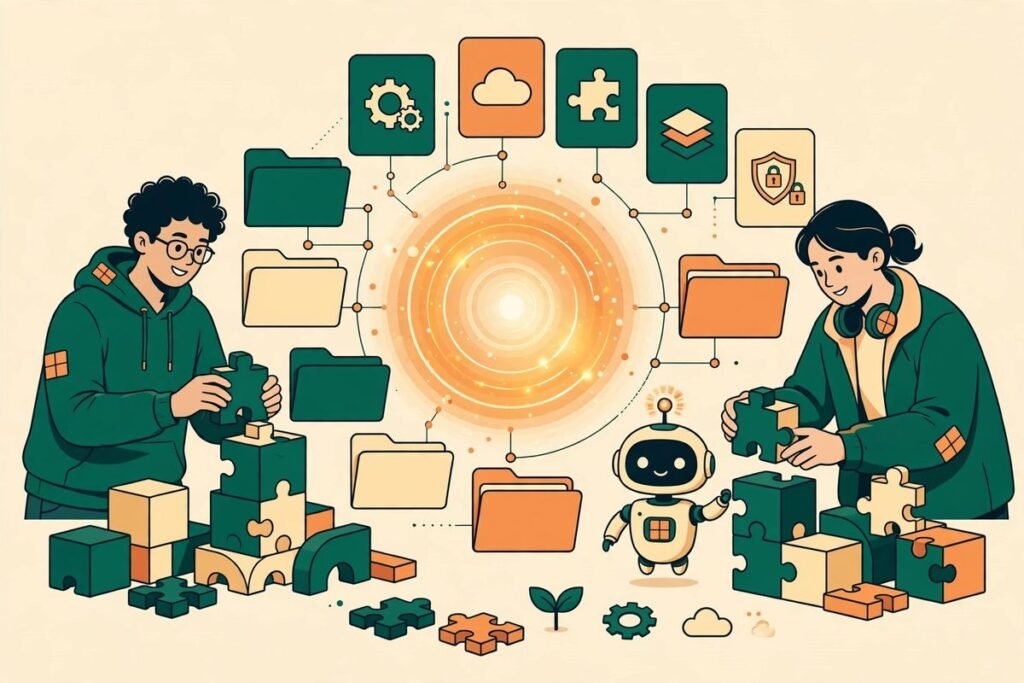
The Anthropic skills repository is the clearest public answer yet to a question every team using AI agents eventually asks: how do you stop an agent from improvising, and start it following a repeatable method instead? With more than 186,000 GitHub stars and over 22,000 forks, anthropics/skills is not a side project. It is Anthropic’s own collection of agent skills for Claude, and it is worth studying even if you never install a single one, because it shows how the company that builds the model expects agents to be taught.
This guide explains what the repository contains, how skills actually work, how to install the examples, and where teams should be careful. It is written for business owners, product managers and developers who want agent workflows they can trust, not for people chasing the next trending repository. By the end, you will know which skills are worth trying first, which are only demonstrations, and how to turn a good example into a safe internal standard.
What the Anthropic skills repository actually is
Anthropic describes skills as folders of instructions, scripts and resources that Claude loads dynamically to improve performance on specialised tasks. In plain terms, a skill is a small, written playbook. Instead of explaining the same process in every prompt, you give the agent a folder that tells it how to complete a specific task in a repeatable way. That folder centres on a file called SKILL.md, which contains a name, a description of when the skill should be used, and the instructions the agent should follow.
The repository is organised into three main areas. The skills folder holds example skills for creative and design work, development and technical tasks, enterprise and communication workflows, and document creation. A specification folder documents the Agent Skills standard itself, and a template folder gives teams a starting point for writing their own. The project also points readers to agentskills.io for the wider standard, which matters because skills are not meant to be a Claude-only trick. They are a format other tools can adopt.
One detail is easy to miss and important for buyers. Many skills in the repository are open source under Apache 2.0, but the document skills that power Claude’s document capabilities, including docx, pdf, pptx and xlsx, are source-available rather than open source. Anthropic shares them as a reference for complex, production-used skills. That distinction affects what you can reuse commercially, so check the licence on any individual skill before copying it into a client product.
What it can do: the skills inside
At the time of writing, the skills folder contains nineteen example skills. They are deliberately varied, because the point is to demonstrate patterns rather than to ship one product. A few groups stand out for business teams.
- Document skills: docx, pdf, pptx and xlsx show how an agent can create and edit real files with structure, formatting and repeatable steps, rather than returning a wall of text and leaving the formatting to a human.
- Design and front-end skills: frontend-design, canvas-design, theme-factory and algorithmic-art show how taste, brand rules and visual constraints can be written down as instructions instead of left to chance.
- Development skills: webapp-testing, mcp-builder, claude-api and web-artifacts-builder cover testing a web application, building an MCP server, working with the Claude API and building web artefacts.
- Enterprise and communication skills: brand-guidelines, internal-comms and doc-coauthoring show how company voice, approval habits and collaborative drafting can become agent instructions.
- Meta-skills: skill-creator teaches an agent how to help you write a new skill, which is the fastest route from copying examples to building your own library.
The remaining examples, including academy-guide and slack-gif-creator, are useful precisely because they are small: a short, well-scoped instruction set used often beats a long, vague prompt rewritten every time.
How it works: skills, not longer prompts
The core idea is dynamic loading. Claude does not need every skill in its context at all times. When a task matches a skill’s description, the relevant instructions are loaded. That keeps the working context smaller, reduces distraction, and makes behaviour more predictable. It is the difference between handing a new employee a 200-page manual on day one and giving them the exact checklist for the job in front of them.
A skill folder can contain more than prose. Scripts can automate a deterministic step, and resources can supply reference material, templates or examples. That combination is what makes skills stronger than a prompt alone. The prose explains the judgement, the script does the repeatable computation, and the resource shows what good output looks like. When a team writes a skill well, the agent stops guessing at file formats, naming rules or approval steps, because those decisions are already made.
For Claude Code users, Anthropic offers the repository as a plugin marketplace: add the marketplace, then install the document-skills or example-skills plugin and mention the skill when you need it. On Claude.ai, the example skills are already available on paid plans. Through the Claude API, teams can use pre-built skills and upload their own. Treat the repository README as the current source of truth for installation steps.
Why it is trending now
Skills are trending because agent failures have a pattern. Agents are often capable but inconsistent. The same agent can produce a polished report on Monday and a sloppy one on Tuesday, not because the model changed, but because the instructions changed, were forgotten, or were never written down. Teams that have felt that inconsistency immediately recognise the value of a shared, versioned playbook.
There is also a timing factor. As more work moves into agent workflows, the bottleneck shifts from model capability to operational discipline. Hiring, onboarding and quality control do not disappear when you add agents; they move into the instructions you give them. A public repository from the model maker, with production-used document skills included as reference, gives teams a credible starting point instead of a blank page. That is why the star count keeps climbing: people are bookmarking a method, not just a tool.
From our experience: where skills help, and where they do not
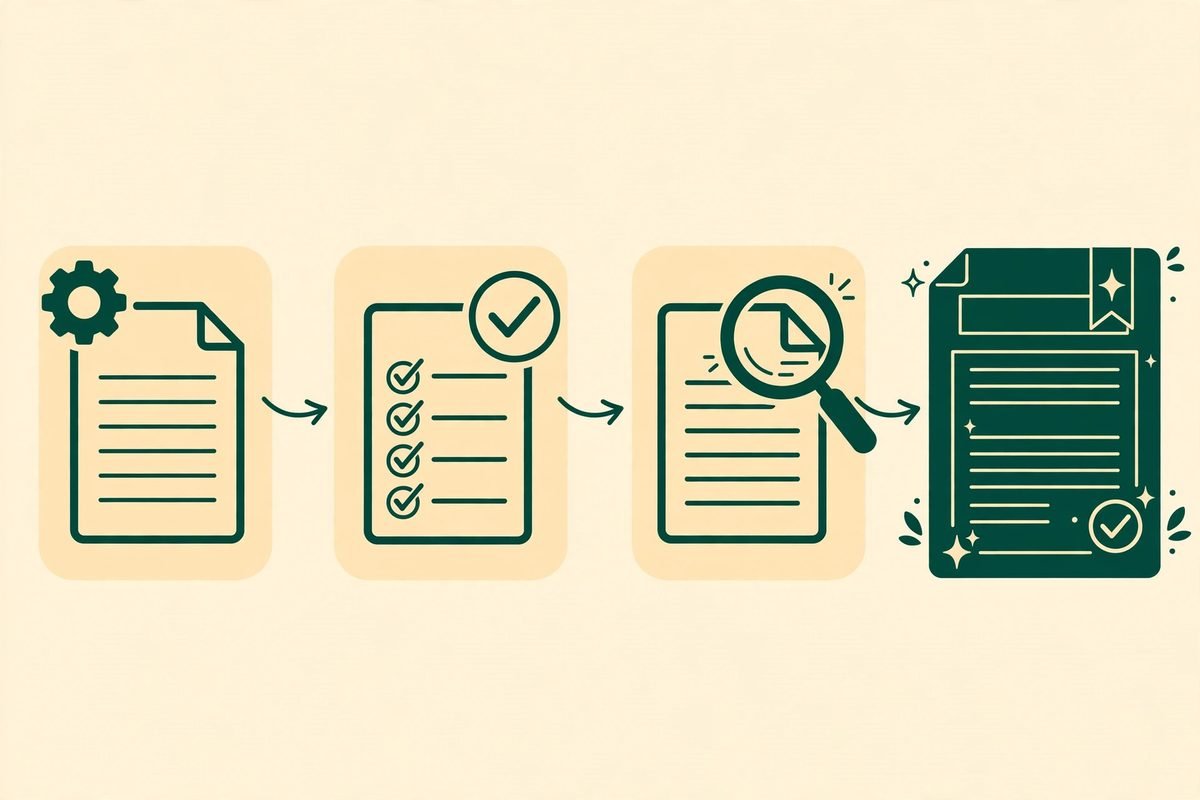
At MTD Technologies, we have built custom software, websites and AI automation for over nine years, and the lesson from that work applies directly here: the best automation is boring in a good way. It does the same correct thing every time, and it fails visibly when it cannot. Skills help most when the task has a clear definition of done. Document production, code review checklists, brand checks and test routines all fit. Open-ended creative exploration fits less well, because over-specifying it can flatten the result.
Three practical gotchas deserve attention. First, a skill is only as good as its trigger description. If the description is vague, the agent will load it at the wrong time or miss it entirely. Write the description as if a new team member is deciding whether this playbook applies. Second, do not copy a demonstration skill into production without testing it. Anthropic says this plainly in the repository disclaimer: these skills are provided for demonstration and educational purposes, and the behaviour you receive from Claude may differ from what is shown. Test on real inputs, with real edge cases, before relying on a skill for client work. Third, keep skills small. A skill that tries to cover every situation becomes another long prompt. Split it when it grows, and let each skill own one job.
Cost is worth stating honestly. Writing a good skill takes longer than writing a prompt, because you must decide edge cases in advance. The return comes on repeated use, when the team stops re-explaining the same process. A one-off task is cheaper as a prompt; a weekly task is cheaper as a skill.

Responsible use: review skills like code
Because a skill can include scripts and resources, it should be reviewed like any other code that enters your workflow. Read the instructions, check what scripts do, and confirm what data they touch before installing a third-party skill. A skill that looks helpful but quietly changes file handling, sends data somewhere unexpected, or skips a human check is a supply-chain risk, not a productivity win. Keep a short review checklist: who wrote it, what it changes, what it accesses, and who approves the output.
Human review still matters at the end of the chain. A skill can standardise a draft, but it cannot decide whether it should be sent to a client. For sensitive content, that means a named reviewer, a visible diff, and a record of approval. Skills make that easier, but they do not replace it.
Getting started: a safe first week
- Pick one repeatable task. Choose something your team does weekly, such as drafting a standard report, checking a document format, or running a test routine. Do not start with your most complex workflow.
- Try an example skill first. In Claude Code, add the marketplace with the documented command, install the document-skills or example-skills plugin, and use one skill on a non-critical task. Note where the output differs from your house standard.
- Write down your definition of done. Before editing anything, list what a correct result must contain, what it must never contain, and who reviews it. That list becomes the core of your own skill.
- Build a small custom skill from the template. Use the repository template as a starting point, keep the frontmatter name and description precise, and test the skill on five real examples, including one awkward case.
- Review, version and share it. Store the skill in version control, review changes like code changes, and share it with the whole team so everyone uses the same method. Retire skills that no longer match how you work.
If you need help turning an example skill into an internal standard, our team builds AI integration and automation for businesses, and we can review your agent workflows before they touch client work. You can also browse our AI Tools Directory for other agent tools we have tested, or contact us to discuss a specific workflow.
Frequently asked questions
What is an agent skill?
An agent skill is a folder of instructions, scripts and resources that an AI agent loads when a task matches it. It teaches the agent how to complete a specific task in a repeatable way, instead of relying on a fresh prompt each time.
Is the Anthropic skills repository free to use?
Many skills in the repository are open source under Apache 2.0, but the document skills are source-available rather than open source. Always check the licence on the individual skill you plan to reuse, especially in a commercial product.
How do I install skills from anthropics/skills?
In Claude Code, add the repository as a plugin marketplace, then install the document-skills or example-skills plugin. On Claude.ai, example skills are available on paid plans. Through the API, follow Anthropic’s Skills API guide. Check the README for the current steps.
Should a small business write its own skills?
Yes, but only for tasks you repeat. Start with one weekly task, define what a correct result looks like, and build a small skill around it. One-off tasks are usually cheaper as prompts, while repeated tasks repay the effort quickly.
Are skills safe to install from third parties?
Only after review. A skill can contain scripts, so read its instructions, check what it accesses, and keep a human approval step for important output. Treat third-party skills with the same care as any other code you add to a workflow.
The Anthropic skills repository matters less as a list of downloads and more as a working example of a discipline: write the method down, test it, version it, and let the agent follow it. Teams that do that will get more consistent results from the agents they already have, without buying a new tool for every task. Start with one skill, test it on real work, and build your library from what survives contact with reality. If you want help setting that up, talk to MTD Technologies about your agent workflows.