
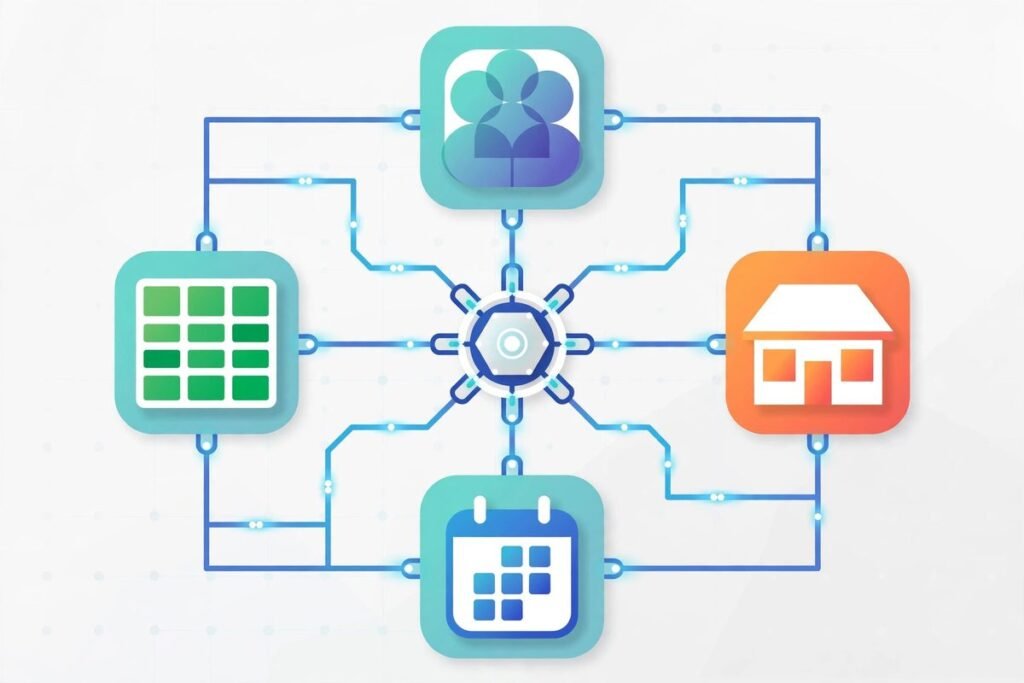
Most small businesses run on five, ten, sometimes fifteen different tools: a website, a CRM, an invoicing app, an email tool, a booking system, a spreadsheet or two that nobody admits to. Every tool works fine on its own. The problem is that none of them talk to each other — so your team becomes the courier, copying customer details from a form into the CRM, then into the invoice app, then into a newsletter list. That manual relay is slow, error-prone, and it gets more expensive the bigger you grow. API integration for small business is simply the practice of connecting those tools so data moves automatically, and in our experience it’s one of the highest-ROI projects a growing company can commission.
What “integration” actually means in practice
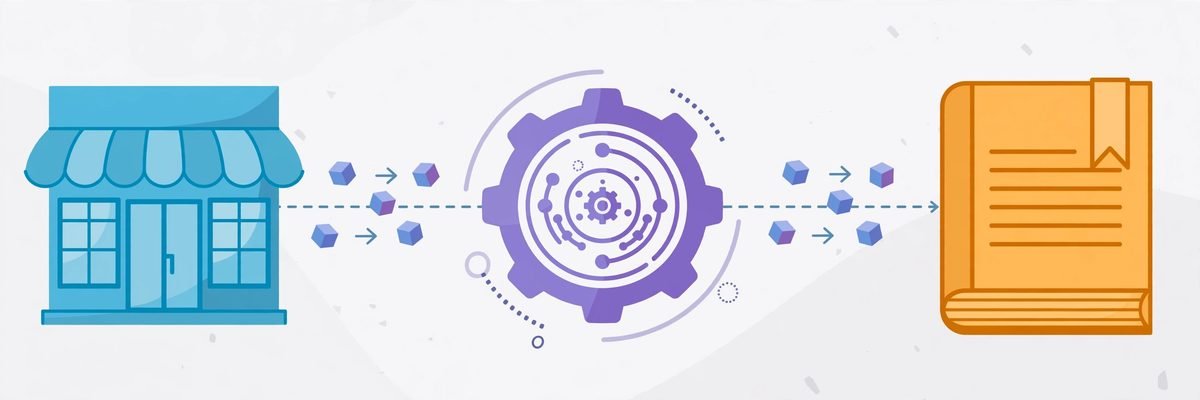
Strip away the jargon and an integration is just two systems agreeing on how to exchange information. An API (application programming interface) is the set of rules one tool publishes so other software can read from it and write to it — like a menu a kitchen gives to waiters. When your website’s contact form and your CRM share an API integration, a new enquiry appears in the CRM the moment it’s submitted. No copying, no “I forgot to forward it,” no Friday-afternoon data entry backlog.
This is different from a plugin or an add-on. Plugins usually solve one ready-made problem inside one platform. An integration solves the problem between platforms — the glue work that off-the-shelf products rarely cover, because every business combines tools in a slightly different way.
API integration for small business: where it actually pays off
The integrations that earn their cost fastest are the ones that sit on repetitive, high-volume handoffs. These are the patterns we build most often:
- Website forms to CRM. Every enquiry, quote request, or demo booking lands in the CRM with source tagging, instant assignment, and an automated first-response email. Response time drops from hours to minutes — and for most businesses, first response time is the single biggest lever on conversion.
- Shop to accounting. WooCommerce or Shopify orders sync to the accounting system as invoices or sales receipts, with tax codes and line items mapped correctly. Month-end stops being a reconciliation marathon.
- Booking to calendar and reminders. A booking platform writes to staff calendars, triggers confirmation texts, and fires reminders 24 hours ahead. No-show rates routinely fall when reminders stop depending on a human remembering to send them.
- Support and operations. Support tickets create follow-up tasks, low stock alerts trigger reorder drafts, and time tracking feeds project dashboards without anyone exporting a CSV.
Notice what’s missing from this list: anything exotic. The best integrations are boring. They eliminate the twenty minutes of copy-paste your team does ten times a day — and twenty minutes times ten times a day times five people is not a rounding error, it’s a salary.
Buy, build, or bridge: three honest options
Not every connection needs a developer, and anyone telling you otherwise is selling something. Here’s how we advise clients to think about it.
1. No-code connectors (Zapier, Make, n8n)
If the task volume is modest and both tools offer clean APIs or native connectors, a no-code platform is genuinely the right answer. We’ve set up plenty of these ourselves — our n8n workflow automation work covers exactly this layer. The honest ceiling: per-task pricing gets expensive at volume, error handling is basic, and complex multi-step logic becomes brittle. Fine for a few thousand operations a month; risky as core infrastructure.
2. Custom middleware
When volume is high, the logic is conditional, or the business depends on the connection working at 2 a.m. without anyone watching, a small custom service between the two tools is the professional answer. It holds the retry logic, the data transformations, the logging, and the alerting. This is the largest share of our custom API integration work: a modest backend service, often just a few hundred lines of code, that quietly moves thousands of records a day.
3. Native or bespoke builds
Sometimes the right move is a purpose-built plugin or module inside one of the systems — particularly in WordPress/WooCommerce, where a small custom plugin can hook deep into order flows that an external connector can’t reach. More work up front, less friction forever after.
The rule of thumb we give every client: buy the connector if it’s a side process, build the integration if it’s a core process. If the connection breaking for a day would cost you real money or real customers, it deserves engineering, not a workaround.

The mistakes we see most often
After years of building and rescuing integrations, the failure modes are remarkably consistent:
- No one checked the API documentation first. Some tools’ APIs are excellent; some are read-only, rate-limited, or practically undocumented. The feasibility check takes an hour and saves weeks. Never commit to an integration before someone has read the docs.
- Credentials in spreadsheets. API keys are passwords. They belong in a secret manager or environment variables, with rotation plans — not in a shared Google Sheet named “DO NOT DELETE FINAL v2”.
- Polling instead of webhooks. Polling an API every five minutes “just to check” burns rate limits and adds latency. Webhooks — where the source system pushes events to you the moment they happen — are cheaper, faster, and kinder to everyone involved. Always ask for webhooks first.
- Silent failures. An integration that fails quietly is worse than no integration, because your team trusts data that stopped flowing two weeks ago. Every integration we ship logs every run and alerts a human on failure. This is non-negotiable.
- One-way when it should be two-way. Syncing orders to the accounting system is easy; keeping the refund status in sync back the other way is where most DIY integrations fall apart. Map the full data lifecycle before you build.
Frequently asked questions
How much does API integration cost for a small business?
A simple two-tool connection built on a no-code platform can be set up in a day or two. Custom middleware between systems typically runs from a few hundred to a few thousand dollars depending on complexity, data volumes, and error-handling requirements. The right way to judge the price is against the manual hours it replaces — most of our clients break even within months.
Is API integration secure?
Done properly, yes — APIs use encrypted connections and scoped access tokens, which is far safer than emailing spreadsheets or sharing logins. The risks come from sloppy practice: over-permissioned keys, unencrypted traffic, and keys stored in the wrong places. A professional build handles all three by default.
What if one of my tools doesn’t have an API?
You still have options: scheduled CSV imports/exports can be automated reliably, some systems expose database-level access, and occasionally the honest answer is that the tool is the wrong fit and should be replaced with one that does expose an API. A developer can assess this in a short discovery call — don’t buy new software before asking.
Will I be locked in to the developer who builds it?
You shouldn’t be. A well-built integration is documented: what it connects, where the credentials live, how to monitor it, and how to hand it over. If a proposal can’t describe the handover, that’s a red flag. We document every integration as if someone else will maintain it — because someday someone will.
The tools your business runs on don’t need to be replaced — they need to be connected. If your team is still acting as the human API between systems, that copy-paste relay is costing you more than an integration ever will. Start with the handoff that hurts most, automate it well, and work outward from there. If you’d like a practical read on which connections would pay off first, talk to us — we’ve wired together most of the tool stacks businesses actually run on, and we’ll tell you honestly when a free connector is all you need.