
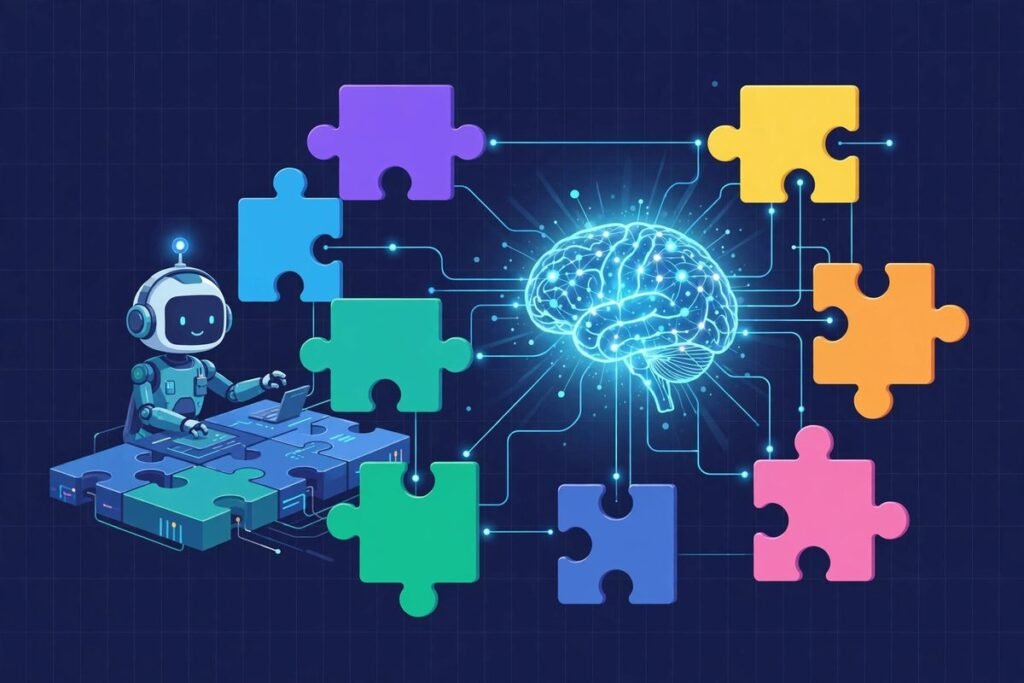
Claude Code plugins are the fastest way to stop treating your AI coding assistant like a clever autocomplete and start treating it like a team. The official Anthropic directory — anthropics/claude-plugins-official — is a curated marketplace of installable capability bundles: automated code reviewers, a guided feature-development workflow, security scanners, language servers for twelve programming languages, and integrations with the tools your team already lives in, from GitHub and Linear to Asana and Telegram. At the time of writing it carries more than 39,000 GitHub stars and 4,300 forks, which tells you something about how quickly the industry has decided that packaged agent skills — not longer prompts — are the real unlock of AI-assisted development.
This guide is a practical walkthrough for engineering leads, technical founders, and the developers they hire: what Claude Code plugins actually are, what’s inside the official directory, how the plugin system works under the hood, which plugins are worth installing on day one, and the gotchas we’ve run into using them in real work across our AI integration and automation practice. By the end you’ll be able to install, evaluate, and manage Claude Code plugins with confidence — and you’ll know which ones to leave alone.
What Are Claude Code Plugins, Exactly?
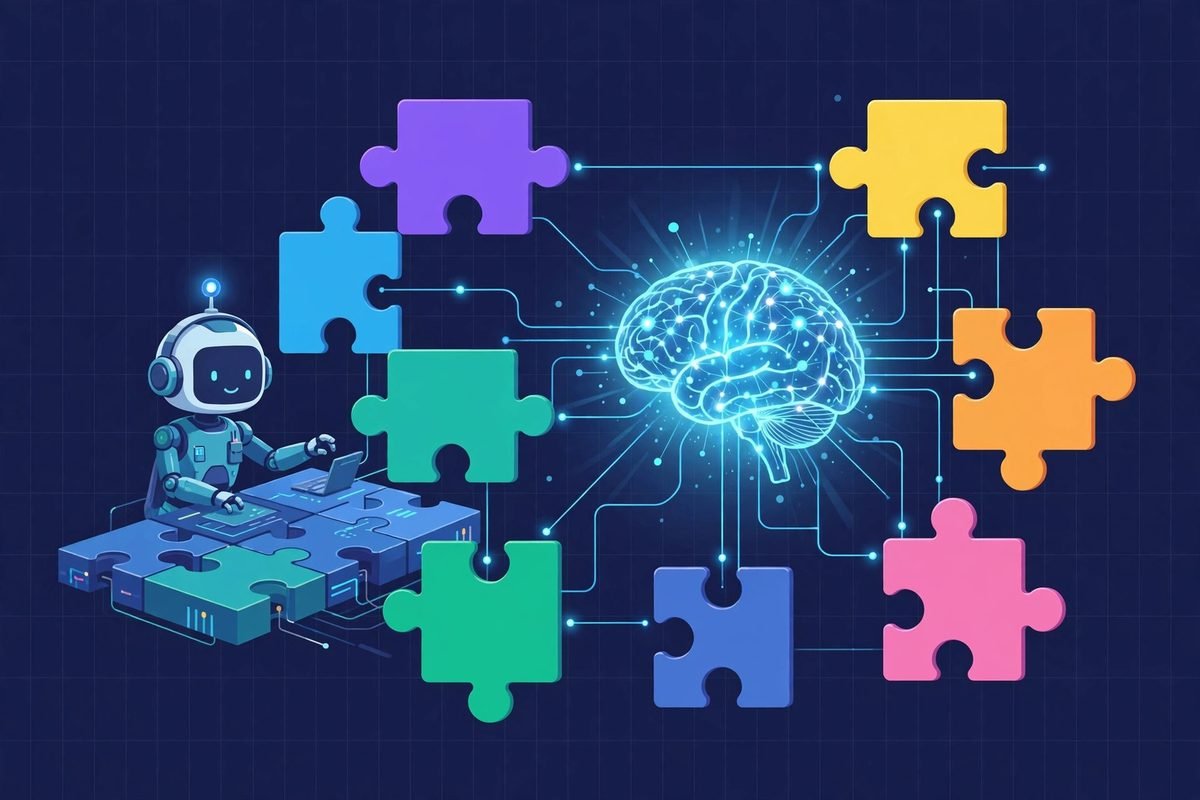
A Claude Code plugin is a packaged bundle of capabilities that teaches the agent a new trick. Each plugin can contain slash commands, specialised subagents, SKILL.md knowledge files, hooks, and even MCP (Model Context Protocol) server configurations — all versioned together in one folder with a manifest. Instead of pasting the same carefully crafted instructions into every session, you install the plugin once and invoke it by name.
The mental model that helps most: a prompt is a sticky note, a plugin is a colleague. When you run /code-review, you are not asking Claude to “be careful” — you are delegating to a structured workflow that launches four specialised review agents, scores every finding for confidence, and only surfaces issues that clear a quality bar. The workflow is the product, and the directory is where Anthropic curates the good ones.
Installation reflects the marketplace model. Plugins are namespaced to their source, so you install with a single command:
/plugin install code-review@claude-plugins-official
Or browse visually with /plugin and choose Discover. The @claude-plugins-official suffix is what separates this directory from community marketplaces — it means the entry point has passed Anthropic’s curation, even though (importantly) Anthropic does not vouch for everything a plugin pulls in at runtime. We’ll come back to that.
What’s Inside the Official Claude Code Plugins Directory
The repository is split into two sections. /plugins holds internal plugins developed and maintained by Anthropic’s own team members. /external_plugins holds third-party submissions from partners and the community, which must meet quality and security standards for approval — and can be submitted through a public form. At the last count there are around forty internal plugins and fourteen external ones, all under an Apache-2.0 licence. Here’s what matters, organised by job to be done rather than alphabetically.
Development workflow plugins
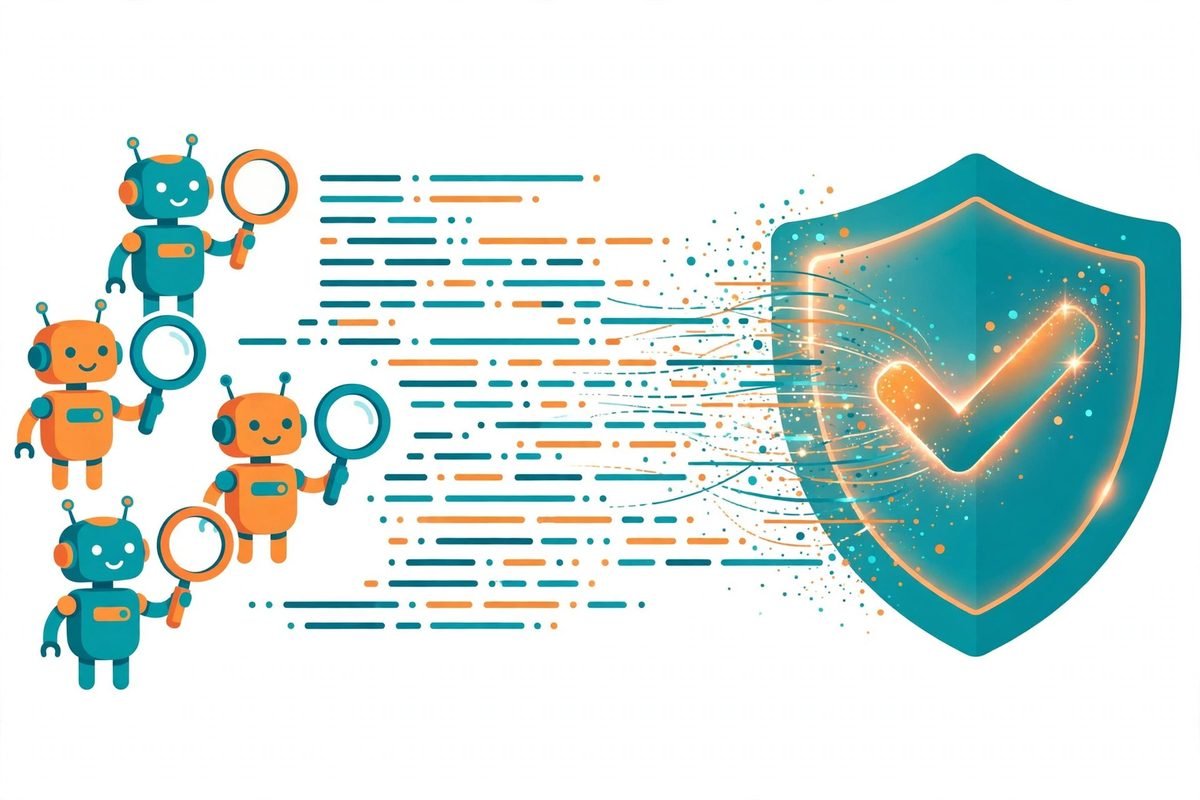
- code-review — Automated pull-request review. Four agents independently audit the changes: two check compliance against the repo’s CLAUDE.md guidelines, one hunts for bugs, and one mines git history for context. Every finding is scored 0–100 for confidence, and only issues at or above 80 are posted. It also knows when to stay quiet — closed, draft, trivial, and already-reviewed PRs are skipped automatically.
- pr-review-toolkit — Six specialist review agents you can deploy individually or together: comment accuracy, test-coverage quality, and silent-failure hunting among them. Think of code-review as the generalist and this as the team of consultants you call for a second opinion on a risky merge.
- feature-dev — A seven-phase guided workflow for building features: discovery and requirements clarification first, codebase exploration second, architecture design third, then implementation and quality review. The philosophy is explicit — understand before you change — and it’s the plugin we’d install first for any team where AI-written code is starting to feel bolted-on rather than designed-in.
- commit-commands, code-simplifier, and code-modernisation — Small, sharp tools for the unglamorous ends of the lifecycle: writing commit messages that actually describe the change, trimming code that has accreted complexity, and carrying legacy patterns forward.
- ralph-loop — A control loop for long-running autonomous tasks, useful when a job genuinely needs dozens of iterations rather than one heroic prompt.
Design and security
- frontend-design — Generates production-grade interfaces with an explicit mandate to avoid generic “AI-looking” aesthetics: bold typographic choices, distinctive palettes, considered animation. If every page your AI tools produce looks like the same grey dashboard, this plugin is the fix. It pairs with Anthropic’s public frontend aesthetics cookbook.
- security-guidance and claude-security — Advisory plugins that keep security considerations in the loop during development rather than as a gate at the end.
The language-server stack
This is the sleeper hit of the directory: twelve ready-made LSP (Language Server Protocol) plugins — typescript-lsp, pyright-lsp, rust-analyzer-lsp, gopls-lsp, clangd-lsp, csharp-lsp, jdtls-lsp, kotlin-lsp, swift-lsp, ruby-lsp, lua-lsp, and php-lsp. An agent with a real language server behind it gets compiler-grade context — definitions, references, type errors — instead of guessing at APIs from pattern memory. In our experience, wiring a language server into the agent’s context cuts the most embarrassing class of AI bug: confident calls to functions that don’t exist. If your stack is TypeScript, Python, or PHP, install the matching LSP plugin before anything else.
Building and extending the system
- plugin-dev and skill-creator — The meta-layer: tools for building your own plugins and skills with the right structure. Organisations that standardise on Claude Code will live here, turning tribal knowledge into installable packages.
- mcp-server-dev — Scaffolding for building MCP servers, the connective tissue between the agent and external systems.
- hookify, session-report, claude-md-management, claude-code-setup — Lifecycle tooling: hooks that fire on agent events, session summaries, and management of the CLAUDE.md instruction files that steer behaviour.
- agent-sdk-dev, mcp-tunnels, project-artifact, receipts — Power-user infrastructure for teams building products on top of the agent SDK.
External plugins: the vetted third-party shelf
The external shelf is where the directory starts to look like a real marketplace. Standouts include asana and linear (project management inside the agent), github and gitlab (repository operations beyond code), context7 (up-to-date library documentation injected into context), laravel-boost (a Laravel-specific accelerator — particularly relevant if, like many of our clients, your backend is Laravel), playwright (real browser automation for testing what the agent built), serena (semantic code understanding), firebase and terraform (infrastructure), and telegram, discord, and imessage (notifications and conversational control). External plugins must pass Anthropic’s quality and security bar, but the bar is a checkpoint, not a guarantee — which leads directly to the next section.
How Claude Code Plugins Work Under the Hood
Every plugin follows a standard structure, which is part of why the ecosystem scales:
.claude-plugin/plugin.json (metadata, required) · .mcp.json (MCP server config, optional) · commands/ (slash commands) · agents/ (subagent definitions) · skills/ (SKILL.md knowledge files) · README.md (documentation).
Two design decisions deserve attention. First, skill-bundle plugins: if a repository ships SKILL.md files but no plugin manifest, the marketplace entry can declare the skills directly with strict: false and an explicit skills array. That means a team’s existing knowledge library can become an installable plugin without restructuring anything — the lowest-friction path for organisations to distribute internal know-how. Second, plugin names are immutable. Once published, a plugin’s name slug can never change, because users have it installed under that slug; the directory keeps a renames map in the marketplace manifest so unavoidable renames auto-migrate on the next sync. It’s a small detail that signals this is being run like production infrastructure, not a demo folder.

Why the Claude Code Plugins Directory Is Trending
The timing is not accidental. The industry has spent two years learning that raw model capability is rarely the bottleneck — packaged, repeatable workflows are. The same realisation is driving the agent-skills movement across the ecosystem: methodology beats prompting. An official, Anthropic-maintained directory solves the discovery problem that was fragmenting that movement into scattered gists and forum posts.
It does not, however, solve the trust problem — and Anthropic is unusually direct about it. The README warns: “Make sure you trust a plugin before installing, updating, or using it. Anthropic does not control what MCP servers, files, or other software are included in plugins and cannot verify that they will work as intended or that they won’t change.” A plugin can bundle an MCP server that executes code on your machine. On a laptop, that’s a risk; on a workstation with production credentials, it’s a policy question. The directory curates the entry point, not the blast radius. Treat external plugins the way you’d treat any third-party dependency: read the README, check what .mcp.json actually launches, and pin versions in serious environments.
From Our Experience: The Plugins We Actually Recommend
We’ve wired Claude Code into real custom software development workflows across client projects for the better part of two years. Here’s the honest shortlist from the directory, and the caveats that come with each.
code-review is the best second reviewer we’ve found. It is not a replacement for a human reviewer — it misses domain context no agent can infer — but the confidence-scored, multi-agent approach genuinely filters the noise that makes most AI review unusable. The 80-point threshold is well chosen; lower it and you drown in style nits, raise it and you get silence. We run it on branches before human review, not instead of it.
feature-dev earns its place on mixed-skill teams. The seven-phase workflow forces the thing junior developers (and hurried seniors) skip: understanding the codebase and clarifying the requirement before writing code. In teams where AI-generated code was starting to feel bolted on, this plugin restored the design step. The trade-off is speed — it is deliberately slower than one-shot generation, and for genuinely trivial changes you should skip straight to the work.
frontend-design fixes the “same grey dashboard” problem. The difference between AI-generated UI that looks like every other AI-generated UI and UI that looks designed is almost entirely about typographic courage and palette discipline — exactly what this plugin encodes. It’s the one we’d install for any client-facing build.
Install the LSP for the languages you ship, and skip the rest. Twelve language servers look impressive in a directory listing, but each installed plugin is context the agent carries and tokens you pay for. Plugin sprawl is the new dependency bloat: audit quarterly, keep what’s used, remove what isn’t. The same discipline applies to external plugins — install linear or asana because your team tracks work there, not because the shelf is interesting.
When not to lean on plugins at all: if your team hasn’t written down its coding standards yet, install claude-md-management and write the standards first — a plugin can’t enforce guidelines that don’t exist. And if you’re evaluating AI tooling for a regulated environment, start the conversation with the security plugins and the trust question above, not with the shiny integrations. For a broader map of what’s worth your attention in AI tooling, our AI Tools Directory tracks the landscape as it moves.
Getting Started: Install Your First Claude Code Plugin
- Update Claude Code to a recent version — the plugin marketplace is a 2025-era feature, so older installs won’t show it.
- Open the plugin browser by running
/pluginin any session, then choose Discover to see the directory. - Install one plugin, not ten. Start with
/plugin install code-review@claude-plugins-official— it’s the easiest win to evaluate. - Read the plugin’s README in the repo before installing on a work machine. Check the
.mcp.jsonif one exists: know what servers it launches. - Try the core command on a real branch —
/code-reviewon your next pull request — and compare its findings against your human review. - Audit quarterly. Run
/plugin, list what’s installed, and remove anything the team hasn’t invoked in a month. Plugins are cheap to reinstall and expensive to carry.
Frequently Asked Questions
Are Claude Code plugins free to use?
The directory itself is open source under Apache-2.0, and installing a plugin costs nothing. The compute is not free, though — plugin workflows launch multiple agents and consume API tokens, so a thorough code-review run costs more than a quick chat. Budget per developer per month, not per plugin.
Are external plugins safe to install?
Safer than random community marketplaces, less safe than Anthropic’s internal plugins. External entries pass a quality and security review, but Anthropic explicitly does not control or verify everything a plugin includes at runtime — particularly MCP servers. Read the README, inspect the plugin’s manifest, and avoid installing on machines with production access until you’ve done so.
What’s the difference between a plugin and a skill?
A skill is a single SKILL.md knowledge file — one capability. A plugin is the package around it: commands, subagents, skills, hooks, and MCP configs versioned together under one installable name. The directory even supports skill-bundle plugins, which publish an existing skills library as a plugin without restructuring.
Will installing many plugins slow Claude Code down?
Yes, in two ways: every installed plugin adds context the agent loads, and agent-heavy plugins consume more tokens per task. The practical rule is to install for the work you actually do — your languages, your project tools, your review flow — and audit the list quarterly.
Can I build private plugins for my own team?
Absolutely — that’s where the real leverage is. The directory ships plugin-dev and skill-creator as reference tooling, and the skill-bundle format means an existing internal knowledge library can become an installable plugin with minimal restructuring. Teams that package their coding standards, review checklists, and deployment runbooks as private plugins get consistent agent behaviour across every developer.
Claude Code plugins are where AI-assisted development grows up: from clever prompts to versioned, reviewable, installable workflows. The official directory is the safest place to start exploring that shift — just bring the same dependency discipline you’d bring to any package manager. If your team is figuring out how to put agent workflows into production rather than demos, that’s exactly what we do: talk to us about an AI integration engagement, and we’ll help you build the internal plugin library your developers will actually use.