

Claude Code workflow skills sound like a small thing until you see what one repo has done with them. mattpocock/skills, an open-source collection of agent skills published by TypeScript educator Matt Pocock, has passed 294,000 GitHub stars — and it is not a framework, a model, or a product. It is a set of plain Markdown files that teach coding agents to work the way senior engineers do: interview before building, write the spec, slice the work into small tickets, test first, and get everything reviewed. If you use Claude Code, Codex, GitHub Copilot, or Gemini CLI and you are tired of re-explaining your workflow to the agent every single session, this is the repo to understand. This post breaks down what is inside mattpocock/skills, how to install it, why it is trending, and — from our experience shipping agent-assisted code — which of its habits actually move the needle.

What the Claude Code workflow skills in mattpocock/skills actually are
The pitch is blunt: “Skills for Real Engineers. Straight from my .agents directory.” These are the agent skills Matt Pocock uses every day — not vibe-coding toys, but small, composable workflows built to fix the four failure modes he keeps seeing in Claude Code, Codex, and other coding agents. The repo’s philosophy matters as much as its content: approaches like GSD, BMAD, and Spec-Kit try to help by owning the whole process, but in doing so they take away your control and make bugs in the process hard to resolve. These skills do the opposite. They are small, easy to adapt, and composable. You hack around with them and make them your own. That stance — discipline as reusable habits, not as a platform — is a big part of why developers have starred it in such numbers.
Technically, an “agent skill” here is a Markdown file (SKILL.md) that an agent can invoke, or reach for automatically when the task fits. The repo ships around forty of them across two folders: engineering, for code work, and productivity, for general workflow. Critically, it distinguishes user-invoked skills (you type the slash command, like /grill-me) from model-invoked skills (the agent reaches for them on its own, like tdd or code-review). A user-invoked skill may invoke model-invoked skills, but never another user-invoked one — a clean rule that keeps the automation from cascading in weird ways.
What it can do: the skill inventory
The engineering folder covers the full arc of building software with an agent. Here are the skills that matter most:
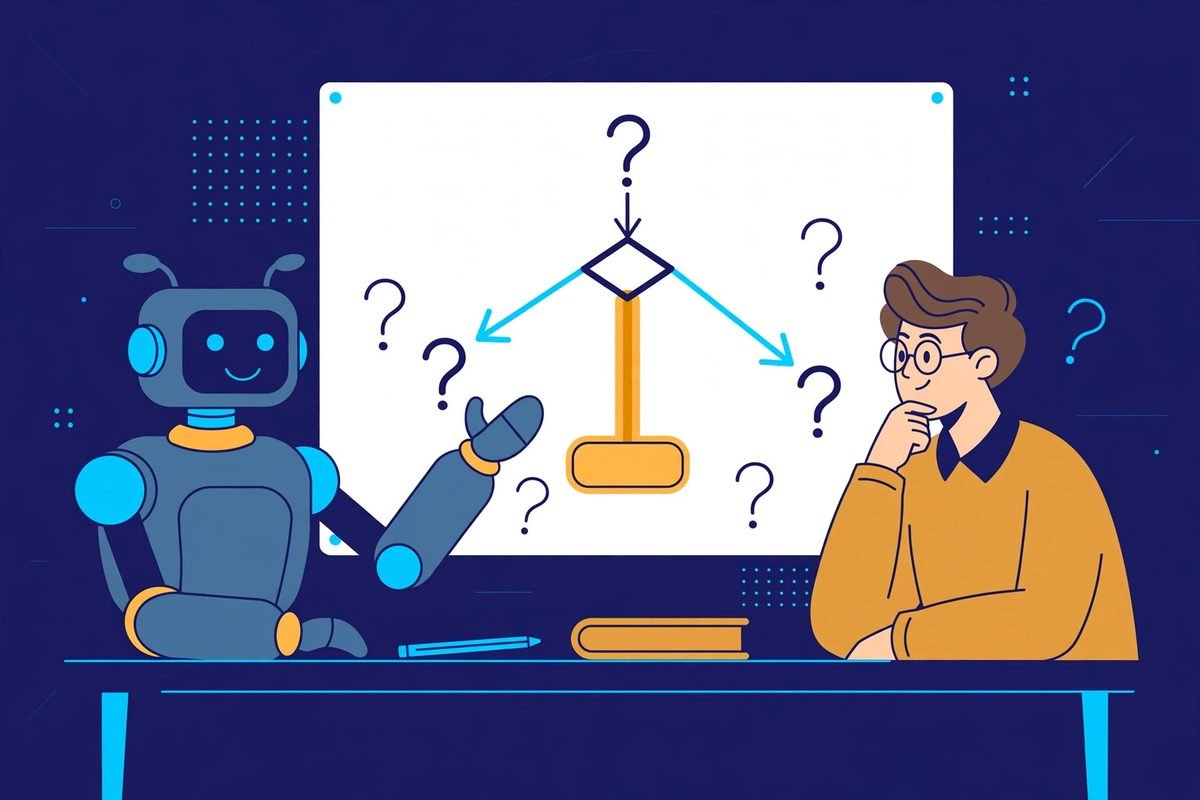
- /grill-me and /grill-with-docs — the interview skills. Before any code is written, the agent interrogates you about what you are building: edge cases, trade-offs, scope. The docs variant also builds a shared domain model and updates GLOSSARY.md and decision records (ADRs) inline.
- /tdd — red-green-refactor on rails. The agent writes a failing test first, then fixes the test, building features one vertical slice at a time.
- /diagnosing-bugs — a disciplined loop for hard bugs: build a feedback loop that goes red on the bug, minimise, hypothesise, instrument, fix, then regression-test.
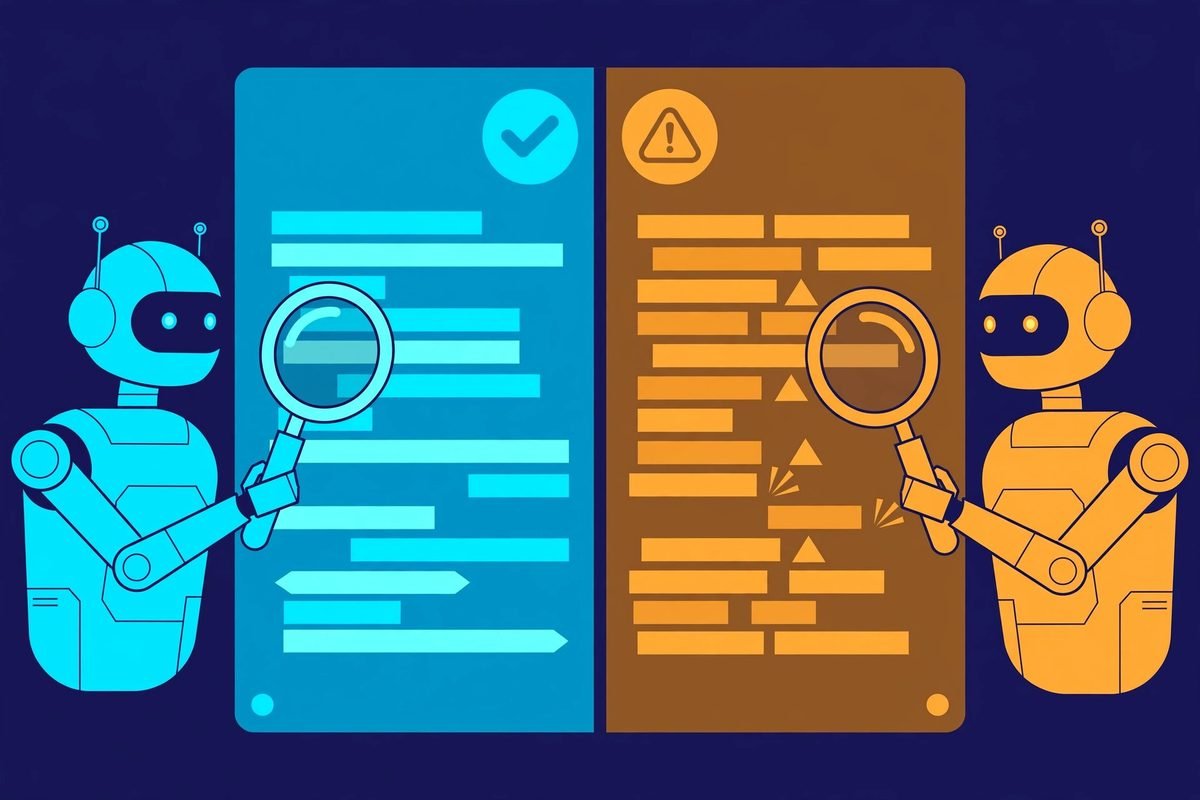
- /code-review — a two-axis review of the diff: standards (coding standards plus a Fowler smell baseline) and spec (does it faithfully implement the originating issue?), run as parallel sub-agents so neither pollutes the other.
- /to-spec, /to-tickets, /implement, /implement-spec — the delivery pipeline. Turn a conversation into a spec, break it into tracer-bullet tickets with declared blocking edges, then implement them — /implement-spec even runs implementer subagents across the ready frontier for maximum concurrency.
- /wayfinder — plans a huge chunk of work, more than one agent session can hold, as a shared map of decision tickets on the issue tracker.
- /retro — after a session, suggests improvements to the coding agent’s environment: navigation, checks, standards, steering files.
- /wizard — generates an interactive bash wizard that walks a human through steps only they can perform: provisioning infrastructure, setting up secrets, walking an unfamiliar dashboard.
- /research — investigates a question against high-trust primary sources and captures findings as a cited Markdown file in the repo.
The productivity folder is not code-specific: /handoff compacts a conversation so another agent can continue it, /to-questionnaire turns a decision into a Markdown questionnaire for the one person who can answer it, /wait-what re-pitches a message that did not land, and /teach runs a stateful teaching workspace across sessions. The standout for teams is /grilling — the reusable interview primitive behind /grill-me, /triage, /wayfinder, and several others.
How it works: the 30-second setup
Installation is deliberately fast, with one path per agent. Pick one per agent — the README warns that installing both the self-updating plugin and the editable file copies gives you every skill twice.
- Claude Code:
claude plugin install mattpocock-skills@claude-plugins-official— updates itself by default. - Codex:
codex plugin marketplace add mattpocock/skillsthencodex plugin add mattpocock-skills@mattpocock. - GitHub Copilot (CLI and VS Code): add the marketplace source, then install the plugin; in VS Code, run Chat: Install Plugin From Source with the repo URL.
- Gemini CLI:
gemini skills install https://github.com/mattpocock/skills.git --path skills/engineering(and productivity), re-run to update. - Any other agent:
npx skills@latest add mattpocock/skills -a <agent>— cursor, opencode, windsurf, and others — which copies editable files into your project.
Then run /setup-matt-pocock-skills once per repo. It asks which issue tracker you use (GitHub, GitLab, local files, anything you describe), what labels you apply when triaging, and where you want docs saved. After that, you just use the slash commands — and the model-invoked skills fire on their own when the task fits.
Why it is trending: 294,000 stars and counting
The numbers are startling. At the time of writing, mattpocock/skills sits at roughly 294,000 stars and 24,600 forks, with commits landing within the last day — recent coverage notes it has more stars than React itself. The skills.sh distribution data is just as striking: an October 2026 analysis found Pocock’s /prototype skill alone at over 933,000 installs versus ~146,000 for the nearest same-named alternative, and /grill-me at roughly 1.3 million installs. A dev.to walkthrough and a steady stream of YouTube deep-dives have kept the repo in front of developers for months.
But the deeper reason is timing. Coding agents have crossed from novelty into production work, and the open question is no longer whether an agent can write code — it is how you direct it and check it. A skill you install once, rather than a fresh prompt you engineer every session, is an answer with obvious appeal. The repo’s timing also rides the industry-wide shift to skills as the unit of agent behaviour: small, readable, editable Markdown beats black-box system prompts for teams that need to audit and adapt what their agents do.
From our experience: which habits actually move the needle
We have spent years building production software for clients, and more recently a growing share of it with AI agents in the loop — including the AI integrations and workflow automation work we do at MTD Technologies. Reading this repo, three of its habits map exactly to what separates agent sessions that ship from sessions that burn tokens.
1. The grilling interview has the highest ROI. The single most expensive failure in agent-assisted development is misalignment: twenty minutes of agent work on the wrong interpretation of a feature. Making the agent interview you before it writes a line — with numbered questions and recommended answers, decisions staying with you — is the cheapest insurance in the repo. We now treat “agent, ask me questions first” as a standing rule in our own agent setups.
2. A shared glossary quietly saves more tokens than any “prompt optimisation”. Real projects accumulate jargon: every business has names for things that mean nothing to a fresh agent. The GLOSSARY.md pattern — one word, one meaning, updated inline — stops the agent from using twenty words where one will do, and it compounds session after session. It is also the least glamorous skill in the repo, which is precisely why most teams skip it and most teams should not.
3. Feedback loops are the whole game. An agent without tests is flying blind, and /tdd plus /diagnosing-bugs encode what good teams already know: static types, browser access, and automated tests are what make agent output trustworthy. If you install one thing from this repo, make it the discipline of red-green-refactor — it is the difference between code that looks right and code that is right.
The honest limitations. This is one engineer’s opinionated workflow, not a standard — adapt it, do not adopt it wholesale. Model-invoked skills fire automatically, so you should know what /code-review and /pr do before they start touching your pull requests. The per-repo setup is quick but real, and skills are no substitute for CI, type checks, and a human looking at the diff. They also do not fix the things that sink real projects: unclear requirements from stakeholders and nobody owning the decision. /grilling helps surface that, but it cannot resolve it for you.
Getting started in five steps
- Pick one install method per agent. Plugin route if you want self-updating skills, the npx copy route if you want to edit them. Never both — you will get every skill twice.
- Run /setup-matt-pocock-skills once per repo. Wire up your issue tracker, triage labels, and docs location. Two minutes, pays off forever.
- Start with /grill-me and /tdd on your next task. The interview plus the red-green loop is the 80/20 of the whole repo.
- Read one SKILL.md and adapt it. They are plain Markdown — a minute to read, and editing one to match how your team works is the intended workflow.
- End big sessions with /retro. Let the agent suggest improvements to its own environment: navigation, checks, standards, steering files.
Frequently asked questions
Do these skills work with models other than Claude?
Yes. The repo states the skills work with any model, and it ships install paths for Claude Code, Codex, GitHub Copilot, Gemini CLI, Cursor, OpenCode, Windsurf, and others via npx. The behaviour comes from the Markdown instructions, not from anything Claude-specific.
Is mattpocock/skills free for commercial use?
Yes. It is MIT licensed, so you can use, modify, and ship it in commercial work. The newsletter signup in the README is optional marketing, not a requirement.
Will all these skills make my agent slower and more expensive?
It depends on how you use them. Skills do add context to your sessions, which costs tokens. But the expensive skills — grilling, glossaries, specs — usually reduce total token spend by preventing misaligned builds and rework. The honest answer: start with /grill-me and /tdd, watch your token usage for a week, and expand from there.
What is the difference between the plugin install and the npx copy?
The plugin updates itself, so you always have the latest skills. The npx route copies editable files into your project, which you update by hand — but you can hack them to match your team’s workflow. Pick one per agent; the README explicitly warns against both at once.
Can I write my own skills in this style?
Absolutely — that is the point. A skill is a Markdown file with a name, a description, and instructions; the repo’s /writing-for-agents skill teaches exactly this. Browse our AI tools directory for more open-source AI tooling worth trying alongside it.
Claude Code workflow skills are not about making agents smarter — they are about making you a better director of the agents you already have. The repo’s real lesson is that the bottleneck in agent-assisted development was never the model; it is the process around it. Install the skills, steal the habits, and delete what does not fit. And if you want help bringing this kind of disciplined AI automation into your own business — from agent-assisted development pipelines to full workflow automation — talk to us. We have spent 9+ years shipping real software, and we would rather show you a working system than a slide deck.