

Cross-platform app maintenance is the part of the project nobody puts on the launch slide. When you build a mobile app with React Native or Flutter, the sales pitch is “one codebase, one maintenance bill” — and that is broadly true. But “one bill” is not the same as “a small bill”, and the businesses that budget for maintenance from day one are the ones whose apps are still alive and thriving in year three. Here’s what cross-platform app maintenance actually involves, what it costs, and how to keep it from quietly eating your budget.
What “maintenance” actually covers, month to month
A launched app is not a finished app; it is a living product sitting on two operating systems that change under it every year. In our experience, ongoing work for a typical cross-platform app falls into five buckets:
- OS compatibility. Apple and Google each ship a major OS release every year, plus mid-cycle updates with breaking changes: new privacy requirements, new screen sizes and notch behaviours, background-processing limits, notification changes. Every year, something your app relies on gets deprecated.
- Framework and dependency upgrades. React Native and Flutter move fast. So do the hundreds of community packages apps depend on. Packages rot if you ignore them — APIs change, maintainers move on, security fixes land upstream and never reach your app unless someone applies them.
- Backend and third-party SDK drift. Your app’s backend does not freeze at launch either. Push notification providers, auth SDKs, analytics and payment SDKs (Stripe and friends) deprecate versions on their own schedules. Miss a deprecation window and a core feature stops working with no warning.
- Store compliance. Apple and Google periodically change review guidelines, privacy-nutrition requirements and metadata rules. A rejection because of a guideline change you missed is lost time and lost users.
- Monitoring and incremental fixes. Crash reporting, performance regression alerts and real-user feedback. This is the work that catches drift before users notice — and it is the first thing that gets cut when “maintenance” means “we’ll deal with it when something breaks”.

Cross-platform app maintenance: the costs most quotes leave out
The most useful rule of thumb we can give you: budget roughly 15–20% of the original build cost per year for maintenance. That figure shows up consistently across 2026 industry cost guides — on a $150,000 React Native app, that is $22,000–$30,000 a year that most quotes never mention (see Netguru’s 2026 React Native cost breakdown). Another recent guide puts it slightly wider at 10–20% annually, with heavier feature development pushing budgets higher (Aalpha’s 2026 analysis).
What surprises owners is not the percentage — it is the line items. App Store fees are trivial ($99/year for Apple, a one-time $25 for Google Play), but third-party services are not: analytics, crash reporting and monitoring tools can run from a few hundred to a few thousand dollars a month as your user base grows. Backend hosting scales with active users, not with launch complexity. And then there is the invisible cost of switching vendors: a team that built the app carries context a new team has to relearn, and that ramp-up typically shows up as 4–6 weeks of reduced velocity on the first sprint cycle after handover. Budget for continuity, not just code.
The two things that quietly blow up the maintenance budget
In our experience, almost every maintenance-budget disaster traces back to one of two decisions made during the original build.
1. Skipping framework upgrades
It is tempting to freeze the React Native or Flutter version at launch and “just not touch it”. It works for a while — until it doesn’t. Skip two major versions and the upgrade itself becomes a mini-project: every package you depend on has moved on, breaking changes have compounded, and what would have been a steady drip of small upgrades becomes one painful rewrite-shaped sprint. The fix is boring and effective: upgrade steadily, in small steps, on a schedule. We treat framework upgrades as routine calendar work, not as emergencies.
2. Heavy native modules and over-customisation
“Write once, run anywhere” holds for the shared code. Every custom native module — the iOS-specific camera tweak, the Android-specific background service — is a pocket of native code that has to be maintained like a native app. Industry guides flag exactly this: an app leaning heavily on custom native modules that don’t track upstream releases saves nothing, because every OS update forces native-side rework (again, see Netguru’s maintenance breakdown). Our rule: keep custom native code to the absolute minimum, document why each module exists, and weigh every native addition against its lifetime maintenance cost, not just its build cost.
How to keep cross-platform maintenance predictable
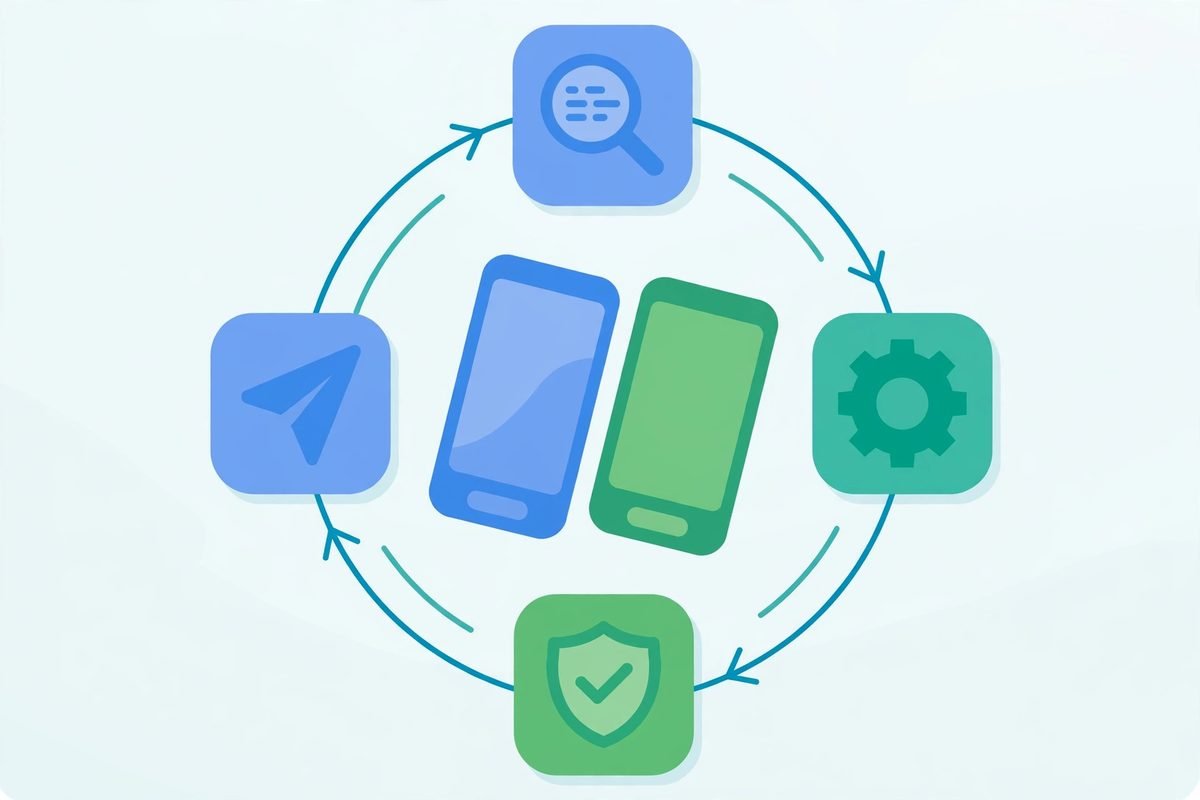
Maintenance becomes expensive when it is reactive. This is the operating rhythm we recommend to clients who want a stable, predictable app:
- Quarterly dependency and SDK pass. Update packages, retire abandoned libraries, and check third-party SDK deprecation timelines. Small, frequent updates beat big, scary ones.
- Framework upgrades within one release cycle. When a new major version of React Native or Flutter ships, schedule the upgrade within the next quarter. Never fall two versions behind.
- OS-beta testing. Test your app against iOS and Android betas before the public release. The two weeks after a major OS launch is when your competitors’ apps crash and yours shouldn’t.
- Monitoring before marketing. Crash reporting and performance alerts should be in place from launch. You cannot fix what you cannot see, and the cost of an undetected crash affecting your highest-value users dwarfs the cost of the tooling.
- A fixed maintenance retainer, not ad-hoc hours. Ad-hoc maintenance incentivises delay; delay compounds cost. A modest fixed retainer keeps someone responsible for the app’s health every month.
Frequently asked questions
How much does it cost to maintain a cross-platform app per year?
Plan for 15–20% of the original development cost annually for a typical app, covering OS compatibility, dependency updates, store compliance and monitoring. A $50,000 app runs roughly $7,500–$10,000 a year; a $150,000 app lands around $22,000–$30,000. Active feature development sits on top of that figure.
Is cross-platform app maintenance cheaper than native?
Yes, generally 30–40% cheaper, because bug fixes and updates ship to both platforms from one codebase instead of two. The caveat: apps with heavy custom native modules narrow that gap, since the native portions need platform-specific maintenance. This is also worth considering when weighing React Native vs native for your app in the first place.
How often should I update my app’s framework and dependencies?
Run a dependency pass at least quarterly, and schedule framework major-version upgrades within a quarter of release. The golden rule: never fall more than one major version behind your framework. Skipping two versions turns a routine upgrade into a mini-project.
Can I switch maintenance teams without rewriting the app?
Usually yes — a well-built cross-platform codebase transfers fine. Expect a handover ramp-up of around 4–6 weeks while the new team learns the app’s history, quirks and undocumented decisions. You can shrink that window dramatically if the previous team kept dependency versions current and documentation honest.
The reality of cross-platform app maintenance is simple: the shared codebase saves you money, but the app still lives in an ecosystem that never stops moving. Budget the 15–20%, upgrade steadily, and treat maintenance as a standing line item rather than a surprise. If you are planning a new app and want a build that stays cheap to maintain, see our mobile app development services — or talk to us about getting an existing app’s maintenance under control.