

Every growing WooCommerce store runs into the same fork in the road: buy another off-the-shelf plugin, or invest in custom WooCommerce extension development. The plugin route is faster and cheaper this week. The custom route costs more now and can pay off later — sometimes. Both can be the right call, and both can be expensive mistakes. The trick is knowing which situation you are actually in. Here is how we talk through the decision on real projects.
When off-the-shelf plugins are the right answer
Buy when the feature is a commodity. Payment gateways, shipping label generation, tax calculation, basic SEO, review widgets — thousands of stores need exactly the same thing, and a reputable plugin vendor has already solved it, tested it against real edge cases, and will keep updating it. Building this from scratch would be paying for solved problems.
A useful rule of thumb: if an off-the-shelf plugin covers roughly 80 percent of your requirement out of the box, and the remaining 20 percent can be handled with a few filters, hooks, or a small snippet, buy it. Good plugins expose WooCommerce hooks precisely so a developer can bend them without forking them. We do this regularly — configure the plugin, add a modest amount of glue code, and the store gets most of what a fully custom build would deliver at a fraction of the cost and timeline.
Buy also when speed matters more than perfection. A seasonal promotion, a new payment method you want live before a campaign, a reporting need for this quarter’s books — a proven plugin ships in days, not months. Just buy from vendors with a visible update history and real support, not abandoned single-developer plugins that have not touched their code in years.
Custom WooCommerce extension development: when it pays off
Build custom when the workflow is genuinely yours. Tiered B2B pricing with contract-specific catalogs, quote-to-order flows, sync with an in-house ERP or warehouse system, role-based product visibility — if no plugin maps to how your business actually operates, you will spend months fighting configurations instead of weeks building it right. This is the pattern behind complex setups like tiered and role-based pricing in WooCommerce: the business logic is the asset, and it deserves code that models it directly.
The second signal is plugin stacking pain. When five plugins all hook into checkout — fees, custom fields, validation, payment tweaks, upsells — every WooCommerce update becomes a game of roulette, and debugging turns into archaeology. We have replaced stacks like this with a single purpose-built extension more than once. Fewer moving parts means fewer conflict surfaces, faster debugging, and a checkout that survives updates.
The third signal is recurring cost math. A premium plugin at a few hundred dollars a year is cheap — until you need a dozen of them, several with per-site or revenue-tiered pricing, and the renewal bill starts rivaling a developer’s time. Custom code has a higher upfront cost but no rent. If the feature is core to your store and will be needed for years, owning it outright is often the cheaper multi-year play. Our breakdown of custom WordPress plugin development costs walks through how those numbers typically stack up.
The real cost math, beyond the price tag
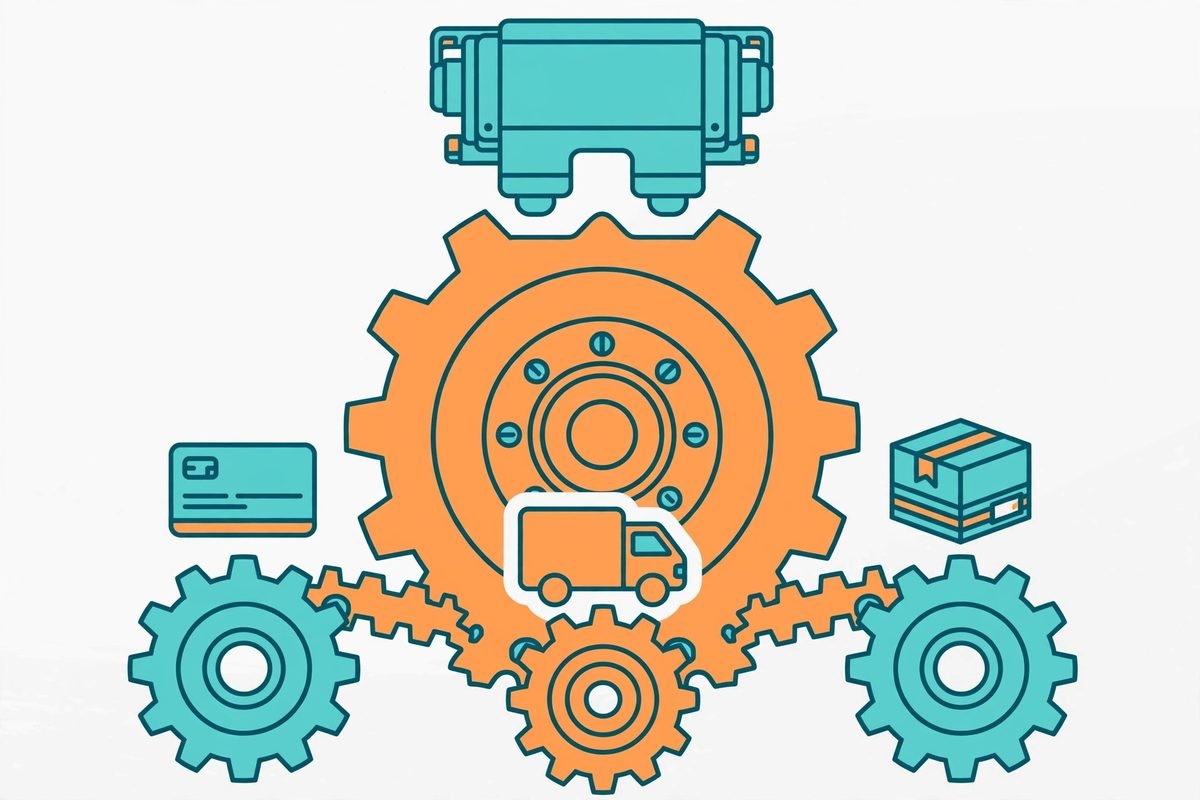
The mistake we see most is comparing a plugin’s sticker price against a custom quote and calling it done. The real comparison has four lines.
- Upfront cost. The plugin wins, no contest. Custom development takes real engineering hours: discovery, building against WooCommerce’s data stores and APIs, testing against real order flows, and making it HPOS-compatible so it works with modern order storage.
- Maintenance. Every major WooCommerce release is a maintenance event. A good plugin vendor absorbs this for you. Custom code means someone — your agency or your team — tests and updates the extension a few times a year. Budget for it instead of discovering it.
- Conflict risk. Each plugin you add multiplies the surfaces where things can break. Custom code that replaces three or four plugins often reduces your long-term maintenance burden, which surprises people who assume custom always means more upkeep.
- Lock-in and flexibility. Plugins lock you into someone else’s roadmap and pricing. Custom code locks you into whoever can maintain it — so demand clean, documented, hook-driven code that any competent WooCommerce developer could pick up. That is a requirement, not a nice-to-have.
Honest verdict: off-the-shelf is cheaper in year one almost every time. Custom starts winning around year two or three for anything that is core to how the store makes money. For peripheral features, it rarely does.
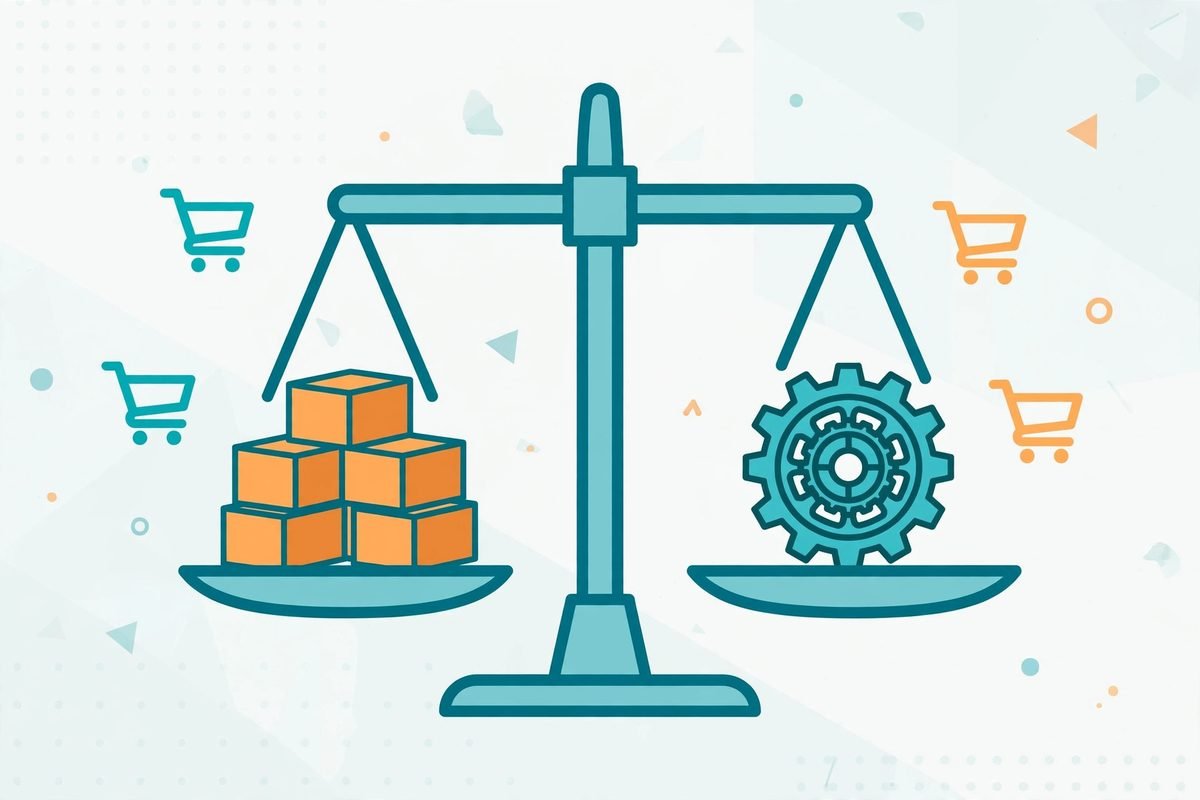
What is different in 2026: build on the new checkout architecture
One thing has changed the calculus recently. The block-based Cart and Checkout are now the default for new WooCommerce stores, and the platform keeps extending what custom code can do inside them — the WooCommerce 11.2.0 release notes from October 2026 added date fields to the Additional Checkout Fields API, so extensions can now collect things like preferred delivery dates natively in the Checkout block. High-Performance Order Storage has been the default for new installs since 8.2, and current versions require PHP 8.3+.
The practical takeaway: any custom extension that touches checkout, orders, or products must be built against the blocks architecture and HPOS — not the legacy shortcode checkout and not raw queries on the old posts tables. When you evaluate a vendor plugin today, check that it supports the Checkout block properly; a plugin that only works on the legacy shortcode checkout is a maintenance liability you are buying into. For custom builds, this is actually good news: the modern APIs are cleaner and better documented than the legacy patterns they replaced, so well-built custom extensions are more future-proof than they were a few years ago.
Frequently asked questions
Is a custom WooCommerce extension better than a premium plugin?
Not automatically. A premium plugin from an active vendor is better for standard features — it is battle-tested and maintained for you. Custom wins when the workflow is specific to your business, when plugin stacking is causing conflicts, or when recurring license costs outgrow the build cost over a few years.
How much does custom WooCommerce extension development cost?
It depends on scope: a focused extension (custom checkout field logic, a pricing rule engine) is a small project; deep integrations with an ERP, warehouse, or custom fulfillment flow are larger ones. The honest answer is that you are paying for discovery, HPOS-compatible code, and testing against real order flows — not just the feature you can see. Get a fixed-scope quote tied to the workflows, not to hours.
Will a custom extension break when WooCommerce updates?
Only if it is built badly. Extensions written against WooCommerce’s CRUD classes, data stores, and official hooks survive updates well, because those APIs are versioned and kept backward compatible. Code that hacks core files, queries legacy tables directly, or depends on undocumented behavior is what breaks. This is why clean, documented, hook-driven code is a hard requirement — insist on it.
Can one custom extension replace several plugins?
Often, yes — and this is one of the strongest cases for going custom. When multiple plugins overlap in checkout, product pages, or order processing, consolidating them into one purpose-built extension reduces conflict surfaces and can lower your maintenance burden. Audit which plugins actually do unique work before deciding; you may find half of them are replaceable by a few dozen lines of hook code.
The short version: buy the boring stuff, build the stuff that makes your store different. If your WooCommerce store is outgrowing its plugin stack — checkout conflicts, workarounds stacked on workarounds, renewal bills that keep climbing — talk to our WooCommerce team and we will give you a straight answer on whether custom is worth it for your case. Sometimes the honest answer is just buy the plugin, and we say that too.