

If you have ever asked a coding agent to “make an architecture diagram” and received back a generic rounded-box Mermaid chart that looks like every other AI-generated diagram on the internet, you already know the problem this post is about. Diagram Design is an AI diagram generator for developers — an open-source agent skill with over 57,000 GitHub stars that turns plain-language prompts into editorial, publication-ready diagrams in your own brand. It is built for Claude Code, Codex, GitHub Copilot, Cursor and other agent hosts, and it is the rare AI tool whose own README admits where it falls short. This review covers what it does, how it works, where it fits in a professional workflow, and when you should stick with the tools you already have.

What Diagram Design Is
Diagram Design, by Cathryn Lavery (LittleMight), is not an app you open. It is an agent skill — a package of instructions, references and assets that teaches your coding agent how to draw. Once installed, you describe the diagram you want in plain words, the agent picks the diagram type, states its plan, and writes a single self-contained .html file containing inline SVG. You open it by double-clicking. There is no build step, no JavaScript dependency, no external image to hotlink.
The headline numbers: MIT licensed, 57,000+ stars, 3,600+ forks, 45 diagram types, each rendered in three variants (minimal light, minimal dark, full editorial). The project is actively maintained — it was updated within the last day — and ships with a public gallery and a companion site so you can judge the output before installing anything.
The design philosophy is what separates it from “AI makes a diagram” demos. The skill encodes one opinionated editorial style: one accent colour reserved for the one or two things the reader should look at first, 1px hairlines, no shadows, every coordinate on a 4px grid, and an explicit target of low visual density — the style guide’s own words are that “the highest-quality move is usually deletion” and every node has to earn its place. The tagline on the repo is blunt: “No shadows. No Mermaid slop.”
What It Can Do: 45 Diagram Types, Zero Dragging
The catalogue covers the diagrams developers actually reach for: architecture, sequence, flowchart, state machine, ER/data model, database schema, UML class, deployment and dependency graphs on the engineering side; plus quadrant, radar, Gantt, timeline, kanban, swimlane, service blueprint, user journey, treemap, heatmap, Sankey, fishbone, Venn, pyramid/funnel, Wardley map, and even exploded axonometric and axonometric-plan views for hardware or floor-plan style visuals. Several types carry named variants — line charts cover slopegraphs, ridgelines, streamgraphs and bump charts; scatter covers bubble and beeswarm; treemaps cover marimekko.
Three capabilities matter more than the raw count:
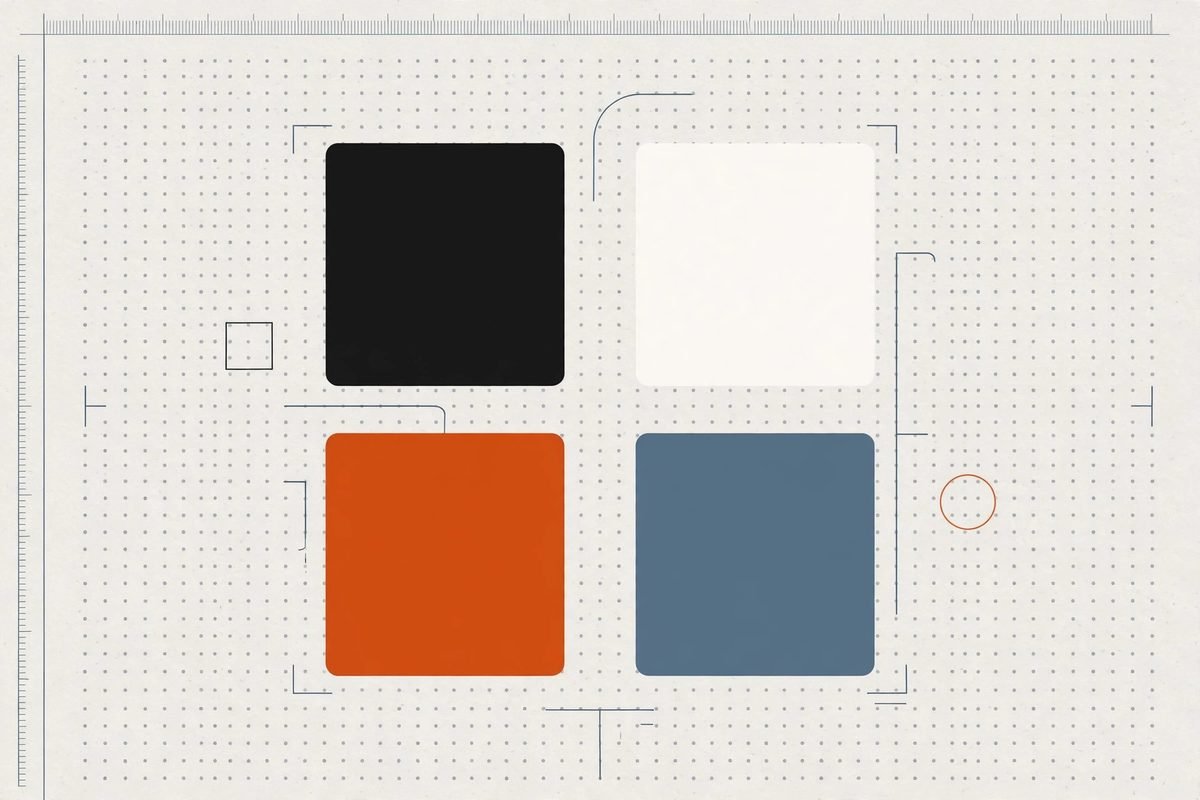
- Brand onboarding. Tell the agent “onboard diagram-design to https://yoursite.com” and it fetches your homepage, extracts the dominant palette and font stack, maps them to semantic roles (paper, ink, muted, accent, link), shows you a proposed diff, and writes the tokens into its style guide. Every diagram after that matches your site.
- Import from what you already have. The skill can redraw existing Mermaid, draw.io and Excalidraw files in the editorial style (
/import-mermaid,/import-excalidraw), so years of accumulated “slop” can be upgraded without redrawing anything by hand. - Export anywhere. The output is one HTML file with inline SVG, exportable to SVG or PNG via
/export-diagram— ready to drop into docs, proposals, pitch decks and blog posts.
Layout is placed by the agent on a 4px grid with CI checks for overlaps and clipping, which is the unglamorous detail that keeps AI-drawn diagrams from degenerating into overlapping spaghetti at larger sizes.
How It Works: An AI Diagram Generator for Developers in Plain English
Installation takes one command and works with any host that reads the Agent Skills format:
npx skills add cathrynlavery/diagram-design
In Claude Code you can also go through the plugin marketplace (/plugin marketplace add cathrynlavery/diagram-design, then /plugin install diagram-design@diagram-design), which gets you automatic updates and slash commands. Codex, GitHub Copilot, Factory Droid and Pi each have their own marketplace commands documented in the README; Cursor, Windsurf, Cline, Gemini CLI, Amp and others are covered by the cross-agent skills CLI. One practical note from the docs: if you installed the standalone skill and later switch to a marketplace, remove the standalone copy first — it will not start following marketplace updates on its own.
Once installed, you just talk. Real examples from the project:
- “Make me an architecture diagram of my app: frontend, backend, database, Redis cache.”
- “I need a quadrant showing Q2 projects by impact vs effort.”
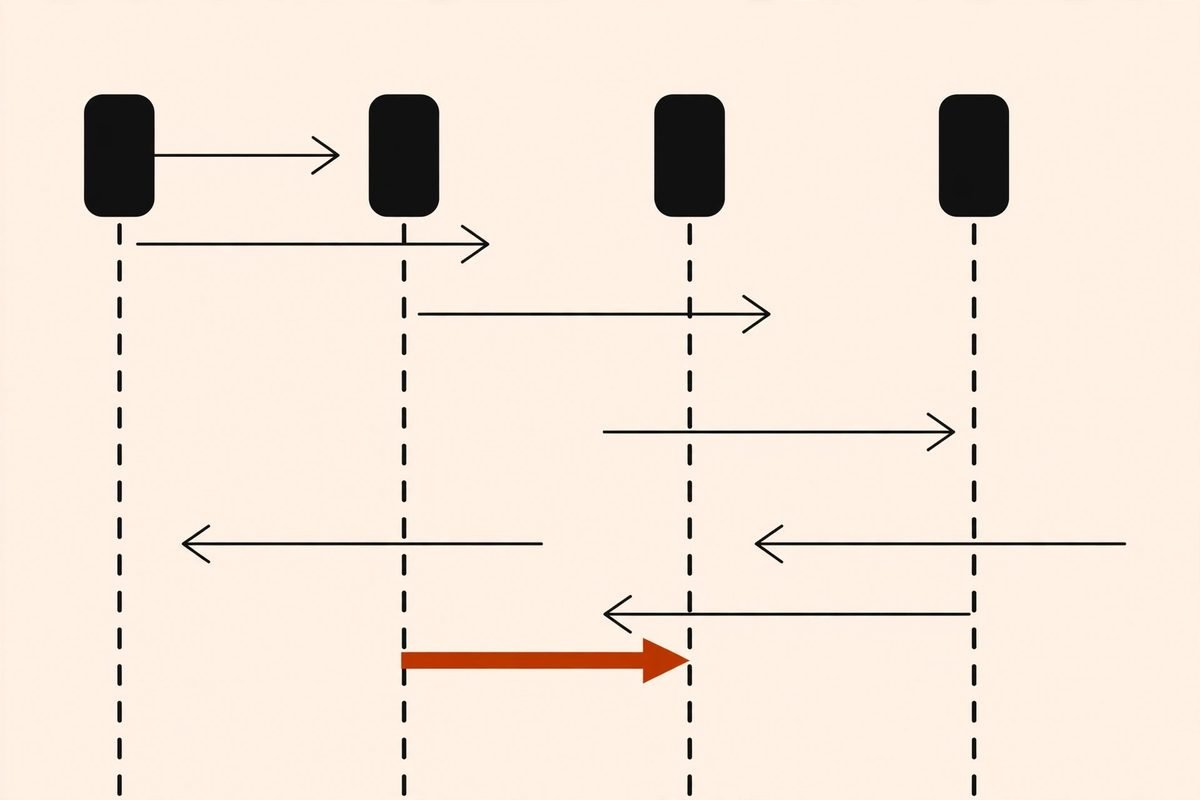
- “Give me a sequence of a bearer token flow with token refresh on 401.”
The agent selects the diagram type, explains its plan, and writes the file. Revisions are conversational too — describe the change, or edit the inline SVG directly. There is also a /doctor command for diagnosing install issues and a /profile command for saved brand profiles.
Why It’s Trending
Diagram Design sits at the intersection of two real shifts. First, coding agents became the default way a growing share of developers interact with code, and agents needed a visual output channel that wasn’t “paste Mermaid into the chat”. Second, the agent-skills ecosystem exploded in 2026 — skills became the standard unit for teaching agents new capabilities, and a skill that gives every major agent the same tasteful drawing ability was an obvious gap. A repo created in April 2026 crossing 57,000 stars by October tells you how wide that gap was.
The timing also reflects a maturing attitude toward AI output. Early “AI diagram generators” optimised for speed and produced interchangeable clip-art. Diagram Design’s bet is the opposite: constrain the style hard, write the taste down, and let the model spend its effort on content and layout. It is the same lesson agencies learned about design systems years ago — consistency beats variety when the reader has to trust what they’re looking at.
From Our Experience: Where It Shines and Where It Doesn’t
At MTD Technologies we produce diagrams constantly — architecture proposals for clients, onboarding docs for new developers, workflow automation runbooks, and AI integration documentation. The honest assessment of where a tool like this earns its keep:
Where it shines. Client-facing architecture diagrams and proposals, where the visual quality of the document directly affects how the work is perceived. One-off explainers for blog posts and documentation. Upgrading legacy Mermaid diagrams to something you’d actually publish. Brand-matched diagrams for marketing and pitch material — the onboarding flow is the killer feature here, because a diagram in your client’s palette reads as yours, not as stock AI output.
Where it doesn’t. The README itself is admirably blunt about the downsides, and they’re worth repeating because they’re real: output quality depends on the model you run it with, and the same prompt can lay out differently twice. The result is not an editable source format — there is no text to diff in a pull request and no canvas to drag a box on. For docs that live in Git and change every sprint, Mermaid is still the better fit; as the author puts it, “Diagram Design is for the diagram you are going to publish.”
The cost angle. The skill is free and MIT-licensed, but the diagrams cost model tokens — and complex diagrams with many nodes mean long agent turns. For teams running agents on metered APIs, that’s worth knowing: a polished 30-node architecture diagram is one of the more token-hungry things you can ask an agent to do. It’s still cheaper than thirty minutes in Figma, but it’s not free.
Getting Started in Under Five Minutes
- Install the skill. Run
npx skills add cathrynlavery/diagram-designin your terminal, or use your agent’s marketplace commands (documented in the README for Claude Code, Codex, GitHub Copilot, Factory Droid and Pi). - Verify it’s visible. In Claude Code,
/pluginshows installed plugins; in Copilot,copilot skill listconfirms discovery. Run/doctorif anything looks off. - Onboard your brand (optional, recommended). Ask your agent to “onboard diagram-design to https://yoursite.com”. Review the proposed palette diff before it writes the style tokens.
- Ask for your first diagram. Start simple: “Make me an architecture diagram of my app: frontend, backend, database, Redis cache.” Open the resulting HTML file in a browser.
- Iterate conversationally. “Make the database node the accent colour and drop the Redis cache” — or edit the inline SVG directly for pixel-level control.
- Export and publish. Use
/export-diagramto produce SVG or PNG for docs, decks and posts.
Frequently Asked Questions
Is Diagram Design free to use?
Yes. It is MIT-licensed open source, free for commercial use. The only cost is the model tokens your coding agent consumes while generating diagrams, which you already pay for through your agent subscription or API usage.
Which coding agents does Diagram Design work with?
Any host that reads the Agent Skills format: Claude Code, Codex, GitHub Copilot, Cursor, Factory Droid, Pi, Windsurf, Cline, Gemini CLI, Amp, Kiro, OpenCode and others. Marketplace installs exist for Claude Code, Codex, Copilot, Factory Droid and Pi; everyone else uses the cross-agent skills CLI.
Can it import my existing Mermaid diagrams?
Yes. The /import-mermaid command redraws existing Mermaid files in the editorial style, and /import-excalidraw handles Excalidraw (plus draw.io) sources. This is the fastest path if you have years of accumulated diagrams to upgrade.
Will the diagrams match my company’s branding?
That’s the point of the brand onboarding flow: point it at your website and it extracts your palette and font stack into its style guide, so subsequent diagrams render in your colours and typography. You review a proposed diff before anything is written.
When should I NOT use Diagram Design?
For documentation that lives in version control and changes every sprint — Mermaid’s diffable text format is still the better fit there. Also skip it when you need pixel-exact, data-dense visuals like dashboards; this tool optimises for editorial clarity, which means deliberate simplification, not maximum information density.
Diagram Design is a genuinely useful addition to the agent-skills toolbox: opinionated where it should be, honest about its limits, and free. If your team ships architecture diagrams, proposals or technical content of any kind, install the skill and try one diagram in your own brand — the before/after against your current Mermaid output will tell you everything. And if you need diagrams, documentation or developer tooling content built to a professional standard, browse our AI tools directory or talk to us — this is the kind of practitioner detail we build into every project.