
Most businesses do not need another SaaS subscription. They need a tool that matches how they actually work — a dashboard that pulls numbers from three systems into one screen, a back-office panel for approving quotes, an internal tracker their spreadsheet has outgrown. This is where FastAPI for internal business tools earns its reputation. It is a modern Python web framework that lets a good developer stand up a working, secure API in days, and its automatic documentation and data validation make it genuinely pleasant to maintain. Here is how we think about it when clients ask, based on tools we have actually shipped.
Why internal tools are FastAPI’s sweet spot
Client-facing products live or die by polish. Internal tools live or die by speed of delivery and correctness. FastAPI is strong on both. Python’s type hints become validated request and response models automatically (via Pydantic), so half the “data looks wrong” bugs that plague hastily built dashboards simply never appear. Every endpoint you define gets interactive API documentation at /docs for free — which means the junior developer who maintains the tool in six months can test endpoints in the browser without reading a single page of your notes.
It is also async-native. Internal tools frequently sit in front of several slow things at once — a legacy ERP API, a Postgres warehouse, a third-party rate-limited service. FastAPI’s async support means those calls run concurrently instead of in sequence, so a dashboard that aggregates five sources loads in the time of the slowest one, not the sum of all five. And on the infrastructure side, FastAPI 0.136.x added support for free-threaded Python 3.14, which further helps CPU-heavy internal workloads that previously had to be pushed to worker processes — see the FastAPI release notes for the details.
What a production-ready internal tool stack looks like
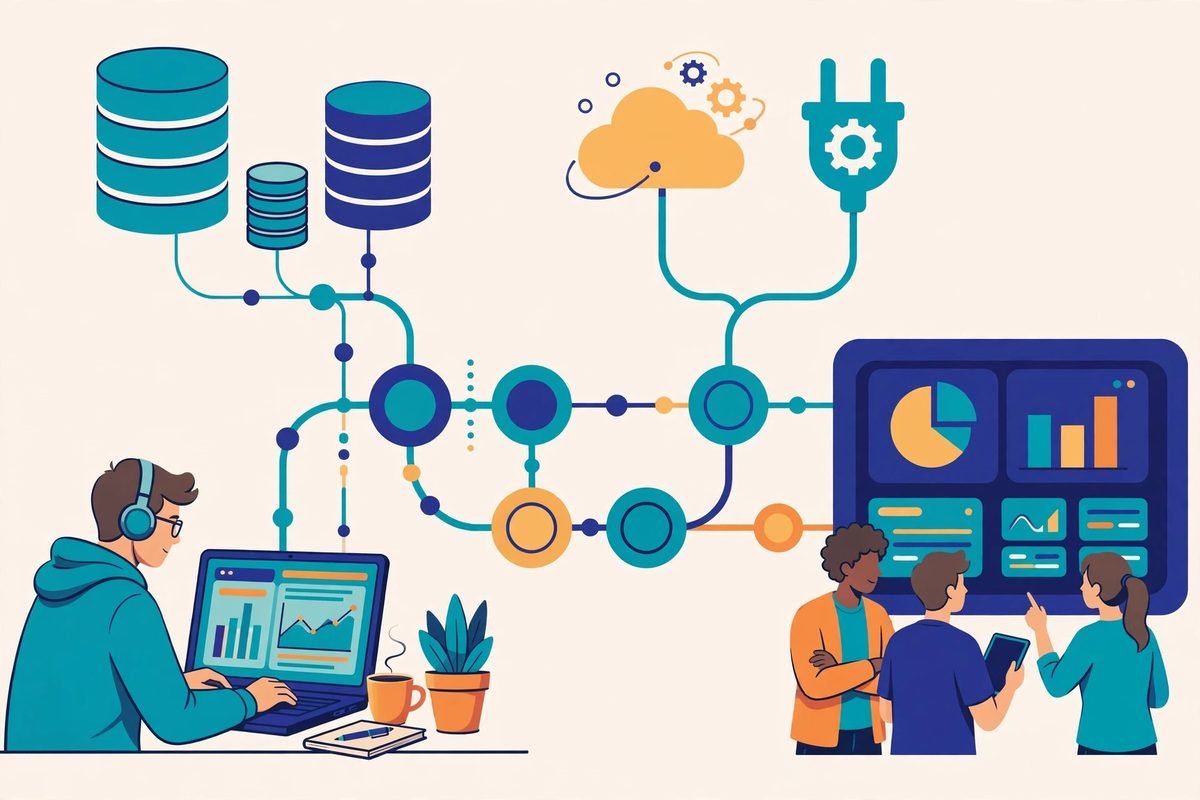
A typical build we would spec today has four parts. FastAPI is the API layer: authentication, business logic, integrations. PostgreSQL stores the data. The front end is either a lightweight React app or — for admin-style tools — a simple template layer like Jinja2 or HTMX, which can halve build time when the audience is twenty staff members, not twenty thousand customers. Everything runs in Docker behind a reverse proxy, often on a single modest VPS; internal tools rarely need serious infrastructure, and we see people over-provision here routinely.
Authentication deserves a paragraph of its own, because “internal” does not mean “insecure”. A FastAPI internal tool can sit behind the same OAuth2/JWT flows used by public products, tie into the company’s Google Workspace or Microsoft Entra for single sign-on, and enforce role-based access so the finance team sees finance data and nobody else does. Never leave an internal tool on a public IP with no login because “only staff know the URL” — URLs leak, and the cleanup from an exposed database is always more expensive than the day of work it takes to add proper auth.
What developers are actually building with it right now
The pattern we see most often is the consolidation dashboard: one screen replacing four browser tabs. A recent public example doing the rounds is a developer’s React + FastAPI client portal for a B2B firm — dashboards, a messaging interface, and automated reporting, all stitched together to cut manual client work (posted here as a build walkthrough). That is textbook internal-tool territory: the value is not in the interface being beautiful, it is in the hours of copy-paste it eliminates every week.
The second growing pattern is AI sitting behind the FastAPI layer. Because the framework lives in the Python ecosystem, adding a document-Q&A helper, an invoice-extraction step, or a lead-scoring model is a library import rather than a separate integration project. Internal tools are also the safest place to deploy AI features first: the audience is your own staff, mistakes are cheap to catch, and the feedback loop is a conversation across the desk instead of a support ticket.

Where FastAPI is the wrong choice
Honesty matters here. If your tool is essentially data entry — forms, approvals, audit logs — Django’s automatic admin interface will get you further, faster; you get a working back office almost for free. If nobody on your team writes Python and you are on a PHP-centric stack, Laravel will be cheaper to staff and maintain over five years than a Python service your developers learn from scratch. And if the “tool” needs rich real-time collaboration or complex front-end state, put your budget into the front end and treat the API as the commodity it is.
The other trap is scope. Internal tools invite feature creep because every department has “one more thing” the dashboard should do. The tools that survive are the ones with a clear owner and a ruthless initial scope: one painful workflow, solved well. We routinely tell clients to launch with five screens and add the sixth after a month of real use.
What it actually costs to get one built
For a straightforward internal tool — say, a dashboard aggregating two or three systems with staff login and role-based access — a realistic build is two to four weeks of development time, not months. The expensive parts are never the framework; they are unclear requirements, integration with systems that have no API, and the “while you’re at it” requests. Hosting costs are trivial — a VPS and a managed database typically run well under a hundred dollars a month for this workload, which is why building usually beats licensing another SaaS seat-based subscription within the first year.
If you would rather not build and maintain it in-house, this is exactly the kind of engagement we take on under our custom API development services — scoped tightly, delivered as a working tool, and documented well enough that your own team can take it over. Our web development team handles the front end when the tool needs more than a basic admin skin.
Frequently asked questions
Is FastAPI good for internal business tools?
Yes — it is one of the best fits. Automatic validation catches bad data early, the free interactive API docs make handover easy, and async support keeps dashboards fast when they aggregate multiple slow systems. For API-first internal tools that a small team builds and maintains, it is hard to beat.
How long does it take to build an internal tool with FastAPI?
A focused tool — staff login, one or two integrations, a dashboard — typically takes two to four weeks. Prototypes can appear in days because the framework handles so much boilerplate. The schedule usually stretches because of unclear requirements or legacy systems without APIs, not because of the technology.
Should I use FastAPI or Django for an internal admin tool?
If the tool is mostly data entry and admin screens, Django’s built-in admin wins on speed — you get a working back office with almost no front-end work. If you need a proper API serving multiple clients (a dashboard, a mobile app, automation scripts), or heavy async work across integrations, FastAPI is the better pick.
Can FastAPI handle authentication for internal staff?
Easily. FastAPI supports OAuth2 and JWT out of the box, integrates with single sign-on providers like Google Workspace or Microsoft Entra, and role-based access control is straightforward to add. Every internal tool should have real authentication — never rely on an obscure URL.
The best internal tool is the one your team stops thinking about because it quietly does its job. If you have a workflow that is eating hours of manual work every week — spreadsheets passed around, systems that do not talk to each other, approvals lost in email — a small FastAPI tool built to fit your process will pay for itself quickly. Talk to us and we will help you scope it honestly, including telling you when you do not need one.