

If a developer has pitched you headless WordPress with Next.js, you have probably heard two claims in the same meeting: that it is the modern way to build, and that it costs two or three times more than a regular WordPress site. Both can be true at the same time. After shipping both kinds of builds for years, here is the plain-English version: what headless actually means, what Next.js brings to the table, where the real costs hide, and the questions to ask before you sign off on it.
What “headless” actually means
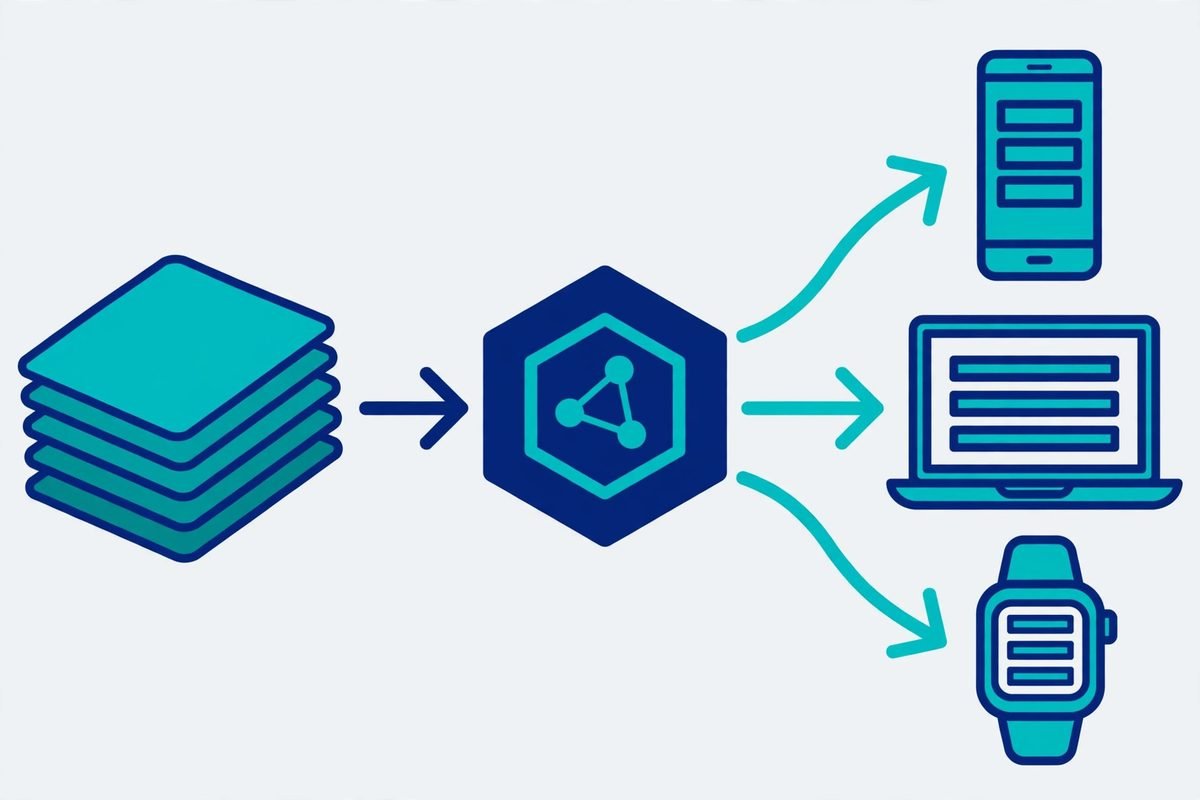
Traditional WordPress does two jobs at once: it stores your content and it renders your website. The theme is the “head” — the part visitors see. Going headless cuts the head off. WordPress keeps doing the job it is genuinely good at — the admin panel your editors already know, user roles, the media library, scheduled publishing — and exposes all of it through an API. A completely separate front end, built with Next.js, fetches that content and renders the pages visitors see.
Nothing changes for your content team on day one. They still log into wp-admin, write posts, and upload images. What changes is that the public website is no longer generated by PHP templates on your server; it is a modern JavaScript application that talks to WordPress the same way a mobile app would.
Why Next.js became the default front end
You could pair headless WordPress with several frameworks, but in practice most serious builds land on Next.js, and the reasons are pragmatic rather than fashionable.
First, speed you can measure. Next.js can pre-render pages into static HTML at build time and serve them from a global edge network, so visitors get a page in well under a second without touching your WordPress server at all. Dynamic bits — a search box, a pricing calculator — load afterwards. The result is the kind of Core Web Vitals scores that are hard to hit with a plugin-heavy theme, and Google does notice.
Second, the developer labour market. React is the most widely used framework in the headless WordPress world — industry surveys put it at over 40% of headless builds — which means you are hiring from the largest front-end talent pool rather than a niche.
Third, it plays nicely with how marketing teams actually work. Incremental static regeneration means editors can hit “publish” and see the change live in about a minute, without a full site rebuild.
The honest part: you are now running two applications instead of one. That is a real cost, and it is the reason headless projects fail as often as they succeed.
What is new in 2026 (and what actually matters)
A few developments this year genuinely changed the maths. WPGraphQL — the plugin most serious headless builds use to query WordPress — is now a canonical plugin, with persisted queries and dataloader batching that cut database queries dramatically on content-heavy sites. WordPress 7.0 replaced the old role-based permissions for API consumers with granular capability-based access, which makes authentication for a headless front end much less of a bolt-on. And Next.js 16 made Turbopack the default bundler, which mostly matters to your developers’ build times rather than to you directly. A solid 2026 build-to-deploy guide for headless WordPress walks through the full stack if you want the technical detail.
The adoption numbers floating around — headless usage up roughly 22% year on year, and enterprise teams reporting page loads about a third faster — come from industry surveys with the usual caveats, but they match what we see in the field: the architecture has moved from “experimental” to “boring and reliable” for the right workloads.
The trade-offs nobody puts on the sales page
This is the section most vendor articles skip, and it is the one that decides whether your project succeeds.
- Cost. A headless build typically runs two to three times the price of a quality custom theme, because you are paying for two codebases, API design, and deployment infrastructure. If your whole site is twenty pages and a contact form, that money buys you nothing a good theme would not.
- Plugins. This is the big one. Many WordPress plugins assume they render HTML into your theme — complex form builders, membership gates, page-builder widgets. In a headless setup, anything that outputs frontend markup needs a workaround or a replacement. Before you commit, audit every plugin the business depends on and ask how each one behaves without a theme. Custom plugin work often enters the picture here, which is exactly where we help clients — our WordPress plugin development work increasingly involves building API-first extensions for headless stacks.
- Preview and editing UX. Editors lose the “what you see is what you get” preview unless someone builds it for them. It is solvable — Next.js supports draft-mode previews — but it is a line item, not a freebie.
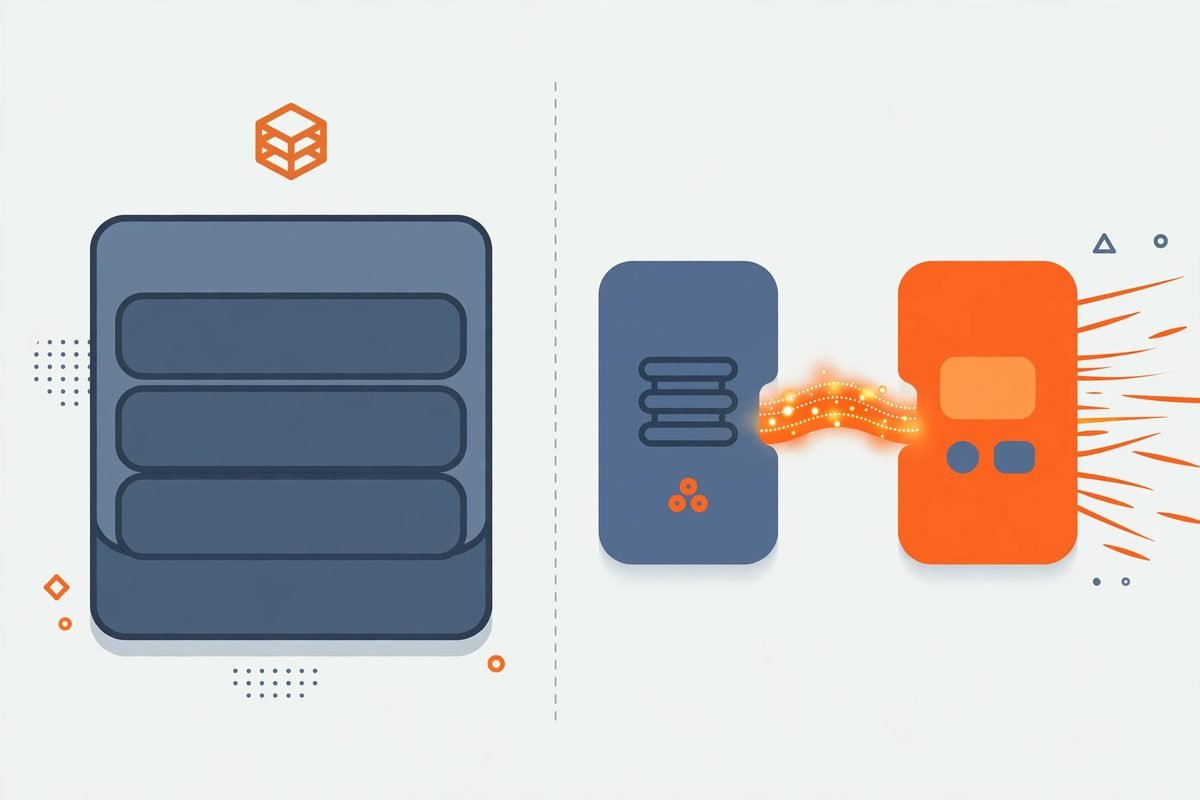
- Two systems to maintain. You now have hosting, monitoring, and updates for both WordPress and the front end. For a team publishing daily at serious traffic, that separation is a feature. For a five-page brochure site, it is overhead.
When headless actually makes sense for your business
It pays back when your content team publishes daily and traffic is in the hundreds of thousands of sessions a month; when you need the same content on a website, a mobile app, or digital signage; when your marketing site needs genuinely app-like interactions; or when you are running complex multilingual content where a decoupled architecture simplifies delivery.
It does not pay back when you have a brochure site, a straightforward blog, or a small WooCommerce store. A well-built block theme will be faster to ship, cheaper to run, and easier for any WordPress freelancer to maintain. We have talked clients out of headless more than once — including in our piece on when WordPress beats a custom React build — because the right architecture is the one that fits the business, not the one that flatters the portfolio.
Frequently asked questions
Is headless WordPress more expensive than a normal WordPress site?
Yes, in almost every case — budget for roughly two to three times the build cost of a comparable themed site, plus higher ongoing maintenance for two systems. The investment only makes sense when the performance, flexibility, or multi-channel requirements are real business needs rather than nice-to-haves.
Do I lose the WordPress plugins I rely on?
Not the backend ones — SEO, backups, security, and editorial workflow plugins keep working because they operate inside wp-admin. The risk is with plugins that render things on the public site. Audit your plugin list early; many have REST or GraphQL support now, and the rest can usually be replaced or rebuilt API-first.
Will my content team still be able to edit the site easily?
Yes, if the build is done properly. Editors keep using the WordPress dashboard they know. The one thing to insist on in the scope is a working live preview — without it, editors are publishing blind, and they will hate it.
Does headless WordPress help with SEO?
It can, mostly through speed: faster pages and better Core Web Vitals are genuine ranking factors. But headless also introduces SEO risks — metadata, redirects, sitemaps, and structured data all have to be deliberately rebuilt in the front end. A headless migration without an SEO checklist is how sites lose rankings they spent years earning.
Headless WordPress with Next.js is a genuinely good architecture for the right business — high-traffic publishing, multi-channel content, or app-grade marketing sites — and an expensive distraction for everyone else. The decision is not about which technology is “better”; it is about whether your content volume, traffic, and team justify two systems instead of one. If you are weighing the call and want an honest second opinion on your specific setup, talk to us — we build both, and we will tell you when the simpler option wins.