

An HTML to video generator AI teams can actually script — not prompt and hope — has been the missing piece in automated content pipelines for years. Most text-to-video tools are black boxes: you type a prompt, you wait, and you get whatever the model decides to render. HeyGen’s open-source answer to that problem is HyperFrames, a framework with a blunt three-word pitch: “Write HTML. Render video.” Backed by one of the biggest names in AI video, the heygen-com/hyperframes repository has collected more than 65,000 stars since its release in March 2026, making it one of the fastest-growing open-source video tools on GitHub. Here is what it does, how it works, and whether it belongs in your stack.

What HyperFrames Is: An HTML to Video Generator Built for Agents
HyperFrames is an open-source framework for turning HTML, CSS, media, and seekable animations into deterministic MP4 videos. That sentence deserves unpacking, because every word in it is a deliberate design decision.
HTML-native. A HyperFrames video is an index.html file with data attributes for timing and tracks. There is no proprietary timeline format and no React requirement. You describe clips with plain markup like data-start="1" data-duration="4", preview the composition directly in a browser, and the same file renders to MP4. If you can write a web page, you can author a video.
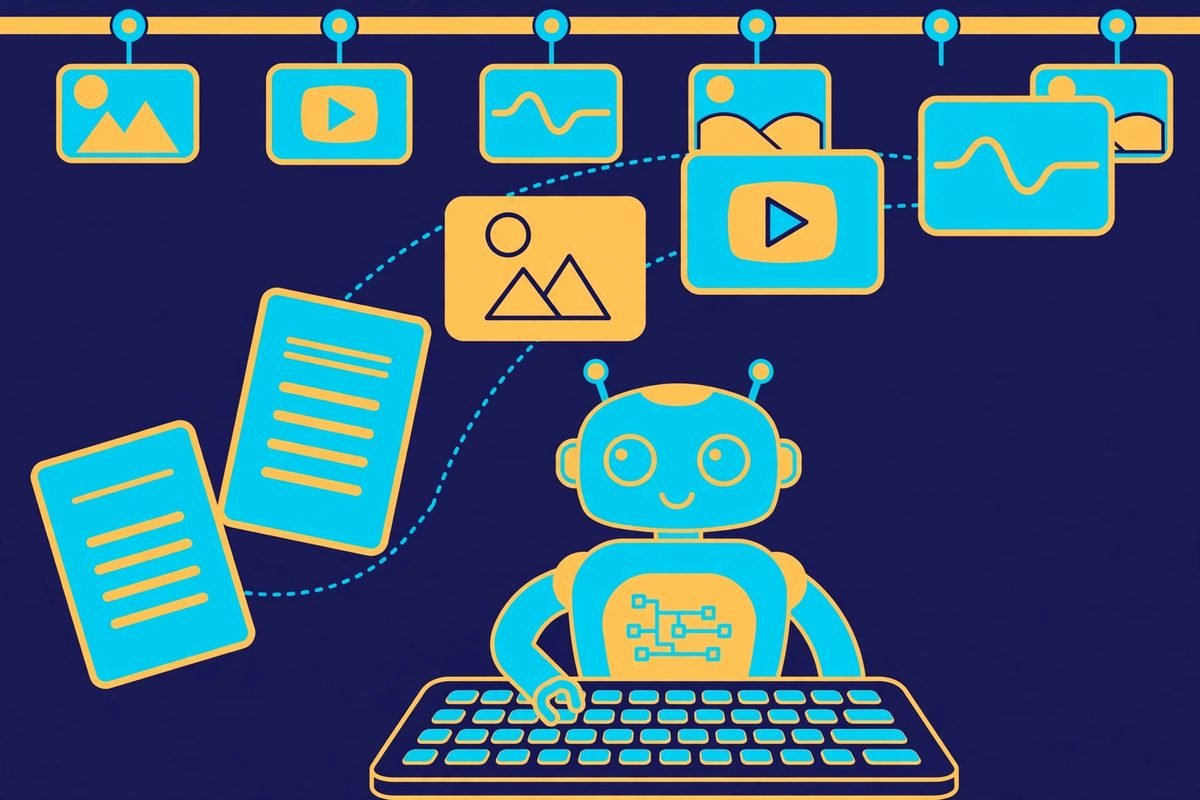
Built for agents. This is the part that explains the star count. Coding agents already write HTML fluently, and the HyperFrames CLI is non-interactive by default — exactly what an autonomous agent needs. The repository ships 21 purpose-built agent skills covering everything from router-level intent mapping (/hyperframes) to specialized creation workflows like product-launch-video, faceless-explainer, and even pr-to-video, which turns a GitHub pull request into an animated feature-reveal video. The skills work with Claude Code, Codex, Cursor, Gemini CLI, Copilot, VS Code, and other skill-capable agents.
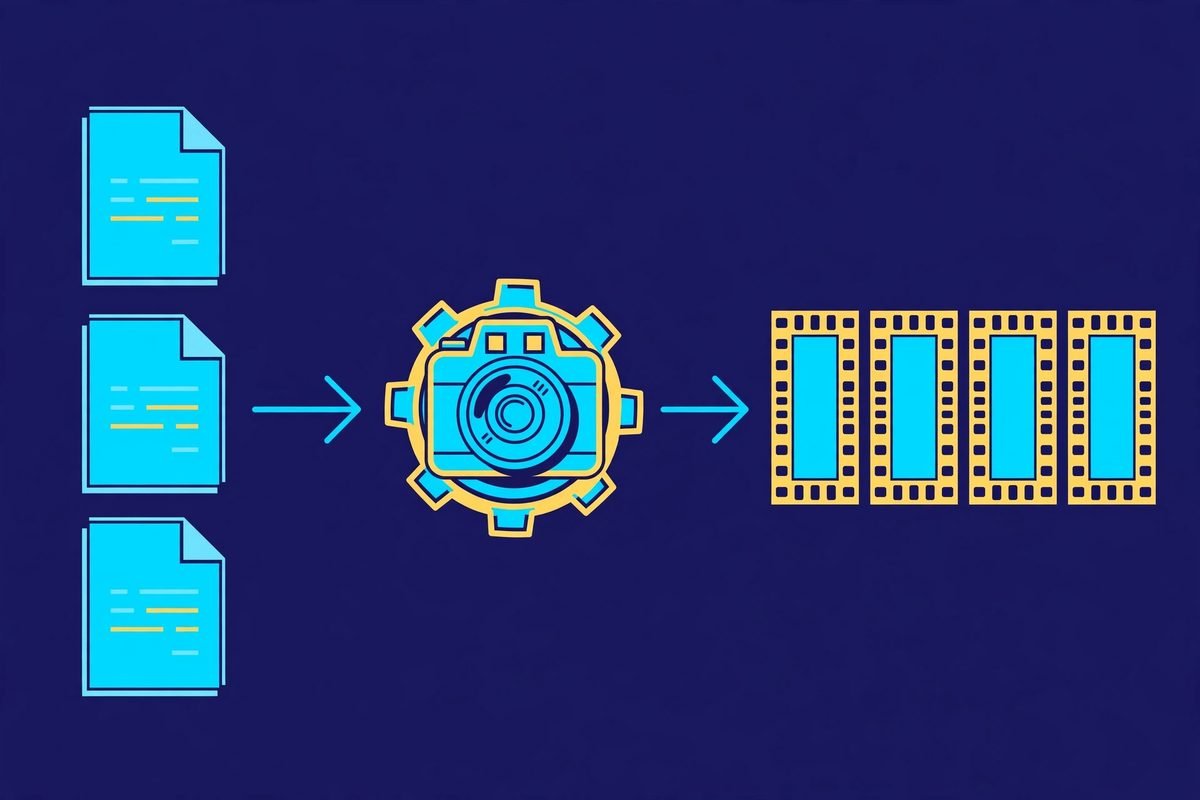
Deterministic. The renderer seeks each frame in headless Chrome and encodes the result with FFmpeg, so the same input produces the same video — frame for frame. That property matters enormously for CI pipelines, regression testing, and automated content generation, where “render it again and hope it looks the same” is not an acceptable strategy.
What It Can Do: From Product Intros to Data Races
The showcase gallery reads like a motion-design studio’s portfolio, and the creation workflows show the intended breadth. Here is what teams are building with it:
- Product launch videos and feature announcements — up to about three minutes, with a 30–90 second sweet spot. Feed it a URL, a brief, or a script.
- PR walkthroughs — animated code diffs with narration and captions, generated straight from a GitHub pull request via the
ghCLI. - Data visualizations, chart races, and map animations — the catalog ships a ready-made
data-chartblock you install with one command. - Social videos — kinetic captions, overlays, and music for short-form content.
- Docs-to-video and site-tour explainers — turn documentation or a live website into a narrated walkthrough.
- Motion graphics and decks — logo stings, lower-thirds, animated headlines, plus full interactive pitch decks with fragment reveals and presenter mode.
The Catalog is worth a special mention. Instead of hand-building every transition or overlay, you pull reusable blocks and components from a registry: npx hyperframes add flash-through-white installs a shader transition, npx hyperframes add instagram-follow adds a social overlay, npx hyperframes add data-chart drops in an animated chart. It is the same component-marketplace idea that made web development fast, applied to video.
How It Works: Seekable HTML, Headless Chrome, FFmpeg
The core trick is seekable animation. Normal web animation runs on a wall clock: it starts when the page loads and you cannot reliably jump to frame 137. HyperFrames requires animations to be seek-safe — GSAP timelines, CSS keyframes, Lottie, Three.js, Anime.js, WAAPI, or a custom frame adapter — so the renderer can ask “what does frame N look like?” and get an exact answer. A dedicated hyperframes-keyframes skill and a hyperframes keyframes diagnostic command exist specifically to keep motion frame-accurate.
The rendering pipeline is straightforward:
- You author a composition: HTML with
data-*timing attributes,class="clip"elements, tracks, and sub-compositions. - You preview it live in the browser with
npx hyperframes preview— the CLI supports live reload. - You lint it with
npx hyperframes lintand inspect frame snapshots withnpx hyperframes snapshot. - You render with
npx hyperframes render. The engine drives headless Chrome via Puppeteer, seeks each frame, captures it, and FFmpeg encodes the video while the audio pipeline mixes voiceover, music beds, and effects.
Requirements are modest: Node.js 22+ and FFmpeg. Rendering runs locally, in Docker, or — for heavy or parallel workloads — on AWS Lambda through the @hyperframes/aws-lambda package, which deploys a distributed render stack you drive from your laptop or CI. HeyGen also offers hosted cloud rendering for teams that do not want to run the infrastructure.
Why It’s Trending: The Problem It Solves
Video is the highest-leverage content format on the internet, and also the hardest to produce programmatically. Traditional pipelines force a choice: either a designer hand-builds every video in After Effects, or you accept whatever an AI video model hallucinates. Both options break the moment you need repeatable, version-controlled, on-brand video at scale — think weekly product updates, localized marketing variants, or a content pipeline where an agent produces a video per blog post.
HyperFrames sits in the gap between those extremes. Because the source of truth is HTML, it is diffable, reviewable in a pull request, and editable by both humans and agents. Because rendering is deterministic, you can test it like software. And because it is Apache 2.0 licensed with no per-render fees or commercial-use thresholds, the economics work for high-volume pipelines — a deliberate contrast with tools that charge per minute of output.
The timing helped too. It launched in March 2026, exactly as AI coding agents became the default way teams prototype software. A video framework that speaks fluent HTML and ships agent skills on day one did not have to find its audience — its audience was already living in the terminal. It is used in production at HeyGen itself, with community adopters including tldraw and TanStack listed in the project’s adopters file.
HyperFrames vs Remotion: Which HTML-to-Video Path Fits You
The project is openly inspired by Remotion, and both render video with headless Chrome and FFmpeg. The difference is the authoring model, and it is worth understanding honestly:
- Authoring: HyperFrames bets on plain HTML, CSS, and seekable animation; Remotion bets on React components.
- Build step: HyperFrames has none — an
index.htmlcomposition plays as-is in the browser. Remotion needs a bundler. - Agent handoff: plain HTML files versus a JSX/React project. For agents, HTML is the lower-friction artifact.
- License: HyperFrames is Apache 2.0; Remotion uses a source-available license with commercial terms to evaluate.
- Cloud rendering: Remotion’s Lambda renderer is mature and battle-tested; HyperFrames’ distributed rendering path is newer and still evolving.
If your team already thinks in React and needs a proven cloud renderer today, Remotion remains a serious choice. If you want agents and non-React developers authoring video as HTML with zero build friction, HyperFrames is the more natural fit.
Getting Started: From Zero to Rendered MP4
You can go from empty folder to a rendered video in under ten minutes. Here is the path:
- Install the prerequisites. You need Node.js 22 or newer and FFmpeg on your machine. Most developers already have both.
- Scaffold a project. Run
npx hyperframes init my-video, thencd my-video. The CLI creates a composition template with timing attributes wired up. - Preview in the browser. Run
npx hyperframes previewto open the composition with live reload. Edit the HTML, add clips withdata-startanddata-duration, wire a GSAP timeline for motion. - Render. Run
npx hyperframes renderand the engine captures every frame deterministically and encodes your MP4. For agent-driven workflows, install the skills withnpx hyperframes skills updateand let your coding agent take the brief from there.
The full documentation lives at hyperframes.heygen.com, and the hyperframes.dev playground lets you preview and iterate on community compositions before installing anything.
From Our Experience: Where This Fits — and Where It Doesn’t
We build automated content and marketing pipelines for clients at MTD Technologies, so a tool like this lands squarely in our world. Here is our honest read after studying how it works.
Where it shines: templated, repeatable video. Product changelogs, data-driven explainers, localized ad variants, and any pipeline where a script or agent generates the brief. The determinism is the killer feature for agencies — when a client asks “can you re-render that with the new pricing?”, you change one variable and re-run, instead of reopening an editing project. The Apache 2.0 license also removes the per-render cost anxiety that kills high-volume experiments.
Where it does not: anything cinematic or footage-led. HyperFrames is a motion-graphics and composition engine, not a camera. If your video needs filmed footage, nuanced color grading, or complex audio post-production, you still want a real editor. The skill catalog is also agent-centric enough that a non-technical marketer working alone will feel the learning curve — this is a developer’s tool with a Studio UI on top, not a Canva replacement.
One watch-out: seekable animation is a real constraint, not marketing copy. If your team writes animations the normal web way — timers, scroll triggers, wall-clock easing — some of that work needs re-authoring to be frame-accurate. Budget for the learning curve, or start from the catalog blocks and showcase remixes rather than from a blank file.
Frequently Asked Questions
Is HyperFrames really free for commercial use?
Yes. It is licensed under Apache 2.0, and the project explicitly states there are no per-render fees or commercial-use thresholds. You can build client work, SaaS products, and automated pipelines on it without paying the project — though hosted cloud rendering from HeyGen is a separate paid offering if you use it.
Do I need to know React to use HyperFrames?
No — that is the point. Compositions are plain HTML, CSS, and JavaScript with data attributes for timing. If you are coming from Remotion, that is the main difference: no components, no bundler, no JSX. You do need comfort with HTML/CSS and one animation approach (GSAP, CSS keyframes, Lottie, or similar).
Can AI coding agents really make videos with it?
That is the workflow it was designed around. The repository ships 21 agent skills that teach coding agents the full production loop — planning the video, writing valid HTML, wiring seekable animations, adding media, linting, previewing, and rendering. They work with Claude Code, Codex, Cursor, Gemini CLI, and other skill-capable agents, and a natural-language prompt like “create a 10-second product intro with a fade-in title” is the documented starting point.
How is this different from AI text-to-video tools like Sora or Veo?
Generative video models invent pixels from a prompt; HyperFrames renders exactly what you authored in HTML. That makes it worse at photorealistic imagination and far better at precision: exact brand colors, exact copy, exact timing, reproducible frame-by-frame. Think of it as the difference between commissioning an illustration and operating a printing press.
What does “deterministic rendering” mean in practice?
It means the same HTML input always produces the same MP4 output. The engine seeks each frame in headless Chrome rather than playing the animation in real time, then encodes with FFmpeg. Practically, this lets you version-control videos in Git, run renders in CI, and write regression tests against golden frames — workflows that are impossible with real-time screen recording.
HyperFrames is one of those rare tools where the hype and the engineering point in the same direction: a genuinely new authoring model for programmatic video, backed by a team that ships it in production. If your business produces video repeatedly — marketing, product updates, data stories — it is worth a serious evaluation. Explore more open-source AI tooling in our AI Tools Directory, or talk to our team about building an automated video pipeline for your content operation.