

If you have ever typed “the button on the left, no, the other one” into a coding agent and watched it edit the wrong file, you already understand the problem Ilse is built to solve. The ilse point app AI agent code changes workflow replaces written descriptions of what you can see with a direct click: you point at the element in your running React app, say what should change, and your agent receives that note already aimed at the right file and line. Ilse launched on Product Hunt on 29 October 2026, so this is a review of a very new tool, and every claim below should be read as “what the maker says it does” rather than a long-term verdict. What makes it worth a closer look is that it attacks the most expensive failure mode in agent-assisted front-end work: the gap between what a human sees on screen and what an agent understands from text.

What Ilse does
Ilse puts a toolbar on top of the React app you already have running. It is not a separate design tool, a mock-up editor, or a hosted preview. You open your app the way you always do, in development, and the overlay sits above it. From there you can click an element and describe the change in plain language, drag elements to reorder them, resize them, edit text in place, draw, and adjust spacing, size, type and colour through a panel. The maker, Iverson, a designer with more than nine years of experience who says he now spends more time in code than in Figma, describes the origin plainly: he kept asking Claude Code to fix a button, describing in words what he saw, and the agent kept editing the wrong file, even with a design document and a connected design system.
How Ilse point app AI agent code changes actually work
Point and say
Click an element, write what should change, and the note goes to your agent with the element’s location attached. Instead of writing a paragraph about a card’s padding or a button that should be quieter, you point at the thing itself. The agent does not have to hunt through the component tree, and you do not have to learn component names to give a usable brief.
The panel: instant tweaks with few or zero tokens
Spacing, size, type and colour can be adjusted through a panel that uses your project’s own scale and tokens. According to the maker, these simple tweaks land instantly and spend few or zero tokens. That detail deserves attention, because token spend is where agent-assisted design work quietly gets expensive. Asking a large model to change a margin by four pixels is a wasteful use of a reasoning engine. A panel that maps your input directly onto your design tokens does the same job deterministically, with no model call, no waiting, and no risk of the model “improving” three unrelated styles while it is at it.
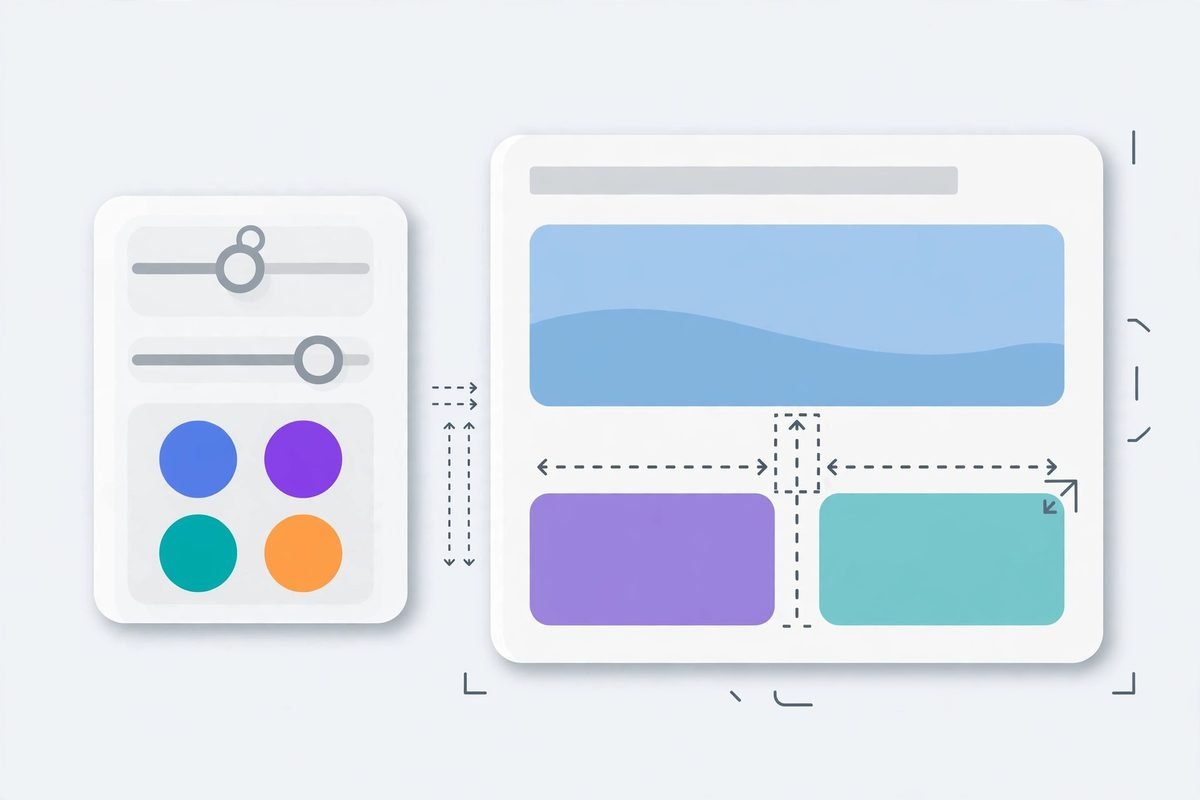
Move, resize, edit and draw, live on the page
The page reacts live as you move, resize, edit text or draw, and the agent then makes the change real in the code. The live preview lets a human judge a change visually before anything is committed, while the agent step turns a visual experiment into maintainable source. The risk to watch is the same as with any visual editor: a live drag can produce a layout that looks right on one viewport and breaks on another. A disciplined team will still check responsive behaviour and review the diff the agent produces rather than accepting the visual result at face value.
A component library that stops invented buttons
Ilse reads your components and writes your design system to a markdown file, so your agent stops inventing new buttons. Anyone who has reviewed agent-generated front-end code will recognise this failure: asked for a button, the agent creates a new one-off component instead of reusing the existing primary button, and six months later the codebase has fourteen near-identical buttons. A generated markdown inventory gives the agent a constrained vocabulary.
Pro test mode: Ilse walks the app for you
Ilse Pro is described as a test mode, and it is currently in founder pre-sale rather than general availability. You tell Ilse what a person does, for example “buy the paper lamp”, and it walks the real app on its own, then reports accessibility problems, errors and layout issues, and remembers what you fixed. That is a useful shape for a test tool: a journey described in human terms, executed against the real running app. Because Pro is in pre-sale, however, it should be treated as a roadmap promise, not a shipping feature to rely on in a release plan. Ask for a demo against your own app before paying anything, and test whether a reported issue can be turned into a point-and-fix task in the same loop.

Pricing: what is actually verified
Product Hunt lists Ilse at 0 USD, and the maker states that Ilse never touches an API key: your own agent does the coding, on your machine. You are not buying a second model subscription through Ilse; you pay for the agent you already use, whether that is Claude Code, Codex, Cursor or Gemini, and no tiered Ilse price list was published on the page we checked. Pro is in founder pre-sale, but no pre-sale price is stated there. Do not budget from this review: confirm the current price, what the free version includes, and what happens to Pro pricing at general release. The honest business case is therefore “Ilse plus your existing agent bill, with fewer wasted tokens and fewer mis-edits, versus the same bill without it”. Measure it: count mis-edits per week before and after a trial, and tokens spent on trivial style tweaks.
Who Ilse is for, and who should wait
Ilse is built for React apps, specifically Next.js, Vite, Remix, Astro and Create React App projects, started with one command: npx ilse-design@latest. If your front end is React, you can try it on a real project in an afternoon. If your product is Vue, Svelte, plain HTML, or a native mobile app, Ilse as described does not cover you. The best fit is a team where designers or product owners already review a running app and already use a coding agent, but where the handoff between “I see it” and “fix it” still runs through prose. The weakest fit is a team that does not yet use a coding agent at all: Ilse does not code for you, it briefs the agent that does.
How Ilse compares with similar tools
Ilse is not the first tool to notice that describing a user interface in words is a bad brief. PulseDev, launched on Product Hunt on 26 October 2026, is a small desktop app with a similar point-and-describe loop, but it covers Vue, React, Svelte and plain HTML, runs as a local server with one script tag, and makes approval explicit: nothing touches your files until you approve the diff. EditUI, another Product Hunt launch, takes the Chrome-extension route: open your app in Chrome, click anything, leave instructions, and send the whole batch to Claude Code at once, with no repository setup, free and open source. Ilse’s differentiators, on the maker’s description, are the zero-token style panel tied to your own tokens, the generated component-library markdown, and the planned Pro journey testing.
From our experience: where pointing helps, and where it does not
At MTD Technologies, we have spent nine years shipping web and mobile products, and the pattern behind Ilse matches something we see constantly in client work. The most expensive front-end rework rarely comes from hard engineering. It comes from ambiguous briefs: a screenshot with a circle, a message that says “make it pop”, a ticket that describes a symptom on one screen while the cause lives in a shared component used on twelve others. Tools that remove ambiguity at the source are worth more than tools that add another layer of cleverness on top of an ambiguous brief. Pointing at the element is a small interaction change with an outsized effect on that ambiguity.
That said, pointing does not solve the harder problems. It does not decide whether a change is a good idea, whether it matches the brand, whether it breaks accessibility, or whether the component being edited is the right abstraction. A precisely aimed bad change is still a bad change, and it now lands faster. The discipline that still matters is unchanged: review the diff, run the tests, check the change on small and large screens, and keep a human in charge of design decisions. Ilse makes the brief precise; judgement remains human work. Any overlay that sits on top of a running app can also interfere with hover states, focus styles and animations, so test Ilse on a page with hover cards, a modal and a form with validation states, not only on a static marketing page.
Getting started with Ilse
- Confirm your project is React, using Next.js, Vite, Remix, Astro or Create React App, and that you already use Claude Code, Codex, Cursor or Gemini as your coding agent.
- Run
npx ilse-design@latestin your project and open your app as usual, with the Ilse toolbar overlaid. - Pick one low-risk page and make five real fixes through Ilse: two panel tweaks, two point-and-say changes, and one text edit in place.
- Review every diff the agent produces before merging, and check each change on mobile and desktop widths.
- Track mis-edits, rework rounds and tokens spent on style tweaks for two weeks, then decide whether the saving justifies a wider rollout.
- Before paying for Pro, ask for a demo of test mode against your own app and confirm the pre-sale price, what is included, and the refund terms.
If you are evaluating agent tooling more broadly, our AI Tools Directory collects the tools we have reviewed, and our team builds AI integration and automation for businesses that want agent workflows fitted to their own systems rather than bolted on. For a project conversation, contact us with the stack you run and the workflow you want to improve. You can also see the launch itself on Ilse’s Product Hunt page.
Frequently asked questions
What is Ilse?
Ilse is a toolbar overlay for a running React app. You click an element, describe the change, adjust styles through a panel using your own design tokens, and your existing coding agent makes the change in code, aimed at the right file and line.
Which coding agents does Ilse work with?
According to the maker, Ilse works with Claude Code, Codex, Cursor and Gemini. It does not replace your agent or touch your API key; your agent does the coding on your machine.
Which frameworks does Ilse support?
Ilse is described as working with React apps built with Next.js, Vite, Remix, Astro and Create React App. Vue, Svelte and plain HTML projects are not covered by the description we checked.
How much does Ilse cost?
Product Hunt lists Ilse at 0 USD, and Pro test mode is in founder pre-sale. No tiered price list was published on the page we checked, so confirm the current price and what the free version includes before budgeting.
The verdict, for now, is narrow but positive. Ilse point app AI agent code changes solve a real, daily friction: the translation loss between seeing a problem and describing it to an agent. The panel’s zero-token tweaks and the generated component inventory are the features most likely to survive contact with real projects, while Pro test mode remains a promise to verify. Try it on a branch, measure mis-edits and token spend, and let those two numbers decide. If you want help fitting agent tooling like this into a client or product workflow, talk to our team about what you are building.