
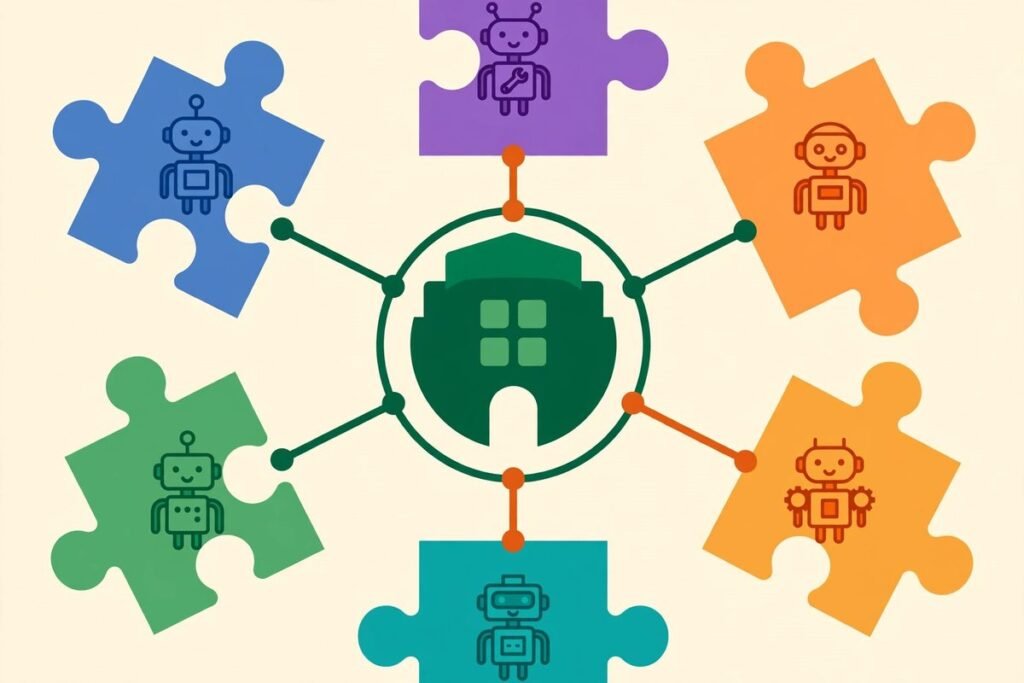
A multi-harness agentic plugin marketplace is the kind of project that only makes sense once you have lived through the alternative. If your team uses Claude Code on one project, Cursor on another, and Codex on a third, you end up maintaining the same working knowledge three times: the same review checklist, the same testing pattern, the same scaffolding routine, each rewritten for a different tool. The open-source repository wshobson/agents attacks exactly that duplication. At the time of writing it has more than 41,900 stars and 4,400 forks on GitHub, is MIT licensed, and was updated on 29 October 2026. This deep-dive explains what it is, what it can actually do, how to install it, and where its limits sit — so you can decide whether one shared plugin library belongs in your team’s workflow.
What wshobson/agents actually is
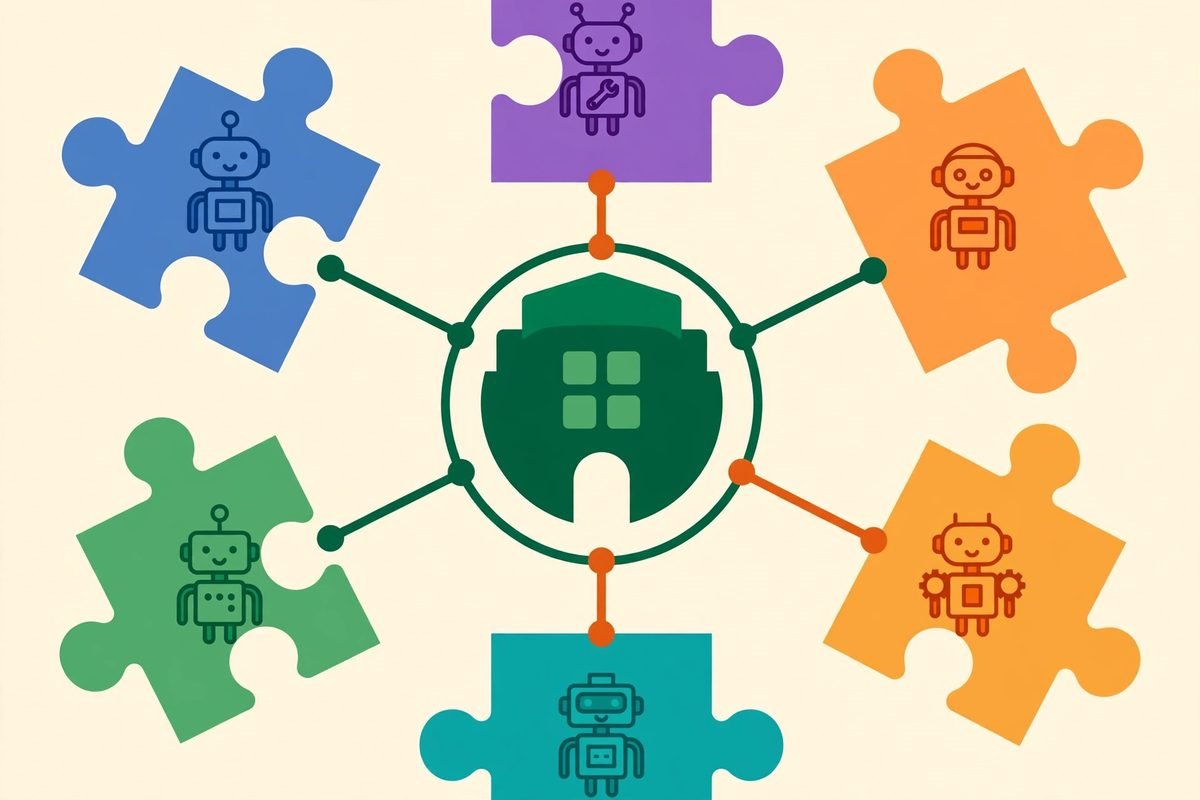
Strip away the marketplace language and the idea is simple. One repository holds a single Markdown source for plugins, agents, skills, and commands, and then adapts that source to each coding tool it supports. A plugin is a bundle of related components: for example, the python-development plugin contains agents, skills, and a scaffolding command for Python, Django, FastAPI, testing, and packaging. An agent is a specialist subagent with written instructions for delegated work, such as a code reviewer or a test writer. A skill is guidance and reference material that an agent loads when it becomes relevant. A command is a named workflow you invoke directly, such as scaffolding a project or running a security scan.
The current counts, taken from the project’s own README, are 94 plugins, 202 agents, 185 skills, and 105 commands. Ninety-two of the plugins are local to the repository and two are external entries. Those numbers matter less than what they imply: this is not a single clever prompt. It is a library, with the maintenance burden a library carries. The project is explicit that the counts cover local source files, and that external plugins bring their own components and installation requirements. That honesty is a good sign. Any plugin collection that hides its edges is one you should distrust.
What it can do: one library, seven harnesses
The supported harnesses are Claude Code, OpenAI Codex CLI, Cursor, OpenCode, Google Antigravity CLI, GitHub Copilot, and Pi. The project calls the coding tool a harness because it is the thing that loads and runs the components. The installation route differs by harness, and so does what you get. Claude Code and Cursor install through a plugin marketplace and get the source agents, skills, and commands. Codex CLI can install natively or from generated artifacts. OpenCode, Antigravity, Copilot, and Pi install from a clone of the repository, using generated artifacts and make targets such as make install-opencode or make install-copilot.
That unevenness is the central trade-off of the whole project, and it is worth stating plainly. A shared source does not mean identical behaviour. The README and its capability matrix are clear that model mappings, tool permissions, hooks, and installation differences vary by harness. Commands may become skills or prompt templates in some tools. Agent model aliases such as opus, sonnet, and haiku are mapped to each harness’s own model settings, sometimes with fixed defaults. If your team standardises on one harness, this barely matters. If your team genuinely spans several, you should test the same plugin in each harness before declaring it your standard, because the experience will not be byte-identical.
The breadth of the plugin catalog is the other headline. Beyond the headline language plugins, it covers code review, debugging, Git and pull-request workflows, testing, security scanning, cloud infrastructure, incident response, documentation, and full-stack orchestration that coordinates backend, frontend, testing, security, and deployment work. For a team, the practical value is not any single plugin. It is that a new hire, or a new project, starts from a curated set of working patterns instead of a blank prompt and a vague hope.
How it works under the hood
Contributors maintain one Markdown source in the Claude Code plugin format. Native registries point at that source where the harness supports it, and adapters generate the formats other harnesses need. That adapter layer is where the interesting engineering lives. It translates tool permissions, splits oversized skill bodies into reference files where a harness imposes a size budget (Codex’s generated route, for example, works within an 8 KB budget), and converts commands into whatever the target harness can invoke. The project also validates plugin structure, generated artifacts, and documentation, with make targets for generating everything, validating strictly, and gardening the repository.
There is also a quality-evaluation plugin, plugin-eval, which scores skills statically without model calls. Its LLM-judge and Monte Carlo layers are explicitly experimental, are not validated against human labels, and require optional dependencies plus an API key or a Claude Code login.

Why it is trending now
Three forces explain the star count. First, agent skills have become the unit of leverage in AI-assisted coding: the difference between a team that gets consistently good output and one that gets impressive demos is usually a set of written, reusable working patterns. Second, teams are no longer single-tool shops. A developer might use Claude Code for a deep refactor, Cursor for day-to-day editing, and Copilot where the organisation mandates it. Maintaining separate skill libraries for each is pure overhead. Third, the plugin format itself has matured: marketplaces, registries, and install commands now exist, so a shared library can actually be distributed rather than copied around as loose files.
Timing helps too. The repository was created in July 2025, so it predates the current wave of skills marketplaces, and it has kept pace as new harnesses appeared — Antigravity and Pi support are recent additions, not launch features.
From our experience: where it helps, and where it bites
At MTD Technologies we build web, mobile, and AI systems for clients, and we have spent years watching teams adopt agent tooling. The pattern that works is always the same: a small number of well-understood, team-owned patterns, adopted deliberately, beats a large library installed wholesale. wshobson/agents is best treated as a catalogue to select from, not a bundle to install in full. Start with one plugin that maps to work you already do every week — python-development if you ship Python, developer-essentials if code review is your bottleneck, security-scanning if dependency review is currently a manual chore — and run it on a real task before adding a second.
The gotchas are practical. First, plugin quality will vary across 94 plugins; a library this broad cannot have uniform depth, so read the skill before trusting it on production code. Second, generated artifacts drift: if you install from a clone for OpenCode or Copilot, regenerating after an upstream update is a step you must remember, or your local copy silently goes stale. Third, model alias mapping means the agent that behaves brilliantly under one model may behave differently under another harness’s default; the cost of that difference shows up as review time, which is exactly what the plugin was supposed to save. Fourth, skills change how agents behave, which means they change what your team reviews. A skill that writes tests in a style your team does not use creates friction on every pull request until someone customises it. Budget that customisation time honestly.
There is also a supply-chain point that applies to every plugin marketplace, and it deserves a plain statement. Installing a plugin means letting third-party instructions influence what your coding agent does, including what it reads, writes, and runs. That is a trust decision, not a convenience decision. Install from the official repository, pin to a version or commit you have reviewed for anything that touches credentials or production systems, and treat skills that request broad tool permissions the way you would treat a new dependency: read them first. The project’s own security-audit angle — there is a security-scanning plugin in the catalog — does not exempt the library itself from that review.
Getting started in five steps
- Pick one harness and one plugin. If you use Claude Code, start there; the marketplace route is the most native.
- For Claude Code, register the marketplace and install the plugin inside Claude Code: /plugin marketplace add wshobson/agents, then /plugin install python-development@claude-code-workflows (substituting your chosen plugin).
- For Codex CLI, use the native route: codex plugin marketplace add wshobson/agents, then codex plugin add python-development@claude-code-workflows, and read the Codex setup notes before relying on generated agents.
- For OpenCode, Antigravity, Copilot, or Pi, clone the repository, install uv and Python 3.12 or later, and run the matching make target, such as make install-opencode or make install-copilot.
- Run one real task through the plugin, review the output as you would a junior developer’s first pull request, and only then decide whether it earns a place in your team’s standard setup.
If you only need a single skill rather than a whole plugin, the skills-only installers are the lighter path: gh skill install wshobson/agents python-testing-patterns (which needs GitHub CLI 2.90 or later) or npx skills add wshobson/agents –skill python-testing-patterns. These install the skill without the plugin’s agents, commands, or hooks, which is often the right scope for trying one idea.
Frequently asked questions
Is wshobson/agents free to use?
Yes. The repository is MIT licensed, so you can use, modify, and distribute it, including commercially, subject to the MIT licence terms. Note that external plugins listed in the catalog carry their own licences, and the coding tools themselves (Claude Code, Cursor, Copilot, and the rest) have their own pricing.
Which coding tools does it support?
Seven harnesses: Claude Code, OpenAI Codex CLI, Cursor, OpenCode, Google Antigravity CLI, GitHub Copilot, and Pi. What each one receives differs — native marketplace installs get source components, while some harnesses get generated artifacts — so check the project’s capability matrix for your tool before standardising on a plugin.
How many plugins, agents, and skills does it contain?
According to the project’s README, 94 plugins (92 local plus 2 external entries), 202 agents, 185 skills, and 105 commands. The counts cover local source files; external plugins provide their own components.
Should a business standardise on it?
Standardise on a small, reviewed subset, not the whole catalog. Pick the plugins that match work you do weekly, test them in each harness your team actually uses, customise the ones that survive, and pin versions for anything touching production or credentials. A shared library saves the most time when it is curated, not when it is merely large.
How does it compare with a single vendor’s official plugin directory?
An official directory, such as Anthropic’s Claude Code plugins, is narrower and deeper for one tool. This marketplace trades some of that depth for breadth across tools. If your team uses one harness exclusively, the official directory is usually the better starting point; if your team spans several, the shared library’s value is that you maintain each pattern once. Our earlier deep-dive on Claude Code plugins covers the single-tool case.
The honest verdict is this: wshobson/agents solves a real, boring, expensive problem — the same working knowledge maintained separately in every coding tool — and it solves it with unusual transparency about its own unevenness. It will not make a bad team good, and installed wholesale it will add review burden. Used as a curated catalogue, with one plugin adopted at a time and each one reviewed like any other dependency, it is one of the most practical open-source agent resources available right now. If your team is standardising its AI-assisted workflow, that is worth an afternoon of testing. If you want help turning a shortlist like this into a team standard — or building the custom agents and integrations around it — talk to us about AI integration and automation, or browse more tools in our AI Tools Directory.