
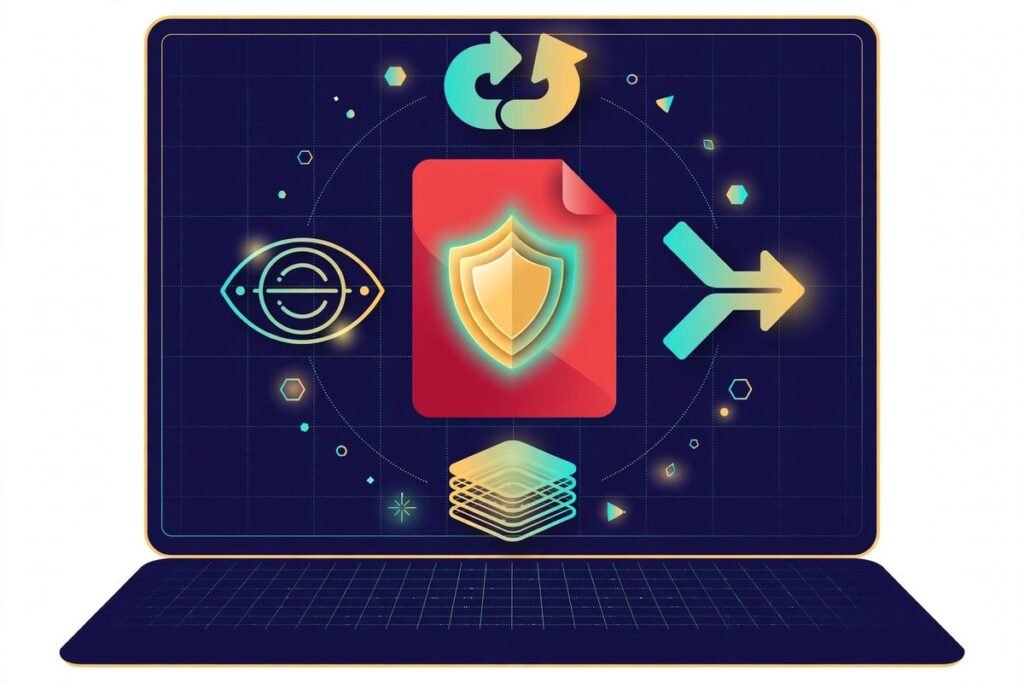
Most free AI PDF tools online come with a hidden price: your files get uploaded to somebody else’s server, and you get a watermark or a daily limit in return. PdfWord flips that deal. Launched on Product Hunt in October 2026, it is a suite of 47 free PDF tools — 36 core utilities plus 11 AI-powered ones — that runs entirely in your browser. The creator’s pitch is four lines long: no servers, no uploads, no signup, no watermark. We put it through its paces: here is what it does, where it genuinely beats Smallpdf and iLovePDF, and the one honest caveat nobody should miss.
Verdict up front: for everyday PDF work — merging, converting, compressing, e-signing, and even chat-with-PDF and contract risk checks — PdfWord is the best free option we have seen this year, because of the architecture. If you handle contracts, invoices, or anything covered by an NDA, the no-upload design is not a marketing gimmick; it is the whole point. If you are a freelancer, founder, student, or ops team drowning in PDFs, bookmark it now.
What PdfWord actually does
The core toolkit covers everything the paid giants charge for. Merge and split PDFs, compress them without visibly wrecking quality, convert PDF to and from Word, Excel and PowerPoint, edit text directly inside a PDF, e-sign documents, redact sensitive passages, and run OCR on scanned pages. The creator’s own write-up lists the headline set; the site ships 36 of these everyday utilities alongside the AI layer.
The AI layer is what got our attention. Eleven AI-powered tools ship alongside the classics, including a PDF summarizer, chat-with-PDF, a contract risk detector, and an invoice data extractor. These are the exact tasks small businesses pay for separately today — summarizing a 40-page vendor agreement, asking “what does clause 7.2 actually say about termination?”, or pulling line items out of invoices. Having them in the same tab as your merge/split/compress tools is genuinely convenient.
Under the hood it is a static site: client-side processing with pdf-lib, PDF.js and Tesseract.js. The OCR piece is the hard part — running Tesseract in the browser via WebAssembly so scanned pages never leave your device. As the builder documented in an earlier deep-dive, even the OCR’s language pack ships with the site; every other free OCR site uploads your scans to their servers, and his cannot, because there is no server to upload to. It also works offline as an installable PWA with dark mode, which is a nice touch for anyone working on spotty connections.
Why free AI PDF tools online usually cost you something
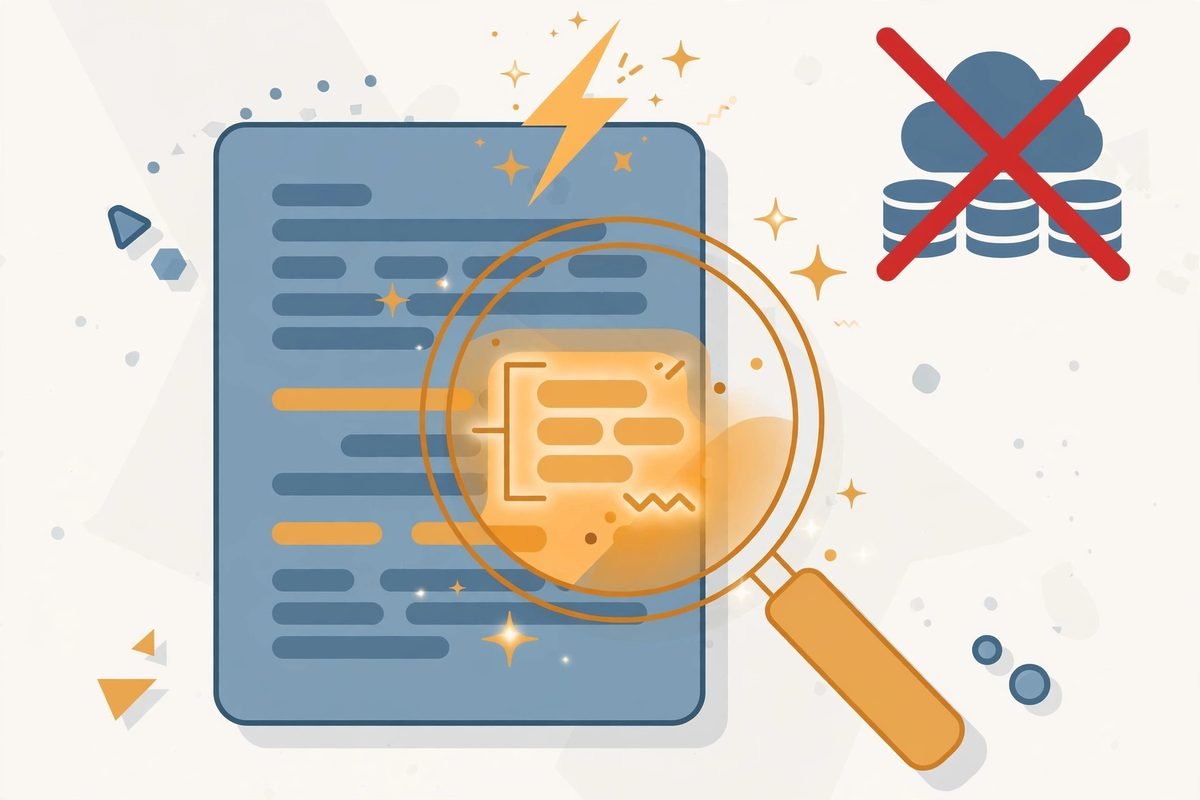
Here is the economic reality of this category. Upload-based PDF tools pay real server bills for every file you process — compute, bandwidth, storage. That cost has to come from somewhere, so the free tier always has a hook: daily limits, watermarks, capped OCR, or a forced upgrade. A static site like PdfWord has almost no marginal cost per user. When there is nothing to hack, no database to breach, and no per-file compute bill, “free with no limits” stops being a growth hack and becomes structurally sustainable.
The privacy angle is the sharper one. Legal teams, HR departments, accountants and anyone under an NDA routinely paste client documents into web tools without thinking twice. With upload-based tools you are trusting their deletion policy and their security posture; with a client-side tool you can literally open the Network tab in DevTools and verify that your file never leaves your machine. We have recommended that verification trick to clients for years, and tools like this make it actually meaningful.
Pricing: free, and what “free” really means here
There are no tiers, no credits, no daily caps — at least not today. The creator built it to scratch his own itch after hitting paywalls, daily limits, watermarks, and uploads-to-unknown-servers on every online PDF tool he tried. That origin story matters: tools built this way tend to stay free because the cost structure allows it, unlike VC-backed tools that need to convert you into a subscriber.
The honest caveat on pricing: we do not know how the project is funded long-term. There is no visible sponsor, donation link, or ad placement we could verify. Solo-builder projects sometimes add a paid tier later or quietly stagnate. For now the feature set is complete enough that even a frozen version would stay useful — you are not locked in by an account or a subscription, because there is no account to lock you in.
Who it is for
Freelancers and founders: proposals, contracts, invoices and NDAs all land as PDFs. The contract risk detector and summarizer alone can save an hour a week of “read this 30-page document before you sign” dread.
Operations and finance teams: the invoice data extractor turns the monthly grind of pulling line items out of PDFs into something you can hand straight to your accounting workflow — and because nothing uploads, you are not creating a data-handling problem for your compliance people.
Students and job seekers: merging transcripts, compressing a CV under a portal’s file-size limit, converting a scanned certificate to Word. Zero signup means zero friction the night before a deadline.
Anyone handling sensitive documents: lawyers, HR staff, healthcare admins. This is the use case where the architecture is not a nice-to-have but the entire reason to switch.
Watch-outs and honest limitations
Now the part most reviews skip. The AI features call a small serverless worker. Read the creator’s own description carefully: the 36 classic tools run client-side, but the AI layer — summarizer, chat-with-PDF, contract analysis — sends your document’s content to a serverless function, because large language models do not run in a browser tab. So the “your files never leave your device” claim holds for merge/split/compress/OCR, but not for the AI tools. That is not a dealbreaker — every AI PDF tool on earth works this way — but it means you should apply the same judgment to the AI features that you would to any cloud AI service. Do not chat-with-PDF on documents you would not paste into a cloud LLM.
A few more realities worth knowing:
- Browser memory is the ceiling. Everything runs in your device’s memory, so a 400-page scanned PDF with OCR will chug on a phone. Use a desktop for heavy files — this applies to every browser-based tool in the category, not just PdfWord.
- OCR language support is unverified beyond English. The builder documented shipping the English trained-data pack; we could not verify other languages. Test with a sample page before relying on it for multilingual scans.
- It is a solo-builder project. No company page, no support SLA, no public roadmap. Fine for everyday use; not what we would hand to an enterprise legal department as their official redaction tool.
- Editing tools follow the category norm. Browser-based PDF text editing is good for fixes and tweaks, not desktop-publishing-level layout work. Independent reviews of comparable tools note the same limitation.
How it compares to the alternatives
Smallpdf and iLovePDF remain the polished, well-known options, and their interfaces are arguably smoother. But both reserve the serious features — advanced OCR, batch processing — for paid plans, and both process your files on their servers. They are the right pick when you need a support contract; they are the wrong pick when privacy or price is the deciding factor.
Privacy PDF Tools is the closest philosophical sibling: 60+ tools, the same local-processing architecture, no persistent storage. If PdfWord ever feels limiting, that is the next tab to open — the category now has genuine depth, which is good for everyone.
Google Docs still offers the most convenient free OCR in the world — open a PDF, open with Docs, done. The trade: your document lives in Drive, which is exactly the privacy compromise PdfWord exists to avoid.
MakePDFFree is another credible free option with no signup or watermark; per its own FAQ, Office-to-PDF conversions do go through a server, so the same read-the-fine-print discipline applies.
The bottom line on the comparison: for the combined package — 47 tools, an AI layer, no uploads, no signup, no watermark — PdfWord currently sits at the top of the free tier. Nothing else bundles the classic toolkit and the AI toolkit in one zero-cost, zero-account package.
From our experience
We have built document workflows for clients for the better part of a decade, and the pattern here is bigger than one tool. Client-side document processing — pdf-lib for edits, PDF.js for rendering, Tesseract.js for OCR — has quietly become good enough to replace server pipelines for 80% of everyday PDF work. That is why you are seeing a wave of these browser-first tools this year: the economics flipped, and solo builders can now ship what used to need a backend team.
Where we would not point a client at a browser tool: certified redaction for litigation (use a tool with an auditable redaction workflow), anything requiring tamper-evident audit trails, and automated high-volume processing — at that scale you want a proper pipeline. In fact, invoice data extraction is a classic on-ramp into workflow automation: extract the data in the browser, then push it into an n8n flow that files it, reconciles it, and notifies the right person. The browser tool handles the document; automation handles everything after. You can browse more tools like this in our AI tools directory.
Frequently asked questions
Is PdfWord really free?
Yes — at the time of writing there are no pricing tiers, no credits, no daily limits, no signup and no watermarks. Because the core tools run entirely in your browser on a static site, the project has almost no per-user cost, which is what makes the free model structurally sustainable. Long-term funding is not publicly documented, so enjoy it while keeping a backup option bookmarked.
Do my files get uploaded to a server?
For the 36 classic tools (merge, split, compress, convert, eSign, OCR, redact), no — everything runs in your browser and the file never leaves your device; you can verify this in DevTools’ Network tab. The 11 AI tools are the exception: they call a small serverless worker to reach the language model, so do not use chat-with-PDF or the contract analyzer on documents you would not share with a cloud AI service.
Does it work offline?
Yes. It is an installable PWA, so after the first load the tools work without a connection — handy on planes or spotty networks. The AI features are the exception since they need to reach the serverless worker.
How good is the OCR?
The OCR runs Tesseract.js in the browser via WebAssembly, which is the same open-source engine powering many server-side OCR products — respectable accuracy on clean scans, weaker on handwriting or low-resolution faxes. English language support is verified by the builder; other languages are unconfirmed. Test with a sample page first.
Should businesses use it instead of Adobe Acrobat?
For everyday work — merging, converting, compressing, e-signing, quick AI summaries — yes, and it will save you a license fee. For regulated workflows requiring audit trails, certified redaction, or vendor support, keep Acrobat or an enterprise tool in the mix. Most teams we see end up using both.
PdfWord is the rare launch that is worth the click: a genuinely useful, privacy-respecting toolkit that respects your time and your documents. If your team processes enough PDFs that the tool choices are starting to matter, talk to us — we help businesses pick and wire together the right stack so the documents stop being a bottleneck and start being a pipeline.