
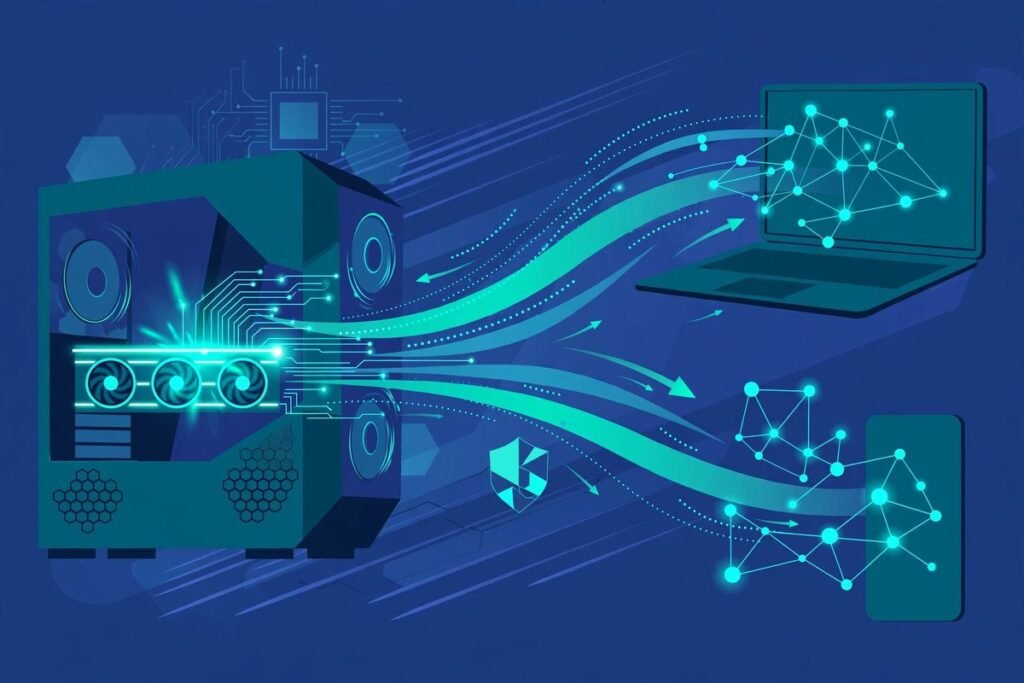
The fastest way to run Qwen locally with a one-click install arrived this autumn, and it looks nothing like the local-LLM tooling of last year. Strata, an open-source inference engine by developer Niko1221, runs Qwen3.8-Flash-Next — a 125-billion-parameter model from Alibaba’s Qwen team — on an ordinary gaming PC. It has pulled in more than 28,000 GitHub stars in its first month. If you build software for a living, this is the local-AI project most worth understanding right now.
This post is for technical founders, CTOs and engineering leads evaluating local models. By the end you will know what Strata does, what hardware it demands, how the installer works, how it benchmarks, its honest limitations — and whether your team should install it or keep paying for hosted APIs.
What Strata actually is
Strata is not a model and not a chatbot. It is a local inference engine: a C++ runtime that loads a quantized copy of Qwen3.8-Flash-Next, serves it through an OpenAI-compatible API at http://127.0.0.1:8080/v1 and an Anthropic-compatible endpoint on localhost, and ships a desktop app with a chat interface. Install it, pick a model size, and you are chatting with a frontier-class model that never touches the internet.
What makes the release remarkable is the hardware bar. A 125B-parameter model in full precision would need roughly 250 GB of GPU memory — data-centre territory. Strata runs it with a 12 GB graphics card and 32–64 GB of combined RAM and VRAM. It supports NVIDIA RTX 20, 30, 40 and 50 series cards, AMD Radeon RX 6800 and newer, Intel Arc, Apple Silicon Macs (M1 or newer), and AMD Ryzen AI Max unified-memory systems, across Windows, Linux and macOS.
The engine is MIT-licensed, free, requires no account, and ships with no telemetry. The project builds on parts of llama.cpp and ggml — but its memory scheduling is its own, and that is the whole story.
What it can do
- Run a 125B model on a gaming PC. Chat, code generation and reasoning from a model class that previously needed a server.
- Power your coding agents locally. Because Strata speaks the OpenAI and Anthropic APIs, Claude Code, Codex CLI, OpenCode and Cursor can point at localhost and treat the local model as their brain. Your code never leaves your network.
- Read pictures. Image input is on by default, with a CPU image encoder for cards under 24 GB of VRAM.
- Serve long context. The default configuration runs a 128K context window, with reported prompt-reading speeds up to 1,750 tokens per second on an RTX 5070.
- Scale across GPUs. Two or three identical cards can share a model (NVIDIA with NVIDIA, AMD with AMD), and more system RAM unlocks larger or faster model variants.
- Stay private by design. No cloud, no per-token billing, no telemetry. The project’s safety document spells out exactly what Strata downloads, when it uses the internet, and how it verifies downloads.
How it works: the engineering that matters
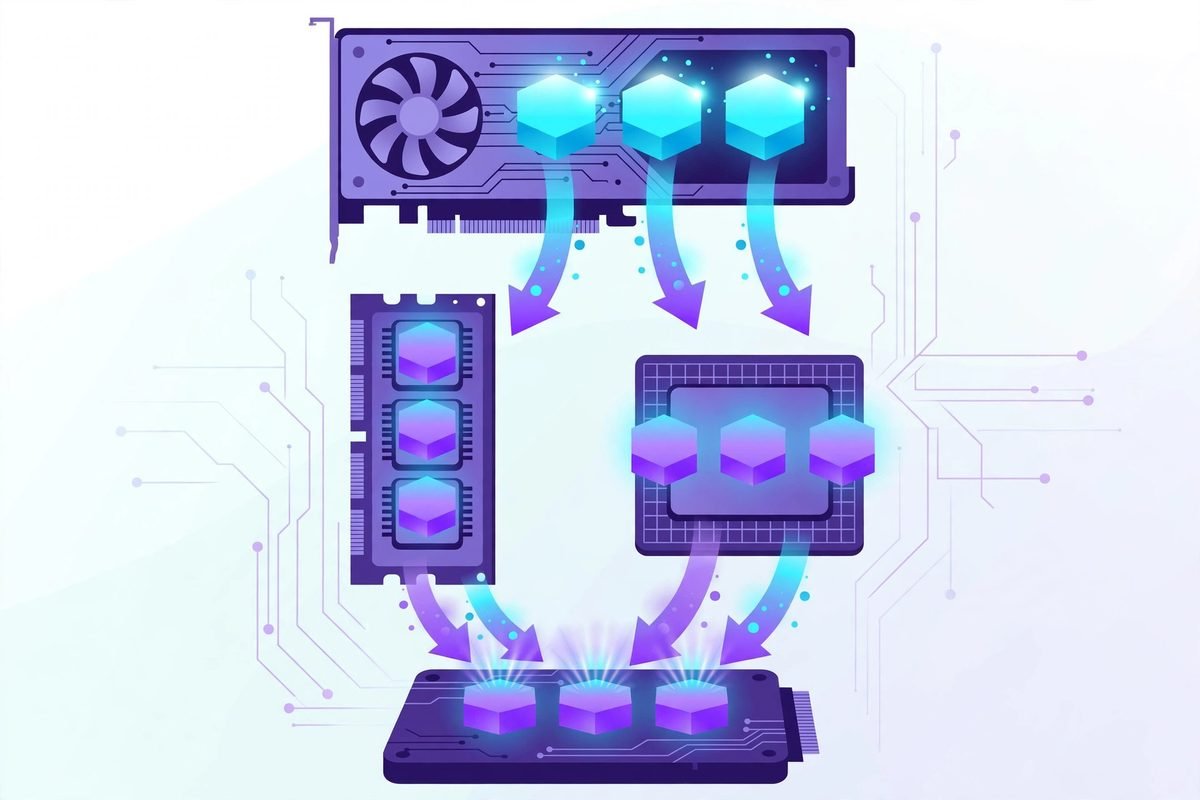
Qwen3.8-Flash-Next is a mixture-of-experts (MoE) model: it has tens of thousands of experts, but only a handful activate per token. That sparsity is the opening Strata exploits. Conventional engines that run oversized models lean on layer offloading — shuttling whole transformer layers between GPU and CPU memory as needed, which is simple but slow.
Strata keeps the most frequently used experts cached directly on the GPU, holds the full expert set in system RAM, and lets the CPU handle the experts that missed the VRAM cut. The model’s large n-gram lookup table lives on the SSD, read a few rows per token. The weights use GSQ-RCO quantization from ISTA-DASLab rather than older offloading schemes.
On top of that sits a speculative-decoding layer the maintainers call MTP: a small draft layer guesses the next few tokens while the main model verifies them in one pass, worth roughly 1.6–1.8× faster responses with identical output. It is a specific, verifiable engineering bet — not marketing language — and it is why the same model that needs four RTX 3090s under llama.cpp becomes practical on a single mid-range gaming card.
Why it is trending
Three things collided. First, timing: Strata arrived within weeks of the Qwen3.8-Flash-Next release — a single-architecture engine tuned for exactly one frontier model. Second, real numbers: the official benchmark on an RTX 5070 12 GB with 64 GB of RAM shows 62 tokens/sec for short chat and 49 tokens/sec at 128K context, with independent measurements reporting median decode around 96 tokens/sec. Third, the moment: open weights that needed a server last year now run at home, and every wave of better tooling pulls thousands of developers along.
The growth reflects it: 28,217 stars and nearly 3,000 forks in roughly a month, with a release cadence measured in days. The local-AI builder community is treating Strata as the new reference point for what consumer hardware can do.
From our experience: the honest math
We build AI systems for clients at MTD, so our first question about any local model is always the same: who should actually install this? The answer here is refreshingly binary. If you already own a 12 GB+ GPU and 64 GB of RAM, Strata is close to a free upgrade to frontier-class local inference — install it tonight. If you would have to buy the RAM first, do the arithmetic: 64 GB of DDR5 is currently more expensive than an RTX 5070, and hosted APIs may still be cheaper for your actual token volume.
Operationally, expect rough edges. The project is weeks old and churns fast — it rewrote its entire git history in early October, breaking git pull for early adopters, and has shipped hotfixes days apart. The first launch loads 35–55 GB into RAM and will freeze your mouse for minutes; that is normal, not a crash. Speed claims need reading carefully: the headline “6× faster than llama.cpp” compares unlike configurations; like-for-like it is closer to 2–2.5×, which is still impressive. And the 32 GB “Coder” variant exists for a reason — on a bare-minimum 32 GB machine you are running a pruned model, not the full thing.
When not to use it: if your team needs guaranteed uptime, an SLA, audit trails, or compliance certification, a managed API still wins. Strata is enthusiast-grade tooling that happens to be very good — it is not infrastructure. Treat it like any fast-moving open-source dependency: pinned versions, tested updates, a hosted fallback.
One more check before commercial use: the engine is MIT, but the model weights carry their own license. Read the terms from the Qwen team and the quant providers before shipping a product on top of them.
Run Qwen locally: one-click install, or manual setup?
To run Qwen locally with a one-click install, pick the option that matches your machine:
Option A: the Strata app (easiest)
- Download the installer for your system and GPU from the releases page — e.g. the CUDA 13 build for Windows on a recent NVIDIA card, or the AppImage for Linux.
- On Windows, run
START-HERE.bat. It sets up the engine, Python 3.12 in a private virtual environment, the CUDA libraries, and downloads your chosen model automatically. - Launch the app, pick a model size (the Coder variant if you have 32 GB of total memory), and chat.
Option B: terminal / server mode
- Follow the same download step, then start the engine from the terminal so it runs headless as a local server.
- Point any OpenAI-compatible client at
http://127.0.0.1:8080/v1, or configure Claude Code / Codex CLI / OpenCode to use the local Anthropic-compatible endpoint. - No API keys, no billing, no accounts — your prompts stay on your machine.
Expect the first start to take a long time: ~80 GB of disk for the downloads, and several minutes of RAM loading on launch. An SSD makes a meaningful difference here.
Frequently asked questions
Can I really run Qwen locally with a one-click install on my gaming PC?
Yes, with hardware caveats. Strata’s installer bundles the engine and downloads a quantized Qwen3.8-Flash-Next automatically. You need at least 32 GB of combined RAM and VRAM with a 12 GB+ GPU, and about 80 GB of free disk. A 64 GB machine gives the full experience; a 32 GB one runs a smaller “Coder” variant.
How does Strata compare to llama.cpp or Ollama for big models?
llama.cpp is a general-purpose engine; Strata is tuned for one architecture and beats it roughly 2–2.5× like-for-like on Qwen3.8-Flash-Next, with much higher prompt-processing speeds. Ollama is friendlier for small models but was never designed for 125B MoE offloading. If your goal is one specific frontier model on consumer hardware, Strata is the specialist; if you want breadth of model support, llama.cpp remains the standard.
Does Strata work with Claude Code and other coding agents?
Yes. Strata exposes an OpenAI-compatible API on http://127.0.0.1:8080/v1 and an Anthropic-compatible endpoint on localhost, so Claude Code, Codex CLI, OpenCode and Cursor connect with no code changes — useful when code cannot leave your network.
Is my data private when I run Strata?
Strata ships with no telemetry and runs entirely on your machine; chats and files stay local. The project’s safety document describes exactly what it downloads and when it uses the internet. The one thing to remember: model weights are downloaded from Hugging Face mirrors, so verify downloads as the docs describe.
Can I use Strata for commercial client work?
The engine itself is MIT-licensed, which is permissive. The model weights are separate: Qwen3.8-Flash-Next comes from the Qwen team and the quantizations from ISTA-DASLab, UkisAI and Unsloth, each with their own license terms. Read those before shipping anything commercial — for internal experimentation there is no friction.
Strata is the clearest signal yet that frontier-class models are moving onto hardware teams already own. If your roadmap touches AI tooling, local inference or private coding assistants, this is worth an evening of evaluation — and if you want help integrating local models into your product or workflow, talk to our team. Browse more hands-on coverage in the AI Tools Directory.