
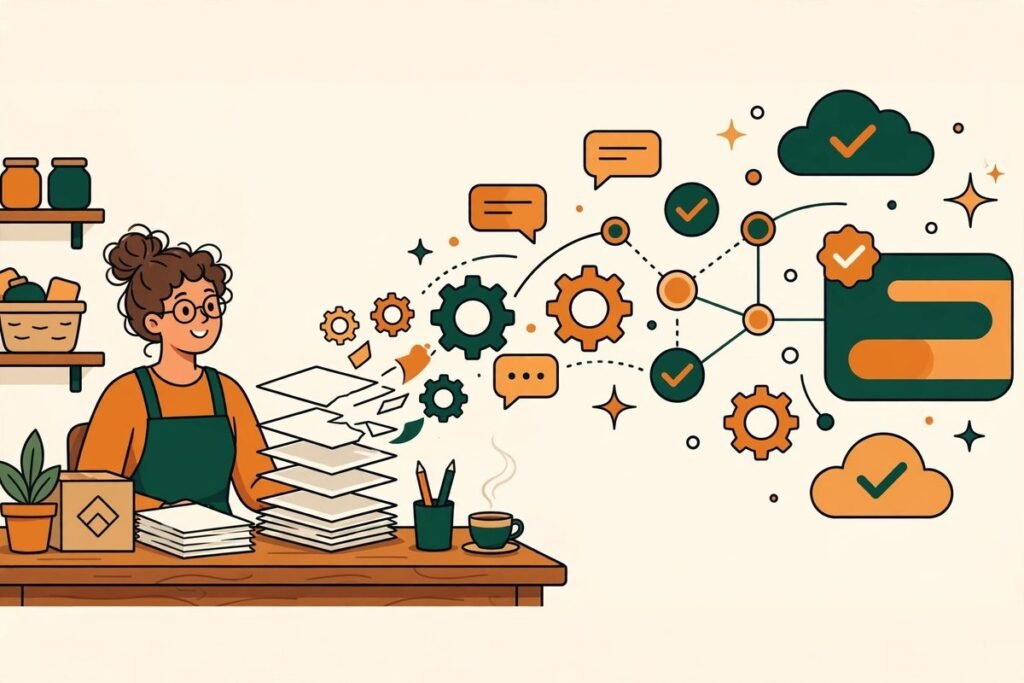
AI automation for small business has a marketing problem. Most of what you read about it is either breathless hype (“replace your entire team by Friday!”) or enterprise software brochures priced for companies with IT departments. The reality we’ve seen building automations for real businesses is quieter and more useful: the wins are boring, the costs are modest, and the businesses that benefit most are the ones that start with a specific annoying task rather than a grand AI strategy.
This is the guide we wish every small business owner read before spending a dollar on AI tools. No hype, just what works, what it costs in 2026, and how to start without breaking anything.
What “AI automation” actually means when you run a small business
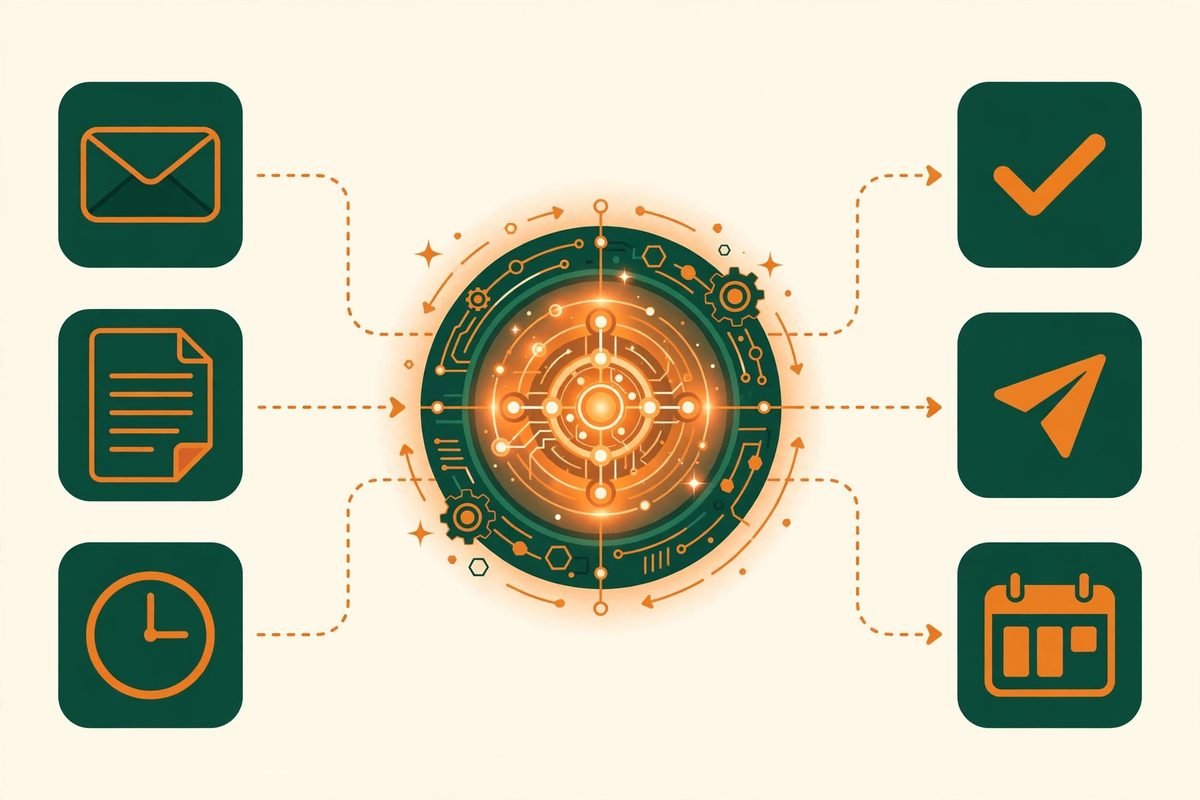
Strip away the jargon and AI automation for small business comes down to three things. First, chatbots and AI assistants that answer customer questions on your website or WhatsApp around the clock. Second, workflow automation — tools like Zapier, Make, or n8n that move data between your apps so nobody retypes it (new Shopify order → invoice in QuickBooks → thank-you email, with zero human touches). Third, AI-assisted work — drafting emails, summarising meetings, writing product descriptions — where a human still approves the output.
Notice what’s missing: robots, “digital employees,” and anything that requires a data science team. For a business with 2–50 people, the highest-ROI automations are almost embarrassingly mundane. That’s the point. The businesses winning with AI right now aren’t the ones with the flashiest tools — they’re the ones that automated follow-up emails while competitors were still doing it manually at 11pm.
The five automations worth doing first
After years of building these systems, here’s where we’d tell any small business owner to start, in order:
- Lead follow-up. Responding to a new enquiry within 5 minutes dramatically increases conversion versus responding in an hour. An automated instant reply plus a next-morning human follow-up beats a perfect manual reply sent tomorrow.
- Customer support triage. An AI chatbot trained on your FAQs handles the repetitive 60–70% (“what are your hours?”, “do you deliver?”) and escalates the rest to a human. Your team stops answering the same five questions daily.
- Review requests. Automatically asking happy customers for Google reviews after a purchase or appointment. This single automation has the best effort-to-revenue ratio we’ve seen.
- Invoicing and payment reminders. Polite, automatic nudges for overdue invoices. Awkward for humans to send; trivial for software. Cash flow improves measurably.
- Meeting notes into your CRM. AI transcription that writes the follow-up summary and logs it against the contact. No more “I’ll update the CRM later” (you won’t).
What AI automation actually costs in 2026
Here’s the honest math. A lean AI stack for a solo owner — a ChatGPT or Claude subscription, a scheduler, a design tool, and Zapier or Make on a starter plan — runs roughly $100–150/month, according to a detailed October 2026 pricing breakdown of small-business AI stacks (dev.to’s lean stack guide). An established small team adding a proper chatbot and paid CRM tiers lands around $400–800/month (LBN Tech Solutions’ 2026 cost analysis).
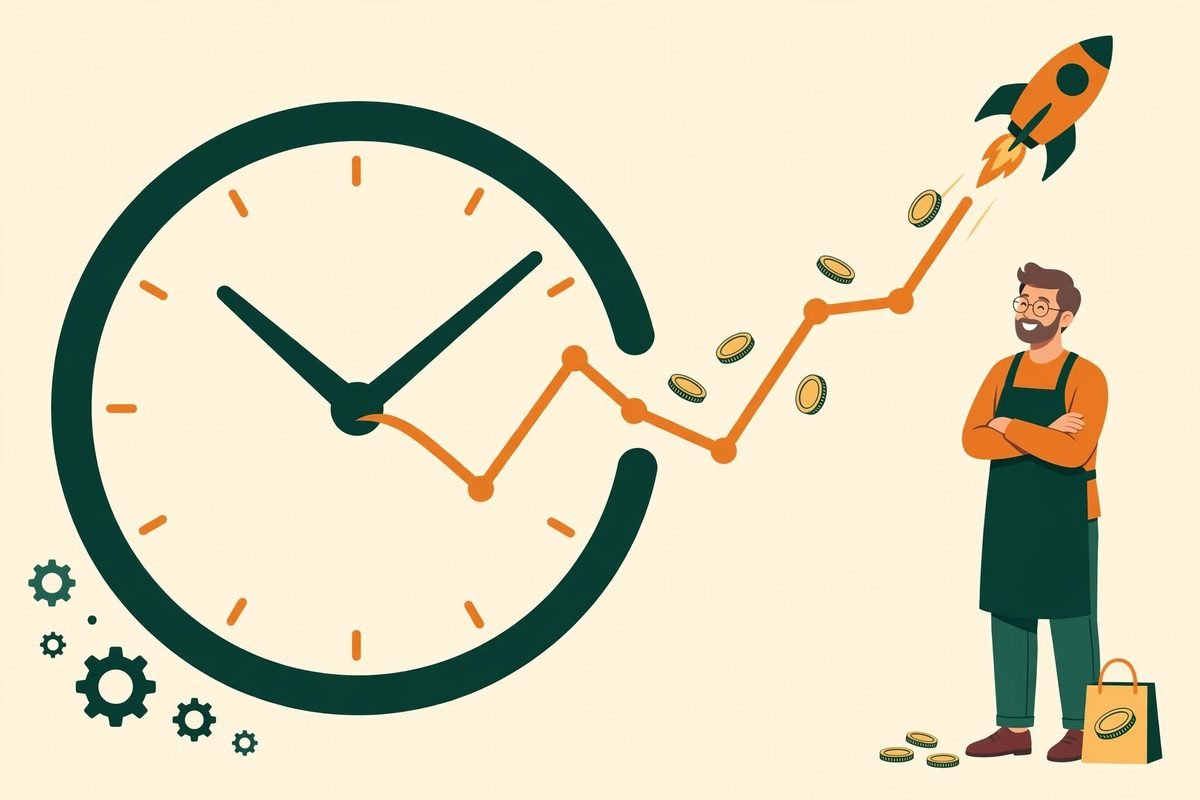
Compare that against one part-time marketing hire at $2,000–4,000/month, and the economics become obvious — with one caveat we always stress: automation pays for itself when it replaces hours of repetitive work, not when it’s merely impressive. A $29/month chatbot that saves your receptionist 90 minutes a day is a spectacular deal. A $500/month “AI platform” nobody opens is an expensive hobby. Start with free tiers, measure for 30 days, then pay for what proves itself.
What’s actually new — and what it means for you
Two developments from the last few months are worth knowing about. First, Meta launched Muse for Small Business (September 2026), a personal AI agent positioned explicitly at small firms — pitched as handling social posting, bookings, and the “grunt work,” with integrations into tools like Instagram, QuickBooks, and Canva. It’s early, but it signals where the market is going: automation bundled into tools you already use, rather than separate platforms to learn.
Second, there’s a growing pattern of owners running scheduled AI agents as virtual staff — one widely-shared example is a CEO who set up five Claude agents with job descriptions (a 6am morning brief pulling calendar and overnight numbers, a Sunday-night meeting prep agent, and so on). Our practitioner take: this works brilliantly for structured, recurring work like briefs and prep, and it fails wherever judgment or customer relationships are involved. Treat AI agents like extremely fast interns — great with checklists, never unsupervised with clients.
How to start without breaking anything
The framework we recommend to clients, and the one that avoids the expensive mistakes:
- 1. List your three biggest time-eaters. Not “we should use AI” — specific tasks. “Answering the same delivery questions,” “chasing invoices,” “posting to three social accounts.” If you can’t name the task, you’re not ready to automate it.
- 2. Put a dollar value on each. Hours per week × hourly cost of whoever does it. This tells you what an automation is allowed to cost and still win.
- 3. Automate exactly one thing. The highest-value task only. Run it for 30 days, measure hours saved, then decide. One working automation builds more confidence (and budget approval) than five half-finished ones.
- 4. Expand — and know when to call for help. DIY tools cover the simple stuff. When you need systems talking to each other, custom logic, or anything touching customer data and payments, that’s when a proper build pays for itself. Our AI workflow automation services exist precisely for that step.
Frequently asked questions
How much does AI automation cost for a small business?
Most small businesses start effectively free (free tiers of ChatGPT, Zapier, Canva) and settle at $100–150/month for a solo owner or $400–800/month for a small team once tools prove their ROI. Custom-built automations (chatbots wired into your systems, n8n workflows) are one-time projects typically starting in the low thousands — worth it when they replace recurring weekly hours.
Do I need technical skills to automate my business?
No. Modern tools like Zapier, Make, and most AI chatbots are built for non-technical users — if you can use a spreadsheet, you can build a basic automation. The technical line appears with custom integrations between proprietary systems, which is where hiring a developer makes sense.
Will AI automation replace my employees?
In our experience, it replaces tasks, not people. The businesses we work with use automation to remove the repetitive work their team hates, then redirect those hours to customers and growth. Nobody ever mourned manual data entry.
How long until I see results from business automation?
Simple automations (review requests, instant lead replies) show results within weeks. Deeper workflow automation typically pays back within 1–3 months. If an automation hasn’t earned its keep after 90 days of real use, kill it and try a different task — the tool isn’t the problem, the target was.
The bottom line: AI automation for small business isn’t a moonshot, it’s plumbing. Fix the leaks — the follow-ups, the retyping, the 11pm admin — and the hours you get back are the real ROI. And when you’re ready to go beyond off-the-shelf tools, our AI integration services can wire automation directly into the systems you already run. Tell us which task eats your week — we’ll tell you honestly whether it’s worth automating.