

If you run coding agents on your own machine, you already know the awkward part: the work happens on a laptop that is not always in front of you. The t3code open source agent control app — T3Code, from pingdotgg/t3code on GitHub — is built for exactly that gap. With more than 38,000 stars, it gives you a best-in-class mobile app, web app and desktop app for controlling the agents already running on your computer, using the subscriptions you already pay for. This guide explains what it is, what it can do, how to set it up, and where it still falls short, so your team can judge it on evidence rather than hype.

What the T3Code Open Source Agent Control App Does
T3Code describes itself, in its own README, as an “agent harness control surface”. That phrase is worth unpacking, because it is the difference between T3Code and yet another chatbot wrapper. T3Code does not sell you a model, and it does not replace Claude Code, Codex, Cursor or any other coding agent. It sits in front of the agents you have already installed and authenticated on your machine, and lets you start, watch, steer and review their work from your phone, a browser, or a desktop app.
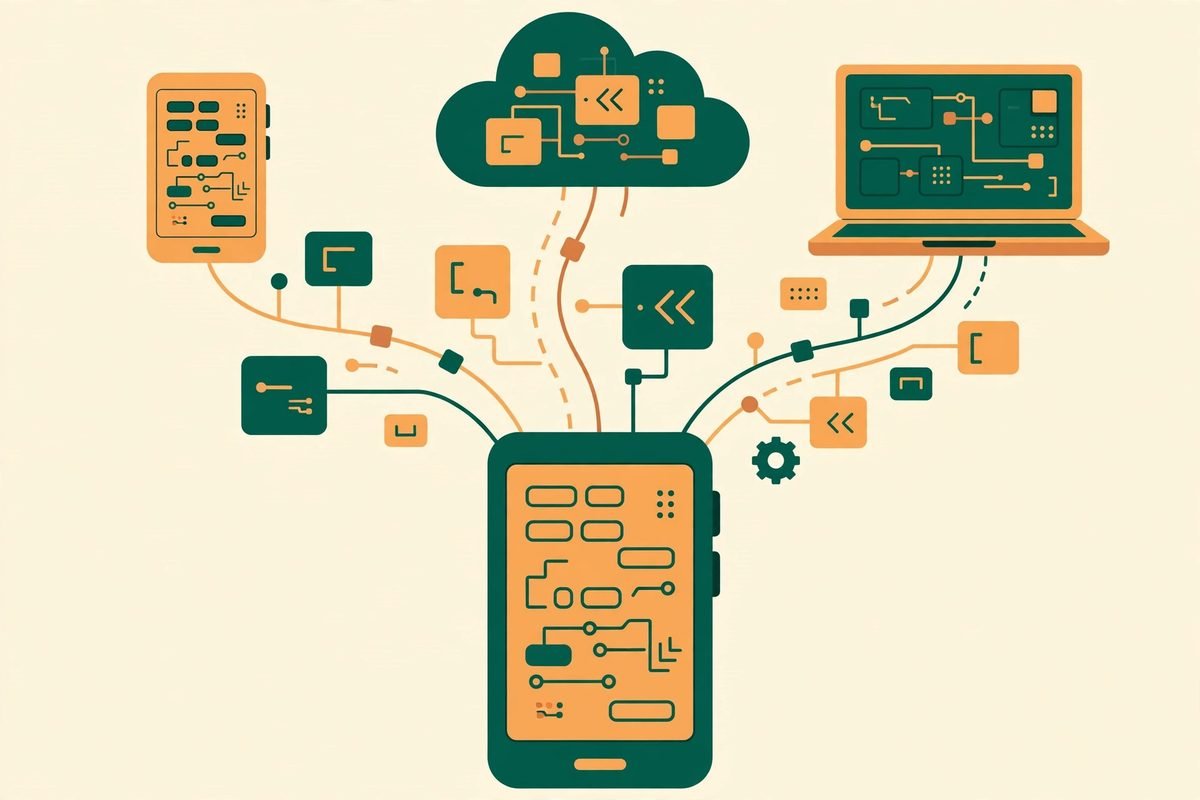
In practice, that means an agent session that started on a workstation can be checked from a phone on the train, approved from a tablet in a meeting, or handed a follow-up instruction from another machine without remoting into a full desktop. The project ships an iOS app, an Android app, a web app at app.t3.codes, and an Electron-based desktop app from t3.codes. The same server on your machine serves all of them, which is why the experience stays consistent even though the screens are very different.
The repository is written mainly in TypeScript, licensed under MIT, and was last updated on 2 November 2026 at the time of writing. It had 38,396 stars and 8,937 forks then — a large audience for a project that still calls itself very early and warns users to expect bugs. That combination, huge interest plus an early-stage warning, is the honest frame for everything that follows.
What It Can Do
Start with the provider list, because it decides whether T3Code is useful to you at all. At the time of writing it supports Codex, Claude, Cursor, Grok Build, OpenCode, Google Antigravity, and fx. If a provider is set up on your computer, T3Code can control it. If it is not, T3Code cannot conjure access for you — you still need that provider installed and authenticated first.
- One control surface for many agents: switch between Claude Code, Codex, Cursor and the other supported harnesses without learning a different remote app for each one.
- Remote-ready by design: the mobile apps are first-class, not an afterthought, so checking a long-running agent job does not mean opening a laptop.
- Web and desktop alongside mobile: the web app and Electron desktop app cover the cases where a phone screen is too small for reviewing a diff or a long agent transcript.
- Background service mode: the server can be kept running in the background, so agents remain reachable even when you are not sitting at the machine.
- Project and permission controls: the documentation covers project settings, permission modes, keyboard shortcuts, appearance preferences, source-control integrations, and connecting outside agents over MCP.
- Multiple accounts: dedicated documentation exists for multiple Codex and Claude accounts, which matters for developers who keep client work and personal work separate.
The documentation set is unusually complete for an early project: an FAQ, install and first-run guides, permission modes, keybindings, project settings, appearance preferences, remote access from a phone or another machine, updating, and source-control integrations all live in the repository docs folder. There is no separate docs site yet, which is a small sign of how young the project is, but the docs that exist are practical rather than marketing copy.
How It Works: Setup in Practice
The setup order matters, and getting it backwards is the most common way to waste an afternoon. Install and authenticate at least one supported provider before you expect T3Code to do anything useful. The README gives the exact login steps: Codex with codex login, Claude with claude auth login, Cursor with agent login, Grok Build with grok login, OpenCode with opencode auth login, and fx with fx login on the machine running the T3Code server. Antigravity is the exception — it is enabled in settings and signed in with Google, with no CLI required.
Once a provider is ready, the command-line install is a single command:
curl -fsSL https://t3.codes/install.sh | sh
On Windows, the PowerShell equivalent is irm https://t3.codes/install.ps1 | iex. Running t3 then starts the server and opens the local web app. The command t3 service install keeps it running in the background, t3 update moves to a newer release, and t3 –help lists the full reference. If you only want to try it once without installing, npx t3@latest is the documented trial route.
Desktop installation follows the normal channels for each platform: winget and scoop on Windows, Homebrew on macOS, a .deb package on Debian and Ubuntu, AUR packages on Arch Linux, and a nixpkgs package on NixOS. That breadth is a good sign — it suggests the maintainers care about developers actually installing the tool on real machines, not just starring it — but it also means you should pick the channel your team already uses, so updates stay boring and predictable.
Why It Is Trending Now
Three forces explain the star count. First, coding agents have moved from demos to daily work, and long-running agent jobs are now normal. A job that takes twenty minutes does not need you watching it, but it does need you reachable when it asks a question, finishes, or goes wrong. Second, developers already pay for several agent subscriptions, and none of those subscriptions ships a great phone experience. A single open control surface fills that gap without asking anyone to switch models. Third, the project is explicitly open: the README says the team built it because they wanted the best possible development experience with agents, were inspired by tools such as the Codex desktop app, Conductor, Claude Desktop and Cursor Glass, and wanted something performant, remote-ready, and truly open — so that if the project ever goes the wrong direction, users have everything they need to fork it.
That last point is doing real work in the trending story. In a market where agent tooling changes monthly, an MIT-licensed control surface that works with your existing subscriptions is a hedge. You are not buying into a new model, a new billing relationship, or a new proprietary harness. You are adding a remote control to tools you already use. For teams, that is a much easier decision than adopting a whole new agent platform.
From Our Experience: Where It Helps and Where It Does Not
At MTD Technologies, we build web, mobile and AI systems for clients, and we have learned to separate the control problem from the model problem. The model problem is which agent writes good code for a given task. The control problem is how a developer supervises that work without being chained to one machine. T3Code attacks the second problem, and that focus is its strength. It does not claim to make agents smarter, and teams should not judge it as if it did.
Where it helps most is supervision at a distance: checking a long build, approving a next step, reviewing a result, or starting a small job while away from the desk. It also helps teams that already run more than one agent harness, because it reduces the number of remote interfaces a developer must remember. And for agencies and product teams, the open-source licence matters commercially: you can inspect the code, self-host the server, and fork it if the roadmap diverges from your needs.
Where it does not help is just as important. T3Code will not fix a weak agent, a vague prompt, or a badly scoped task. It will not give you free model access, and it will not replace code review, testing, or the judgement of the developer who owns the change. The project itself is candid about its stage: very early, bugs expected, and mostly not accepting contributions yet, with only small fixes considered. The open-issues count at the time of writing — 3,946 — is consistent with a fast-moving early project, but it also means you should pilot T3Code on a non-critical machine first, keep your provider CLIs updated, and never give a remote agent write access to a production system on day one.
Cost is another honest trade-off. T3Code itself is open source, but the agents it controls are not free. You still pay for Claude, Codex, Cursor or whichever subscriptions you use, and token or usage costs still apply. The saving is in developer time and context-switching, not in model bills. Any business case that promises otherwise is misunderstanding what the tool does.
Responsible Use and Remote-Access Safety
Remote control of a coding agent is powerful, and powerful means it needs guardrails. Before you expose a T3Code server beyond your own machine, work through the project remote-access documentation and your own security baseline. Use the permission modes deliberately rather than leaving an agent in its most permissive setting. Keep the server and the desktop and mobile apps updated together — the docs include a specific guide for keeping app and server in sync, which suggests version drift is a known sharp edge. Use separate accounts or projects for client work where the tool supports it, and treat any instruction received on a phone with the same care you would give it at a desk: a quick approval tap is still an approval.
For teams, the practical rule is simple: pilot with read-heavy supervision first, add write permissions gradually, and log what agents change. T3Code gives you the control surface; your review process, tests and source control still provide the safety net. If your team does not already review agent output before it ships, remote access will amplify that gap rather than fix it. If you need help putting that workflow in place, our team builds custom software and AI automation systems and can advise on agent supervision that fits your stack — or start with a conversation via our contact page.
Getting Started
- Pick one provider you already use — Claude Code, Codex, Cursor, Grok Build, OpenCode, Antigravity or fx — and confirm it is installed and authenticated on your machine.
- Install T3Code with the command-line installer for your platform, or try it once with npx t3@latest.
- Run t3 to start the server and open the local web app, and confirm your provider sessions appear.
- Install the iOS or Android app, or open the web app, and test remote access from another device before you rely on it.
- Read the permission-modes and remote-access docs, set a sensible permission level, and only then consider t3 service install for background operation.
- Pilot on a side project for a week, track how often remote checks actually save a trip to the desk, and decide whether to roll it out wider.
Frequently Asked Questions
Is T3Code a chatbot or a coding model?
No. T3Code is a control surface for agents you already run, such as Claude Code, Codex, Cursor, Grok Build, OpenCode, Antigravity and fx. It does not provide its own model, and you still need a subscription or account with at least one supported provider.
Is T3Code free and open source?
Yes, the repository is MIT-licensed and written mainly in TypeScript. You still pay for the underlying agent subscriptions and any model usage those providers charge for.
Can I really control coding agents from my phone?
Yes, that is the core use case. T3Code ships iOS and Android apps alongside a web app and an Electron desktop app, all talking to the server on your machine, so you can supervise agent sessions away from your desk.
Is T3Code production-ready?
Not yet by its own description. The project says it is very early and to expect bugs. Pilot it on non-critical work, keep app and server in sync, and use conservative permission modes until you have evidence it is stable for your workflow.
Which providers does T3Code support?
At the time of writing: Codex, Claude, Cursor, Grok Build, OpenCode, Google Antigravity, and fx. Install and authenticate at least one before use; Antigravity needs no CLI and signs in with Google.
T3Code will not make your agents smarter, and it does not pretend to. What it does, usefully and openly, is put the agents you already pay for within reach from your phone, your browser, or another machine — with an MIT licence and a forkable codebase behind it. For developers who supervise long-running agent work, that is a practical upgrade worth a careful pilot. Browse more open tools in our AI Tools Directory, and if you want help building agent workflows into a real product, talk to MTD Technologies — we have spent nine-plus years shipping software, and we can help you judge where a tool like this fits and where it does not.