

Most WordPress builds we are asked to rescue share the same underlying problem, and it is not the theme or the hosting. It is the content itself: forty pages each carrying an address pasted into a paragraph block, team members saved as loose pages with no structure, a “services” listing that is really one long page of headings. This WordPress ACF custom fields guide explains the fix we apply on client projects — stop treating every piece of content as a document, and start modelling it properly: custom post types for the entities, Advanced Custom Fields for the structured data, and the block editor for page composition.
Pages are not databases
WordPress pages are documents. They are excellent for narrative content — a landing page, a long-form article, an about page. But the moment a piece of content has attributes you might ever want to filter, sort, or reuse somewhere else, it is data, not a document. That is the line most builds cross without noticing.
Take a property company with sixty listings, each built as a separate page. The address sits in a paragraph, the price in bold text, the bedroom count in a heading. It looks fine until someone asks for a filtered search (“three-bedroom properties under this price”), a map view, or a redesign — and you realise you are editing sixty pages by hand because nothing about those listings is queryable. The content was structured for a human reader and hostile to everything else.
The three layers of a sane WordPress content architecture
On new custom builds we work to a simple three-layer model — one that other agencies have independently converged on as the sensible 2026 default:
- Custom post types for business entities: team members, locations, properties, services, case studies, events. If it is a “thing” your business has more than a few of, it is probably an entity.
- ACF for the structured attributes of those entities: prices, phone numbers, coordinates, opening hours, relationships between entities.
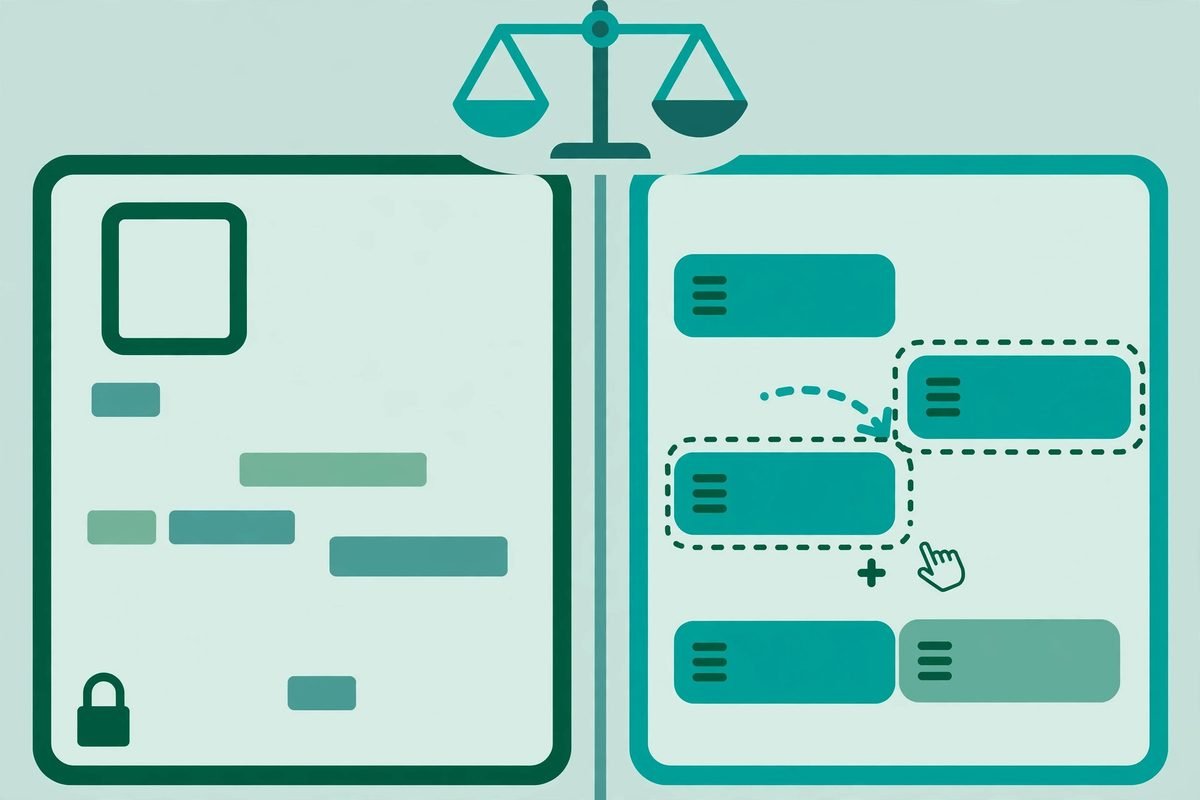
- Gutenberg for page composition: landing pages, editorial content, marketing sections — the narrative layer.
This is not an either-or choice. As one recent architecture write-up put it, the question is never ACF versus Gutenberg — it is which tool does which job. The failures we inherit always come from one tool being asked to do another’s job: page-builder-style layouts for a directory of two thousand records, or repeaters doing the work of a real database entity.

What ACF actually gives you
Advanced Custom Fields turns the WordPress editor into a proper form builder. You define field groups — text, number, image, gallery, Google Map, date picker, relationship, post object, true/false, select — and attach them to post types, taxonomies, users, or options pages through location rules. Editors get forms that match their mental model instead of a blank document and a prayer.
The underrated power is in location rules and conditional logic. Show the “menu” field group only on the Restaurant post type. Reveal “allergen information” only when “serves food” is ticked. This is how you stop editors from seeing forty irrelevant boxes: each content type gets exactly the fields it needs, nothing more.
Where ACF stops: it stores values in postmeta, which is key-value storage. Querying thousands of posts with complex meta_query conditions is slow — this is the single most common performance trap we find in audits. The practitioner rule is simple: use taxonomies for anything you filter or group by (categories, tags, custom taxonomies), and ACF for attributes you display. City as a taxonomy; phone number as a field.
A worked example: modelling a “Locations” content type
Say a business has twenty-five branches. Here is how we would model it:
- Register a Locations custom post type.
- Attach one ACF field group, shown only on Locations: address (text), coordinates (Google Map field), phone number, opening hours (a repeater: day, opens, closes), branch manager (a post object field pointing at the Team post type), and a photo gallery.
- Add a Services offered taxonomy, so “all branches offering X” is a cheap taxonomy query instead of a slow meta search.
The result: editors add a branch through a clean, guided form. Developers get a fully queryable archive and a single template to maintain — a redesign is one file, not twenty-five page edits. When structured fields are no longer enough and you need real application logic behind the content, that is the point where custom WordPress plugin development enters the picture. ACF models the data; a plugin builds the behaviour.
What’s new in ACF 6.8 (and why it matters to you)
ACF is under active development — version 6.8.10 landed in September 2026, and the headline theme across the 6.8 line is security hardening: stricter validation on file uploads and frontend forms, and tighter permission checks on what field data is exposed through the REST API. If your site exposes ACF data to an API or a headless front end, keeping current is not optional. The full release notes on GitHub are worth a skim.
The interesting developer additions are block bindings — ACF PRO can now bind fields to core blocks with live preview and editing directly in the block editor — and a new acf/fields JavaScript data store for reading and writing field values from JS. In plain terms: ACF-powered blocks now feel native in the editor instead of living in metaboxes below the content. We are starting to use this on client builds, and it is a genuine editor-experience upgrade. For WooCommerce stores, ACF PRO also now supports custom fields on subscriptions under HPOS, which matters if you keep custom data on orders.
Four mistakes we keep finding in inherited projects
1. One giant field group on everything. Location rules left at their defaults, so every post type shows every field. Fix: split field groups by editorial task — a group per content type, each with a clear purpose.
2. Repeaters used as databases. Three hundred testimonials as repeater rows on an options page. They cannot be queried, paginated, or individually edited without loading the whole set. Fix: if it is a list of things, it is a custom post type.
3. Filterable data typed freehand. City names entered as text — “NYC”, “New York”, “new york” — then filtered with LIKE queries that get slower every month. Fix: a taxonomy, with ACF handling the display attributes.
4. Field renames without migration. Renaming price to cost orphans every existing value, because ACF looks up values by field name. Fix: keep field names stable forever; if you must change one, write a migration script.
Frequently asked questions
Do I still need ACF if I’m using Gutenberg?
Yes, for structured data. Core blocks cover layout and narrative content; ACF covers data with types, validation, and conditional logic — a repeater of team members, a conditional gallery, a validated phone field. They complement each other rather than compete.
Is ACF free?
The core plugin is free. ACF PRO adds the fields businesses actually need — repeaters, flexible content, galleries, options pages, and custom blocks. For serious business builds we almost always recommend PRO; it pays for itself the first time an editor needs a structured form instead of a blank page.
Does ACF slow down my website?
Not meaningfully, when built well. ACF blocks only load what a specific block needs — similar to native blocks. The real performance gap is between either approach and a full visual page builder, which typically loads its entire framework on every page. The slowdowns we fix are almost always bad queries (heavy meta_query usage), not ACF itself.
Can editors break the design with ACF?
Much less than with open-ended page builders — and that is the point. Fields constrain input: a phone field holds a phone number, a select holds one of five options. You trade a little editorial freedom for a site that still looks designed in year three. That trade is usually worth it.
Structured content turns a website into a system: queryable, reusable, redesign-proof. Get the content model right before the design — it is the cheapest decision to make early and the most expensive to fix late. Our web development team audits and rebuilds WordPress content architecture regularly — or get in touch and we will take a look.