

Two providers quote you a WordPress maintenance plan at the same monthly price, and it’s natural to assume you’re buying the same service. You’re not. One might run a nightly script that auto-updates your plugins with nobody watching; the other tests every update on a staging copy before it touches your live site, keeps tested backups off-site, and answers the phone when something breaks. Both call it maintenance. After nine years of inheriting neglected WordPress sites, I can tell you the difference usually surfaces at the worst possible moment — a checkout form that silently stopped working, or an email from Google saying your site is spreading malware. This guide breaks down what’s actually included in a professional WordPress maintenance plan in 2026, what it costs, and how to spot the gaps before you sign.
The checklist: what a real plan includes
A genuine maintenance plan is a defined scope of recurring work, delivered by a human who is accountable for it. Here’s the list a professional provider should give you in writing:
- Tested core, plugin and theme updates — applied on a schedule and verified against your site’s key functions, not just clicked through in the dashboard.
- Off-site backups with tested restores — daily for busy sites, weekly as a minimum for brochure sites, stored away from your own server, with restores actually checked.
- Security scanning and malware cleanup — automated scans plus a person who reads the alerts; firewall and login hardening included.
- Uptime monitoring — pings every few minutes, with alerts going to a human who acts on them, not an inbox nobody checks.
- Performance checks — Core Web Vitals, database clean-up, and keeping media bloat under control.
- SSL and domain monitoring — certificates renewed before they expire mid-sale, domain expiry watched.
- Monthly reporting — what was updated, what broke, what was fixed. If reporting is just an automated PDF listing version numbers, that’s not reporting.
- Defined support time — a set number of hours for small fixes, with a stated response time for critical issues.
“Updates” is where most plans quietly differ
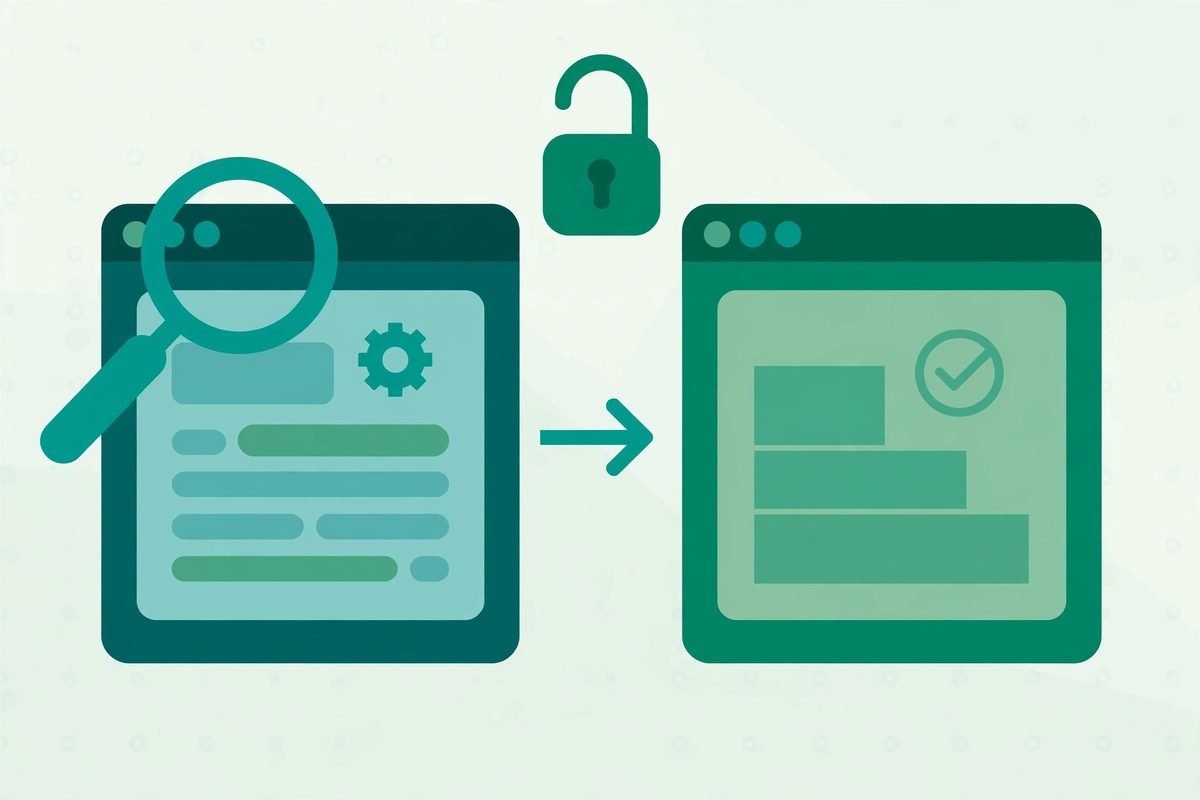
The core of every plan is updates, and it’s also where cheap plans cut corners. Plugin updates remain the most common cause of WordPress breakage in our experience: a WooCommerce add-on updates, and suddenly the checkout button does nothing — and nobody notices for a week. A proper update flow looks like this: snapshot the site, push a staging copy, run the updates on staging, test the homepage, forms, checkout and logged-in areas, deploy to live, then verify again. That takes a developer 30–60 minutes per cycle. A $10/month plan simply cannot afford to do it, which is why the professional floor for genuine human-monitored service sits around $50–100/month — below that, you’re buying automation you could set up yourself for free. If security is your concern specifically, our WordPress plugin security checklist covers how developers vet updates before they go near a live site.
Backups: the feature nobody reads until the day they need it
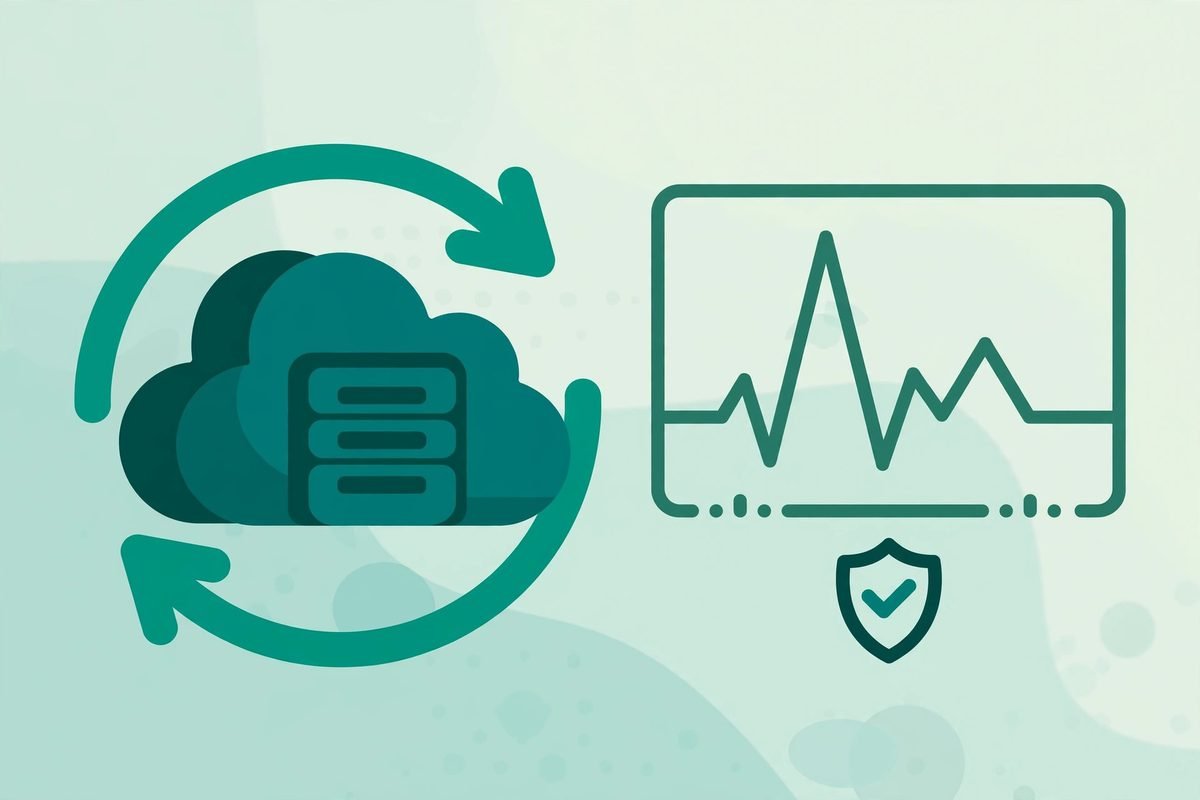
Every plan promises “backups”. The questions that matter: where are they stored, how often, how far back do they go, and — the one almost nobody asks — when was a restore last tested? A backup stored on the same server as your site is worthless the day the server fails. Look for daily backups stored off-site with at least 30-day retention, and a provider who can tell you when they last performed a test restore. The practical test before you sign: ask “if I rang you at 3pm after deleting the wrong page, how quickly could you restore yesterday’s version?” A provider with tested restores answers in minutes, not paragraphs.
What a WordPress maintenance plan costs in 2026
Market pricing is consistent enough in 2026 to describe in bands. Current 2026 pricing guides put realistic tiers at roughly $50–150/month for basic managed maintenance on informational sites (updates, backups, uptime and security monitoring, monthly reporting, limited support); $150–500/month for active business sites with lead generation (staging-tested updates, daily backups, small content changes, performance work, faster response times); and $500–2,000+/month for e-commerce and enterprise scope (payment gateway monitoring, hourly backups, same-day SLAs). Detailed tier breakdowns confirm the same shape: what changes at each level isn’t the list of features so much as testing rigour, backup frequency and human involvement. The classic advice from real owner discussions on Quora still holds — compare apples to apples, because two plans at the same price can include very different work. Against the cost, weigh the alternative: emergency hack recovery typically runs $200–5,000, and an hour of WooCommerce downtime on a busy day can exceed a whole month’s maintenance fee.
What a maintenance plan is NOT — get this in writing
Care plans cover recurring upkeep, not project work. The line between “included” and “quoted separately” is where disputes live, so get it in writing before you sign — as one 2026 Canadian guide puts it, “the key is to get the line between ‘included’ and ‘a project’ in writing.” Watch for these:
- Hosting is not maintenance. Your host keeps the server up; it will not test whether a plugin update broke your booking form.
- Redesigns, new features and integrations are project work. Custom functionality — for example a custom WordPress plugin — is scoped and quoted separately.
- “Unlimited changes” is capped in the small print — or priced as if it isn’t. Define what counts as a small task.
- Content updates count only if the scope names them. Assume they’re excluded unless stated.
- Cleaning up an already-hacked site is usually a separate recovery job, not a plan feature.
Red flags from our side of the table: licences held in the agency’s name that die when the relationship does; monitoring that emails an address nobody checks; no stated response window for critical issues; no monthly reporting; and long lock-ins. A provider who publishes what’s included, in plain language, is already ahead of most of the market.
Frequently asked questions
What is reasonable for a WordPress website maintenance cost?
For a human-monitored plan in 2026, expect roughly $50–150/month for a brochure site, $150–500/month for an active business site, and $500–2,000+/month for e-commerce or SLA-backed enterprise coverage. Below about $50/month you’re generally buying automated updates with no testing and no real support. Always compare scope against scope, not just price.
What’s included in WordPress website maintenance?
At minimum: tested core, plugin and theme updates; regular off-site backups with checked restores; security scanning and malware monitoring; uptime and performance monitoring; SSL upkeep; monthly reporting; and a defined amount of support time. Better plans test updates on a staging copy first and publish premium plugin licences in your name.
Can I do WordPress maintenance myself?
Yes, if you’re technically comfortable and consistent. The trade-off is time: missed updates and skipped testing are the most common reason a minor issue becomes a major repair. For most businesses, the risk calculation favours a plan — the first prevented incident typically pays for months of cover.
Is WordPress maintenance a one-time fee or ongoing?
Ongoing. Updates, backups, security monitoring and scanning need to happen continuously, not once. Most providers work on a monthly or annual retainer, and some charge a one-time onboarding audit before the retainer begins — which is a good sign, since it means they’re scoping your site properly.
A maintenance plan is insurance with a human attached: the value isn’t the checklist, it’s the discipline of someone else owning it every week while you run your business. If you’re evaluating providers, ask for the included list in writing, ask when they last tested a restore, and ask what happens at 9pm when the checkout breaks. Their answers will tell you everything. And if you’d rather hand the whole thing to a team that’s maintained WordPress sites for nine years — talk to us.