
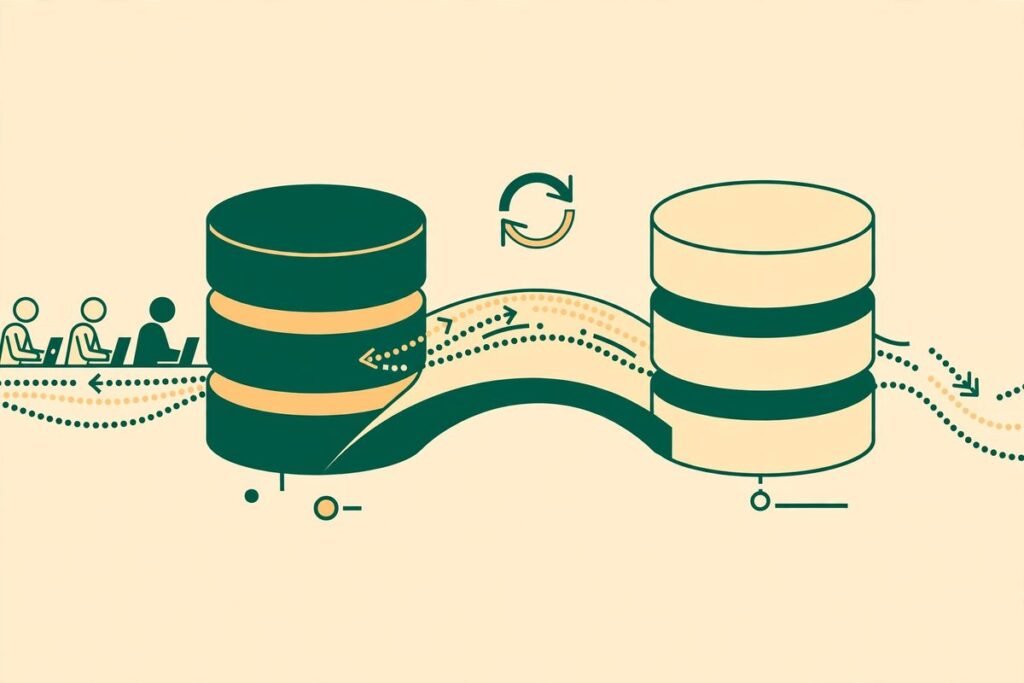
This zero downtime database migration guide is the checklist we wish every team had before their first scary deploy. If your application serves real users around the clock, you cannot simply take the database offline, run a migration, and hope the deploy finishes before anyone notices. This guide shows you how to change your schema while the old and new versions of your application run side by side, what to check before you start, and how to roll back when something goes wrong. By the end, you will be able to plan a migration that your users never notice, which is exactly the point.
MTD Technologies has spent 9+ years building and maintaining business software across more than 300 projects, and database migrations are one of those jobs where experience shows up fast. The difference between a boring deploy and a 2 a.m. incident is rarely talent. It is almost always preparation: small safe steps, a rollback plan decided in advance, and a rehearsed response for when the deploy goes sideways.
What zero downtime actually means
Zero downtime does not mean zero risk. It means users can keep using your application throughout the deploy. Requests keep succeeding, logins keep working, and checkouts keep completing while the schema changes underneath. What it does not mean is that nothing can go wrong. A migration can still corrupt data, break a query, or slow the database to a crawl while the site technically stays up. That distinction matters, because teams that chase the label instead of the outcome often skip the safety work that actually protects users.
The practical test is simple: during the migration, can the old and new versions of your code both run against the same database without errors? If yes, you have a genuine zero-downtime migration. If no, you have a deploy that requires a maintenance window, whether you admit it or not. Almost every zero-downtime technique exists to make that answer yes, and expand-contract is the most reliable way to get there.
The expand-contract pattern: the core of this zero downtime database migration guide
Expand-contract works in three phases, spread across multiple deploys instead of one big-bang change. First, you expand: add the new structure alongside the old one, without removing anything. Then you migrate: move the data and switch the code over to the new structure, in small steps. Finally, you contract: remove the old structure once nothing depends on it anymore. Each phase is independently deployable and independently reversible, which is why the pattern is so forgiving.
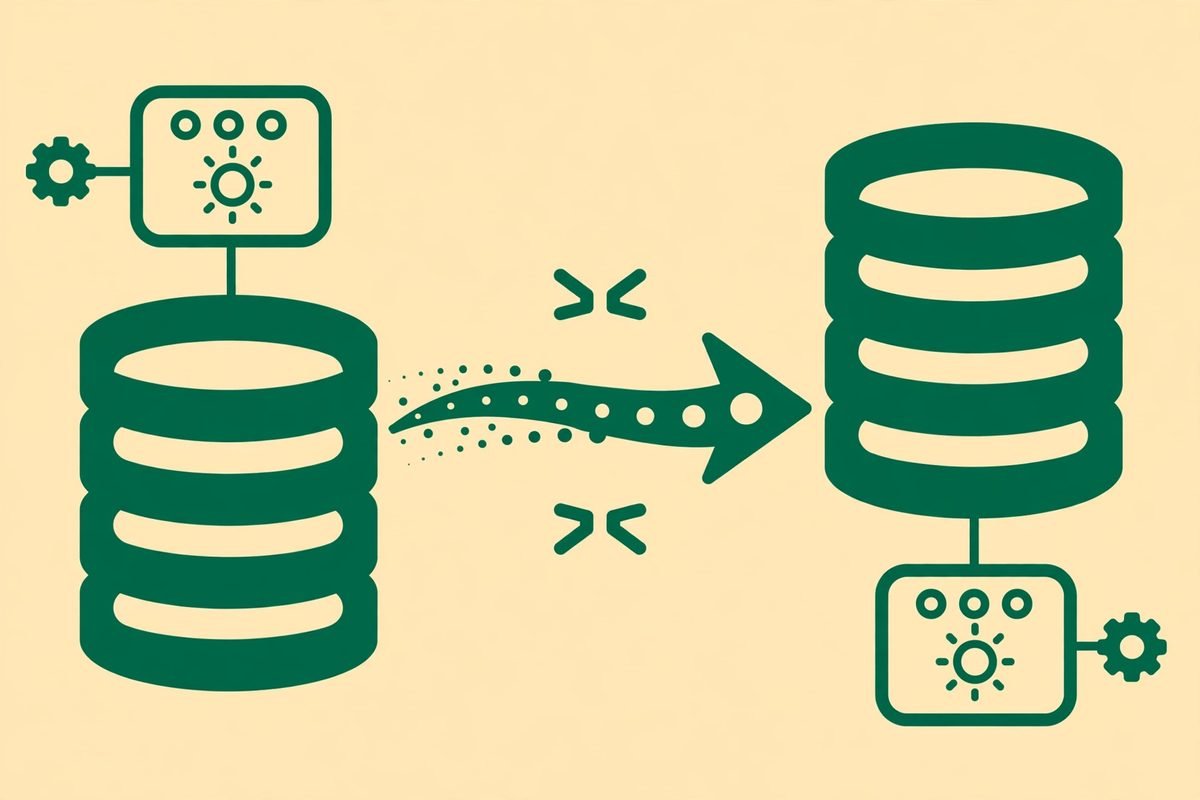
Take the classic example: renaming a column from name to full_name. The naive migration renames it in one step, and every running instance of the old code breaks the instant it runs. The expand-contract version looks like this:
- Expand: add the new
full_namecolumn. Deploy code that writes to both columns and reads from the old one. - Migrate: backfill
full_namefromnamein batches. Switch reads to the new column. Deploy and verify. - Contract: stop writing to
name, then drop it in a later deploy once you are certain nothing reads it.
Notice how many deploys that takes: at least three, often four. That is the real cost of zero downtime, and it is worth paying. Each deploy is small and independently reversible, and at no point does a running instance hit a schema it does not understand.
The pre-migration checklist
Before you touch a production schema, run through this checklist. It takes twenty minutes and it has saved us from incidents more than once.
- Take a verified backup, and know how long a restore takes. An untested backup is a rumour, not a safety net. Restore it to staging at least once a quarter and time it, so your rollback plan accounts for the real restore time.
- Run the migration against a production-sized copy first. Migrations that take seconds on a developer laptop can take hours on millions of rows. Measure the real runtime, and check how much lock contention it causes while other queries run.
- Check for long-running transactions and replicas. A migration that waits on a lock held by a reporting query will stall your deploy. Check replication lag before and during the change, especially if read replicas serve live traffic.
- Confirm the old code works against the new schema. Deploy the schema change first with the old code still running, and watch for errors before shipping code that depends on the new structure.
- Decide the rollback trigger in advance. Write down the exact conditions that mean roll back: error rate above a threshold, replication lag above a number, a specific check failing. Deciding this calmly beforehand beats debating it during an incident.
- Schedule for your quietest window anyway. Zero downtime is not an excuse to deploy at peak traffic. The quietest hour still gives you the most room to react if something unexpected happens.
The seven changes that break deploys, and their safe alternatives
Most migration incidents come from a short list of change types. Learn to spot them in code review and your deploys get dramatically calmer.
- Renaming a column or table. Old code references the old name. Safe alternative: add the new name, dual-write, backfill, then drop the old name later.
- Changing a column type. Narrowing a type or changing its representation can fail on existing data or break casts in running queries. Safe alternative: add a new column in the target type, backfill with a conversion, switch reads, then drop the old column.
- Adding a NOT NULL constraint to an existing column. Existing rows with null values will fail the constraint, and the migration itself can fail outright. Safe alternative: backfill the column first, add the constraint in a separate deploy once no nulls remain.
- Dropping a column or table. Any still-running old instance that reads it breaks instantly. Safe alternative: stop all reads and writes first, wait at least one full deploy cycle, then drop.
- Adding a unique constraint. Duplicate data you did not know about will fail the migration. Safe alternative: clean the duplicates first, verify with a query, then add the constraint.
- Splitting one table into two. Joins and writes that assumed one table now need two. Safe alternative: create the new table, dual-write, backfill, switch reads in stages, then remove the old columns.
- Backfilling millions of rows in one statement. A single giant UPDATE can hold locks for a long time and bloat replication. Safe alternative: backfill in small batches with pauses, and make the backfill resumable so it can be stopped and restarted safely.
One more practical note: in PostgreSQL, some operations that look harmless take locks you would not expect. The PostgreSQL ALTER TABLE documentation is worth reading before any non-trivial change, because it states plainly which operations block reads and writes. Teams that skip this step often learn about access-exclusive locks from their monitoring alerts instead.
Rollback: the plan you write before you need it
Every migration needs a rollback plan, and the plan must be written before the deploy, not improvised during it. The uncomfortable truth is that some migrations cannot be rolled back by simply reversing the SQL. Once you have dropped a column, the data is gone unless you restore from backup. Once you have converted data to a new format, the old code may not be able to read it. That is exactly why expand-contract keeps the old structure around until the new one is proven: it makes rollback a code deploy, not a data rescue.
A workable rollback plan names four things. First, the trigger: the exact signals that mean roll back now. Second, the mechanism: rolling back the code, the schema, or both, in what order. Third, the data question: can the old code read rows written in the new format while the new code was live? Fourth, the owner: one named person who can call the rollback without a committee meeting. If any of those four is blank, the plan is not finished.
Test the rollback on staging the same way you test the migration. Deploy the new schema and code, write some data, roll back, and confirm the old version still works with the data written by the new version. If it does not, you have found a forward-compatibility gap, and it is far cheaper to find it on staging than in production. For PostgreSQL teams, the open-source project pgroll automates the expand-contract steps. Tooling helps, but it does not replace the checklist.
From our experience: the gotchas that catch real teams
First, watch your ORM. Object-relational mappers cache schema assumptions, and a migration that is safe at the SQL level can still break an application that validates models on boot or caches column lists. Restart behaviour matters: if your deploy keeps old processes alive while new ones start, both versions must tolerate the schema at every step. Rolling deploys are where expand-contract earns its keep, and also where shortcuts get exposed.
Second, do not forget the jobs and the queues. Background workers, scheduled jobs, and analytics pipelines read your tables too, often on a different deploy schedule from the web application. A column dropped because the web code stopped reading it can still break a nightly report job nobody remembered. Search the whole codebase, including scripts and dashboards, before you contract anything away.
Third, be honest about when a maintenance window is the right call. A tiny internal tool does not need a four-deploy dance for a column rename, and a core table rewrite with heavy backfill traffic might genuinely be safer in a short, announced window than stretched across weeks of dual-writes. Zero downtime is a technique, not a religion. The goal is protecting users and data, and sometimes a planned window at 3 a.m. protects both better than a clever migration nobody fully understands.
Frequently asked questions
What is a zero downtime database migration?
It is a schema change applied while the application keeps serving users without interruption. The key property is that both the old and new versions of your code can run against the database during the transition, so a rolling deploy never hits a schema it does not understand.
Can every schema change be done without downtime?
Almost every change can be, using expand-contract, but some are expensive enough that a short planned maintenance window is the honest choice. Core table rewrites with heavy backfill traffic and some data conversions fall into this category. Judge each change on its real cost, not on a blanket rule.
How long does the expand-contract pattern take?
Longer than a single deploy, by design. A typical rename or type change takes three to four deploys spread over days or weeks, because each phase needs time in production to prove itself before the next phase ships. The calendar time is the price of safety, and it is much cheaper than an incident.
What is the safest way to roll back a migration?
Roll back the code first while the old schema structures are still in place, which is exactly what expand-contract preserves. Decide the rollback trigger, mechanism, and owner before the deploy, and rehearse the rollback on staging with data written by the new version.
Do I need special tooling for zero-downtime migrations?
No. The pattern is a discipline, not a product, and you can do it with plain SQL and careful deploy ordering. Tools like pgroll for PostgreSQL can automate the mechanics, but they do not replace the checklist: backups, staging rehearsal, rollback triggers, and a named owner still matter more than the tool.
Closing the loop
Boring deploys are a feature, not an accident. They come from small migrations, expand-contract discipline, a checklist run before every change, and a rollback plan written while everyone is still calm. If your team is planning a schema change that feels risky, get a second pair of experienced eyes on the plan. Our custom software and API development team handles exactly this kind of production database work, and our web development practice builds the applications that sit on top of it. If you would like help planning your next migration, talk to us before the deploy, not after the incident.