
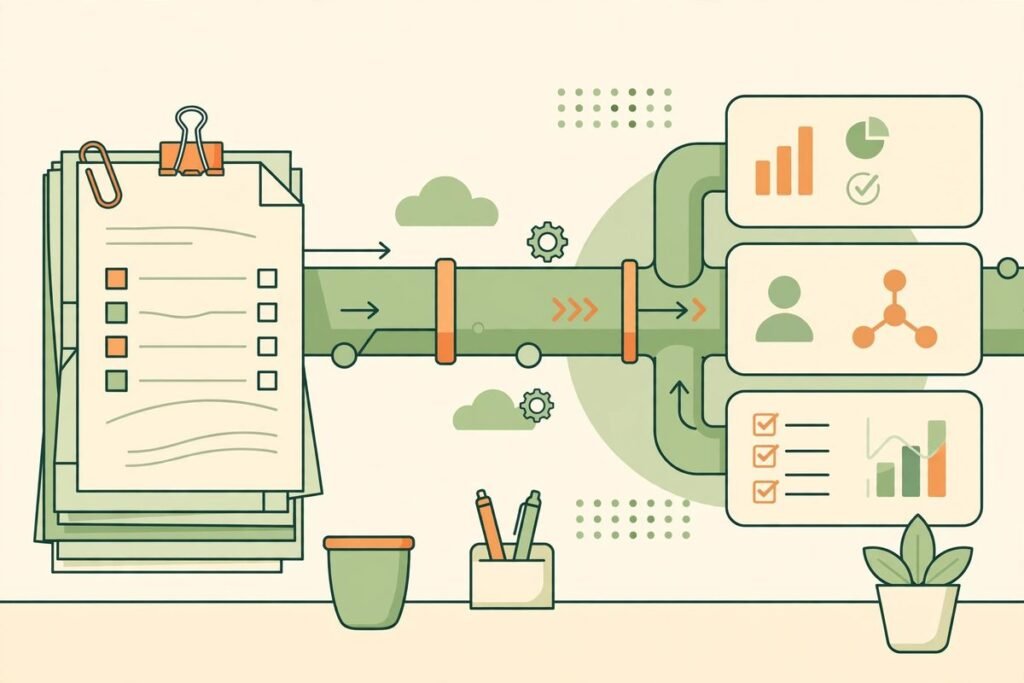
AI document processing automation for business is not about reading paper faster. It is about turning invoices, contracts, and forms into structured data your systems can act on — without a person retyping every field, chasing every missing total, or opening every PDF to find one clause. If your team still copies numbers from supplier invoices into accounting software, or hunts through contracts for renewal dates, this is the workflow that quietly eats hours every week, and it is also one of the easiest automation projects to scope honestly.
This guide explains how a modern pipeline actually works, where it pays back first, where it still needs a human, and how to build one without betting the business on a model that sometimes guesses.
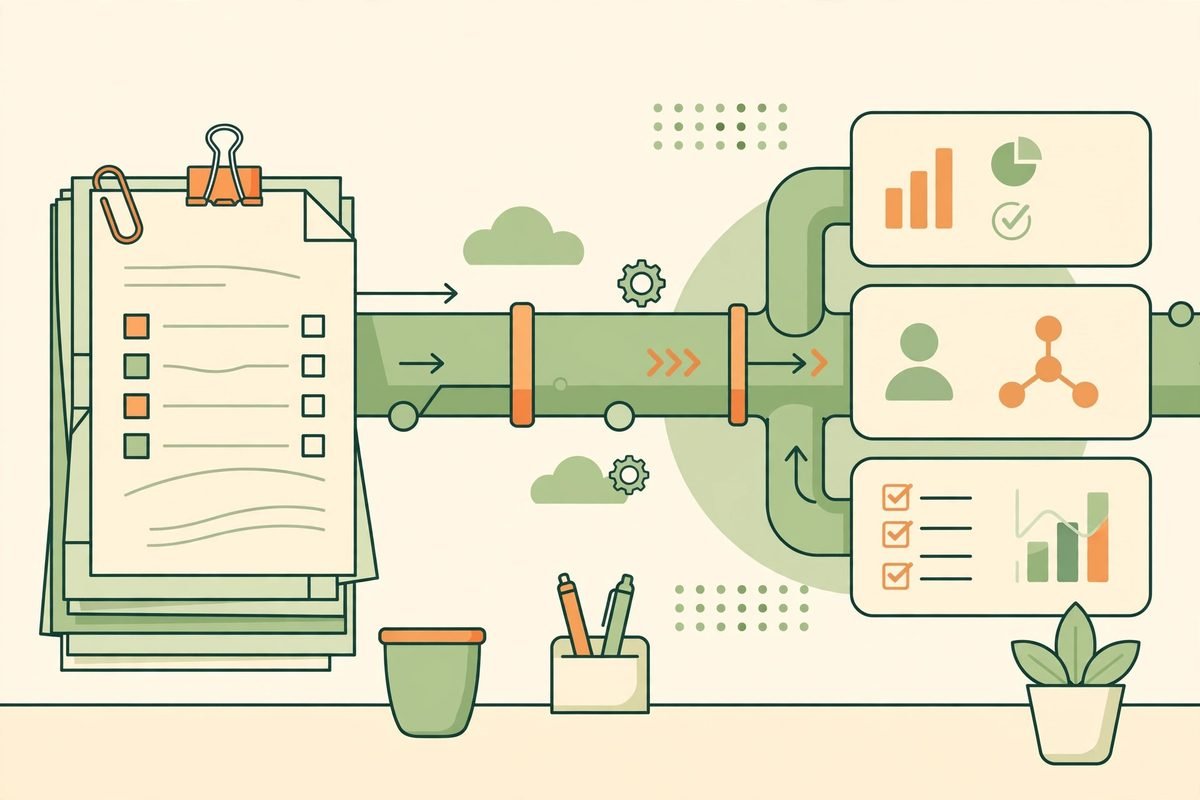
What AI document processing automation for business actually does
Traditional OCR converts an image of text into text. That is useful, but it is not enough. An invoice is not a bag of words: it has a supplier, an invoice number, a date, line items, tax, and a total, and those fields have to land in the right columns, in the right system, with the right currency. Intelligent document processing (IDP) adds three layers on top of OCR: classification, extraction, and validation.
First, the system classifies the document — invoice, contract, application form, receipt — and routes it to the right extraction profile. Then it extracts named fields, not just text: supplier name, totals, dates, line items, clauses, signatures. Finally, and most importantly, it validates: do the line items add up to the total? Does the supplier exist in your vendor master? Is the currency consistent across the header and the line items? Only fields that pass those checks go straight through. The rest go to a human queue.
A practical pipeline therefore has five stages: ingestion, classification, extraction, validation, and write-back to accounting, CRM, or ERP. Skip validation and you have not automated a process — you have automated errors at machine speed.
Invoices: where the payback usually shows first
Start with invoices because they are high-volume, repetitive, and measurable. A typical accounts-payable flow — receive, read, key in, match to a purchase order, approve, pay — can be reduced to receive, extract, validate, and approve exceptions only.
Accuracy depends heavily on document quality. On clean, born-digital PDFs, modern tools are very strong; independent benchmarks put leading models in the mid-to-high 90s for field accuracy on clean invoices. On scanned, photographed, or faxed invoices the gap widens: vision-language models that use layout and context tend to outperform pixel-by-pixel OCR by a clear margin, because they can infer a degraded character from its surroundings the way a person does. One recent benchmark comparison of LLM OCR versus traditional OCR found scanned-invoice accuracy in the low 90s for leading vision models versus around 80–85% for traditional OCR approaches, with line-item extraction consistently harder than header fields in both cases. That gap matters: at 82% accuracy roughly one invoice in five needs a human; at 94%, roughly one in seventeen.
That is also why line items deserve special attention in any invoice project. Header fields — invoice number, date, total — are relatively easy. Tables vary wildly: some suppliers use explicit column headers, others rely on spacing, and multi-line descriptions break naive parsers. Test any tool against your ten messiest real suppliers, not your ten cleanest. And watch for a specific failure mode found in recent multilingual invoice extraction testing: some tools returned totals or discounts that were not printed on the invoice at all. A model that fills a blank with a plausible number is worse than one that admits it cannot find the field.
Contracts: extraction is not legal advice
Contracts are a different job. You are rarely extracting a single total; you are pulling renewal dates, notice periods, liability caps, termination clauses, and payment terms out of long, deliberately varied language. AI is genuinely good at the first pass: finding the clause, comparing it against your standard template, and flagging anything unusual. It is not a substitute for the decision that follows.
A sensible contract workflow looks like this: the system extracts key dates and obligations into a register, flags deviations from approved wording, and surfaces the exact clause text with a link back to the source page. A person then decides whether the deviation is acceptable. That distinction — accurate extraction versus good business judgement — is the whole point. A technically correct reading of a liability clause can still lead to a poor decision if the surrounding context is misunderstood, which is why high-value contracts should always end with human approval, however good the extraction is.
Forms: the messy reality most demos skip
Forms — applications, onboarding packs, claim forms, surveys — are where document quality bites hardest. Handwriting, checkboxes, stamps, skewed scans, and phone photos all degrade accuracy, and handwritten forms in particular range widely depending on whether the writing is printed or cursive. Do not promise a client or a manager 99% accuracy on handwritten forms without testing their actual forms first.
The practical approach is tiered: printed forms and clean scans go straight through when confidence and validation both pass; handwritten or low-quality forms go to a fast review queue where a person confirms only the flagged fields, with the original image shown beside each field. That review step is not a failure of automation — it is the design. A reviewer who only touches 5–15% of documents, and only the uncertain fields within them, still saves most of the manual effort while keeping error rates where they belong.

How to build the pipeline: OCR, LLM, and validation in the right order
We recommend a hybrid architecture, and we recommend it for a boring reason: it fails less expensively. Use deterministic rules where a field has a fixed format — a VAT number, a bank account format, a date pattern, an arithmetic total. Use AI where the format varies — supplier layouts, free-text clauses, mixed-language documents. A German VAT invoice is a good example: flexible AI for the supplier block, which varies wildly, and a rigid rule for the VAT identification number, where the format is standard and accuracy is non-negotiable.
- Ingest once, keep the original. Store the source document untouched, with its extraction result linked to it. Audits, disputes, and corrections all need the original, not just the extracted row.
- Extract with confidence per field, not per document. A document can be 95% confident overall and still have one wrong total. Route by field confidence, so a reviewer only checks what is actually uncertain — the confidence-score approach to human-in-the-loop extraction in practice.
- Validate deterministically before write-back. Line items must sum to the subtotal; subtotal plus tax must equal the total; currency must be consistent; the supplier must exist in your master data; dates must be plausible. A failed arithmetic check should outrank a high model-confidence score — a confident but arithmetically impossible total is a hallucination, not a result.
- Write back through an API, not a spreadsheet dump. The point is that accounting, CRM, or ERP receives clean data automatically. If a person still retypes from a spreadsheet, you have moved the manual work, not removed it.
- Feed corrections back in. Every human correction is training signal. Log what was corrected, why, and what the original extraction was, and use that log to tune prompts, thresholds, and validation rules. Accuracy should improve month by month; if it does not, something in the loop is broken.
From our experience: the gotchas that decide whether this works
First, straight-through processing rate is a vanity metric if it is too high. A pipeline that auto-posts 98% of documents but still generates ledger corrections, customer complaints, or payment disputes is not well tuned — its thresholds are too loose. Well-calibrated pipelines typically settle in the 80–92% straight-through range, with the remainder handled as exceptions. If your exception rate is near zero, check your validation, not your celebrations.
Second, never let a single confidence score be the only gate. We have seen the failure pattern in the wild: a model extracts numbers correctly with high confidence but assigns the wrong currency to line items because it copied the header symbol, and the pipeline had no cross-currency or arithmetic reconciliation check to catch it. The fix is unglamorous — mandatory totals checks, currency-consistency checks, and master-data matching — and it is the difference between a demo and a production system.
Third, budget for the exception queue as a real job, not an afterthought. Someone has to clear it daily, and the queue interface matters: show the field beside the cropped source image, allow keyboard-first correction, and prioritise by money and deadline, not by arrival order. A review that takes more than about a minute per page is a design problem, not a staffing problem.
When not to automate a document type
Do not automate a document type just because you can. If volume is tiny — a handful of documents a month — a well-organised manual process with a template may be cheaper and more reliable than a pipeline you have to maintain. If the document’s meaning depends on negotiation, context, or legal interpretation, automate the extraction and the register, but keep the decision human. And if accuracy requirements are absolute and validation is impossible — a field with no cross-check, no master data, and no arithmetic — do not let it post straight through. Either add a check or keep a human in the loop for that field.
If you want help scoping that first project, our workflow automation team builds exactly these pipelines — ingestion, extraction, validation, and write-back into the systems you already run. For broader AI work, see our AI integration and automation services, or browse the AI tools directory for tools worth evaluating. And if you have a stack of invoices sitting in an inbox right now, talk to us — the fastest scoping conversation starts with ten of your real documents, not a slide deck.
Frequently asked questions
What is AI document processing?
It is the use of OCR, machine learning, and language models to classify documents, extract named fields and tables from them, validate those values, and deliver structured data to another system — rather than just converting an image into plain text.
How accurate is AI document processing for invoices?
On clean, born-digital invoices, leading tools reach the mid-to-high 90s for field accuracy. On scanned or photographed invoices, accuracy drops and varies more by tool, with vision models generally outperforming traditional OCR. Line items are consistently harder than header fields, so always test on your own suppliers.
Do I still need humans in the loop?
Yes — but far fewer, and only where they add judgement. Route low-confidence fields, high-value documents, and anything that fails a validation check to a reviewer, and let high-confidence, validated documents post automatically. Contracts, compliance decisions, and high-value approvals should always end with a person.
Can AI document processing handle contracts safely?
It can extract dates, obligations, and clauses and flag deviations from your standard terms, which is a large time saving. It should not make the legal or commercial decision. Keep a searchable obligations register with alerts for renewal and notice dates, and have a person approve anything non-standard.
What does it cost to build?
Cost depends on volume, document types, and integration depth. A single-type pipeline (for example, supplier invoices into one accounting system) is a contained project; adding contracts, forms, and multiple downstream systems increases scope. The honest way to price it is from your real document mix and a sample batch — not from a generic per-document quote.
AI document processing automation for business pays off when it is built as a pipeline, not a magic reader: extract, validate, route exceptions to a human, and write clean data into the systems you already use. Start narrow, measure honestly, and let the exception queue tell you whether it is working.