
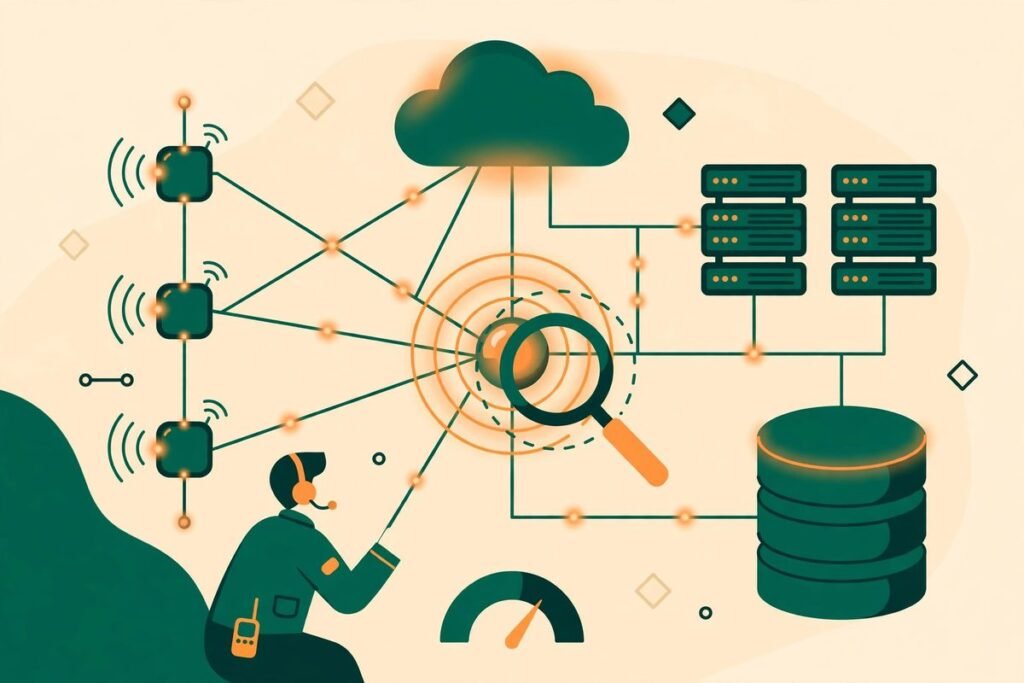
Polylane for Cloudflare is an AI on-call engineer Cloudflare apps teams can point at their Workers, databases, queues, and storage — and then let it investigate when something breaks. Our verdict up front: it is a genuinely useful investigation assistant for Cloudflare-heavy teams, not a replacement for on-call judgement. It is strongest at the miserable middle of incident work — finding which Worker, binding, or recent change is actually responsible — and weakest wherever a fix needs a human decision, a data repair, or a change to infrastructure it is deliberately not allowed to touch.
Polylane launched its Cloudflare edition on Product Hunt on 23 October 2026, following an original launch on 1 October, a Vercel edition on 8 October, and an Impact Analysis feature on 15 October. That pace tells you something important: this is a young, fast-moving product, not a mature platform. Treat it as a promising new hire with a narrow job, and supervise it accordingly.
What an AI On-Call Engineer Cloudflare Apps Tool Actually Does
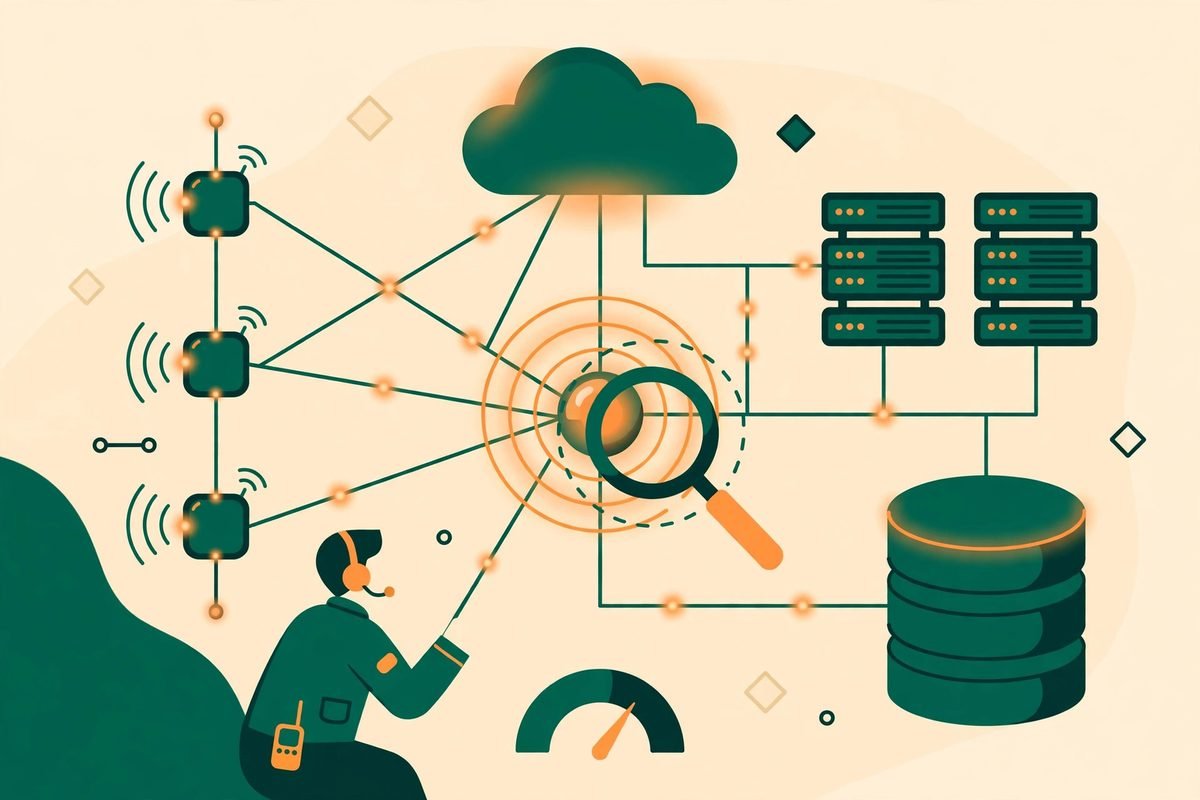
Most Cloudflare incidents are not hard because one error message is cryptic. They are hard because a Worker is only the visible tip of a graph: it calls a Durable Object, reads from D1, writes to R2 or KV, pushes work into a Queue, and sits behind DNS and routing rules. Polylane builds that graph first, then investigates inside it, covering Workers, Durable Objects, D1, R2, KV, Queues, Hyperdrive, AI Gateway, Workflows, Pages, and Tunnels.
In practice, the workflow runs in four stages. First, detection: Polylane reads metrics, logs, and traces around the clock and compares each resource with how it normally behaves, rather than waiting for a threshold you remembered to set. Its own example is an 18x jump in P99 latency caught with no threshold configured. Second, correlation: it follows bindings and DNS, so a record pointing at another cloud, or a queue backing up behind a Worker, shows up as part of the same story. Third, change-first investigation: every deploy and configuration change is recorded, and when a Worker breaks, Polylane checks what changed first. Fourth, a proposed fix: when the cause is in your code, it opens a pull request in the Worker repository for review.
It also flags risky setup before an incident happens: Workers without observability, D1 databases without backups, and queues stuck retrying, each with guidance on how to fix them. Many incidents we have seen in client work were not exotic failures; they were unobserved services, missing backups, or retry loops nobody had looked at until they became an outage.
How an Investigation Works, Step by Step
Imagine a Worker starts returning errors after a deploy. Traditionally, someone opens the dashboard, checks logs, and guesses whether the problem is the Worker, the database, or a downstream binding. Polylane short-circuits the guessing: it starts from the last change, checks metrics and traces for the Worker and everything it binds to, and works out a cause with evidence for each step.
- Connect with one read-only Cloudflare token. Polylane states plainly that it cannot change your Cloudflare account. It investigates and explains; code fixes go to your repository for review.
- Let it build the graph. Workers, Durable Objects, D1, R2, KV, Queues, zones, and DNS sit in one map, so a failure in one place can be traced to its real dependency.
- Review the investigation, not just the conclusion. Check which change, log line, or metric it cites before you accept the diagnosis — especially on the first few incidents.
- Review the pull request like any other. A fix PR is a proposal. Run your tests, check the diff, and never auto-merge an agent fix into a production Worker on trust alone.
- Fix the setup flags too. Add observability where it is missing, sort out the D1 backup gap, and clear the stuck queue. Those are cheap wins that prevent repeat pages.
Polylane also says you can connect your own coding agent to it once, and that agent can then query Cloudflare alongside the rest of your stack — useful, because the tools already doing your coding work should be able to read the incident graph.
Pricing: Free to Start, Credits After That
Polylane publishes its pricing openly. At the time of writing, Free costs nothing, covers two team members and up to two cloud account connections, and includes 10 impact assessments per month — its check of how a pull request could affect production. Starter costs 80 dollars per month billed monthly, or 64 dollars per month billed annually, with 10 times the usage of Free, up to five connections, unlimited seats, and 500 impact assessments per month. Enterprise pricing is custom.
The detail that matters most is credits: AI usage, weighted by model cost, drawn from one shared monthly pool covering threads, investigations, and fixes. When the pool runs out, Polylane warns you first, then agents pause until it resets — nothing is charged automatically unless you switch on pay-as-you-go under a cap you set. MCP and API reads do not count against limits on any plan, including Free, which makes Free a genuinely usable trial on a real account.
Do not budget on the headline price alone. Credit-based pricing rewards quiet months and punishes incident-heavy ones, exactly when you least want a tool to pause. Estimate how many investigations a bad week would generate, and check it against Starter’s 10-times allowance and its five-connection limit.
Who It Is For — and Who Should Wait
Polylane for Cloudflare fits best if you already run a meaningful workload on Cloudflare: several Workers, a D1 database or two, queues, and storage, maintained by a small team that cannot staff a dedicated reliability function. Those teams feel the exact pain Polylane targets — too many moving parts, too few people watching them, and incidents that take longer to locate than to fix.
It is a weaker fit if you have one simple Worker and a static site, where Cloudflare’s own logs and a basic alert will tell you everything you need. It is also not the right first purchase if your real problem is response, not diagnosis: a team with no runbook, no rollback discipline, and no one authorised to approve a fix at 2 a.m. will still be stuck after Polylane correctly identifies the cause. Fix the process first, then buy the investigator.
Watch-Outs and Honest Limitations
First, the read-only design is both a safety feature and a limit. Polylane cannot roll back your Worker, change a DNS record, drain a queue, or restore a database for you. It can explain and propose a code fix. That boundary is correct — an agent with write access to production infrastructure would be a risk — but buyers who imagine a tool that “fixes production by itself” will be disappointed. The human still ships the fix.
Second, a pull request is not a verified fix. Agent-written code can look plausible while missing an edge case, especially around Durable Object state or retry behaviour. Keep your existing review bar, require tests and a second pair of eyes on anything touching payments, authentication, or data migration, and track agent PR merge rates separately for the first month.
Third, the product is young. A Cloudflare edition launched in October 2026 has not yet lived through years of edge cases, and its public track record is mostly its own team’s usage — Polylane says it uses the tool heavily itself, shipping hundreds of pull requests a week safely. That is encouraging, not independent proof. Start on Free, run it in parallel with existing alerting for a month, and compare its diagnoses with your own incident notes before allowing any auto-merge workflow.
Fourth, coverage depends on connection. Polylane says it supports the major observability providers and that any other can be connected through MCP, but “can be connected” and “works well on your stack” are different claims. Verify with your actual tools, not the integrations page headline.
How It Compares to the Alternatives
Traditional on-call tooling alerts you and routes the page; it does not investigate. Cloudflare’s own Workers observability gives you the raw material, but still leaves correlation to a human. A general AI assistant can read logs you paste in, but has no live graph of your bindings and no memory of your last change. Polylane’s bet is that combining live graph, change history, and code-aware investigation is worth more than any one alone.
That bet is reasonable, but not unique forever: every major observability vendor is adding agent investigation. Polylane’s near-term edge is focus — built specifically for the Cloudflare graph, by a team that runs its own product on Cloudflare. If your stack is mostly Cloudflare, that focus is a real advantage today; if it spans several clouds equally, a broader tool may serve you better.
From Our Experience
At MTD Technologies, we have spent 9+ years building and maintaining web, mobile, and AI systems across more than 300 projects, and the pattern behind Polylane’s pitch is one we recognise from client work. The expensive part of an incident is rarely the fix. It is the twenty to forty minutes spent arguing about which service is at fault. Any tool that reliably shortens that argument — by showing the binding, the change, and the evidence in one place — earns its keep, even if it never writes a line of fix code.
Our practical advice is therefore boring, and deliberately so. Connect Polylane read-only, keep your existing alerts running, and treat its first month as an evaluation: log every investigation, note where it was right, where it was vague, and where a human found the cause faster. Only then decide whether Starter’s credit allowance fits and whether fix PRs deserve a fast-track review lane. If you want help wiring that evaluation into your stack — or building the AI automation around it — browse our AI Tools Directory, or talk to us about your setup.
Frequently Asked Questions
What is Polylane for Cloudflare?
It is an AI on-call engineer for Cloudflare apps, launched on Product Hunt on 23 October 2026. It connects your code, infrastructure, and observability data, investigates issues across Workers, databases, queues, and storage, and opens a pull request with a fix when the cause is in your code.
Can Polylane change my Cloudflare account?
No. It connects with a read-only Cloudflare token, so it investigates and explains, while code fixes go to your repository for review. It cannot change your Cloudflare configuration or infrastructure directly.
How much does Polylane cost?
There is a free plan, a Starter plan at 80 dollars per month billed monthly or 64 dollars per month billed annually, and custom Enterprise pricing. Usage is credit-based: investigations, autofixes, and pull request reviews draw from a monthly credit pool, while MCP and API reads are unlimited on every plan.
Does Polylane replace on-call engineers?
No. It replaces the slowest part of on-call work — locating the cause across a tangle of bindings and recent changes — but humans still review fixes, approve deploys, and handle data repairs, security incidents, and decisions that need business judgement.
Should a small team try it?
Yes, on the Free plan, in parallel with existing alerting. If your team runs several Workers with D1, queues, or storage and has no dedicated reliability engineer, a month of real investigations will tell you more than any review can — including whether Starter’s credit allowance fits your incident volume.
Polylane for Cloudflare will not end on-call work, and any vendor that promises otherwise should be treated with suspicion. What it offers, credibly, is a faster path from “something is broken” to “here is the change, the evidence, and a fix to review”. Try it free, measure it against your own incidents, and let the evidence decide. Find it on Product Hunt, read the official Cloudflare edition page, and check current limits on the pricing page before you commit.