
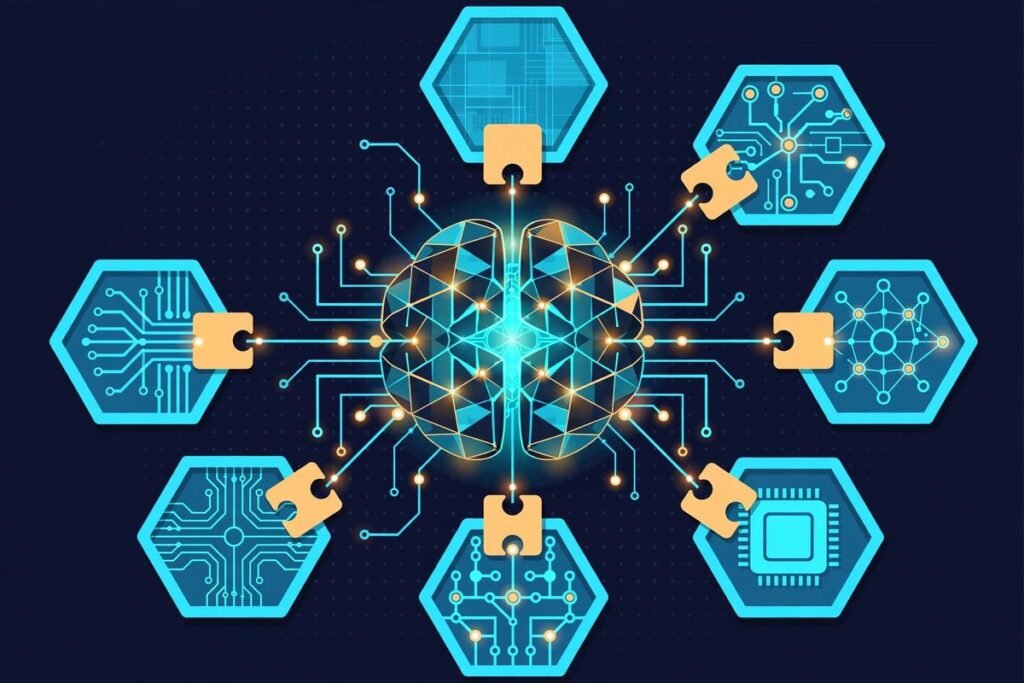
The DeepSeek Harness plugin framework for AI agents is the most consequential open-source release in the agent-tooling space this year. Launched on 13 August 2026, DeepSeek’s agent runtime, called dsh, has pulled in more than 259,000 GitHub stars and 31,000 forks in roughly ten weeks. But the star count is not the story. The story is the architecture: in Harness, everything is a plugin — the model adapter, the tool registry, the session log, even the agent loop itself. None of it is privileged; all of it is replaceable from configuration. If you build or buy AI agents for a living, that design decision changes what you can own, what you can audit, and what you are locked into. This deep-dive covers what Harness is, how it works, why it is trending, and the honest practitioner’s read: where it shines, where it is not ready, and how to evaluate it safely.
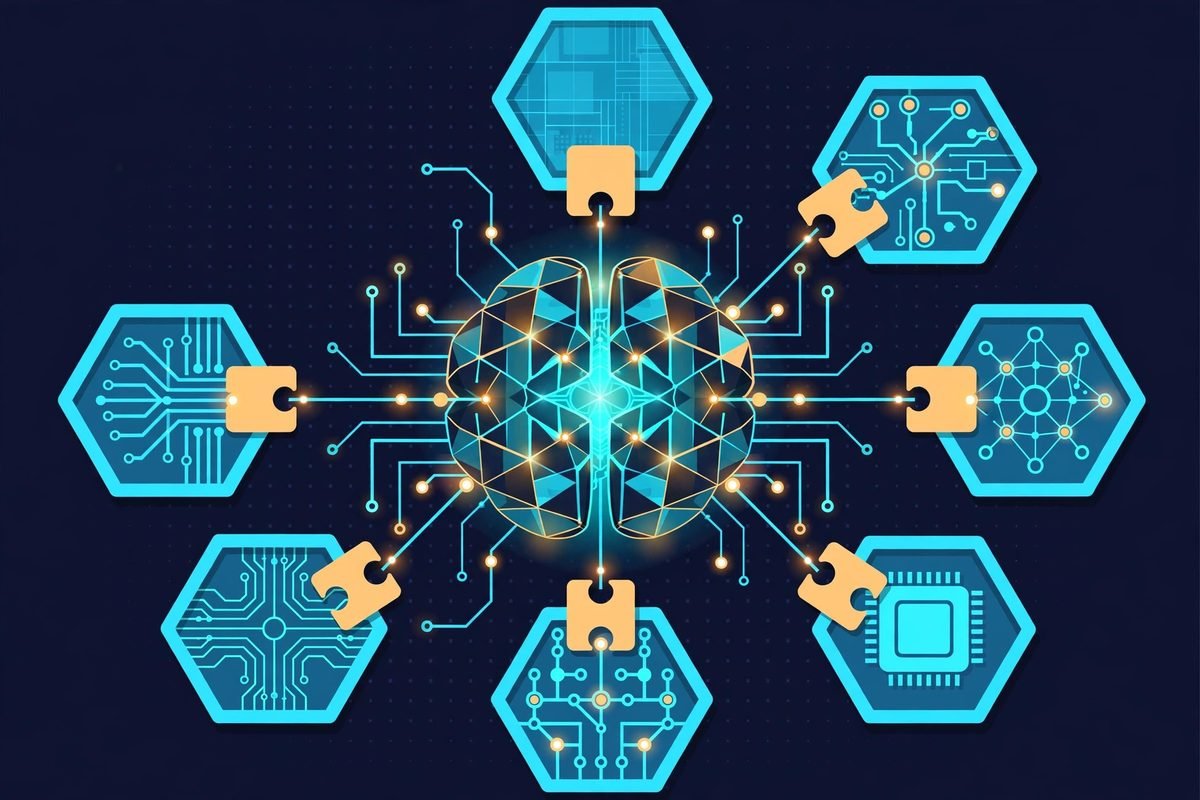
What the DeepSeek Harness Plugin Framework Actually Is
Start with the distinction that matters: DeepSeek Harness is not a model. It is the runtime that sits around a model — the scaffolding that turns raw model output into a working coding agent: tools, sessions, sandboxes, permissions, and the agent loop. DeepSeek calls it dsh. It ships as a runnable coding agent with a local Web UI and a headless mode for automation, and it is open source under the MIT licence (GitHub repo).
Three facts define the project. First, it is built on Cordis, a composition framework from the cordiverse project, whose design is described in a companion research paper on spatiotemporal composability. Second, the architecture document’s one-line summary is worth memorising: “There is no privileged core to patch: you extend dsh by mounting a plugin beside the others.” Third, it is explicitly a developer preview, and the README warns in capitals that there will be compatibility-breaking changes.
What It Can Do Today
Even in preview, dsh is a real coding agent. Out of the box it can inspect repositories, edit files, execute shell commands, search files and the web, maintain plans, invoke skills, delegate work to subagents, and enforce approval policies — the essential capability set that separates agentic coding tools from autocomplete systems.
Launch it with npx @deepseek-ai/dsh web and the Web UI starts at http://127.0.0.1:3080 by default. Choose a workspace, register a model API key, and describe a task. For automation, headless mode runs one-shot jobs with no server. Sessions are stored as an append-only event log, which gives you resume, fork, replay, transcripts, and telemetry for free — a serious answer to the “what did the agent actually do” audit question that haunts every team running agents in production. Third-party reviews report support for a broad set of model providers — Anthropic, OpenAI, AWS Bedrock, Azure, Google Gemini Enterprise, DeepSeek itself, and any OpenAI-compatible gateway — plus built-in sub-agent providers for Claude Code and Codex (disabled by default), a built-in MCP client, and bridges for Claude and OpenAI hooks.json files. In other words: the harness is deliberately model-agnostic. The model is just another plugin.
How It Works: Cordis, Profiles, and Bundles
This is the section most write-ups skip, and it is the one that matters for a technical buyer. The official documentation covers it in full; here is the working summary.
Cordis is the composition framework underneath dsh. Plugins contribute services, typed events, and reversible effects to a shared context; registrations are effects that unwind when their plugin unloads. Remove a plugin and its effects fully undo. Add a tool, a model provider, or a permission rule and it plugs in beside the rest.
A running dsh instance is a plugin tree composed at boot from ordered layers. A profile is a named composition — the project ships web, headless, sdk, sdk-minimal, and acp profiles. A bundle is a distribution format for configuration rows and the code they mount: dsh-base carries the shared first layer (model adapters, tools, persistence, sandbox and approval policy, settings, credentials, telemetry), and dsh-web-app, dsh-headless, dsh-sdk-app, and dsh-acp-app stack on top of it. You can inspect the exact tree your machine boots with dsh --profile web --dump-config, and any row it prints can be replaced by your own YAML patch.
For developers, the practical upshot is this: customising the agent is not forking the agent. A Plugin Manager ships for both the Web UI and for agents, and community plugins are discoverable under the dsh-plugin GitHub topic. Shipping your setup as a bundle that others can patch is the distribution model — configuration as a composable product, not a fork.

Why It’s Trending: The Problem It Solves
The agent-tooling market has been a features race: whose agent writes the best code, passes the most benchmarks, has the shiniest demo. DeepSeek just reframed it as an architecture argument.
The pain is real for anyone running agents at scale. Every closed agent product bakes in a fixed loop: fixed tool set, fixed session model, fixed permission story, fixed model routing. Swapping a model or adding a tool means waiting on the vendor’s roadmap or maintaining a fork. For an agency or product team running a fleet of agents across client work, the harness — not the model — is where the lock-in lives.
Harness attacks exactly that layer. Point it at any compatible model endpoint, mount your tools and policies as plugins, and you own the whole stack under MIT.
The timing is strategic. DeepSeek launched Harness alongside V4-Pro on its API — models plus the open framework for assembling the systems around them. That is a direct counter to closed agent products, and 259,000 stars in ten weeks is the developer community voting that open agent infrastructure matters more than one more benchmark.
From Our Experience: The Practitioner’s Read
At MTD Technologies we evaluate agent tooling the way we evaluate anything that touches client code: what does it cost to run, what breaks, and what do we tell a client who asks? Here is the honest version for Harness.
Where it genuinely helps:
- R&D and internal tooling. If your team wants a hackable agent lab — swapping models to compare quality and cost, testing permission policies, prototyping custom tools — Harness is the cheapest way to stand one up under an MIT licence.
- Multi-model strategy. Because the model adapter is a plugin, you can route cheap models at bulk work and frontier models at hard tasks without rebuilding your agent. That is where agent margins are won, and it is the same workflow automation thinking we apply to client pipelines: the orchestration layer matters more than any single component.
- Evaluation and audit. The append-only session log — resume, fork, replay — is exactly the observability story enterprises ask for. You can show what the agent did, not just what it produced.
Where it is not ready — and what to tell the business:
- It is a developer preview with promised breaking changes. Do not build a client-facing workflow on it today; budget for rework on every upgrade.
- There is no privileged core, which also means no vendor standing behind the core. Support is GitHub Discussions and a Discord server. Fine for a lab, not for an SLA.
- Plugin supply-chain risk is the hidden cost of “everything is a plugin.” Every community plugin is code running in your agent’s context. Treat the
dsh-plugintopic like npm: audit before you install. - You still pay per token. The harness is free; the model behind it is not. Teams routinely underestimate this: agent loops burn tokens on tool calls, retries, and context reloads. The session telemetry is useful here — measure before you commit.
When not to use it: if you need a polished, fixed-workflow coding agent today, a product like Claude Code is the honest recommendation — one workflow, maintained by its vendor, no assembly required. Harness is for teams that want to own the assembly.
Responsible Use: Read the Safety Notice Before You Run It
This section is not optional. Harness runs model-generated code and loads third-party plugins, and DeepSeek ships a safety notice in the repository for a reason. Coverage of the launch notes the project has not had an independent security audit, and sandboxing — Linux Landlock, macOS Seatbelt, Windows restricted-token runners — reduces but does not guarantee isolation.
The responsible setup is the boring one: run it with least privilege, in a disposable virtual machine or container, with approval policies turned on for anything that touches the network or the filesystem outside the workspace. Treat it the way you would treat any powerful junior developer with no security training: useful, fast, and never unsupervised near production.
Getting Started With DeepSeek Harness
- Install Node.js — third-party guides point to version ^22.19.0 or 24+.
- Run
npx @deepseek-ai/dsh web. The Web UI starts athttp://127.0.0.1:3080and opens in your browser on a local launch. - Add a model API key under Settings → Models and pick a workspace folder.
- Give it a small, reversible task first — a refactor in a scratch repo, not your monorepo — and watch the approval prompts.
- When you are comfortable, try headless mode for scripted runs, and inspect your plugin tree with
dsh --profile web --dump-configbefore you customise anything. - For plugin development, the repo’s architecture documentation is the starting point.

Frequently Asked Questions
Is DeepSeek Harness free to use?
The harness itself is free and MIT-licensed — you can use, modify, and redistribute it. You pay only for model usage behind it, whether that is a DeepSeek API key or any other provider you mount. Budget for tokens, not licences.
Does it only work with DeepSeek models?
No — and that is the point. Harness is model-agnostic: the model adapter is a plugin. Third-party reviews report support for Anthropic, OpenAI, AWS Bedrock, Azure, Google Gemini Enterprise, DeepSeek, and any OpenAI-compatible gateway. The model is interchangeable by configuration.
How is it different from Claude Code?
Claude Code is a finished product with a fixed, polished workflow maintained by Anthropic. Harness is an open runtime for assembling your own agent: every component is a swappable plugin. In one hands-on comparison, the two tools produced byte-identical code on the same task — the real differences were in how they reach into your machine, what they show you, and what they send back. Reviews even note Harness can run Claude Code or Codex as sub-agents. Different tools for different jobs: buy the product when you want the workflow, build on the harness when you want to own the stack.
Is DeepSeek Harness production-ready?
Not yet. It is explicitly a developer preview, the README warns of compatibility-breaking changes, and launch coverage notes it has not had an independent security audit. Use it for evaluation, R&D, and internal tooling — not for client-facing production workflows — until the project declares stability.
Should my business evaluate it?
If your team is standardising on agent-assisted development, yes — as an evaluation, not a commitment. Run it in a sandbox, measure token costs against your current tooling, test the session replay against your audit requirements, and see whether the plugin model fits how your team actually works. Our AI Tools Directory tracks agent infrastructure like this alongside the rest of the landscape.
DeepSeek Harness is the clearest signal yet that the agent wars are moving from models to infrastructure — and that the infrastructure is going open. A 259,000-star, MIT-licensed runtime where everything is a plugin is not a product announcement; it is an invitation to own your agent stack. Take it seriously, evaluate it honestly, and do not run it near production unsupervised. At MTD Technologies, we help teams evaluate, integrate, and productionise AI agent tooling — from model selection to the AI integration and automation guardrails that keep agents useful and safe. If agent-assisted development is on your roadmap, contact us and we will help you pick the right stack for the job.