
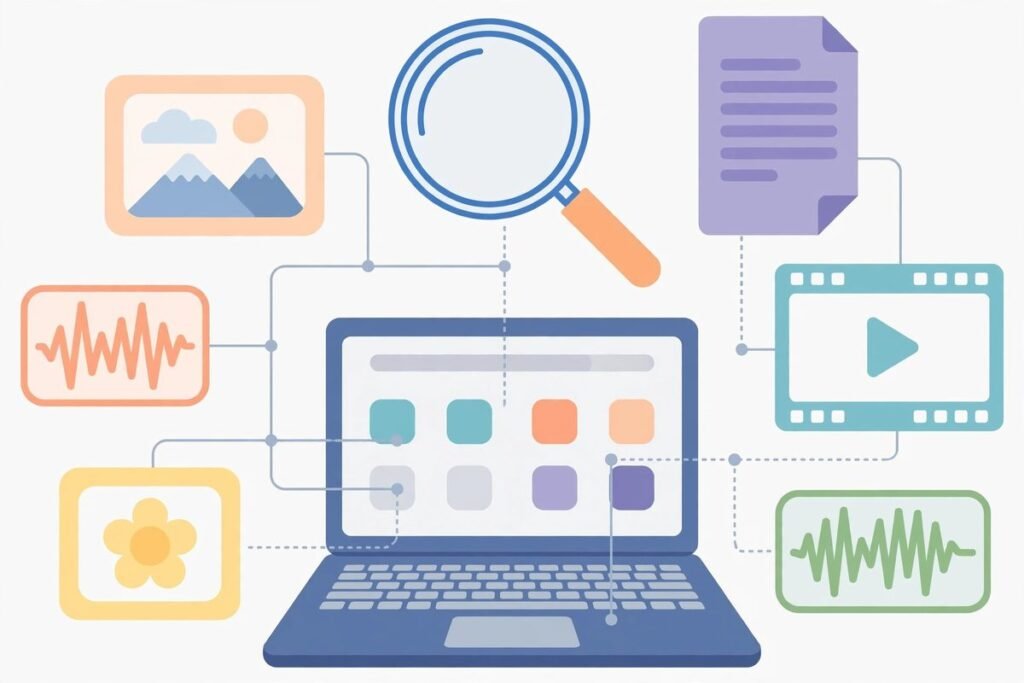
If you have ever typed three different guesses into your operating system’s search trying to remember where you put that one file, you already understand the problem DigUp solves. The open-source app — 5,199 stars on GitHub and climbing fast — brings AI semantic search for your files locally: describe what you are looking for in your own words and it digs up the matching photo, PDF page, podcast minute, video moment or line of code. Nothing you index ever leaves your computer.
It is built for anyone drowning in files: freelancers with a chaotic Downloads folder, agencies with years of client assets, developers with repositories full of code they wrote six months ago and promptly forgot. By the end of this deep-dive you will know exactly what DigUp does, how it works under the hood, where it beats your built-in search, and the honest limitations to know before you install it.
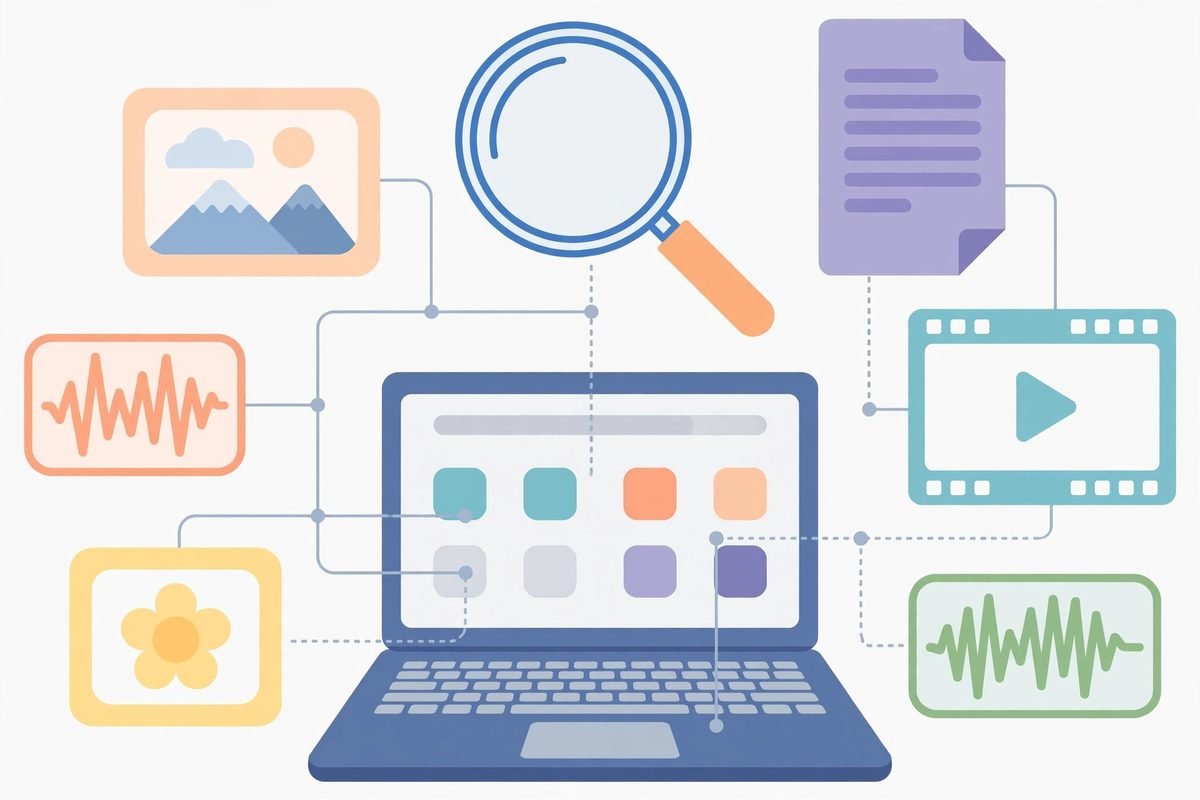
What DigUp Is: AI Semantic Search for Your Files Locally
DigUp lives in your menu bar on a Mac and in the system tray on Windows and Linux. Press ⇧⌘Space on a Mac (or Ctrl+Shift+Space on Windows and Linux) from inside any app and a search panel opens. You describe what you want — the project’s tagline is literally “Describe it. Dig it up.” — and DigUp returns the match, opened at the right place: a video at the exact moment, a podcast at the minute, a PDF at the page, a code file at the line.
The search examples from the project’s own GitHub repository tell the story better than any feature list:
- “zebra in a video” opens the clip at the moment the zebra shows up
- “where they talk about sleep” jumps to that minute of a podcast
- “the clause about pets in the lease” shows the PDF page
- “a dog on the beach” finds the photo — and “payment declined error” finds the screenshot
- a search in English can find a note written in Bengali or Arabic, and the other way around
- “code: retry a failed call with backoff” finds the function, whatever it is actually called
Exact words count too, which is the detail that separates a demo from a daily driver. Invoice numbers, error codes and names are matched as written — in file names and document text — so a search gets both the meaning and the exact string. Embeddings are brilliant at meaning but hopeless at a 12-digit invoice number; DigUp boosts exact-word matches for exactly that reason. On a Mac it goes one step further and reads the text inside screenshots, so an error message you screenshotted six months ago is searchable by its words.
What It Can Do (the Full Feature List)
DigUp only ever reads the folders you choose, and it reads more of them than you would expect:
- Pictures and screenshots — JPEG, PNG, HEIC, WebP and more — by what they show, not just their file names
- PDFs, page by page — scans included. A long document gets its first 30 pages indexed right away and the rest once everything else is done, up to 5,000 pages per file
- Documents — txt, md, rtf, docx, odt and html, plus old .doc files on a Mac. Text that is mostly numbers, like a data export, is matched by exact text only
- Audio of any length — the model listens in overlapping 30-second windows, so a match points at the moment the words are spoken
- Video of any length — a frame every few seconds plus one frame per shot, with the soundtrack indexed the same way as audio
- Code (opt-in) — source files, notebooks without their outputs, and a repo’s own docs. Start a search with
code:and describe what the code does, or type a symbol name: “code: refreshAccessToken” goes to the line that defines it, not the places that call it. Results open in your editor — Zed, VS Code, Cursor, Sublime, JetBrains IDEs, Xcode on a Mac, Notepad++ on Windows — at the exact line
The safeguards are worth reading closely, because they are what make this safe to run on a work machine. DigUp never reads keys, certificates, password files or hidden folders like .ssh. It never reads apps or caches, it skips folders that look like datasets, and it never downloads files that only live in the cloud — iCloud placeholders on a Mac, OneDrive on Windows stay untouched. Outside the folders you pick for code search, it never reads code at all; inside a code project it skips whatever git ignores, plus vendored and generated code, data files and anything that looks like a key or password. And it only reads: it never changes, moves or uploads your files.
How It Works Under the Hood
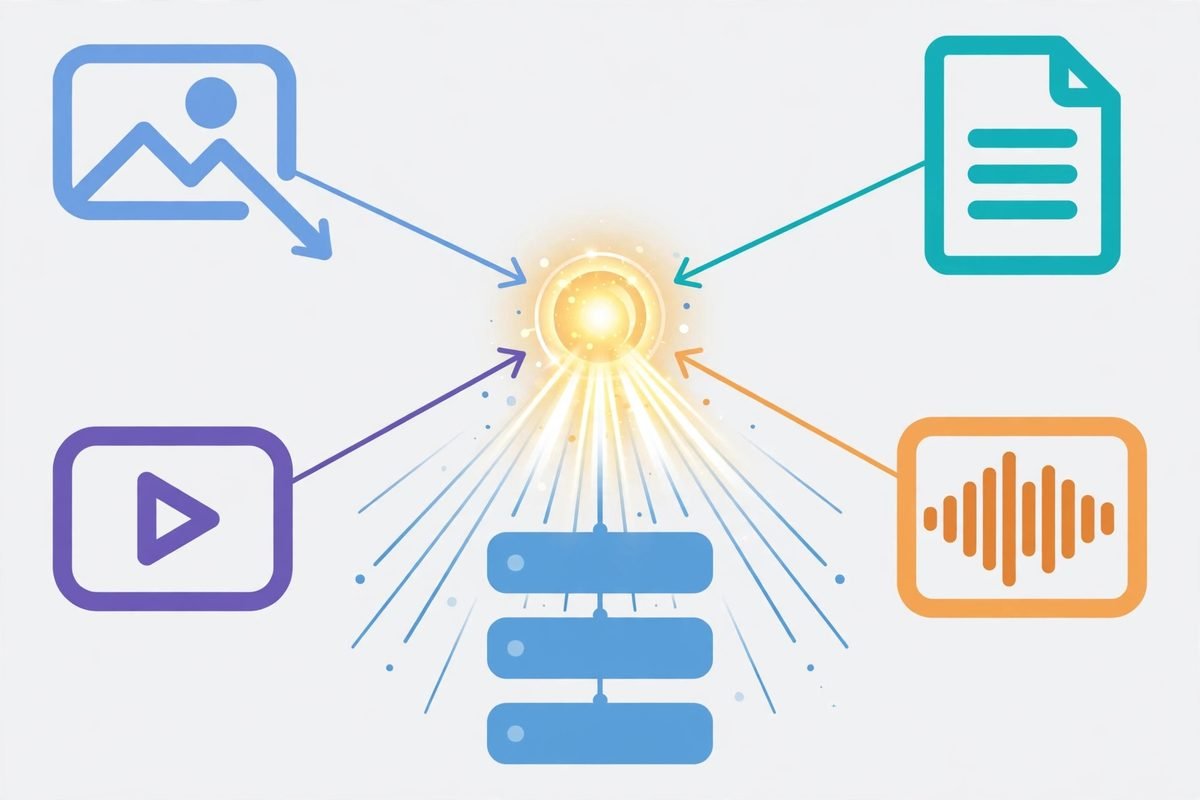
The engine underneath DigUp is EmbeddingGemma 2, the multimodal embedding model Google DeepMind released in October 2026. It is a 740-million-parameter open model (Apache 2.0) that understands more than 100 languages and — this is the key part — puts text, images, audio and video into one shared 768-dimensional space. A photo of a dog on a beach lands next to the words “a dog on the beach”; a recording of someone talking about sleep lands next to “where they talk about sleep”. Because every vector lives in the same space, one query can rank a video frame against a PDF page against a podcast minute.
DigUp runs an 8-bit build of that model through llama.cpp: on the Mac’s GPU via Metal, and on Windows and Linux on the GPU via Vulkan when a quick check at setup finds it faster than the processor with identical results. The architecture is refreshingly honest — straight from the project docs: readers turn your files into pictures, text and sound, the model runs in a helper process that quits when it is done, and everything lands in one SQLite file holding a vector for every picture, page, passage, video frame and 30 seconds of sound, plus a keyword index (code search keeps a second index, for code). Searching embeds your words in milliseconds and compares them with everything in the index.
A few engineering details signal this is built by someone who has shipped software before. The index remembers which model version produced its vectors, so an update that changes the vectors re-indexes cleanly instead of silently serving stale matches. Every llama.cpp update is tested against stored reference vectors before it ships. There is an evals folder with the ranking queries used to measure changes. And the model part of the app is deliberately tiny — about 20 MB on a Mac — while the 865 MB download is almost entirely the model: a 310 MB text part plus 555 MB of image and audio encoders.
Why It’s Trending Now
Timing explains the star count. The repository was created on 8 October 2026 and passed 5,199 stars with 384 forks in under two weeks — a velocity that usually means a project landed exactly on a new capability. EmbeddingGemma 2 itself shipped the same month, so DigUp is effectively the first polished consumer app built on Google DeepMind’s new multimodal embedding model. It answers a question a lot of people were asking: now that open multimodal embeddings exist, what is the most useful thing you can build with them?
The product thesis is sound, too. Built-in search indexes file names, text and metadata — not meaning. The cloud alternatives to DigUp ask you to upload your files to someone else’s servers, which is a non-starter for contracts, finances and anything under NDA. DigUp sits in the gap: meaning-level search with zero data leaving the machine, free and MIT-licensed, cross-platform from day one (Mac with Apple Silicon and macOS 14 or later, Windows 10/11 and Linux in beta). No account, no telemetry. The project only goes online to download the model once and to check for updates once a day — and the update check sends nothing about your files, and can be turned off entirely.
From Our Experience: the Honest Limitations
We have shipped enough software — 9+ years and 300+ projects at our agency — to know that the interesting part of any tool is what it cannot do. Here is the honest version:
- The first run is heavy. Beyond the 865 MB download, the initial indexing pass can take hours on a CPU-only machine — the project cites roughly five seconds per image on a 2017 laptop’s Core i5, so a 10,000-photo library is an overnight job. Setup shows a time estimate per folder, measured on your own computer. Trust it and plan accordingly; GPU machines are dramatically faster.
- The Mac is the first-class citizen. Reading the text inside screenshots, old .doc files, RAW photos and SVG pictures are Mac-only for now. Windows and Linux are in beta, and the Windows installer is not signed yet, so SmartScreen will warn you.
- Wayland users have homework. On GNOME and KDE under Wayland, apps cannot set their own shortcuts, so DigUp adds its shortcut to the desktop’s keyboard settings during setup; the GNOME tray icon also needs the AppIndicator extension.
- The index is married to the model version. A future EmbeddingGemma update that changes the vectors means re-indexing everything. For most people that is a background inconvenience, but do not sell it to your team as zero-maintenance.
- Know when not to use it. For pure filename lookups your OS search is faster. For files that live only in the cloud, DigUp deliberately stays away from them. And on a shared workstation, keep your folder scope tight — an index is itself a sensitive artifact, and anyone who can sit at your unlocked machine can search everything you have indexed.
That last point deserves emphasis for teams handling client data under NDA. DigUp’s defaults are privacy-sane — it skips keys, certificates, password-looking files, .ssh and hidden folders — and the code search is off until you explicitly turn it on. But searchability is itself a surface: making every contract and invoice on a laptop instantly findable is powerful and worth doing, as long as it is a conscious decision. If you are evaluating local-first AI tooling for your team, the tools in our AI tools directory are a good place to compare approaches, and we regularly help businesses wire AI automation into real workflows with exactly this kind of care around data boundaries.

Getting Started in Five Minutes
Installation takes longer to describe than to do:
- 1. On a Mac, download the DMG from the releases page and drag it to Applications, or run
brew install --cask arahim3/tap/digup. On Windows, grab the beta installer from the same releases page; on Ubuntu/Debian/Mint, install the .deb (the package is calleddig-up), or use the AppImage anywhere else. - 2. While the 865 MB model downloads, pick the folders to search — whole folders or just some subfolders. Setup shows the first-pass time for each, measured on your machine.
- 3. Hit the shortcut in any app and describe what you are looking for. That is the whole interface.
- 4. Optionally, turn on code search in Settings → Code for your projects — each repo shows its indexing time and index size before you commit.
- 5. Indexing progress, pausing and settings all live in the menu bar or tray icon, and updates install in one click.
Frequently Asked Questions
How is DigUp different from Spotlight or Windows Search?
Built-in search finds files by their names, text content and metadata. DigUp also finds them by what they show or say — the content of a photo, the spoken words in a podcast, the zebra at minute 3:42 of a video — and takes you straight to the page or moment. They work fine side by side; DigUp is not a replacement for name-based search, it is a second search for the things names cannot find.
Will DigUp slow my computer down?
Only the first indexing pass is heavy. After that it reads only new files, the model runs in a separate helper process that quits when it is done, and the search side loads the ~250 MB text part of the model only while you are actually searching. Day-to-day, you will not notice it.
Which languages can DigUp search in?
The underlying model understands more than 100 languages, and DigUp searches across languages — an English query can find a note written in Bengali or Arabic. Two caveats from the project docs: the evaluation only covered English, Bengali and Arabic (the languages of the test files), and the text inside screenshots is read only on a Mac, by Apple’s text recognition, which knows about 25 languages. Languages written without spaces, like Chinese, Japanese and Thai, are not split into words for exact matching.
Why is the download 865 MB?
That is the model, not the app: a 310 MB text part plus 555 MB of image and audio encoders. The app itself is about 20 MB on a Mac (40–140 MB on Windows and Linux, since those builds carry their own PDF, video and image readers). It is a one-time download, and afterwards the app only goes online for an optional daily update check.
How do I remove DigUp completely?
On a Mac, quit the app, delete DigUp.app and ~/Library/Application Support/DigUp (which holds the model and indexes); Homebrew users can run brew uninstall --cask --zap digup. On Windows, uninstall in Settings → Apps and tick “Delete the application data”. On Linux, remove the package and delete ~/.local/share/digup plus ~/.config/com.abdurrahim.DigUp.
DigUp is the rare open-source tool that feels inevitable in retrospect: take a genuinely new capability — open multimodal embeddings — and point it at the most universal unsolved annoyance in computing, finding your own files. If you have been waiting for a private, local-first reason to take semantic search seriously, this is it. You can grab it from the DigUp GitHub repository, and if you like local-first AI tooling, we recently covered Strata, a one-click way to run Qwen on your own hardware — the two make a natural pair. And if you would rather have this kind of tooling built into your team’s workflows properly, talk to us: we do this for a living.