
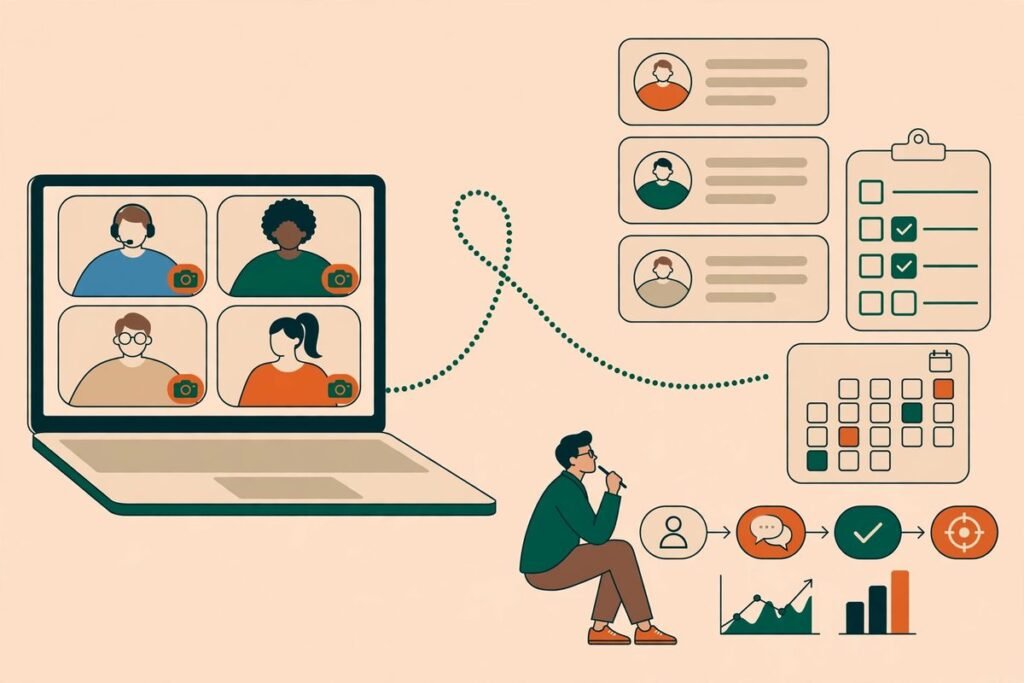
AI meeting notes CRM automation is the difference between a great call and a deal that actually moves. Most teams do not lose deals because the meeting went badly. They lose them in the gap after it: notes sit in a transcript nobody re-reads, the promised pricing email goes out a day late, and the CRM still says “Discovery” when the conversation has moved to negotiation. This guide shows you how to close that gap with a follow-up pipeline that turns every meeting into updated CRM records, owned tasks, and a reviewed follow-up email — without turning your reps into data-entry clerks. By the end, you will be able to design the workflow, pick the right tools, and avoid the traps that make teams switch these automations off.
What AI meeting notes CRM automation actually does
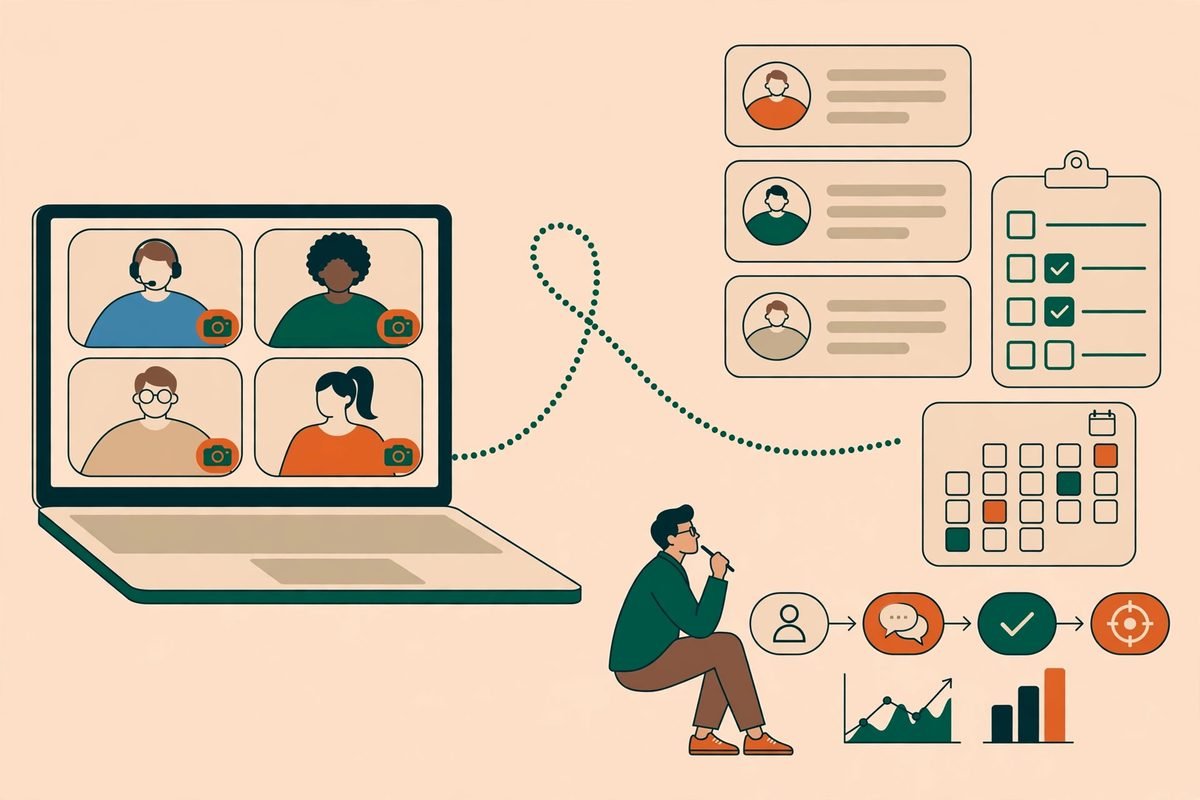
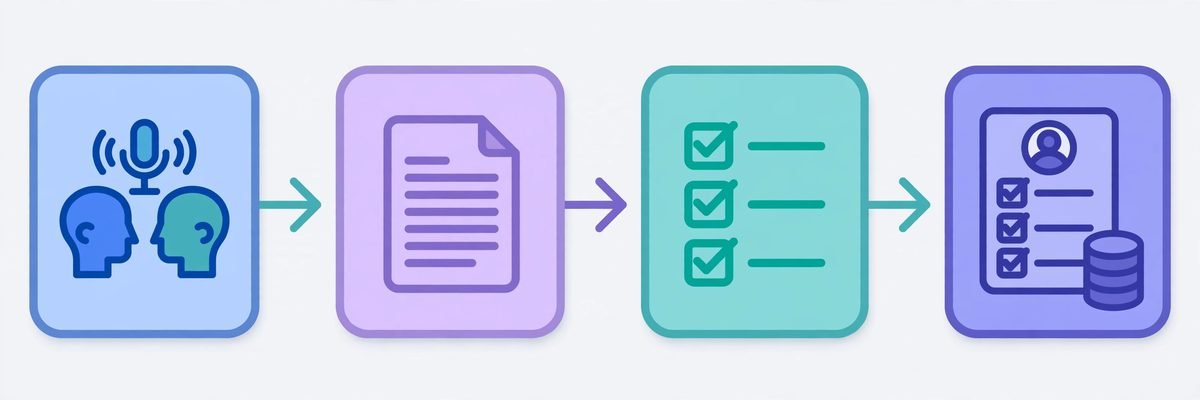
Strip away the marketing and the pipeline has five jobs. First, capture the meeting: record it, with consent, on Zoom, Google Meet, or Microsoft Teams, either through a bot participant or a desktop recorder. Second, transcribe it into searchable text with speaker labels. Third, extract structure from that text: a summary, decisions, action items with owners and dates, and the facts your CRM cares about, such as budget, timeline, and decision-makers. Fourth, write that structure back to the right CRM records — the contact, the company, the deal, and the activity timeline. Fifth, trigger the follow-up: a draft email for a human to approve, tasks for internal owners, and a calendar invite for the next meeting. If any one of those five is missing, you do not have automation. You have a very expensive notepad.
That distinction matters because the market is full of tools that stop at step three. A notetaker that produces a beautiful summary and leaves it in its own app still relies on a rep copying it into the CRM. The tools worth paying for finish the job. HubSpot’s Breeze meeting workflow, for example, joins the call, produces a transcript and action items, surfaces recommended CRM updates on the deal record, and drafts the follow-up email for review. Circleback takes a similar automation-first approach: a rule matches customer calls, generates an insight from the transcript plus calendar and thread context, then logs the meeting and turns action items into CRM tasks. Airspeed goes further on write-back, mapping outputs to specific CRM fields and writing them within minutes of the call ending. Pipedrive’s Nova, rolled out worldwide in October 2026, produces a transcript, summary, next steps, and draft CRM entries, positioned as removing surrounding tasks rather than replacing sales judgement.
The five stages, designed properly
Start with capture, because everything downstream inherits its quality. Decide one capture method per meeting platform and stick to it: a bot that joins as a visible participant is the most reliable for external calls, while desktop recording suits internal reviews. Tell participants the call is recorded, every time, and check the rules that apply in your market — consent requirements differ, and a pipeline built on recordings you should not have made is a liability, not an asset. Poor audio undermines everything downstream, so a decent headset policy is genuinely part of the automation design.
Transcription is now a commodity, so do not overpay for it alone. What you are really buying is the extraction layer. The practical way to build it is to force structured output. Instead of asking a model for “a summary”, give it a schema: summary (three sentences), decisions (list), action items (each with owner, task, and due date), deal facts (budget, timeline, decision-makers, risks, next step), and confidence flags for anything unclear. If the model cannot find a due date, it should say so rather than inventing one — an invented Friday deadline that nobody agreed to is worse than a blank field. Store the full transcript alongside the structured output so a human can always check the source of any extracted claim.
Write-back is where most DIY pipelines fail, and it fails in boring, specific ways. Map each extracted field to exactly one CRM field before you build anything, and decide the overwrite rule for each: never overwrite a field a human has corrected, never create a duplicate contact when an attendee email already exists, and never move a deal stage on extraction alone without a human confirmation or a very tight rule. Airspeed’s conflict detection exists for exactly this reason — automation that overwrites a rep’s correction teaches the team to distrust it within a week. Log every write-back with the meeting it came from, so a bad extraction can be traced and rolled back instead of argued about.
Finally, the follow-up trigger. The fastest safe design is draft-then-approve: the pipeline drafts the customer-facing email and internal tasks, and a human approves the email before it sends. Speed matters — research cited across the meeting-assistant market finds following up within an hour greatly improves the chance of a meaningful next conversation, while the average rep takes far longer — but speed bought by sending unreviewed AI email is a false economy. One wrong price that was never agreed, and the trust built on the call is gone. Internal writes can run fully automatically once field mapping is proven: nobody outside the company sees them, and they are easy to audit.
Building it: buy the notetaker, build the glue
For most teams the right split is to buy capture and transcription and build the glue to your CRM. Native options are the lowest-friction start: HubSpot’s Breeze lives inside the deal record, Pipedrive’s Nova covers similar ground, and for Salesforce or a mix of tools, a dedicated layer such as Circleback or Airspeed is usually cheaper than a custom build.
Where a custom workflow earns its keep is in the middle: routing, enrichment, and triggers no single vendor covers. A typical build we recommend runs on an automation platform such as n8n: a webhook fires when a meeting ends, the transcript is passed to a language model with your extraction schema, the output is validated (every action item needs an owner and a task, every date must parse), attendees are matched to CRM contacts and the open deal, the CRM is updated, a draft follow-up lands in the rep’s inbox with a Slack alert, and a reminder fires if nothing is approved within four working hours. That last step stops the pipeline silently dying when a rep is on holiday.
What to automate, what to keep human
Automate the capture, the transcription, the first draft, the CRM logging, the task creation, and the reminders. Keep humans on the send button for anything a customer will read, on deal-stage changes that affect forecasting, and on any extraction the model flagged as uncertain. This is not caution for its own sake. Meeting language is full of conditionals — “if procurement signs off”, “assuming the pilot works”, “we might expand in Q2” — and models flatten conditionals into commitments unless the prompt explicitly forbids it. Your extraction prompt should have a rule: a conditional stays conditional, and an unconfirmed number stays unconfirmed.
Privacy deserves its own line in the design, not a footnote. Store transcripts under the same retention rules as your CRM data, restrict full-transcript access, and decide a deletion policy before the first external call. Know the vendor’s retention and model-training policy and be ready to state it in one sentence; if you cannot, that vendor is not ready for customer calls.
From our experience: the traps that switch teams off
Over nine years and more than 300 projects, the pattern we see with workflow automation is consistent: the technology works, and the rollout fails on trust. The first trap is vague action items. “Follow up on pricing” with no owner and no date is not an action item; it is a Post-it note with extra steps. Reject extractions that lack an owner or a task, and send them back for human completion — a pipeline that accepts junk trains everyone to ignore it. The second trap is CRM field bloat: adding twenty new fields because the model can fill them. Every field you add is a field someone must understand in six months. Start with eight to ten fields that change a decision, and add more only when a rep asks for one twice.
The third trap is multi-meeting confusion: a naive pipeline overwrites each call’s next step with the next call’s, with no history. Keep an append-only activity log and let only the latest meeting update the “current next step” field. The fourth trap is internal meetings leaking into the CRM — skip meetings with no external invitee, or your pipeline fills with sprint-planning notes. The fifth trap is reps who never open the draft: put it where they already work, their inbox, and make approval one click, not a new dashboard to learn.
Measuring whether it actually works
Do not measure this pipeline by how many meetings were transcribed. Measure four numbers weekly for the first quarter: time from meeting end to follow-up sent (aim for under two hours), CRM completeness (share of external meetings with a summary, action items, and updated next step), stale deals with no activity in 14 days, and whether reps say it saves them time. If that last number is negative, the others do not matter, because the team will route around the system.
That is the pitch for AI meeting notes CRM automation: not a smarter notepad, but a pipeline that treats the meeting as the start of the work, not the end of it. Get capture right, force structured extraction, write back carefully, keep a human on the send button, and measure the four numbers. If you want help designing that pipeline for your CRM and your meeting stack, our team builds n8n workflow automation and AI integration for businesses that would rather have the system working than another tool to manage — talk to us and we will map your current follow-up gap in a single call.
Frequently asked questions
Do I need a separate AI notetaker if my CRM already has one?
Not always. If you run HubSpot, its Breeze meeting workflow covers capture, notes, CRM updates, and follow-up drafts inside the deal record, and if you run Pipedrive, Nova now does similar work natively. Buy a separate notetaker when you need cross-CRM support, deeper field mapping, or routing that your CRM’s native tool does not offer.
Will AI meeting notes CRM automation send emails to customers without approval?
It should not, by default. The safe design drafts the follow-up email and waits for the rep to review and send it, while internal CRM updates and tasks run automatically. Fully automatic sending is reasonable only for low-risk messages such as meeting confirmations, and only after the draft quality has been proven over many meetings.
How do I stop the automation overwriting correct CRM data?
Set an overwrite rule per field before you build: never overwrite a field a human has corrected, log every write-back against its source meeting, and keep an append-only activity log so earlier meetings are never erased. Flag low-confidence extractions for human review instead of writing them straight to the record.
What about consent and privacy for recorded meetings?
Tell every participant the call is recorded, check the consent rules that apply in your market, and know your vendor’s retention and model-training policy before the first external call. Restrict full-transcript access, apply your CRM’s retention rules to transcripts, and skip internal meetings so they never reach the CRM.
How long does it take to see results from a follow-up pipeline?
Expect faster follow-ups within the first week, but judge the system after a month of clean runs: time to follow-up, CRM completeness, stale-deal counts, and whether reps say it saves them time. Start with one team and one meeting type, such as discovery calls, and expand only once those numbers move in the right direction.