
If you have been researching a website rebuild lately, you have probably run into the phrase headless WordPress pros and cons — usually in an article that ends with “it depends” and leaves you none the wiser. This guide is the honest version. We build both architectures for clients: traditional WordPress themes and decoupled, headless builds. Here is when headless is genuinely worth the money, when it is expensive overkill, and the five gotchas that only show up mid-project.
This is written for business owners and marketing leads, not developers — but it is written by developers, so the trade-offs are described in practical terms: cost, team effort, SEO risk, and day-to-day editing experience. If you want the technical deep-dive on one specific stack, we have also published a full explainer on headless WordPress with Next.js.
What headless WordPress actually is (and what it isn’t)
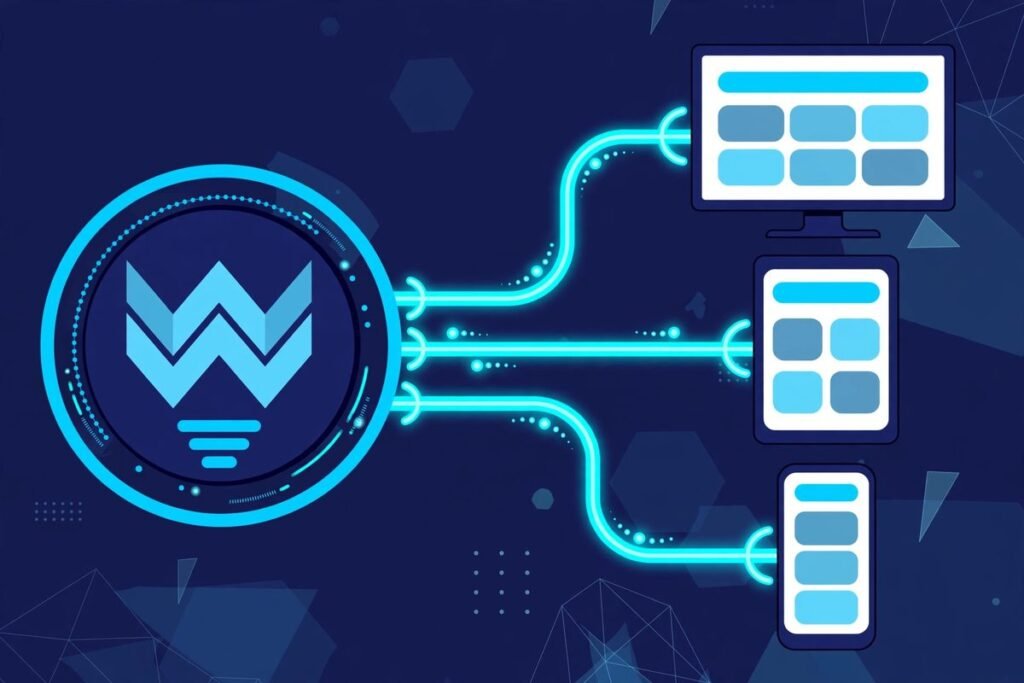
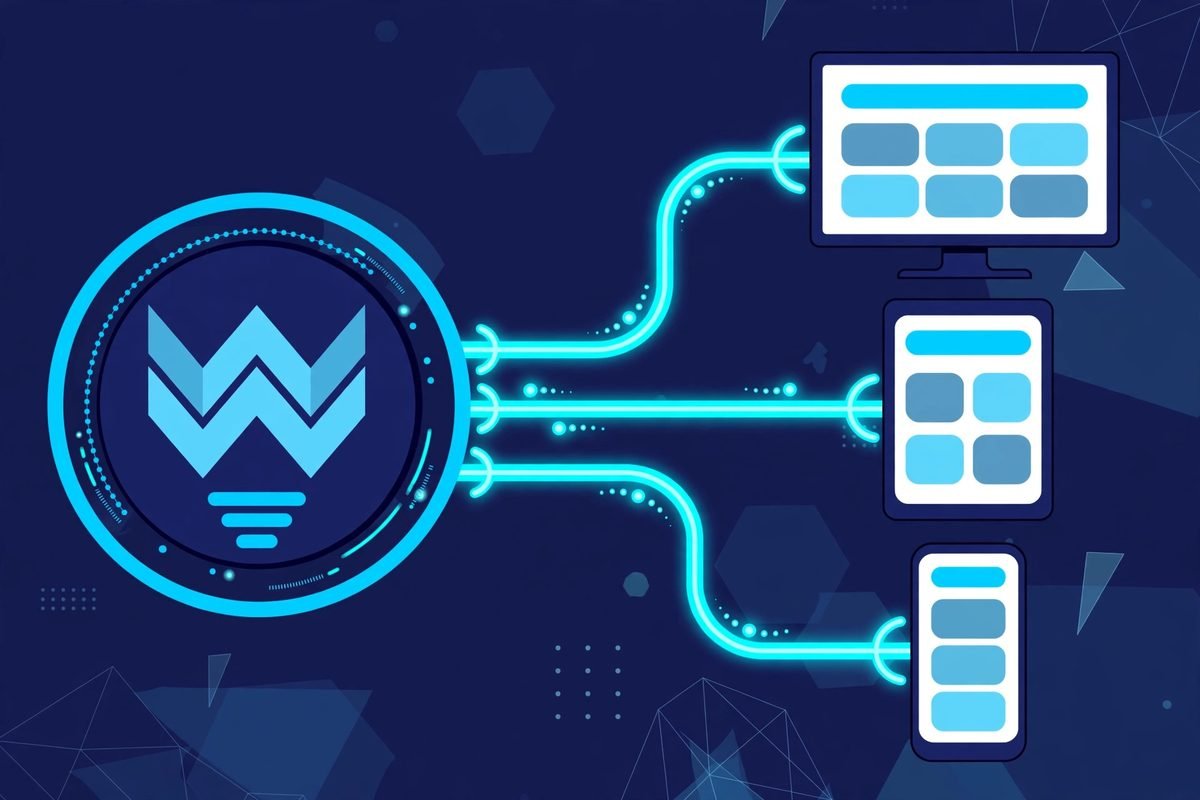
Traditional WordPress does two jobs at once: it stores your content, and it renders your website using a PHP theme. Headless WordPress splits those jobs. WordPress keeps the first job — it becomes purely a content management backend — and a separate application built with a modern JavaScript framework such as Next.js or Astro takes over the second job: rendering what visitors see. The two talk to each other through an API, usually WordPress’s built-in REST API or the WPGraphQL plugin.
Your editors still log into the familiar wp-admin dashboard. They still write posts, upload images, and organise pages exactly as before. What changes is everything the visitor experiences: the speed, the design flexibility, and what your developers have to build and maintain. It is not a different CMS — it is the same CMS with the front end replaced.
The pros: why teams go headless
1. Performance that is structural, not bolted on. A traditional WordPress page runs PHP and hits the database on every visit, and you spend real effort on caching layers, plugin audits, and image pipelines to keep it fast. A headless frontend can pre-render pages at build time and serve them from a global CDN with zero database queries on page load. You do not have to earn speed through optimisation — it is the default. For high-traffic sites and e-commerce, that structural advantage in Core Web Vitals is the single strongest argument for going headless.
2. A smaller attack surface. Most WordPress hacks target the public-facing PHP layer: themes, plugins, and the login page. In a headless setup, visitors never touch WordPress directly — they only see the static or edge-rendered frontend. Your wp-admin can sit behind IP restrictions or a VPN. One developer put it well: the security model shifts from “patch everything constantly and hope nothing slips through” to “there is nothing to attack on the public-facing side.” You still patch WordPress, but a missed update is far less likely to become an incident.
3. One content hub, many channels. Because content leaves WordPress as structured data through an API, any frontend can consume it: your website, a mobile app, a partner portal, digital signage. Write once, publish everywhere. If your content strategy genuinely spans multiple channels, this is transformative. If your content lives on one website and always will, it is a solution to a problem you do not have.
4. Your developers work in the tools they are fastest in. Modern frontend developers think in React components, TypeScript, and version-controlled deployments. Building in PHP theme conventions slows them down and makes hiring harder. Headless lets the frontend team ship with hot reloading, component libraries, and proper CI/CD. On large, long-lived projects, that velocity compounds.
Headless WordPress pros and cons: the cons nobody advertises
1. It costs two to three times more upfront. You are building two systems — a WordPress backend and a frontend application — instead of one themed site. There is no way around that labour. One practitioner’s 2026 cost breakdown puts a typical brochure-site build at roughly 2–3x the cost of the traditional equivalent in year one, with break-even on cost alone taking two to three years. If budget is the binding constraint, headless is a hard sell.
2. The editor experience gets worse before you fix it. In traditional WordPress, editors see exactly what visitors see. In headless, the live preview in wp-admin points at the old theme, not your new frontend — so someone has to build preview functionality into the frontend. It is solvable, but it is a line item on every headless estimate, and teams that skip it end up with editors flying blind.
3. Your plugin stack largely stays behind. This is the surprise that derails projects. Contact forms, SEO plugins, membership systems, booking widgets — most WordPress plugins assume they render into a PHP theme. Going headless means re-implementing that functionality in the frontend: forms post to an endpoint you build, search needs its own index, and anything with a shortcode needs a replacement. Audit your plugin list early. If your site depends on five complex plugins, a headless rebuild is really a re-platforming.
4. SEO features must be rebuilt by hand. Rank Math and Yoast do not follow you to the frontend. Meta titles, sitemaps, canonical tags, Open Graph data, and schema markup all have to be explicitly implemented in the new application — including passing SEO metadata through the API. Done properly, headless sites can outrank traditional ones on performance. Done carelessly, you launch with missing meta descriptions and wonder what happened to your traffic. Budget a full SEO checklist into the build, not after it.
5. You need two kinds of expertise on retainer. Traditional WordPress maintenance is a known commodity. Headless maintenance means someone who understands both the WordPress backend and the JavaScript frontend, its hosting, and its build pipeline. That person costs more and is harder to replace. For a small business without technical staff, this is the con that matters most in year two.
The cost question, answered with real numbers
Let us talk money directly, because this is where most articles get vague. Industry comparisons consistently show the same pattern: a headless build costs roughly 2–3x more in year one than a comparable traditional WordPress site, driven almost entirely by the second codebase. The gap then narrows — you avoid the recurring “WordPress plugin tax” of premium plugin renewals, compatibility firefighting, and performance remediation — but honest analyses put break-even at around two to three years, and only if you were actually spending heavily on WordPress maintenance before.
Hosting, interestingly, is not the deciding factor. A headless frontend can deploy for very little on platforms like Vercel or Netlify, while the WordPress backend needs modest managed hosting. The bill that moves the needle is developer time: building the frontend, wiring the API, re-implementing SEO, forms, and search, and setting up previews. When we scope headless work in our web development projects, the frontend application is typically 60–70% of the budget.
The practical test: if your current site costs you little to run and your complaints are cosmetic, headless will not pay for itself. If you are spending real money every year on performance fixes, security incidents, and plugin conflicts — or you are rebuilding anyway for a redesign — the headless premium starts to look like an investment rather than a luxury.
SEO and performance: the win you have to build yourself
Headless WordPress has a genuine, structural SEO advantage: pre-rendered pages served from the edge load fast everywhere, and page experience is a ranking factor. Search engines receive complete, crawlable HTML when the frontend uses server-side rendering or static generation. So far, so good.
But every advantage on that list is conditional on correct implementation, and the failure modes are specific to headless. The common ones we see: pages that only render client-side (invisible to crawlers), structured data that lived in a WordPress SEO plugin and never made it to the frontend, preview and staging environments left crawlable, and API calls so inefficient they drag down the very Core Web Vitals the project was meant to fix. Each is avoidable; none is automatic.
Compare that with traditional WordPress, where Rank Math generates your sitemap, meta tags, and schema with a few toggles, and any competent host handles the caching. For a content-led site whose SEO depends on editors publishing daily without developer help, the traditional stack’s “it just works” SEO tooling is a genuine competitive advantage. Do not trade it away unless the performance win is material to your business.

When traditional WordPress is the better business decision
Here is the part headless advocates skip: for most small and mid-sized business websites, traditional WordPress wins. If your site is a marketing site with pages, a blog, a contact form, and maybe WooCommerce — the classic brochure-plus-blog shape — a well-built traditional theme gives you faster launch, lower cost, a huge plugin ecosystem, and an editing experience your team already understands. Headless would be technically impressive and commercially pointless.
Traditional WordPress is the right call when your content team is non-technical and needs visual editing, when your functionality depends on mature plugins, when the budget is fixed and modest, and when you need to launch in weeks rather than months. None of those are compromises — they are the reasons WordPress powers a huge share of the web. The unsexy architecture that your team can actually run beats the elegant one they cannot.
Go headless when at least one of these is true: you have serious traffic where milliseconds translate to revenue, you publish to multiple channels from one content hub, your design or interactivity needs exceed what themes handle gracefully, or your frontend team already works in React and would be slowed down by PHP. One strong reason is enough. Zero reasons means stay traditional.
From our experience: five gotchas from real headless builds
1. Preview is always underestimated. Every headless estimate includes “editor preview” as a line item, and it still surprises clients. Building a preview that shows draft content in the real frontend — with authentication, so it is not public — is genuine engineering work, not a toggle. Agree on exactly what preview covers before the build starts.
2. Forms are a project, not a plugin. Your contact forms, quote calculators, and newsletter signups need new homes: an endpoint, validation, spam protection, and notifications. Budget this explicitly. The number of headless launches we have seen delayed by “oh, the forms” is higher than anyone admits.
3. Redirects and URL discipline need a home. In traditional WordPress, a redirection plugin handles your 301s. Headless frontends need their own redirect logic, and it must be in version control and testable. Decide during the build who owns redirects — the WordPress backend, the frontend, or the edge layer — and document it.
4. Media handling is not free. WordPress generates responsive image sizes automatically; your frontend has to actually use them through the API, or you will serve 4MB originals to mobile visitors and wonder why the performance win evaporated. Pipe the srcset data through and use your framework’s image component properly.
5. Two codebases means two maintenance surfaces. WordPress core updates, PHP version bumps, the frontend framework’s own breaking changes, the API plugin, the hosting platform — headless does not eliminate maintenance, it redistributes it. Make sure the retainer or internal team covers both sides. The cheapest headless build is the one nobody maintains, and it shows within eighteen months.
None of these are reasons to avoid headless. They are reasons to go in with open eyes and a realistic budget — which, in our experience, is the difference between a headless project the client loves and one they resent. If your project involves serious API work either way, our custom API development background is exactly what these builds lean on.
Frequently asked questions
Is headless WordPress better for SEO than traditional WordPress?
It can be, but it is not automatic. Headless sites earn their SEO advantage through faster load times and full control over markup — both of which must be deliberately implemented. Traditional WordPress with Rank Math or Yoast gives you correct meta tags, sitemaps, and schema with minimal effort. A carelessly built headless site will rank worse than a well-built traditional one.
How much more does headless WordPress cost?
Expect roughly two to three times the upfront build cost of a comparable traditional WordPress site, because you are building and maintaining two systems. The premium narrows over time through lower plugin costs and fewer performance emergencies, with honest estimates putting break-even at around two to three years.
Can I keep my existing WordPress content if I go headless?
Yes. Your posts, pages, and media stay in WordPress and become available through the REST API immediately — only the frontend is rebuilt. Content migration is rarely the hard part of a headless project; re-implementing plugins, forms, and SEO in the new frontend is.
Do editors lose the WordPress dashboard with headless?
No — editors keep using wp-admin exactly as before, which is one of headless WordPress’s genuine strengths. What changes is preview: the built-in preview shows the old theme, so the project needs a custom preview integration to show drafts in the new frontend.
Which frontend framework is best for headless WordPress in 2026?
Next.js remains the most popular and best-supported choice, with the deepest WordPress integration ecosystem and strong options for static generation and edge rendering. Astro is an excellent alternative for content-heavy sites that benefit from minimal JavaScript output, while Nuxt suits teams already invested in Vue.
The headless WordPress pros and cons come down to one question: does your business have a problem that only decoupling solves — serious performance needs, multi-channel publishing, or a frontend team working in modern JavaScript? If yes, headless is a sound investment and the premium pays for itself. If not, a well-built traditional WordPress site will serve you better, cost less, and be easier for your team to run. If you are weighing the decision for a real project, talk to us — we will tell you honestly which side of the line you are on, even if the answer is “don’t go headless.”