

If you want to make any CLI agent-native, the fastest route we have seen this year is CLI-Anything, the open-source project from HKUDS that turns ordinary desktop and server software into command-line tools your AI agents can actually drive. At the time of writing it has more than 56,000 GitHub stars, over 5,000 forks, and a growing registry of ready-made CLIs, and it solves a problem every team building with agents runs into sooner or later: agents are good at reasoning, but terrible at using real software.
This deep-dive explains what CLI-Anything is, what it can do, how its seven-phase pipeline works, and how to try it in an afternoon. It is written for developers, technical founders, and business owners who want agents doing real work inside real tools, not just chatting about it.
What CLI-Anything is
CLI-Anything is an open-source framework, written in Python and released under the Apache 2.0 licence, with a deliberately blunt thesis: today’s software serves humans, and tomorrow’s users will be agents. Most professional software was designed around a graphical interface, which means an agent that wants to use it faces three bad options. It can drive the interface with screenshots and clicks, which is slow and fragile. It can call a limited official API, which usually exposes a fraction of the product. Or it can use a reimplementation that looks like the tool but misses most of its capability.
CLI-Anything takes a fourth path. It generates a genuine command-line harness around the real software, so the agent talks to the actual application through structured commands and gets structured JSON back. Blender still renders the scene. LibreOffice still builds the document. Audacity still processes the audio. Nothing is faked, and nothing important is left out. The project calls this making software agent-native, and the name is fair: the CLI is not a wrapper bolted on afterwards, it is an interface designed from the start for programmatic use.
The project has two halves. The first is the generator: a plugin or skill for agent platforms such as Claude Code, Cursor, and Pi that analyses a codebase and builds a complete CLI for it. The second is CLI-Hub, a registry and package manager where the community shares the CLIs that have already been built, so you can install one with a single command instead of generating your own.
What CLI-Anything can do
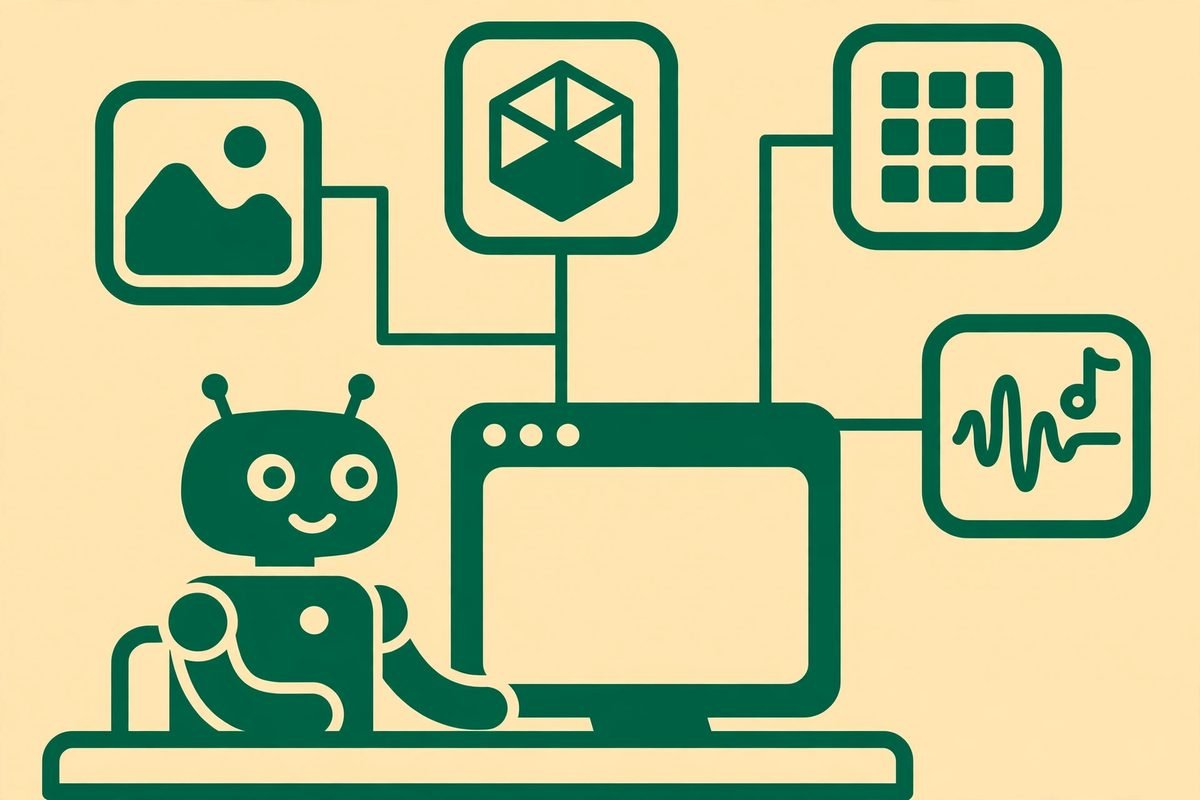
The headline capability is turning almost any software into an agent-usable tool. The README lists ten categories, and the breadth is the point. Creative tools such as Blender, GIMP, OBS Studio, and Krita. Office and enterprise software such as LibreOffice, Nextcloud, Odoo, and ERPNext. Developer tools such as Jenkins, Gitea, and SonarQube. Data tools such as JupyterLab, Metabase, and DBeaver. Scientific software such as FreeCAD, QGIS, and KiCad. Even game engines such as Godot. If a tool has a real backend, CLI-Anything aims to expose it.
Three uses stand out in practice. First, let agents take over your workflows: hand the generator a codebase, or an open-source alternative to a closed tool, and get back a full CLI your agents can use immediately. Second, unify scattered APIs into one CLI: feed the generator API documentation or SDK material and get a single stateful command set instead of dozens of raw endpoints, which also saves tokens on every agent run. Third, replace or supercharge GUI agents: generated CLIs remove screenshots and pixel-clicking entirely, and because everything runs through code, agent tasks, evaluators, and benchmarks can be built and refined automatically too.
Under the hood, several design choices matter more than they first appear. Output is structured JSON for agents, with human-readable output kept for debugging. Sessions are persistent, with undo and redo, so an agent can work on a project over many steps without losing state. A unified interactive REPL gives every generated CLI the same feel. And every generated CLI ships with a SKILL.md file, so skill-aware agent platforms can discover its commands and usage guidance automatically.
How CLI-Anything works: the seven-phase pipeline
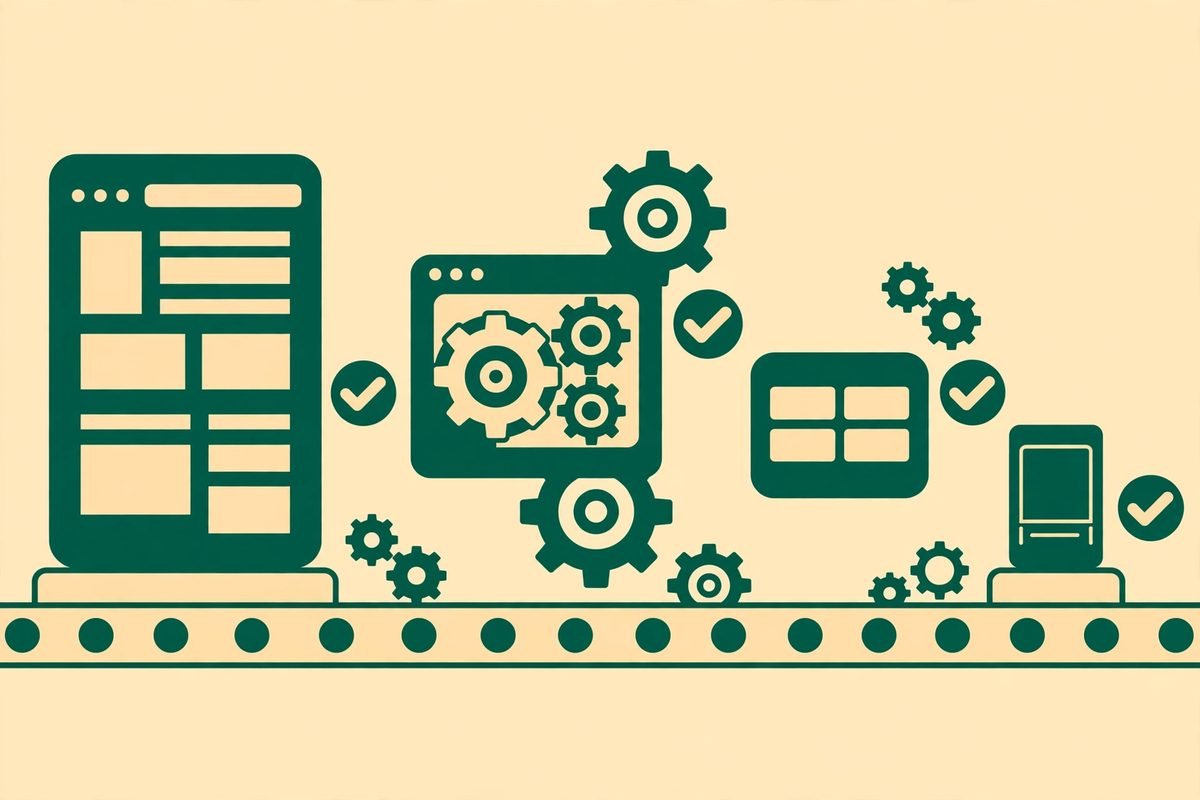
Generating a CLI is not one prompt. The plugin runs a fully automated seven-phase pipeline that covers architecture design, implementation, test planning, test writing, and documentation, ending with a package ready to publish. That matters because a hand-written wrapper for a complex application is exactly the kind of job that starts quickly and never finishes: edge cases multiply, error handling gets skipped, and the tool quietly covers only the happy path.
The pipeline is validated against real software, not toy examples. The project reports more than 2,200 tests, covering unit tests, end-to-end tests with real files and real applications, and subprocess verification of the installed commands. At the time of writing it claims battle-testing across 18 major applications, and the demo reel backs that up: an agent building a Curiosity-style rover in FreeCAD, an orbital relay drone in Blender, an HTTPS handshake diagram in Draw.io, and more, each produced entirely through generated commands.
Using an existing CLI is simpler still. Install the hub, browse the registry, and install what you need:
- pip install cli-anything-hub
- cli-hub list
- cli-hub search image
- cli-hub install gimp
- cli-hub launch gimp
Note the honest caveat in the README: some CLIs wrap real desktop software, so if you install the GIMP CLI you still need GIMP itself installed. The harness is an interface to the application, not a replacement for it. Generating a new CLI is similarly direct: install the plugin for your agent platform, then run the /cli-anything command against the target codebase and let the pipeline do its work, with broad or focused refinement passes when the first result has gaps.
Why CLI-Anything is trending
Timing explains the star count. Coding agents went from novelty to daily tool in under two years, and every team that adopted them hit the same wall: the agent could write code, but it could not operate the rest of the business. Design tools, documents, spreadsheets, media pipelines, and internal systems all sat behind interfaces built for hands and eyes. CLI-Anything arrives at the exact moment that gap became the bottleneck, and it answers it with the interface agents already understand best: text commands.
There is also an economic argument. GUI automation breaks whenever a button moves, and maintaining it is a permanent tax. A purpose-built CLI is deterministic: the same command produces the same result, which makes agent behaviour predictable and testable. For businesses, that is the difference between a demo that works once and a workflow you can run every day. The project’s emphasis on real integration, rather than reimplementation, is what makes that promise credible: you keep the professional tool your team already trusts, and you gain an agent interface for it.
Finally, the registry model compounds the value. Every CLI the community builds and shares is one fewer that your team has to generate, and the hub commands make discovery and installation trivial. That is why a project created in March 2026 could reach tens of thousands of stars within months: it is not selling a single tool, it is building the missing layer between agents and all other software.
From our experience: what to watch before you adopt it
Having shipped automation and AI integrations for clients for over nine years, we would frame CLI-Anything as powerful infrastructure with a maturity caveat, not a finished product you can hand to a non-technical team. The generated CLIs are only as good as the pipeline’s understanding of the target software, so budget time to test the commands your workflow actually uses, not just the demo path. The project’s own refinement passes exist for exactly this reason: run them, and treat a generated CLI like any other integration, with its own tests and a named owner.
Cost is a second reality check. A CLI does not remove the cost of the underlying software, the compute it needs, or the agent tokens spent driving it. What it does remove is the fragility tax of GUI automation and the capability tax of limited APIs. Measure the win that way: fewer broken runs, more of the application actually reachable, and workflows that survive a product update because commands change far more slowly than interfaces.
When should you not use it? If your workflow is a single simple API call, a direct integration is cheaper. If the target software has a mature, complete official API, use that first. And if nobody on your team can read the generated code and verify what a command does, do not point it at production systems yet. Agent-native does not mean unsupervised.
A responsible-use note
Giving agents control of real software is genuinely powerful, which is precisely why it needs guardrails. Review generated CLIs before installing them, the same way you would review any third-party code. Never hand an agent credentials it does not need, and keep destructive commands behind approval steps or restricted accounts. Run new harnesses against copies of your data first, and log agent actions so you can replay what happened when something goes wrong. CLI-Anything’s session and trajectory features help here, but the discipline has to come from your team.
Getting started with CLI-Anything
- Pick a low-risk target: a media converter, a document workflow, or a diagram tool you already use.
- Install the hub with pip install cli-anything-hub and browse with cli-hub list to see whether a CLI already exists.
- Install it with cli-hub install, then install the underlying application if the CLI wraps desktop software.
- Try the CLI by hand first, so you understand its commands before any agent touches it.
- Connect it to your agent platform, start with read-only or copy-of-data tasks, and add write access only after the outputs check out.
- If no CLI exists for your tool, install the generator plugin and run /cli-anything against the codebase, then test and refine the result.
If you want help turning this into a production workflow, our team builds AI integrations and automation for businesses, and you can browse more tools in our AI Tools Directory. For a scoped project, talk to us about the workflow you want agents to run, and we will tell you honestly whether a generated CLI is the right way to build it.
Frequently asked questions
What does agent-native mean?
It means software designed to be driven by an AI agent, not just by a human. In practice that means structured commands, structured JSON output, discoverable help, persistent state, and deterministic behaviour, so an agent can plan, act, and verify its work without guessing at pixels or parsing free-form text.
Do I need to write code to generate a CLI?
No. The generator plugin automates the pipeline from codebase analysis to documentation. You still need enough technical judgement to test the result and decide where it is safe to use, but you do not hand-write the harness.
Which agent platforms does CLI-Anything work with?
The README names Pi, OpenClaw, Nanobot, Cursor, and Claude Code, among others, and generated CLIs ship with SKILL.md files for skill-aware platforms. If your platform can run shell commands and read structured output, it can almost certainly use a generated CLI.
Is CLI-Anything free?
Yes, it is open source under the Apache 2.0 licence. You still pay for the underlying software, the compute, and the agent API usage, but there is no licence fee for CLI-Anything itself.
Is it safe to let agents control desktop software?
It is as safe as the guardrails you put around it. Start with copies of your data, review generated code, restrict credentials and destructive commands, and log agent actions. Treat a generated CLI like any other production integration, with testing and an owner, and it becomes a controlled capability rather than a risk.
The bottom line
To make any CLI agent-native is to close the gap between agents that can think and software that can do. CLI-Anything does that with real integrations, a tested generation pipeline, and a growing shared registry, and its rapid rise to more than 56,000 stars suggests many teams felt the same gap. Try it on one low-risk workflow this week: install a hub CLI, watch an agent do real work in a real application, and judge the approach by the run that succeeds twice, not the demo that succeeds once. That is the standard we apply to every automation we ship, and it is the standard this project invites you to apply to it. You can explore the source on GitHub and browse ready-made CLIs on CLI-Hub.