
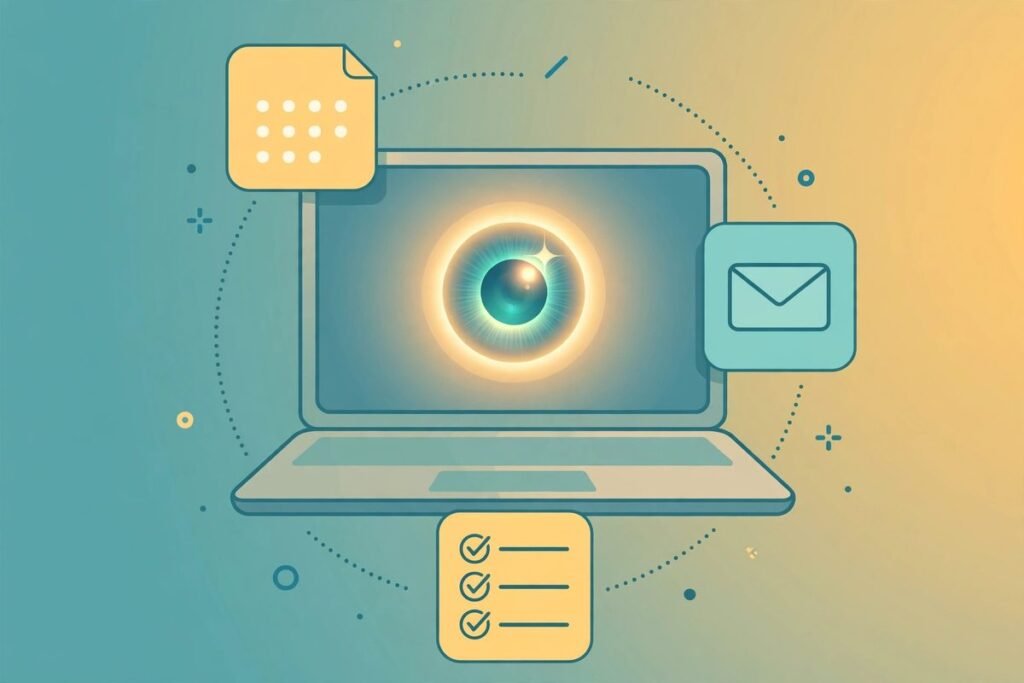
Verdict up front: this AI operating system for solopreneurs is the most interesting desktop AI launch of October 2026 — and it’s free while in public beta, so trying it costs you nothing but an hour of your time. IrisGo watches how you work, learns your recurring admin routines, and then replays them on your behalf, starting with a daily brief, email triage, and a to-do radar that updates itself. In this review I’ll cover what it actually does, what the beta gives you, the honest limitations, and how it stacks up against Zapier, Microsoft Copilot, and the meeting tools you’ve probably already tried. This is desk research — I haven’t had hands-on access to the beta — but every claim below is checked against the company’s own announcements and reputable reporting.
IrisGo for Solopreneurs launched on Product Hunt and took #1 Product of the Day on 7 October 2026, per the company’s own announcement. That badge matters less than the idea behind it: most AI tools wait for a prompt, or need constant supervision. IrisGo’s pitch is an operating-system layer that learns your workflow by observation, then runs it in the background while you do real work. The company, backed by Andrew Ng’s AI Fund, has been building toward this since raising a $2.8 million seed round earlier this year, and TechCrunch’s May 2026 coverage described demos where the agent learned to place a coffee order online by watching the founder do it once — then repeated the order itself on command.
What an AI operating system for solopreneurs actually does
Strip away the “AI OS” marketing and IrisGo is a desktop companion app for Windows 11 (64-bit) and Apple Silicon Macs. It sits at the operating-system layer, which means it sees across applications rather than living inside one of them. Its job is the admin work that eats a solo founder’s morning: reading email, summarising meetings, keeping the to-do list honest, and handling the small recurring workflows — expense filing, invoice chasing, weekly report assembly — that nobody hired you to do but everyone expects you to do.
The pitch lands because it targets a real and underserved audience. A freelancer or solo founder has no ops person, no assistant, and no IT department. Their admin tax is paid in hours every single day. Tools like Zapier and Make technically automate things, but they demand configuration literacy: you build the flow, map the fields, debug the edge cases. IrisGo flips the model — you show it what you do, and it builds the automation from the demonstration. If that works reliably in the wild, it’s a genuinely lower-friction on-ramp to automation than anything in the current market.
Watch & Learn: show it once, approve the automation
Watch & Learn is the headline feature and the one worth judging the whole product by. The workflow is simple: you perform a recurring multi-step task on your desktop while IrisGo observes, and it then drafts a reusable automation for that task — with your approval required before it ever runs on its own. Think of the classic example the company’s own launch materials use: downloading this week’s Stripe CSV, dropping the totals into a spreadsheet, and emailing yourself the summary. Demonstrate it once, approve the draft, and it reruns on a schedule while you check the result.
Two details matter here. First, the approval step: IrisGo drafts the automation but doesn’t execute it blind. That’s the right design — a desktop agent with permission to act on your behalf is the most privileged piece of software on your machine, and any version of this that skipped human review would be a liability, not a feature. Second, the real question nobody can answer from launch-week demos: how well does Watch & Learn generalise? A coffee order on a clean demo machine is one thing; your real desktop, with its pop-ups, expired sessions, redesigned dashboards, and that one app that updates its UI every fortnight, is another. Observation-based automation inherits every brittleness of the underlying interface. Until independent testers run it on messy real-world desktops, treat Watch & Learn as promising beta technology, not settled capability.
The daily toolkit: brief, triage, radar, meetings
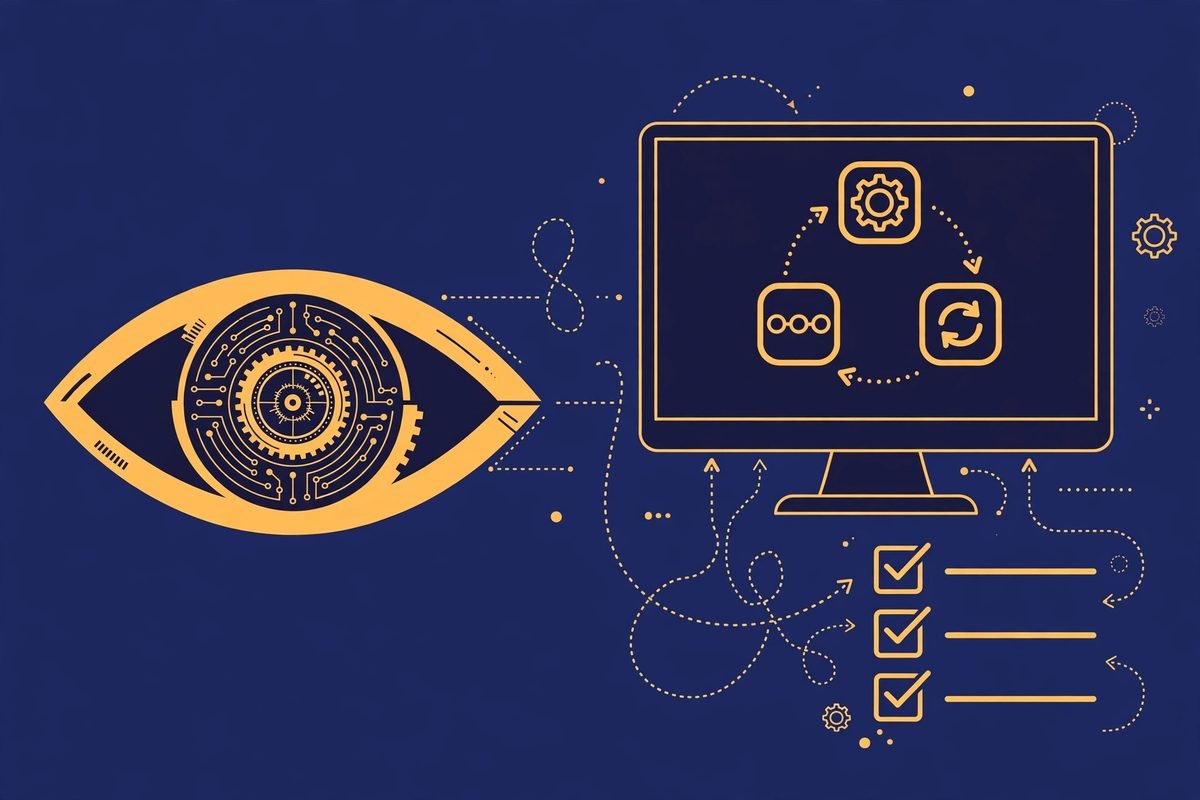
Beyond Watch & Learn, IrisGo ships a daily routine for solopreneurs that covers the four biggest time sinks, according to the company’s launch announcement and LinkedIn posts:
- Daily Brief: your top priorities for the day, pulled from email, calendar, and to-dos. The “8 AM to 6 PM” framing in the launch materials is deliberate — it’s a solopreneur’s whole working day in one glance.
- Email Triage: surfaces what needs an urgent reply and what can safely wait. For anyone whose inbox doubles as their task manager, this alone is worth the install.
- My Radar: a single to-do list that updates itself continuously as you finish tasks, rather than a static list you maintain by hand.
- Meeting Summary: calls turned into notes with action items added automatically. This is crowded territory — we’ve previously reviewed multilingual meeting notetakers and there are excellent incumbents like Fathom and Otter — but for a solopreneur, meeting notes that flow straight into the same to-do radar is a nice integration win.
The company also describes a built-in “skills” library — ready-made automations for email drafting, invoice processing, report building, document summarisation — plus a coding assistant in the mould of OpenAI’s Codex or Anthropic’s Claude Code. The skills library is the sensible counterpart to Watch & Learn: common tasks come pre-built, and only your idiosyncratic workflows need demonstrating.

Pricing and platforms: what’s free, what’s still unannounced
Here’s what’s verified: IrisGo for Solopreneurs is free during the public beta, for Windows 11 (64-bit) and Apple Silicon Macs. That’s it. No paid tiers have been announced, no beta-to-paid timeline has been published, and the company hasn’t said what the eventual pricing model will be — seat-based, usage-based, or freemium with paid add-ons. An October tools roundup that verified the launch details flagged exactly this: treat the free beta as the pricing, and assume it changes.
Platform coverage is worth noting honestly. Windows 11 64-bit and Apple Silicon Macs covers most solopreneurs, but there’s no Linux build, no Chromebook story, and nothing for Intel Macs — if your fleet is older hardware, check compatibility before you get excited. And because processing happens substantially on-device, your machine does the heavy lifting: an always-on assistant that watches your screen is not free in CPU, memory, and battery terms, even when the software is free in money terms.
Watch-outs: the honest limitations
No beta this ambitious is without sharp edges. Here’s what I’d want a client to know before installing:
- Beta means beta. The launch-week coverage is candid about rough edges, and public-beta software that controls your desktop deserves extra caution. Start with read-mostly tasks — briefs, triage, summaries — before you let it act on anything involving money, clients, or irreversible actions.
- The privacy bargain is real. An agent that learns by watching your desktop necessarily sees everything on it: client names, invoices, passwords you type, the lot. IrisGo’s architecture processes much of its data on-device, with cloud processing only when explicitly authorised and end-to-end encrypted, per TechCrunch’s reporting. That’s the right architecture. But as one early analysis put it, if the product ever gets it wrong, users will see surveillance before they see productivity. Read the data policy with your business hat on, especially if you handle client data under any kind of confidentiality obligation.
- Post-beta pricing is a blank. Building core admin workflows on a free beta is fine as an experiment; building your business operations on it without knowing the price is how you get a surprise invoice in 2027. Keep a list of which workflows you delegate, so you can cost the migration if the paid tier lands badly.
- Distribution ambition cuts both ways. IrisGo has signed a preinstall deal with Acer and is pursuing more OEM partnerships. That’s great for reach, but preinstalls have a long history of becoming bloatware users resent. The product will have to earn its place on machines it arrives on uninvited.
- Watch & Learn is unproven at scale. Single-demonstration learning is the magic trick, and magic tricks sometimes don’t survive contact with a real desktop. Verify the first three runs of any automation it drafts before you trust it.
IrisGo vs the alternatives
Place IrisGo on the map and the positioning gets clearer. Against Zapier and Make, the difference is show-don’t-tell: no flow builder, no field mapping, just demonstration. The trade-off is control — Zapier’s explicit flows are debuggable; an observed automation is a black box until it fails. Against Microsoft Copilot and Copilot+ Recall, IrisGo is cross-application and proactive where Copilot is mostly in-app and reactive; but Microsoft ships with the OS you already have, and Recall’s own privacy controversies show how sensitive this territory is. Against meeting tools like Fathom or Otter, IrisGo’s meeting summaries are a feature, not the product — fine for a solopreneur who wants one tool, not a reason to switch if you’re happy with a specialist.
The closest philosophical comparison might be the new wave of personal AI assistants — we’ve reviewed readywhen, an AI assistant that lives inside WhatsApp — but those meet you where you already chat, while IrisGo meets you where you already work: the desktop itself. Different surface, same bet: that the winning assistant is the one that shows up without being summoned. And if you end up running agents that do real work, keep an eye on the cost side too — our review of Navige, an AI agent cost management tool, covers why agent spending becomes a line item faster than founders expect.
From our experience: how we’d test it for a client
At MTD Technologies we’ve spent nine years building and integrating automation for businesses, and our advice for any desktop agent is the same: run the ten-minute try test on one real workflow from your own week. Pick the single most repetitive admin task you did yesterday — invoice filing, lead follow-up triage, the Monday status email — and do three things: demonstrate it to Watch & Learn, run the draft automation three times with you watching, and check every output. If it survives your actual desktop, expand. If it stumbles on your pop-ups and weird legacy apps, you learned that in an hour instead of a month.
When NOT to use it is just as important. If your workflows live mostly inside one application — say, everything happens in your CRM — that application’s native automations or a Zapier flow will be more reliable and more debuggable than screen observation. IrisGo’s advantage is precisely at the seams between apps: the five-tab, three-app routines that no API integration covers. That’s where the admin tax actually lives for most solopreneurs, and that’s the bet to evaluate.
Frequently asked questions
Is IrisGo really free?
Yes — during the public beta, IrisGo for Solopreneurs is free to download and use. The company has not announced paid tiers, post-beta pricing, or a timeline for when the beta ends, so treat the current free access as the pricing and budget for change.
Which computers does IrisGo run on?
Windows 11 (64-bit) and Apple Silicon Macs. There is no Linux build, no Chromebook support, and no announced support for Intel Macs — check your hardware before planning around it.
Does IrisGo watch everything I do on my computer?
To learn your workflows by observation, it needs broad visibility into what happens on your desktop. The company’s stated architecture processes much of this data on-device, with cloud processing only when explicitly authorised and end-to-end encrypted. That’s the right design, but it’s still the most privileged software on your machine — read the data policy carefully, especially if you handle confidential client data.
Who founded IrisGo and who backs it?
IrisGo was co-founded by Jeffrey Lai — a former Apple engineer who worked on the Chinese-language version of Siri (the name “Iris” is reportedly Siri spelled backwards) — and Yichen Chu. The company raised a $2.8 million seed round led by Andrew Ng’s AI Fund, with Nvidia and Google also participating, and has signed a preinstall deal with Acer.
How is IrisGo different from Zapier or Microsoft Copilot?
Zapier automates via APIs and explicit flow-building; IrisGo automates by observing your screen, which covers multi-app routines no API connects — but with less debuggability. Copilot works inside Microsoft’s apps and waits for prompts; IrisGo works across applications and acts proactively. If your pain is the seams between apps, IrisGo’s approach is the more interesting bet.
Bottom line: as an AI operating system for solopreneurs, IrisGo is a genuinely fresh idea in a category full of chatbots — show-don’t-tell automation, a sensible approval step, and a daily routine that matches how solo founders actually lose their mornings. The free beta makes the experiment cheap; the watch-outs are the beta roughness, the unannounced pricing, and the privacy weight of any agent that watches your screen. Try it on one real workflow this week, verify its first runs, and decide with evidence. Browse more tools we’ve vetted in our AI Tools Directory — and if you’d rather have automation built properly into your business systems than bolted onto your desktop, talk to us.