
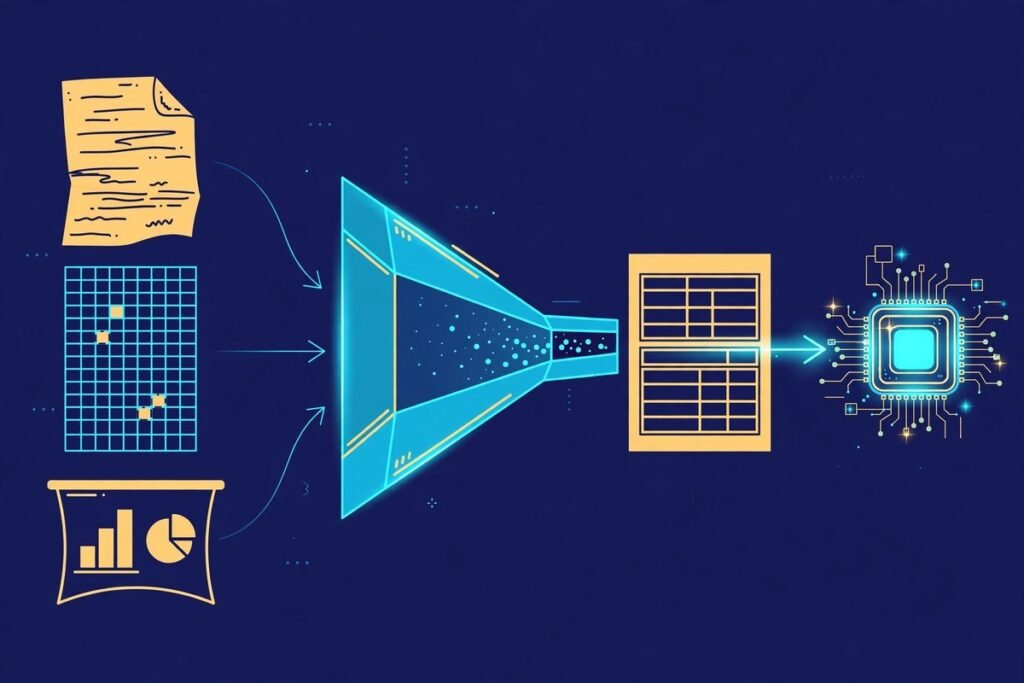
The MarkItDown document-to-Markdown converter is the quiet workhorse behind a surprising number of AI products shipping right now. Built by Microsoft and open-sourced under the MIT licence, it has collected more than 191,000 GitHub stars by solving one unglamorous problem extremely well: turning the messy documents the business world actually runs on — PDFs, Word files, PowerPoint decks, spreadsheets, even audio — into clean Markdown that large language models can reason over. If you are building a RAG chatbot, a document search tool, or an AI agent that needs to read files, this article shows you exactly what MarkItDown does, how to run it, where it falls short, and when it belongs in your pipeline.
What Is the MarkItDown Document-to-Markdown Converter?
MarkItDown is a lightweight Python utility from Microsoft that converts files and office documents to Markdown, explicitly designed for consumption by LLMs and text-analysis pipelines. In the project’s own words, it is “a lightweight Python utility for converting various files to Markdown for use with LLMs and related text analysis pipelines.” That last clause matters: the output is meant to be read by machines first and humans second. It is often reasonably presentable, but the project is upfront that it is not the best option when you need high-fidelity conversions for human eyes.
The closest comparison is textract, the older Python text-extraction library. The difference is philosophy: where textract flattens everything to plain text, MarkItDown preserves document structure as Markdown — headings, lists, tables, links and all. That structural information is exactly what retrieval pipelines and agents need to chunk documents sensibly and cite sources accurately.
So why Markdown specifically? The project’s README makes the case plainly, and it matches what we have seen across hundreds of builds: mainstream LLMs natively “speak” Markdown. They were trained on vast amounts of it and routinely produce it unprompted. Markdown is also extremely close to plain text — minimal markup, no styling noise — which makes it highly token-efficient compared with feeding a model raw HTML or XML. Structure preserved, tokens saved, models happy. That is the whole pitch, and it is a good one.
What MarkItDown Can Do
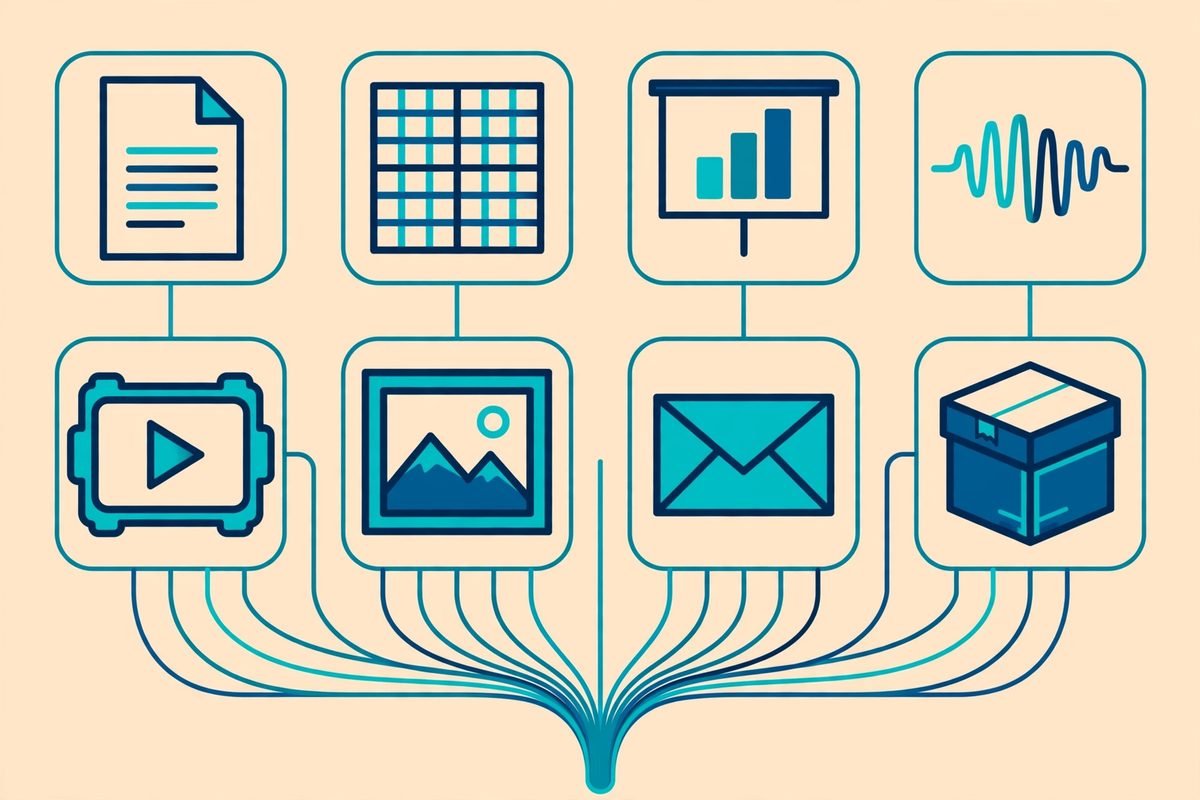
Out of the box, MarkItDown converts an impressively wide range of inputs:
- PDF — text-based PDFs, with layout-aware extraction
- Word (.docx) and PowerPoint (.pptx) — headings, lists and tables preserved
- Excel (.xlsx, .xls) — worksheets rendered as Markdown tables
- Images — EXIF metadata extraction plus OCR and LLM-generated descriptions
- Audio (wav, mp3) — metadata plus speech transcription
- HTML — web pages converted to structured Markdown
- Text-based formats — CSV, JSON and XML
- ZIP archives — the converter iterates over the contents automatically
- YouTube URLs — fetches video transcriptions
- EPubs and Outlook messages — the long tail of business documents
Beyond the built-ins, MarkItDown supports third-party plugins, disabled by default and discoverable on GitHub under the #markitdown-plugin hashtag. The headline plugin is markitdown-ocr, which adds OCR to PDF, DOCX, PPTX and XLSX converters by extracting text from embedded images using LLM vision — no new ML libraries or binary dependencies required. You pass it the same llm_client and llm_model you would use for image descriptions, and if no client is provided, OCR is silently skipped and the standard converter runs instead. Sensible, defensive defaults.
For teams on Azure, there are two cloud-backed tiers. Azure Document Intelligence adds cloud layout extraction and structured field extraction serialised as YAML front matter. Azure Content Understanding goes further: multi-modal support across documents, images, audio and video, configurable custom analysers, and higher-quality OCR for scanned PDFs and complex tables. The README’s own comparison is worth reading before you commit to a tier:
| Capability | Built-in converters | Azure Document Intelligence | Azure Content Understanding |
|---|---|---|---|
| Document conversion | Offline, format-specific extraction | Cloud layout extraction | Cloud multi-modal extraction |
| Structured fields | Not available | YAML front matter from model or query fields | YAML front matter from analyser fields |
| Audio and video | Basic audio, no video | Not supported | Audio and video analysers |
| Cost | Local compute only | Billable Azure API calls | Billable Azure API calls |
How It Works: Installation and Usage
Getting MarkItDown running takes minutes. It requires Python 3.10 through 3.14, and the documentation sensibly recommends a virtual environment to avoid dependency conflicts. The full install is one command:
pip install 'markitdown[all]'If you only need specific formats, you can install just those extras and keep the dependency tree lean — good practice for production containers:
pip install 'markitdown[pdf, docx, pptx]'The available extras cover [all], [pptx], [docx], [xlsx], [xls], [pdf], [outlook], [az-doc-intel], [az-content-understanding], [audio-transcription] and [youtube-transcription]. From the command line, conversion is a one-liner:
markitdown path-to-file.pdf > document.mdYou can also specify an output file with -o, pipe content straight through stdin, or enable plugins with --use-plugins. Inside Python, the API is equally terse:
from markitdown import MarkItDown

md = MarkItDown()
result = md.convert("report.pdf")
print(result.markdown)
With an Azure Content Understanding endpoint configured, the same three lines route each file to the right analyser automatically — documents to the document analyser, video to the video analyser, audio to the audio analyser — and custom analysers can inject domain-specific fields (invoice amounts, contract clauses) as YAML front matter. For teams doing custom API development around document workflows, that front-matter pattern is genuinely useful: structured metadata travels with the Markdown instead of living in a separate store you have to join later.
Why It’s Trending
MarkItDown sits at roughly 191,700 stars and 14,300 forks at the time of writing, with commits landing as recently as this week — this is a living project, not an abandoned experiment. It is also one of the most-starred repositories Microsoft has ever published, which tells you something about where the industry’s energy is.
The reason is the ingestion bottleneck. Every RAG demo looks magical on clean text and dies on real PDFs. For years, every team building document AI reimplemented the same miserable wheel: a fragile chain of format-specific parsers, each with its own quirks, producing inconsistent output that then had to be normalised before chunking. MarkItDown collapses that entire first mile into one maintained dependency with one output contract. In the agentic AI era, where agents need to read whatever file a user drops on them, a single “give me Markdown” function is infrastructure, not a utility.
Microsoft backing plus an MIT licence is the other half of the story. Enterprise teams can adopt it without procurement theatre, and the 700-plus open issues on the tracker are, paradoxically, a healthy sign: real users hitting real edge cases in production, which is exactly what hardens a library. If you are evaluating AI tools for a document-heavy product, community momentum at this scale is a meaningful signal.
From Our Experience: Where It Shines and Where It Doesn’t
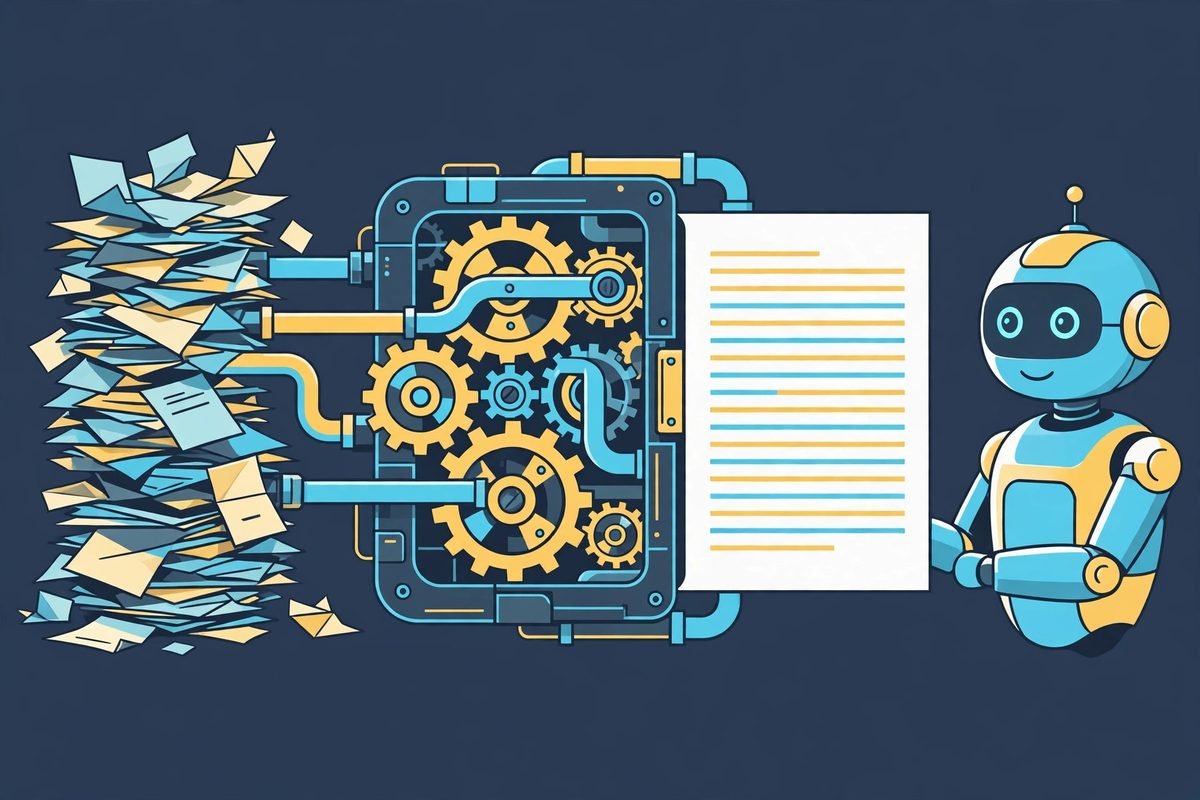
We have wired document-ingestion pipelines for clients more times than we can count, and MarkItDown is now our default first answer for the conversion step. It shines in batch pipelines: point it at a folder of mixed PDFs, Office files and HTML, and you get uniform Markdown you can chunk, embed and index without writing a parser per format. It is cheap (local compute only for the built-ins), fast enough for near-real-time ingestion, and the Markdown output chunks far more predictably than raw text dumps because the headings and tables survive.
The honest limitations, from production experience and the project’s own documentation:
- Scanned PDFs need help. The built-in converters extract embedded text; they do not OCR scanned images on their own. Budget for the
markitdown-ocrplugin or an Azure tier if your corpus is scans. - Complex tables degrade. Nested or heavily merged spreadsheet tables sometimes come out as Markdown that is technically valid but semantically confusing. Always spot-check your worst tables before indexing a whole corpus.
- It is not a fidelity tool. The README says this outright: if a human needs to read the converted document, use something built for that. MarkItDown optimises for machine consumption.
- Untrusted files need sandboxing. MarkItDown performs I/O with the privileges of the current process — like
open()orrequests.get(). The project explicitly warns to sanitise inputs in untrusted environments and to call the narrowestconvert_*function for your use case (convert_stream()orconvert_local()). If users upload files, run conversion in a sandboxed worker, not your web process. - Cloud tiers cost real money at scale. The built-ins are free; Azure Document Intelligence and Content Understanding are billable per API call. For a few thousand documents a month the cloud quality is worth it; for millions of pages, do the maths on local OCR first.
When would we not use it? If you need pixel-perfect document fidelity, if your corpus is entirely scanned images and you cannot justify OCR spend, or if you are doing a one-off conversion where a managed parsing API is cheaper than engineering time. For everything else in the document-to-AI space, it is the pragmatic default. This is the same judgement call we make on every AI integration and automation engagement: boring, maintained infrastructure beats clever custom code.
Getting Started in 10 Minutes
- Create an isolated environment. Run
python -m venv .venvand activate it. MarkItDown pulls format-specific dependencies, and you do not want those colliding with your project. - Install with the extras you need.
pip install 'markitdown[all]'for everything, or pick formats likepip install 'markitdown[pdf, docx]'to keep things lean. - Convert your first file.
markitdown report.pdf -o report.md— then open the Markdown and check that headings and tables survived. This five-second sanity check catches most surprises early. - Wire it into Python. Three lines —
MarkItDown(),.convert(),result.markdown— give you programmatic conversion for pipelines and custom API endpoints. - Add OCR only if you need it. If your PDFs are scans, install
markitdown-ocrwith an OpenAI-compatible client, or evaluate the Azure tiers for higher-quality cloud extraction. - Batch it behind a queue. For production ingestion, run conversions in a background worker (Celery, RQ, or your queue of choice) rather than in the request path — large PDFs and audio transcription are not instant.
Frequently Asked Questions
Is MarkItDown free to use?
Yes. MarkItDown is MIT-licensed open source, so the core library and all built-in converters are free for commercial use. Costs only appear if you opt into the Azure Document Intelligence or Azure Content Understanding integrations, which are billable Azure API calls, or if you use the OCR plugin with a paid LLM vision model.
Which file formats does MarkItDown support?
PDF, Word, PowerPoint, Excel (including legacy .xls), images (with EXIF metadata and OCR), audio (with speech transcription), HTML, CSV, JSON, XML, ZIP archives, YouTube URLs, EPubs and Outlook messages. Third-party plugins extend this further, and Azure Content Understanding adds video support.
Can MarkItDown handle scanned PDFs?
Not with the built-in converters alone — they extract embedded text but do not perform OCR on scanned images. For scans, install the markitdown-ocr plugin with an LLM vision client, or use the Azure Document Intelligence or Content Understanding tiers for higher-quality cloud OCR and layout analysis.
How does MarkItDown compare to textract?
Textract is the older, general-purpose text-extraction library; MarkItDown is its spiritual successor for the LLM era. The key difference is output: textract flattens documents to plain text, while MarkItDown preserves structure as Markdown — headings, lists, tables and links — which produces far better chunks for RAG pipelines and gives agents citable structure.
Is MarkItDown safe to run on untrusted user uploads?
With precautions. MarkItDown performs I/O with the privileges of the current process, so the project advises sanitising inputs in untrusted environments and calling the narrowest conversion function for your use case. In practice: validate file types, run conversion in a sandboxed background worker rather than your web process, and never expose the converter directly to unsanitised user input.
Document ingestion is the unglamorous foundation every AI product stands on — get it wrong and your chatbot hallucinates from mangled chunks; get it right and everything downstream gets easier. MarkItDown gets it right for the vast majority of business documents, it is free, maintained, and backed by Microsoft. If you are building a document-heavy AI product and want the ingestion layer done properly — conversion, chunking, retrieval and all — talk to our team. We have shipped this stuff, and we know where the bodies are buried.