

If you want to run AI agents on Mac remotely — say, a coding agent chewing through a task list on a headless Mac mini in the corner of your office — you have always had the same awkward ritual: open Screen Sharing, stare at a whole second desktop, squint at a tiny Terminal window, then close everything again. Beam.win, launched on 18 October 2026 by Hiten Shah and Sam Asante through their company Noats, takes a different approach: it beams individual app windows from the other Mac onto the Mac in front of you, each with its own Dock icon and ⌘Tab presence. The app itself keeps running on the original machine.
Verdict up front: for developers supervising agents on a second Mac, this is the most frictionless setup we have seen — the window, not the desktop, turns out to be the right unit of remote access. It is honestly priced and the free tier is genuinely usable. But it is macOS-only and Apple Silicon-only, so a sizeable chunk of teams cannot use it at all. This review covers what it does, what it costs, who it is for, where it falls short, and how it compares to Screen Sharing, Jump Desktop and Screens — so you can decide in about five minutes whether it belongs in your workflow.
How Beam.win lets you run AI agents on Mac remotely
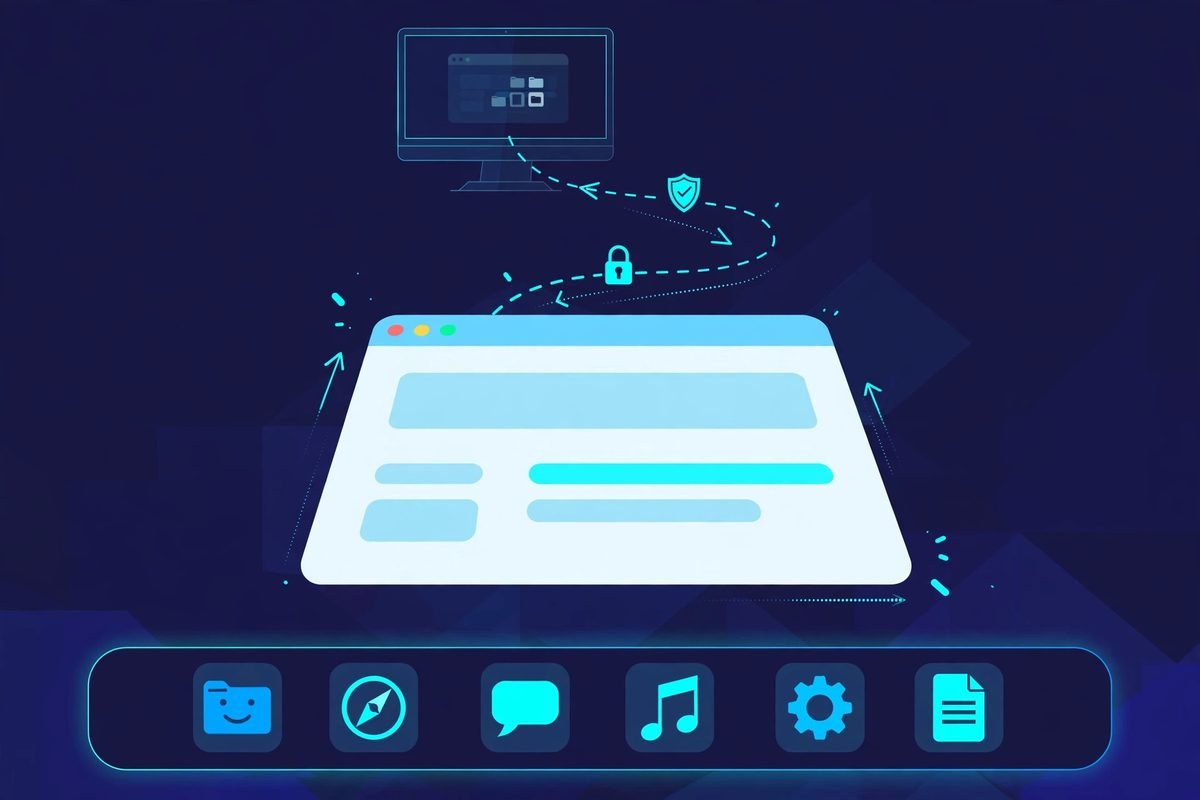
The concept is simple, and that is the point. Install Beam on both Macs. On the Mac in front of you, pick a window from the other Mac — a Terminal running Claude Code, a browser where an agent is doing research, a build log — and it opens alongside your local apps. It behaves like a local window: you can type into it, resize it, and drag files between the two machines. It even carries the remote app’s audio over. If the remote app pops a modal or an Open/Save dialog, it comes across attached to its window, and new windows the app opens appear on your side automatically, so you never go back to a picker mid-task.
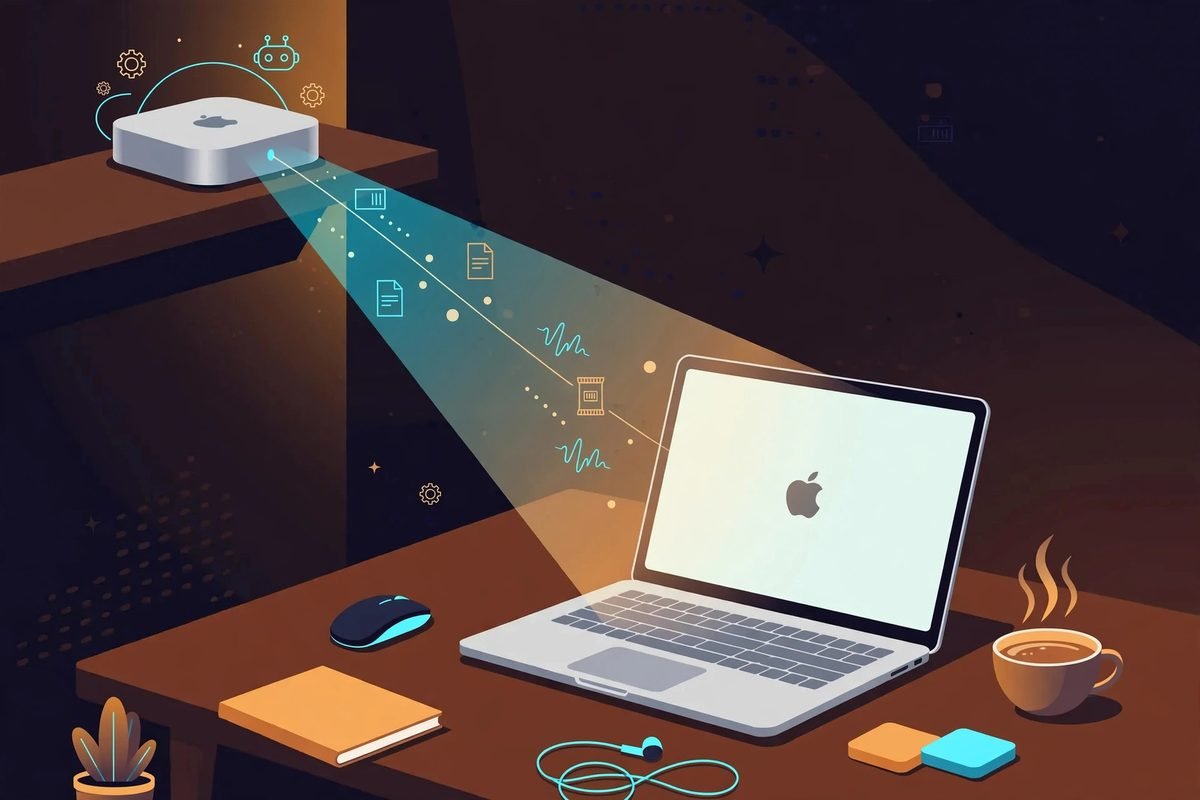
When one window is not enough, Beam can escalate: open an entire screen or the whole Mac. The product that topped the Product Hunt daily board on 19 October 2026 ships with its flagship use case front and centre — headless Mac minis and Studios. A machine with no display attached still lists its windows like any other Mac, which is exactly the setup an agent farm needs: the mini keeps running agents and builds unattended while you dip into any of their windows from whichever Mac you happen to be sitting at.
Connection, encryption, and requirements
Two requirements, both hard: Apple Silicon on both Macs, and macOS Sonoma or later. There is no Intel support — one of the first Product Hunt commenters called this out as the reason it could not revive their old Intel Mac Pro as an agent box. Connect over your local network or through Tailscale. Traffic is encrypted and travels directly between your Macs; it does not pass through Beam’s servers, which is the detail that matters if you are supervising agents that handle client code or credentials.
Beam also supports share links: view-only unless you explicitly allow control, expiring anywhere from an hour to a week. Paid plans keep working offline for up to 30 days; the free tier needs a connection for its daily minutes. Support is via hello@beam.win, with a stated refund policy if the product does not work for you.
Pricing: what it really costs
The pricing model is split by role, which is refreshingly honest. Hosting a Mac — making its windows available — is free. Joining someone else’s share link is free. The paid part is pulling windows onto your own Mac: that is free for 20 minutes a day, then $12 per month, $84 per year, or $199 for a lifetime licence.
Do the math on your own usage before paying. Twenty minutes a day covers the “glance at the agent’s Terminal twice” pattern that most developers actually need — quick status checks, not full work sessions. If you are actively driving a remote agent’s browser for an hour a day, the $12/month tier pays for itself against the context-switching tax of full-screen sharing in about a week. The $199 lifetime licence only makes sense if you believe a two-person startup will still be maintaining this in three years — new remote-access tools have a habit of being acquired or quietly shelved.
Who it’s for — and who should skip it
Beam is for you if you own two or more Apple Silicon Macs, at least one of them headless or semi-headless, and you run long-lived work on the far machine: coding agents, local models, Xcode builds, render jobs. The person it helps most is the developer who currently keeps a Screen Sharing window open all day just to watch a Terminal — Beam replaces that ambient second desktop with a single window that lives in your normal ⌘Tab flow.
Skip it if your remote machine is Intel, if you need Windows or Linux in the mix, or if your “second machine” is a cloud VM rather than a physical Mac. Teams with strict device-management policies should note that Beam is young software from a brand-new company: evaluate its access model against your own security requirements before pointing it at machines with production credentials.
Watch-outs and honest limitations
- macOS and Apple Silicon only. No Intel, no Windows, no Linux, no phone client (a Product Hunt commenter asked about phones; there is no indication one is coming). Your whole setup has to be modern Macs.
- Young product, young company. Launched 18 October 2026 by a two-founder team. Early reviews are glowing — one beta tester reported two months of use and called it their daily driver over Apple’s native screen share, citing better responsiveness and resolution — but long-term maintenance is unproven.
- Per-window granularity cuts both ways. The single-window unit is the killer feature until you need to manage the remote machine itself: system dialogs, menu-bar utilities and full-desktop tasks still want the “whole Mac” mode, which puts you back in second-desktop territory.
- The free tier is a trial in disguise. Twenty minutes a day of window-pulling is enough to evaluate, not enough to run on. Budget for at least the monthly tier if you adopt it.
- Network dependence. Both Macs need to reach each other over LAN or Tailscale — verify connectivity on your network before paying.
Beam.win vs Screen Sharing, Jump Desktop, and Screens
The established tools all share one assumption: the unit of remote access is the desktop. Apple’s Screen Sharing, Jump Desktop and Screens each mirror a whole screen (or whole machine) onto your Mac. That is the right model for administering a remote computer and the wrong model for supervising one window of it. Beam’s bet — as one launch-week write-up put it — is that pulling a single app window, with no full remote desktop, is what agent-era workflows actually need.
In practice the comparison is less “better” than “different job”. Screen Sharing is free, built in, and fine for occasional full-machine access — but it forces a whole second desktop into your workspace for what might be a ten-second Terminal check, and its responsiveness over anything but a good LAN is mediocre. Jump Desktop and Screens are more polished remote desktops with better performance and cross-platform reach, which makes them the right pick for heterogeneous setups — exactly the setups Beam cannot serve at all. Beam wins only within its niche: two-plus modern Macs, per-window supervision, minimal context switching. Outside that niche, the incumbents remain the safer choice.
From our experience: the practitioner take
We build AI integrations and automations for clients, which means our developers live inside agent terminals all day — and we have felt the exact pain Beam targets. The multi-Mac agent setup is becoming the default shape of serious AI-assisted development: the laptop stays responsive while the heavy, long-running agent loops grind away on a Mac mini or Studio with more RAM. The supervision problem is real and under-discussed. Agents fail in boring ways — stalled on a permission prompt, looping on a test, waiting on an OAuth click in a browser — and the cost of each failure mode is the minutes you spend noticing it.
What we like about Beam’s approach is that it treats supervision as a first-class workflow instead of a remote-admin afterthought. A Terminal window from the agent box sitting in your ⌘Tab rotation is ambient awareness: you notice the stalled prompt the way you notice a Slack message, not the way you notice a problem after deliberately opening a second desktop. The encrypted direct connection and the no-servers-in-the-middle architecture are the right defaults for a tool that will be staring at client codebases. Two things we would want before recommending it to a client: a clear answer on how it handles the Mac’s accessibility and screen-recording permissions at scale across a fleet (fine for two Macs, a different question for twenty), and evidence the company survives its first year — because a remote-access tool that stops getting security updates becomes a liability, not a utility. For a two-Mac personal setup today, though, the free tier costs nothing to try, and the paid tiers are priced like a utility, not a platform.
If you are evaluating more tools in this space, browse our AI tools directory — we review new launches weekly with the same practitioner lens. And if your team needs help wiring agents, automations or custom AI features into real business workflows rather than demos, talk to us — that is what we do every day.
Frequently asked questions
Does Beam.win work without an internet connection?
Yes, on your own network — your Macs talk to each other directly, so a LAN connection is enough. Paid plans (Monthly, Yearly, Lifetime) keep working for up to 30 days offline. The free tier needs an internet connection for its daily minutes.
Does Beam.win work on Intel Macs?
No. Beam requires Apple Silicon Macs running macOS Sonoma or later on both ends. If your agent box is an older Intel Mac, you will need to stick with Screen Sharing, Jump Desktop or Screens.
Can Beam.win see my data? Where does the traffic go?
Windows, keystrokes, clipboard and audio travel directly between your two Macs over an encrypted connection — they do not pass through Beam’s servers. That peer-to-peer architecture is one of the product’s stronger privacy properties, though as with any young tool you should still evaluate it against your own security requirements before granting it access to sensitive machines.
Can I share a window with someone else, like a colleague or client?
Yes, via share links. They are view-only unless you explicitly allow control, and you can set them to expire anywhere from an hour to a week. Joining a share link is free — only pulling windows onto your own Mac uses the paid tiers.
Is the free tier enough for daily use?
Probably not if you adopt it seriously. Hosting a Mac’s windows and joining share links are free forever, but pulling windows onto your own Mac is limited to 20 minutes a day on the free tier. That is enough to evaluate the product or to do a couple of quick agent check-ins; regular supervision needs the $12/month plan at minimum.
Beam.win is a small, sharp tool for a problem that gets bigger every month: our agent fleets keep growing, and our attention does not. If you run AI agents on a second Mac, twenty free minutes a day is a cheap experiment — and the per-window model might just change how you think about remote access. Check our AI tools directory for more weekly reviews, or contact us if you want help putting agents and automations to work in your business.