

If you are building an AI agent in 2026, you have probably hit the same wall every team hits: your agent can reason brilliantly, but it cannot see the web. Firecrawl, the web scraping API for AI agents 2026 builders reach for first, exists to solve exactly that. With 194,349 GitHub stars, 10,258 forks and a community that keeps it under constant development (the repository was updated again this week), it has become the default way to turn any web page into clean, LLM-ready data. This deep dive is written for agency founders, product teams and developers who are deciding whether to adopt it: what it does, what it costs, where it breaks, and when you should not use it.
What Firecrawl actually is
Firecrawl describes itself as the context API for AI agents: a single API that can search, scrape, crawl, map and interact with the web, returning clean Markdown, structured JSON or screenshots instead of raw HTML. The project is open source under the AGPL-3.0 licence, developed transparently on GitHub in TypeScript, and it is also available as a hosted service that adds proprietary infrastructure for rotating proxies, rendering and browser interaction on top of the open core.
That two-track model matters more than it looks. The open repository gives you the API, the SDKs and the self-hosting option; the cloud service handles the parts of web scraping that consume most engineering hours: proxy rotation, rate limits, JavaScript-blocked content and anti-bot measures. You decide which side of that line you want to stand on, and you can start on one and move to the other later without rewriting your integration.
What it can do: the endpoint tour
Firecrawl exposes its capabilities as a small set of endpoints. Once you understand these, you understand the product:
- Scrape — convert any URL to Markdown, HTML, a screenshot or structured JSON in one call. The flagship endpoint.
- Crawl — scrape every page of a website with a single request, following links automatically.
- Map — discover all URLs on a website almost instantly, ideal for building sitemaps and crawl plans.
- Search — search the web and get full page content from the results, not just snippets.
- Batch Scrape — scrape thousands of URLs asynchronously.
- Interact — click, scroll, type and wait on a page before extracting content, driven by AI prompts or code.
- Parse — turn PDFs and DOCX files into clean Markdown or structured JSON.
- Agent — describe what you need in plain language and an autonomous agent searches, navigates and retrieves it, no URLs required.
- Monitor — get notified when content on a website changes.
- MCP server and skills — connect Firecrawl to any AI agent or MCP client with a single command, so agents can browse the web directly.
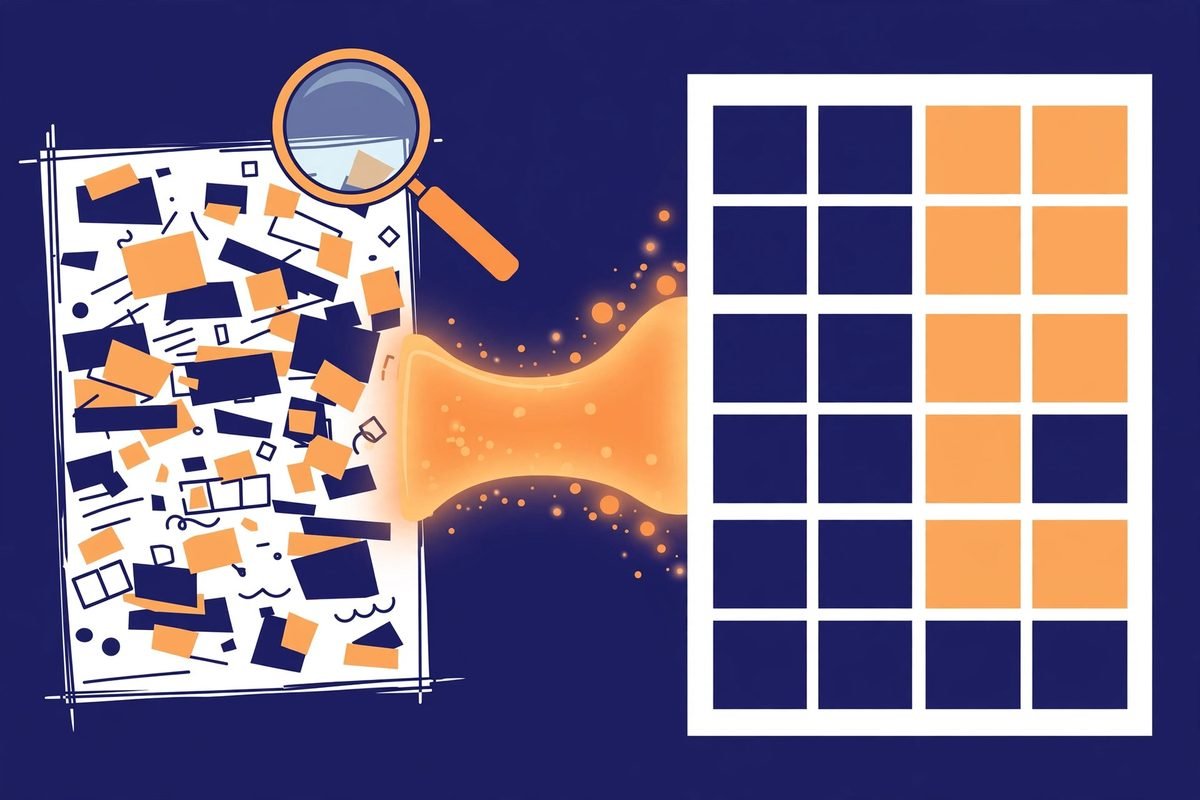
How the Firecrawl web scraping API for AI agents works in 2026
Getting started takes about five minutes. Sign up at firecrawl.dev for an API key (the free tier needs no credit card), install the SDK, and your first scrape looks like this:
from firecrawl import Firecrawl

app = Firecrawl(api_key="fc-YOUR_API_KEY")
doc = app.scrape("https://example.com/pricing", formats=["markdown"])
print(doc.markdown)
That is the entire ceremony. The API returns Markdown that drops straight into an LLM prompt or an embedding pipeline, which is the real productivity gain: developers used to spend days stripping boilerplate, cookie banners and navigation chrome out of HTML. Firecrawl ships that cleanup as part of the service. A search call is equally compact:
results = app.search("AI web scraping tools", limit=5)
for r in results.web:
    print(r.title, r.markdown[:200])
For agents, the integration story is even shorter. A single command gives your agent browsing superpowers, and the project ships an MCP server config you can paste into any MCP-compatible client:
{
  "mcpServers": {
    "firecrawl-mcp": {
      "command": "npx",
      "args": ["-y", "firecrawl-mcp"],
      "env": { "FIRECRAWL_API_KEY": "fc-YOUR_API_KEY" }
    }
  }
}
The README documents support for tools like Claude Code, OpenCode and others, and the /agent endpoint goes further still: you send a prompt like “find the pricing plans for Notion” and Firecrawl’s own agent handles the search, navigation and extraction autonomously.
Why Firecrawl is trending right now
Firecrawl is not a newcomer that spiked overnight. It grew alongside the exact problem it solves: AI agents are useless without fresh, real-world data, and the web remains the largest data source anyone has. Retrieval-augmented generation pipelines, research agents and coding assistants all need the same thing — reliable page content delivered in a format a model can reason about immediately. Firecrawl sits precisely on that seam, which is why independent comparisons of agent search APIs consistently place it in the top three alongside Exa and Tavily, with Firecrawl winning on scraping depth and site-structure coverage.
The ecosystem momentum is real. In June 2026, xAI added Firecrawl as an official plugin in the Grok Build marketplace, letting terminal-native coding agents search, scrape and interact with live pages from the command line. The MCP era has been kind to it too: when agent frameworks like LangChain, CrewAI and LlamaIndex treat tools as first-class citizens, a tool that returns clean content without HTML parsing or service chaining becomes the obvious default. The project’s own benchmarks claim 96% web coverage including JavaScript-heavy pages and a P95 latency of 3.4 seconds — treat those as vendor numbers, but the direction of travel is confirmed by 10,000 forks and daily commits.

From our experience: the honest economics
At MTD Technologies we have built enough scraping pipelines over nine-plus years to know that the tooling cost is never the sticker price — it is the cost per page at your actual volume, plus the engineering hours you never bill. Here is the Firecrawl math, verified against the current pricing page: the free tier gives you 1,000 credits a month with no card. Hobby is $19 a month for 5,000 credits. Standard is $99 a month for 100,000 credits. Growth is $399 for 500,000, and Scale is $749 for a million. One credit buys one basic scraped, crawled or mapped page, so Standard works out to roughly a tenth of a cent per page — cheaper than any engineer-hour you have ever spent fighting a proxy ban.
The gotchas are where agencies lose money. First, failed requests are not free: a page that returns a 403 or 404 still costs one credit, so an agent that wanders into a blocked site burns budget fast — put guardrails on it. Second, advanced features cost extra: JSON, question-answering and highlight formats add four credits per page, Monitor bills seven credits per page per check, and the Agent endpoint runs on dynamic pricing. Third, pay-as-you-go tops you up in $5 increments automatically, which is convenient right up until it is not — set a monthly cap on day one.
Then there is the licence question. AGPL-3.0 is a strong copyleft licence with a network clause: if you modify the self-hosted code and offer it over a network, you must share your changes. Running it unmodified as a backend service for your own agency is straightforward, but if you plan to bake a forked Firecrawl into a client product, read the licence with a lawyer, not a blog post. For most teams, the cloud service sidesteps the question entirely.
And when should you not use it? If you scrape a handful of static pages on a schedule, a small Python script with requests and Beautiful Soup is free and will never surprise you with a bill. If you need pixel-perfect browser automation with custom login flows, you may still want a dedicated tool like Playwright running on your own infrastructure. Firecrawl earns its keep in the middle: high-volume extraction, JavaScript-heavy sites, and agent workflows where you need clean Markdown, not HTML archaeology.
Scraping responsibly
A word of caution that no deep dive should skip: the ability to scrape does not grant the right to scrape. Respect robots.txt, honour rate limits, and read a site’s terms of service before you point a crawler at it. Aggressive crawling can get your API key throttled or your targets’ operations teams writing angry emails, and the legal landscape for web scraping varies by jurisdiction. Firecrawl handles the infrastructure; the responsibility for what you extract and why stays with you. When in doubt, ask permission or consult counsel — especially for client work, where your agency’s reputation is on the line.
Getting started: your first 30 minutes
- Grab a free API key at firecrawl.dev — 1,000 monthly credits, no credit card required.
- Install the SDK for Python (
pip install firecrawl-py) or Node (npm install firecrawl), or just use curl againsthttps://api.firecrawl.dev/v2. - Scrape one URL and inspect the Markdown output — compare it against the raw HTML to appreciate what you are no longer cleaning by hand.
- Try /map on your own site to see your URL structure the way a crawler sees it (you may find surprises).
- Connect it to your agent via the MCP server config, then ask the agent to research a topic live and watch the sources it cites.
- Set a budget: pick a plan that matches your expected page volume and enable a pay-as-you-go cap before anything goes to production.
Frequently asked questions
Is Firecrawl really open source?
Yes. The firecrawl/firecrawl repository is published under the AGPL-3.0 licence and developed in the open, with the community contributing features and fixes. The hosted cloud service at firecrawl.dev adds proprietary infrastructure for proxies, rendering and browser interaction. A self-hosting guide is published in the project’s documentation for teams that want to run it themselves.
How much does Firecrawl cost?
The free tier includes 1,000 credits every month with no credit card. Paid plans start at Hobby ($19 a month for 5,000 credits) and scale to Standard ($99 a month for 100,000 credits), Growth ($399 for 500,000) and Scale ($749 for a million). One credit buys one basic page scrape, crawl or map; a search costs two credits per ten results. Prices were last verified on the Firecrawl pricing page in October 2026.
How is Firecrawl different from Beautiful Soup or Scrapy?
Beautiful Soup and Scrapy are libraries: you write the code, manage the proxies, render the JavaScript and handle the anti-bot measures yourself. Firecrawl is a managed API that does all of that for you and returns LLM-ready Markdown or JSON. Use the libraries when scraping is the product and you want full control; use Firecrawl when clean web data is an input to something bigger, like an AI agent.
Can I use Firecrawl with my AI agent or MCP client?
Yes — this is one of its strongest suits. Firecrawl ships an MCP server you can wire into any MCP-compatible client with a few lines of JSON config, and it documents integrations with agent frameworks such as LangChain, CrewAI, LlamaIndex and AutoGPT. There is also a dedicated /agent endpoint that accepts a natural-language prompt and performs the whole search-and-extract workflow autonomously.
Is web scraping legal?
It depends on the jurisdiction, the site’s terms of service and what you do with the data. Scraping public pages for your own analysis is generally treated differently from republishing someone else’s content or circumventing access controls. Respect robots.txt, keep your request rates reasonable, and get proper legal advice before scraping as part of client work — your agency’s reputation rides on it.
Firecrawl has earned its 194,000 stars the hard way: by removing the most tedious step in every AI data pipeline. If you are evaluating it for a client project or your own product, start on the free tier, measure your real per-page costs, and be honest about whether your use case needs the infrastructure or just a script. And if you want a second pair of eyes on the architecture — whether that is an AI agent that browses the web, a RAG pipeline fed by live sources, or broader AI automation services — explore our AI Tools Directory or get in touch. We build this stuff for a living.