
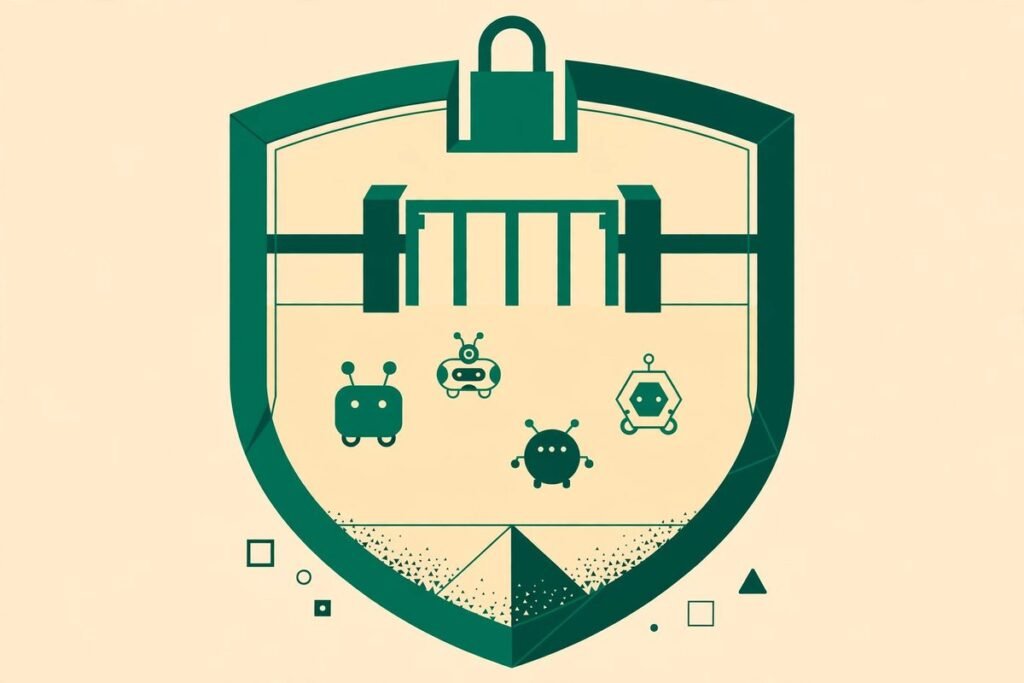
A safe, private runtime for autonomous AI agents is no longer a nice-to-have. The moment an agent can read files, install packages, call APIs and spend credentials on your behalf, the question stops being “can it do the job?” and becomes “what exactly can it touch while it does it?” NVIDIA OpenShell answers that question with a policy-first design: every agent runs in an isolated sandbox, every file access, system call and network connection passes a policy check, and agents never see your real credentials. At the time of writing it has more than 19,800 stars on GitHub, is written in Rust, and is released under the Apache-2.0 licence — a serious, production-minded project, not a weekend demo.
This guide explains what OpenShell is, how it works, why it is trending now, and — honestly — where it will add friction to your team. If you run coding agents, support agents or research agents against real company systems, this is the kind of infrastructure you should understand before you scale from one agent on a laptop to a fleet in production.
What OpenShell is
OpenShell describes itself, in its own README, as “the safe, private runtime for fleets of autonomous AI agents”. The key word is fleets. A single agent in a throwaway container is easy to contain. Ten agents, running around the clock, with different tools, different data access and different owners, is a governance problem — and that is what OpenShell is built to solve.
In practical terms, OpenShell sits between your agents and everything they might touch. You declare, in policy, what each agent is allowed to do: which files it can read, which system calls it can make, which network hosts it can reach, and which credentials may be attached to which requests. OpenShell then enforces that policy at runtime. It is not a prompt filter, a wrapper script or a set of good intentions in a system prompt. It is a runtime with kernel-level enforcement, which means an agent cannot simply talk its way past the boundary.
What OpenShell can do
From the README and documentation, the core capabilities are:
- Isolated sandboxes. Each agent runs in its own sandbox, built on a minimal Ubuntu image by default, with its own lifecycle, images, runtimes and GPU options.
- Kernel-level policy enforcement. Controls confine which files an agent can access and which system calls it can make, and every network connection passes through a policy check before it leaves the sandbox.
- Credential protection. Agents never see real credentials. OpenShell adds credentials only to requests bound for approved endpoints, so a leaked transcript or a compromised agent does not hand over your API keys.
- Formally verified policy changes. Before a policy change is approved, OpenShell uses formal verification to flag risky new access — for example, reaching a new host with credentials or calling a new API method — so those changes wait for human review.
- Gateways as a control plane. A gateway manages sandboxes, policy and access centrally, rather than leaving each agent to fend for itself on a developer laptop.
- Provider and inference support. Credential handling extends to inference providers, so model calls go through the same approved-endpoint discipline as other API traffic.
- Kubernetes deployment. The gateway can be deployed with Helm, provided your cluster network plugin enforces NetworkPolicy — a detail that tells you this is aimed at real platform teams, not just hobbyists.
- Extensibility. Middleware, interceptors and compute drivers let teams adapt the runtime, and public agent skills teach coding agents to drive the OpenShell command line, write sandbox policies and debug gateways.
- SDKs in four languages. Python, TypeScript, Go and Rust SDKs connect applications to an OpenShell gateway, so you can build the runtime into products rather than only operating it by hand.
How OpenShell works
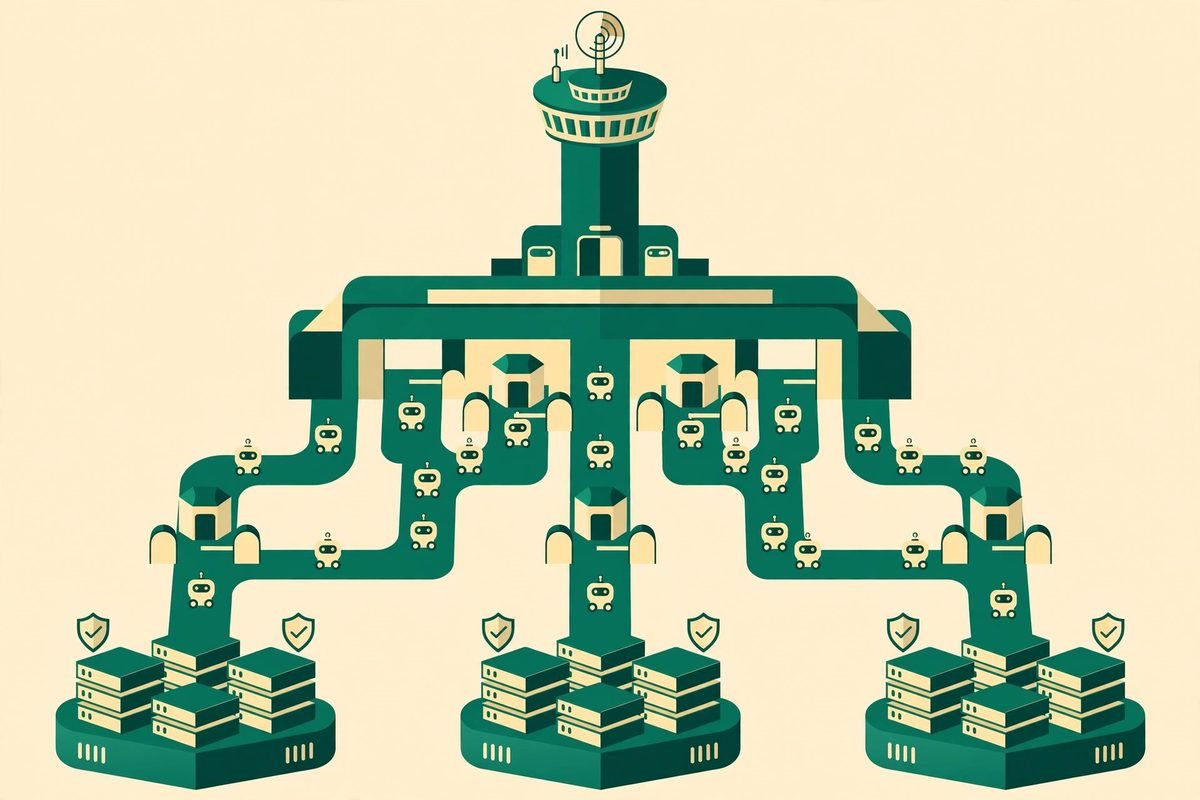
The architecture has three parts that are worth understanding separately: the gateway, the supervisor and the sandbox.
The gateway is the control plane. It holds policy, manages sandbox lifecycle and mediates access. Think of it as the front desk: nothing gets a room key without checking in here first. The sandbox is where the agent actually runs — isolated, with its own filesystem view, network controls and compute. The supervisor sits between them, keeping the agent’s execution under the gateway’s rules.
Two enforcement mechanisms run together. First, the kernel is instrumented to enforce policy on every file access, system call and network connection at runtime. This is the hard boundary: even if an agent is compromised or manipulated, it cannot reach beyond what its policy allows. Second, formal verification checks what a policy change would allow before it is applied, flagging risky new access for human review. Enforcement stops bad access today; verification stops bad policy tomorrow.
Why OpenShell is trending now
OpenShell is trending for a simple reason: the industry moved from “agents are a demo” to “agents are in production” faster than its security practices did. Teams that started with one coding assistant on a laptop now run agents that touch repositories, tickets, customer data, cloud consoles and internal APIs. Each new capability is useful, and each one widens the blast radius if the agent is manipulated or simply makes a mistake.
The timing also fits the 0.1.x release line, which the project highlights as bringing a stable release cadence, new isolation primitives, an expanded extension surface and new APIs. Early-stage projects often trend on novelty; OpenShell is trending on a recognisable enterprise need — safe, auditable agent execution — arriving at the moment teams are being asked to prove it.
From our experience: where OpenShell helps, and where it hurts
We build automation and AI integrations for clients, so we look at tools like this through a delivery lens: what breaks, what costs time, and what a team will actually maintain six months later. OpenShell’s design is sound, but adopt it with eyes open.
Where it genuinely helps. If your agents touch anything sensitive — source code with secrets, customer data, cloud accounts, internal APIs — a policy-enforced runtime is the right layer to add. The credential model alone justifies a pilot: removing keys from agent-visible environments is one of the highest-leverage security improvements an agent team can make. And the policy-change verification is the feature most teams do not know they need until their first bad approval.
Where it will cost you. Policy authoring is real work. Someone has to decide, per agent, what files, hosts and API methods are allowed, and keep those policies current as tools change. Too tight, and agents stall on every task, filing approval requests all day; too loose, and you have theatre instead of security. Budget for a policy owner, not just an installer. The platform matrix is also narrower than a casual reader might assume: Linux, macOS on Apple Silicon, or Windows via WSL 2 (experimental), plus Docker, Podman or host virtualisation. Test your exact environment before committing.
When NOT to use it. If you run a single agent locally against public data, with no credentials and nothing sensitive in reach, OpenShell is overkill — a container and a read-only checkout will do. If your team will not maintain policies, do not deploy a policy engine and then leave it on defaults; an unmaintained allow-list decays into a false sense of safety. And at 0.1.x, treat upgrades as planned work: read the upgrade guide for each release, especially the 0.1.0 guide the project itself flags, and pin your SDK and gateway to the same release, as the documentation advises.

A responsible-use note
A sandbox makes an agent’s execution safer; it does not make the agent’s task safe. OpenShell can stop an agent reaching a host it should not reach, but it cannot judge whether the task you gave the agent was appropriate, lawful or wise. Teams should still review what agents are asked to do, log what they actually did, and keep a human in the loop for irreversible actions — deleting data, moving money, contacting customers, or changing production configuration. Sandboxing is a control, not a conscience.
Getting started with OpenShell
The quickest honest path to a first run is:
- Confirm your platform: Linux, macOS on Apple Silicon, or Windows with WSL 2, plus Docker, Podman or host virtualisation.
- Install the command line with the project’s installer:
curl -LsSf https://raw.githubusercontent.com/NVIDIA/OpenShell/main/install.sh | sh— as with any piped installer, read the script first on a machine you control. - Create your first sandbox:
openshell sandbox create --name demo. The default image is minimal Ubuntu with no agent installed, which is deliberate — you add only what the agent needs. - Follow the project’s “Run Your First Agent” guide, which runs an agent against a free model and walks through approving new access as the agent requests it. That approval flow is the feature to learn, not just the install.
- Write one small policy for a real task, test it against a harmless repository, and watch what gets blocked. Tune the policy before you point any agent at real data.
- Only then connect an SDK — Python, TypeScript, Go or Rust — keeping the SDK and gateway on the same release, and plan your Kubernetes deployment with a network plugin that enforces NetworkPolicy if you go that route.
If you want help designing that first policy, or wiring agent sandboxes into an existing workflow, our AI integration and automation team does this kind of work day to day — including workflow automation where agents and traditional automation meet. You can also browse related tools in our AI Tools Directory, or talk to us about a pilot scoped to one agent and one system.
Frequently asked questions
Is OpenShell free to use?
Yes. OpenShell is open source under the Apache-2.0 licence, so you can use, modify and distribute it under that licence’s terms. Your costs are infrastructure, engineering time for policy design, and operations — not a licence fee for the runtime itself.
How is OpenShell different from running an agent in Docker?
A container isolates processes, but on its own it does not give you per-agent policy, credential brokering, gateway control or verified policy changes. OpenShell adds that governance layer: declared policy, kernel-level enforcement, credentials that agents never see, and a human-review step for risky policy changes.
Does OpenShell work on Windows and Mac?
It supports Linux, macOS on Apple Silicon, and Windows with WSL 2 (experimental). You also need Docker, Podman or host virtualisation. Check the project’s support matrix for your exact setup before planning a rollout.
Can OpenShell stop prompt injection?
It limits what prompt injection can achieve, which is the important distinction. A malicious instruction may still persuade an agent to try something harmful, but kernel-enforced policy blocks access the agent is not allowed to have, and credentials are never in the agent’s hands to leak. It is a strong mitigation, not a guarantee that no bad instruction ever succeeds within allowed bounds.
Is OpenShell production-ready?
It is in the 0.1.x line with a stable release cadence, SDKs, Kubernetes deployment and real documentation — credible for pilots and for teams willing to operate it properly. Treat it as early-production software: pin versions, read upgrade guides, and run it against non-critical systems first before expanding its fleet.
OpenShell matters because it treats agent safety as infrastructure, not as a prompt. If your agents are still experiments, enjoy the simplicity while it lasts. If they are becoming systems — touching real data, real credentials and real customers — a safe, private runtime for autonomous AI agents is the layer that lets you scale them without scaling your risk at the same rate. Start with one sandbox, one policy and one real task, and let the approval flow teach your team what its agents actually need.