
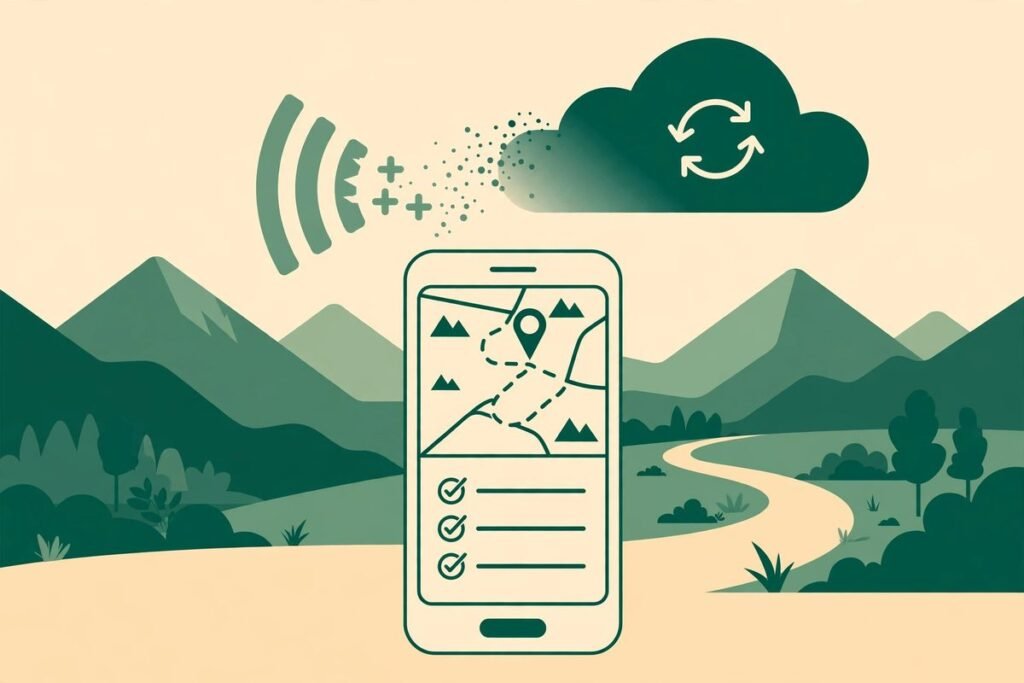
Good offline first mobile app design starts from a simple, uncomfortable truth: your users will lose signal at exactly the wrong moment. In a lift, on a rural road, in a basement car park, on a train passing through a tunnel, or in a warehouse with thick walls, the network disappears and the app must still work. If it shows a spinner, loses a half-finished form, or silently drops a change, trust is gone long before the connection comes back. This guide explains how to design mobile apps that treat offline as the normal case, not the exception, and how to handle sync conflicts in a way users can understand and forgive.
This is written for product owners and teams planning a field, logistics, healthcare, retail, or inspection app. By the end, you will be able to choose a local storage approach, pick a conflict strategy, design honest offline interfaces, and test the result before your users discover the gaps.
What offline first mobile app design actually means
Offline-first does not mean an app that works without the internet once and then hopes for the best. It means the local device is the primary source of truth for reading and writing, and the server is a synchronisation partner. The user reads cached data instantly, creates and edits records locally, and those changes are queued, retried, and reconciled when connectivity returns. The network becomes an enhancement, not a precondition.
That distinction changes almost every design decision. Screens must load from local data even when no request has succeeded yet. Actions must be possible without waiting for a server response. Errors must be local, specific, and recoverable, rather than a generic failure banner. And the team must decide, in advance, what happens when two people change the same record in different places.
Start with the local store, not the network
Most offline failures are data-model failures, not network failures. If the app treats the server as its only database and the local cache as a temporary convenience, offline mode will always feel bolted on. Start instead by designing the local store as a real database with its own schema, queries, and lifecycle.
- Choose a store that fits the data, not the fashion. Structured records, search, and relationships suit a local relational store such as SQLite. Document-style data and flexible fields suit an embedded document store. Large media needs a file store with references in the database, never blobs stuffed into the same table as everything else.
- Design for partial data. A field worker may have downloaded only their own jobs for today, not the whole company database. Screens, search, and filters must work gracefully on a subset, and must say so when a result is incomplete.
- Give every local record a stable identity. Create identifiers on the device so a record created offline can be matched to its server copy later. Without that, the same job, note, or photo can easily be created twice when a retry succeeds after a timeout.
- Record change, not just state. Keeping a queue of what changed, when, and by whom makes sync, debugging, and conflict resolution far easier than comparing two snapshots and guessing which one is newer.
- Plan migrations from day one. The local schema will change. Older app versions will still be in the field. Every migration needs a tested upgrade path, or a single app update can strand users with unreadable local data.
A practical rule we use on client builds is this: if a screen cannot render usefully from local data alone, it is not finished.

Sync conflicts: choose a strategy before you ship
Sync conflicts are inevitable once two devices can edit the same record offline. The mistake is discovering your strategy in production, when a supervisor overwrites a field worker’s notes or a stock count silently reverts. Choose deliberately, per record type, because no single strategy suits everything.
- Last write wins. Simple and predictable, but destructive. It suits low-stakes, single-owner data such as a personal preference or a draft note, where losing an older edit is acceptable. It is a poor choice for shared operational records.
- Server wins, with a local copy kept. Useful when the server holds the authoritative state, such as pricing or approval status. The local edit is not discarded silently; it is preserved, flagged, and shown to the user so nothing vanishes without explanation.
- Field-level merging. If two people edited different fields of the same record, both edits can usually be kept. This works well for forms with many independent fields, but it needs careful field design and a clear rule for the same field edited twice.
- Conflict-free replicated data types, known as CRDTs. These data structures are designed to merge without a central arbiter and suit collaborative text, lists, and counters. They add complexity and are not a shortcut for understanding the domain, but they remove a whole class of overwrite bugs.
- Ask the user, but only when it matters. Showing both versions and letting the user choose is honest, yet exhausting if it happens often. Reserve manual resolution for high-value conflicts, such as a signed inspection or a final quantity, and automate the rest.
Whatever you choose, three behaviours are non-negotiable. First, never lose user work silently. Second, show the user what happened in plain language, not a sync error code. Third, keep an audit trail: who changed what, on which device, and when the merge happened. When a customer disputes a record, that trail is the difference between a quick answer and a credibility problem.
Designing for dead zones: user interfaces users understand
Users do not need a technical explanation of sync. They need to know three things at a glance: am I offline, is my work saved, and will it reach the server later? If any of those is unclear, users will repeat actions, take screenshots as backups, or stop trusting the app altogether.
- Make offline status visible but calm. A persistent, understated indicator beats a modal that blocks work. Users should notice it without being interrupted by it, and it should disappear cleanly when connectivity returns.
- Confirm local save immediately. A tick, a “saved on this device” label, and a queued count reassure far more than silence. The moment a user wonders whether their entry survived, the design has failed.
- Show the queue honestly. “3 changes waiting to sync” is useful. A vague “syncing” spinner that never resolves is not. If a change fails repeatedly, say which item failed and why, and offer a retry or an alternative.
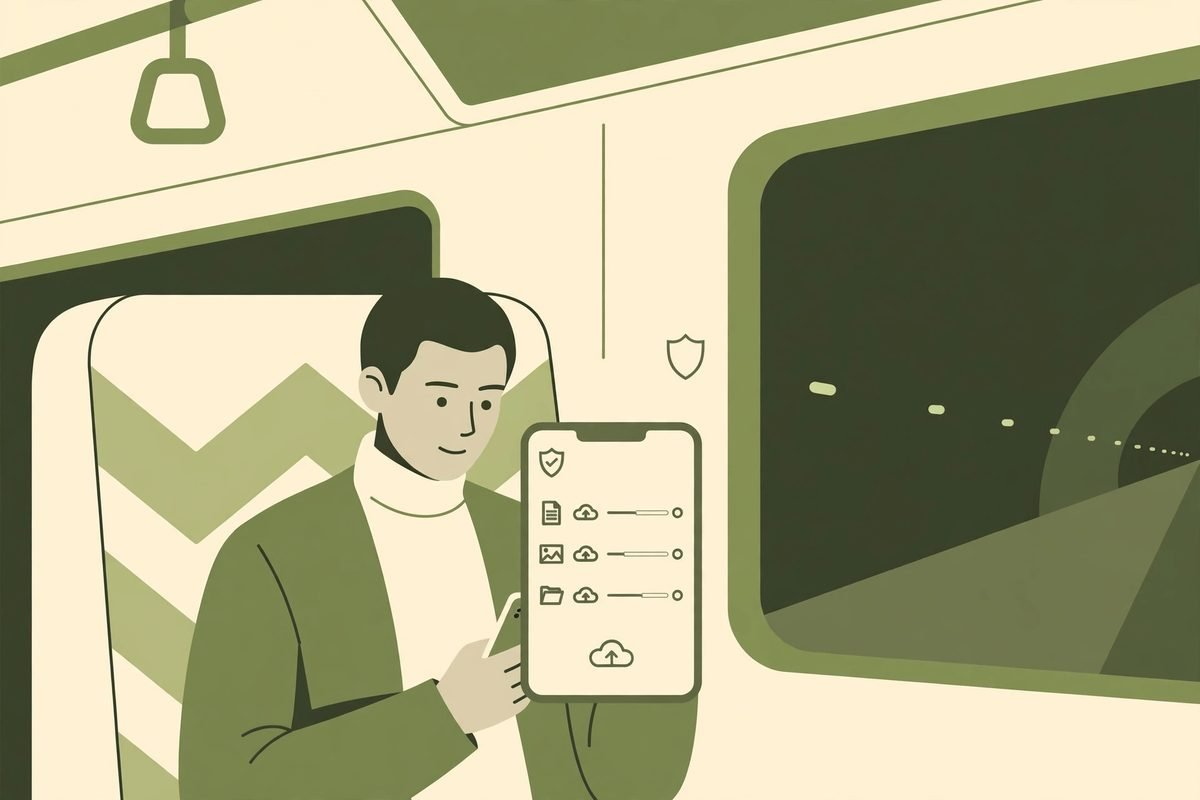
- Handle large uploads with care. Photos and videos should compress, resume, and upload in the background where the platform allows it. Blocking the whole app while a photo uploads in a dead zone is a fast way to lose field data.
- Design empty and stale states. An offline screen with no cached data should explain what is missing and what the user can still do, rather than showing a blank page or an error that sounds like a crash.
From our experience: the gotchas that only appear in the field
Across agency builds, the same offline problems recur, and they rarely appear in a demo on office Wi-Fi. The first is authentication. A token that expires while a user is offline can lock them out of locally stored work they already own, so session and token refresh design must be decided alongside sync, not after it. A second is storage growth: cached images, logs, and failed upload retries accumulate until the device runs out of space, so retention and cleanup rules need to be part of the specification.
A third gotcha is testing. Airplane mode is a start, but it is not enough. Real dead zones involve flaky, slow, and intermittent connections, requests that time out after the server has already processed them, and users switching between Wi-Fi and mobile data mid-upload. Test with throttling, forced timeouts, killed apps mid-sync, and restarts, and test on low-end devices with limited storage, because that is often what field teams actually carry.
Finally, be honest about cost and effort. Offline-first adds design, testing, and maintenance work compared with a purely online app, and retrofitting it onto a finished online app is usually more expensive than building it in from the start. That cost is justified when users genuinely work without reliable connectivity, when lost data has operational or safety consequences, or when speed in the field matters. When users are almost always online and the data is low-stakes, a simpler cached-read approach with clear offline messaging may be the better investment. Saying so is part of good practitioner advice, not a reason to avoid the conversation.
A practical build checklist
- List every user task and mark it as offline-safe, queued, or online-only, and make that distinction visible in the interface.
- Design the local schema, identifiers, and change queue before building screens, and include a migration plan for future releases.
- Choose a conflict strategy per record type, and document what happens when the same field is edited twice.
- Build the sync queue with idempotency, retries with back-off, and a visible failure state for items that cannot sync.
- Design offline, stale, queued, and failed states for every key screen, not just the happy path.
- Test with airplane mode, throttled networks, timeouts, app kills, clock changes, and low storage, on real devices.
- Ship with logging and an audit trail for sync decisions, so support teams can explain what happened to any record.
Teams that work through that checklist before development starts usually ship a calmer app, and they avoid the most expensive offline mistake of all: discovering the conflict strategy only after real user data has already been overwritten. If you are planning a field, logistics, or inspection app, our mobile app development team can review your offline requirements, and our custom API development service covers the sync endpoints and conflict rules on the server side.
Frequently asked questions
What is offline first mobile app design?
Offline first mobile app design treats the device as the primary store for reading and writing. Users work from local data, changes are queued on the device, and synchronisation with the server happens when connectivity is available, rather than the app requiring a live connection for every action.
Does offline-first mean the app never needs the internet?
No. Most offline-first apps still need connectivity to synchronise, download new assignments, or use online-only features such as payments. The benefit is that core work continues without a connection, and sync happens in the background when the network returns.
How do you prevent data loss when two people edit the same record offline?
Choose a conflict strategy per record type before launch, such as field-level merging, server-wins with the local edit preserved, or manual review for high-value records. Never discard user work silently, and keep an audit trail showing who changed what and when the merge happened.
Is offline-first worth the extra development cost?
It is worth it when users regularly work without reliable connectivity, when lost data has operational consequences, or when field speed matters. When users are almost always online and the data is low-stakes, a simpler cached approach with clear offline messaging may be more cost-effective.
How should offline apps be tested?
Go beyond airplane mode. Test throttled and intermittent networks, timeouts after the server has processed a request, app kills during sync, clock changes, and low storage, on real low-end devices. Include conflict scenarios with two devices editing the same record offline before either syncs.
Offline-first is not a feature to add at the end of a project. It is a design stance: respect the user’s work, be honest about connectivity, and never let a dead zone become a data loss event. Build that stance into the data model, the sync rules, and the interface, and the app will earn trust in exactly the places where other apps fail. If you would like help scoping that work for your team, contact us and tell us where your users actually work.