

OpenCode is an open source AI coding agent for the terminal that has surged past 220,000 GitHub stars in 2026, making it one of the fastest-growing developer tools on record. It lives where developers already work: you type a task, and it reads your codebase, edits files, runs commands and tests, and iterates until the job is done. Unlike subscription tools tied to one vendor, OpenCode is model-agnostic — you bring your own API keys from more than 75 supported providers, or run local models entirely on your machine. This deep dive is for development teams and technical founders weighing OpenCode against paid options like Cursor and Copilot: what it does, how its build and plan agents work, what it genuinely costs, and the honest trade-offs we would flag before rolling it out to a team.
What OpenCode actually is
OpenCode is maintained under the anomalyco/opencode repository (the team behind SST, which has since rebranded to Anomaly). It is MIT-licensed TypeScript, and its tagline says it plainly: “the open source AI coding agent.” The terminal is the primary interface — a full interactive TUI — but the project has grown beyond that: the README documents a desktop application in beta for macOS, Windows and Linux, alongside one-line installs via curl, npm, Homebrew, Pacman, mise and Nix. The project is updated at a relentless pace; its GitHub activity shows commits landing within days of this writing.
Architecturally, the positioning is deliberate. Claude Code is Anthropic-only, Cursor is an IDE you subscribe to. OpenCode sits between them: terminal-native, editor-independent, and neutral about which model does the thinking. That neutrality is the whole bet — when the best coding model changes (and in 2026 it changes every few months), you switch a config line instead of switching tools.

What it can do
The headline features, verified against the project’s own README and documentation:
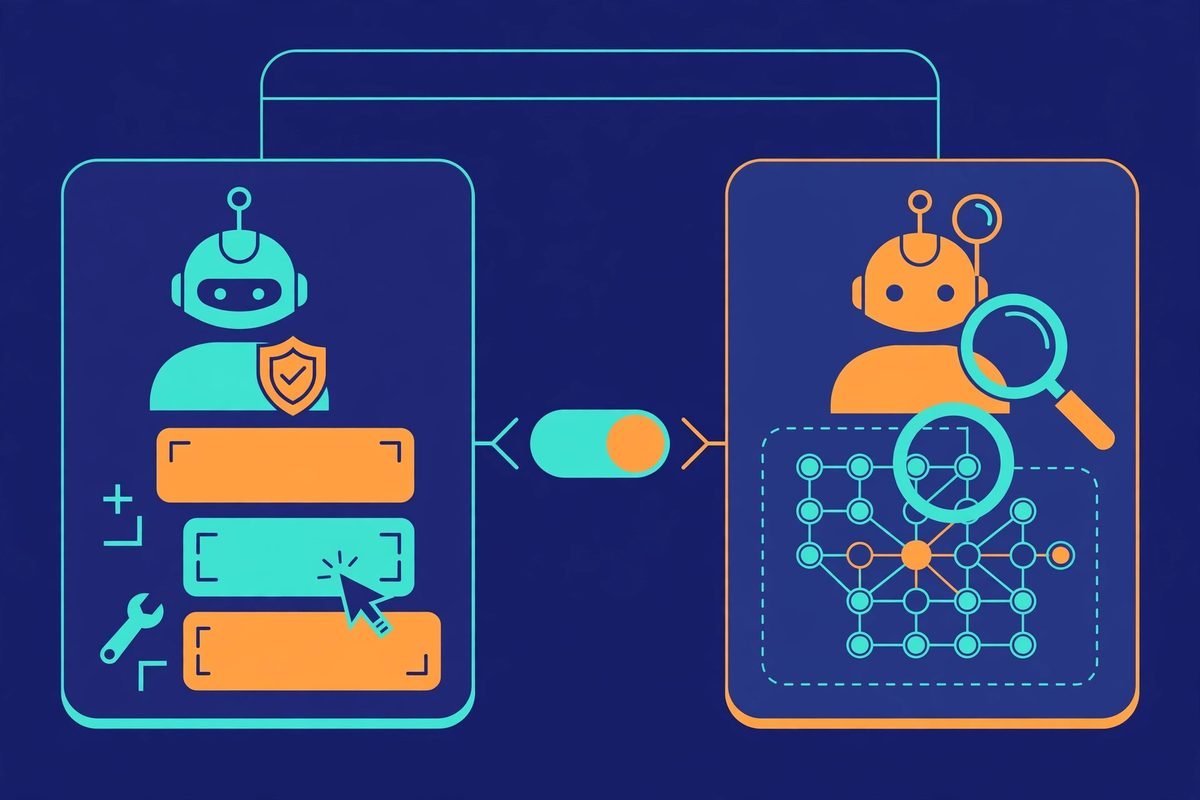
- Two built-in agents, switched with the Tab key. Build is the default full-access agent for development work. Plan is read-only: it denies file edits by default and asks permission before running shell commands. There is also a general subagent for complex searches and multi-step tasks, invokable with
@general. - 75+ LLM providers via the Vercel AI SDK and Models.dev. Popular providers are preloaded; you add credentials with the
/connectcommand. Local models are supported too — Ollama, llama.cpp, LM Studio and any OpenAI-compatible endpoint. - Model switching on the fly with the
/modelscommand, plus a JSON config file (opencode.json) where you set defaults, per-model options and custom variants (e.g. different reasoning effort per provider). - MCP support for local and remote Model Context Protocol servers, so the same tool ecosystem built around Claude Code works here too — worth being selective about, since every server expands what the agent can reach.
- Frictionless install. The YOLO path is
curl -fsSL https://opencode.ai/v2/install | bash; package-manager users getnpm i -g @opencode/cliorbrew install anomalyco/tap/opencode-v2, and Nix users get a flake. Full details are in the official OpenCode documentation.
How it works under the hood
A typical session goes like this. Install once, change into your project directory, and run opencode. On first launch, /connect walks you through adding a provider key — Anthropic, OpenAI, Google, Groq, Bedrock, OpenRouter, a local Ollama instance, whatever you hold keys for. Then /models picks which model drives the session. The docs currently recommend models known to be strong at both code generation and tool calling: GPT 5.2, GPT 5.1 Codex, Claude Opus 4.5, Claude Sonnet 4.5, Minimax M2.1 and Gemini 3 Pro.
Team consistency comes from opencode.json at the project root. A minimal version looks like this:
{ "$schema": "https://opencode.ai/config.json", "model": "anthropic/claude-sonnet-4-5-20250929" }
Commit that file and every developer on the project gets the same model default, while each person still uses their own API keys. Variants let you tune behaviour per model — reasoning effort for OpenAI models, thinking budgets for Anthropic — and agent-level config overrides the globals when you need the plan agent on a cheaper model and the build agent on a frontier one. That last pattern is a genuine cost lever we will come back to.
Why an open source AI coding agent for the terminal is winning in 2026
Three forces converged. First, agentic coding went mainstream: by mid-2026, letting an agent run a test loop beat copy-pasting snippets from a chat window, and every team wanted the capability. Second, subscription fatigue set in — per-seat IDE subscriptions stack up fast at team scale, and they lock you to one vendor’s model lineup. Third, and most specific to OpenCode, the project leaned into an episode that could have killed it: when Anthropic briefly blocked direct API access from the OpenCode client, the project doubled down on bring-your-own-key instead of fighting for subscription access. Your key, your bill, no intermediary — and that stance now reads as a feature to teams with existing enterprise agreements or multi-cloud AI strategies.
The economics deserve a straight answer because this is where the “free” narrative misleads. OpenCode the tool costs nothing; OpenCode the running agent costs whatever your tokens cost. For a light user, pay-per-token on a mid-tier model is dramatically cheaper than a per-seat subscription. For a heavy user letting a frontier model run long autonomous loops all day, metered billing can exceed a flat subscription — fast. The honest version: OpenCode gives you control over the cost curve (route planning to cheap models, building to frontier ones, run local models for free on your own hardware), whereas subscriptions give you predictability. Teams should model both against their actual usage for a month before standardising.
From our experience: what we would tell a client
We have shipped client work across the current generation of coding agents, and the pattern with OpenCode matches what we see everywhere: the harness is rarely the bottleneck — the model is. The same opencode.json behaves like a different tool on a frontier model versus a weak local one, because tool-calling reliability is a model capability, not a UI feature. If you evaluate it, evaluate it on the model you will actually pay for.
A few gotchas we would flag in a real engagement:
- Start every unfamiliar codebase in plan mode. Tab into plan, ask it to map the architecture, read its summary, then switch to build. Skipping this is how agents confidently refactor the wrong abstraction.
- Watch the token meter during long loops. An agent that keeps retrying a failing test suite is burning your money. Set a mental budget per task and interrupt loops that are not converging.
- Permission prompts are a workflow, not a safety net. You will approve dozens of commands a day; prompt fatigue is real, and approvals become reflexive. Treat review of the actual diff as the control that matters.
- Pin your config and update deliberately. The project ships fast, which is a strength until a config schema change lands mid-sprint. Pin versions for team rollouts; let one machine track latest.
- It shines on well-structured repos. Monorepos with clear conventions get the best results. A tangled legacy codebase with no tests will expose the agent’s limits quickly — that is a codebase problem worth fixing anyway.
When should you not use it? If your team lives entirely inside one IDE and never touches the terminal, forcing a terminal agent on them will fail on adoption, not technology — meet developers where they are. And if you need vendor support contracts and compliance paperwork, an MIT-licensed community project is the wrong procurement answer no matter how good the tool is. For teams that do want to explore how agentic coding fits their delivery process, our AI integration and automation work covers exactly this kind of evaluation.
A note on responsible use
Terminal agents execute real shell commands on your machine, so a few precautions are non-negotiable. Run OpenCode only on repositories you trust, and review commands before approving them — especially anything touching credentials, infrastructure, or curl | bash installs. Keep secrets out of the working tree: an agent that can read your files can read a checked-in .env, and that content may travel to a model provider. Use least-privilege API keys, and never run the agent with production credentials in scope. The install script pipes from the internet, which is standard practice for developer tools and still worth verifying against the published checksums on a machine that matters. These are the same rules we apply to any powerful automation in client engagements — the AI Tools Directory we maintain only lists tools we would run ourselves.
Getting started with OpenCode
- Install it.
curl -fsSL https://opencode.ai/v2/install | bash— ornpm i -g @opencode/cli,brew install anomalyco/tap/opencode-v2, whichever fits your setup. Desktop users can grab the beta from opencode.ai/download. - Open your project.
cdinto the repo and runopencode. The TUI launches in that directory’s context. - Connect a provider. Run
/connectand add at least one API key. No key, no agent — this is the bring-your-own-model step. - Pick a model. Run
/modelsand choose a strong coding model from the docs’ recommended list. You can change this per session or per agent later. - Plan first. Press Tab to enter plan mode on any unfamiliar codebase. Ask it to explain the architecture and propose an approach before you let it touch anything.
- Commit the config. Save your
opencode.jsonin the repo so the whole team shares model defaults and agent settings, each with their own keys.
Frequently asked questions
Is OpenCode really free?
The tool is free and MIT-licensed — no seat fees, no paywall. You pay for the models you use: your own provider API keys, metered per token, or free local models on your own hardware. Heavy use of frontier models can cost more than a flat subscription, so model your usage.
Which models work best with OpenCode?
The official docs recommend models proven at both code generation and tool calling: GPT 5.2, GPT 5.1 Codex, Claude Opus 4.5, Claude Sonnet 4.5, Minimax M2.1 and Gemini 3 Pro. The list moves with the market, so check the docs’ models page for the current recommendations.
How does OpenCode compare to Cursor and Copilot?
Cursor and Copilot are subscription products tied to specific models and editors. OpenCode is terminal-native, editor-independent and model-agnostic: you choose from 75+ providers and pay per token. Subscriptions win on cost predictability; OpenCode wins on model choice and cost control for teams willing to manage it.
Can I run OpenCode with local models?
Yes — Ollama, llama.cpp, LM Studio and any OpenAI-compatible endpoint work as providers. Local models keep your code entirely on your machine, which suits privacy-sensitive work, but expect a capability gap versus frontier models on complex agentic tasks.
Is it safe to let OpenCode run commands?
The plan agent is read-only by default, and the build agent asks permission before running shell commands — but approvals become routine, so review diffs yourself. Run it on trusted repositories, keep secrets out of the working tree, and use least-privilege API keys. Never point it at production infrastructure casually.
OpenCode earns its 220,000 stars: it is the most credible open answer to the subscription coding tools, and its model-agnostic design is the right hedge in a year when the best model changes quarterly. The trade is responsibility — you own the model bill, the key management, and the review discipline. Teams that accept that trade get a first-class agent for the price of tokens; teams that want a managed, predictable seat should keep paying for one. If you want help evaluating agentic coding for your delivery workflow — or integrating AI into your product properly — talk to us. We build this stuff for a living.