
If you want to run coding agents with your own subscription, Orca is the tool that finally makes that idea practical for a whole team. It is an open-source desktop orchestrator that lets you run Codex, Claude Code, OpenCode, Pi and other command-line agents side by side, each in its own isolated worktree, while you keep paying only the agent provider you already use. At the time of writing it has gathered more than 104,000 stars and more than 6,600 forks on GitHub, which makes it one of the fastest-growing developer tools of 2026. This guide explains what Orca is, what it can do, how to set it up, and where it genuinely helps — and where it does not.
What Orca is
Orca, published as stablyai/orca on GitHub, describes itself as a place for working with a fleet of agents. That wording is deliberate. Most AI coding tools assume one developer, one agent, one task. Orca assumes the opposite: several agents, several tasks, running at the same time, and one human trying to keep track of all of them.
The core idea is simple. You bring your own subscriptions — Claude, Codex, or any other command-line agent — and Orca provides the workspace around them. It does not sell you another model, another credit bundle, or another seat licence. The software itself is free and open source under the MIT licence, and it runs on macOS, Windows and Linux, with a mobile companion app for iOS and Android. The repository first appeared in March 2026, and its growth since then reflects a real shift: developers are no longer asking which single agent to use, but how to run several of them without losing control.
Think of it as an air-traffic control tower for coding agents. Each agent gets its own runway — an isolated git worktree — so experiments cannot collide, half-finished changes cannot overwrite each other, and you can compare competing approaches before merging anything into your main branch.
What Orca can do
The feature list is long, but the pieces that matter in daily use fall into a few clear groups.
- Parallel worktrees. Fan one prompt out to several agents, each working in its own isolated worktree. Compare the results, keep the winner, and discard the rest without untangling a shared working directory.
- Any command-line agent. If an agent runs in a terminal, it runs in Orca. The headline names are Codex, Claude Code, OpenCode and Pi, but the supported list also includes GitHub Copilot, Muse, Amp, ZCode, DeepSeek Harness and others — plus any other CLI agent you point it at.
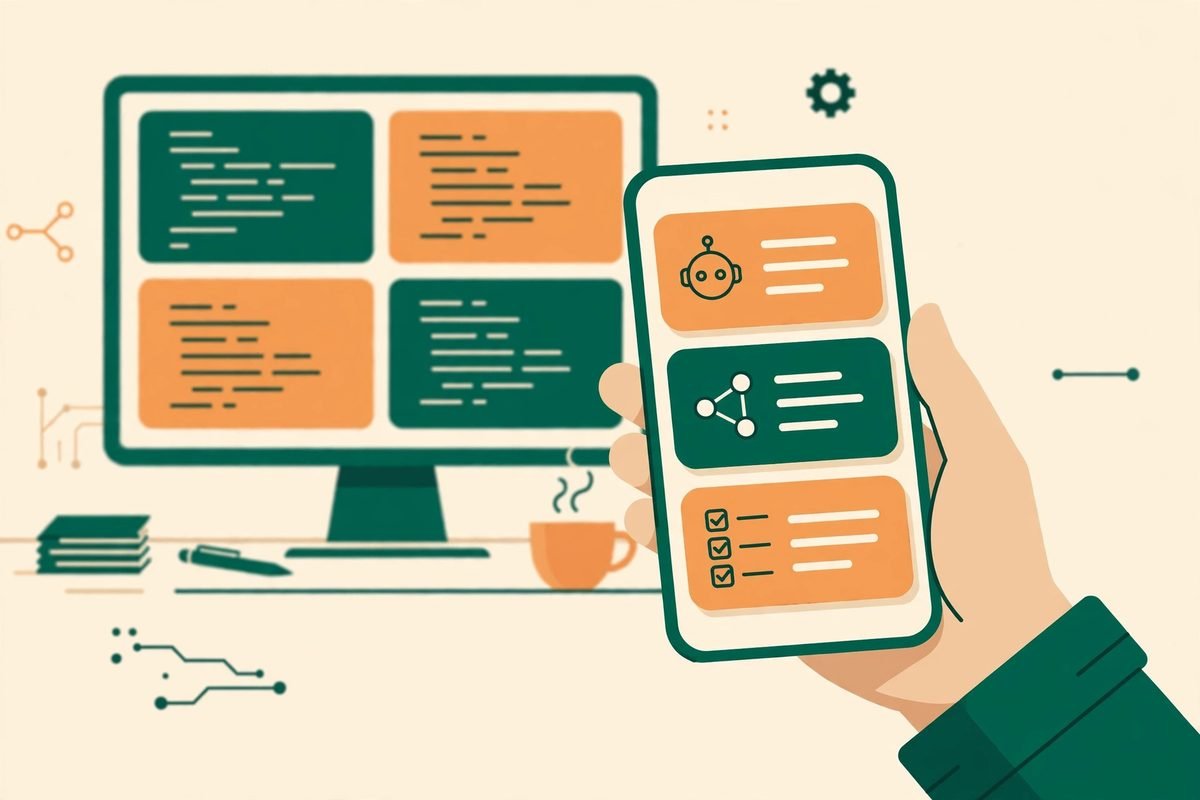
- A mobile companion. Monitor agents from your phone, get notified when an agent finishes, and send follow-ups from anywhere. For a lead developer, that turns dead time — a commute, a queue, a lunch break — into a review window.
- Terminal splits and a real editor. Orca ships fast terminals with splits and scrollback that survives restarts, plus a VS Code-style editor with autosave, so you can drag files or images straight into an agent prompt.
- Design mode. Click any element in a real Chromium window and send its HTML, CSS and a cropped screenshot straight into an agent prompt. That is a genuinely useful bridge between “this button looks wrong” and a fixable task.
- Native GitHub and Linear browsing. Browse pull requests, issues and project boards inside the app, open a worktree from any task, and review without switching context.
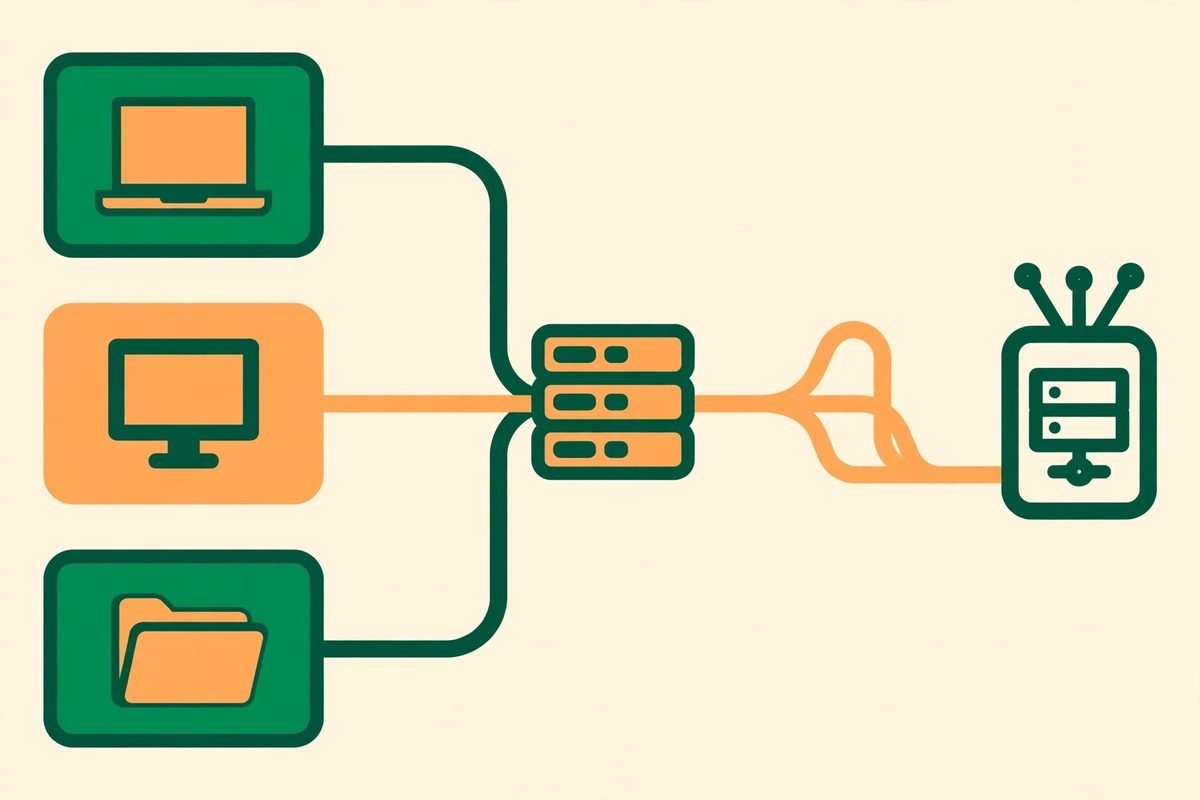
- SSH worktrees. Run agents on a more powerful remote machine with full file editing, git and terminals, with automatic reconnection and port forwarding. Your laptop stays light; the heavy lifting happens elsewhere.
- Diff review built in. Comment on any diff line and send those comments back to the agent, so review, editing and committing happen in one place rather than across three tools.
- An Orca command line. Agents can drive Orca too, scripting worktree creation, snapshots and browser actions — a foundation for repeatable agent workflows rather than one-off sessions.
- Account switching and usage tracking. See Claude and Codex usage and rate-limit resets, and switch accounts without logging in again. When several agents share a budget, that visibility is not a luxury.
How Orca works in practice
The workflow is built around worktrees, and it is worth understanding that concept before anything else. A git worktree is a separate working directory attached to the same repository. Two worktrees can hold two different branches at the same time, so two agents can work on two versions of the same codebase without stepping on each other.
In Orca, a typical session looks like this. You open your repository, describe a task, and assign it to one or more agents. Each agent gets its own worktree and its own terminal. You watch progress across tabs, jump into any session to steer it, and when an agent finishes, you review its diff line by line. If the result is good, you merge it. If it is not, you close the worktree and the failed experiment disappears with it — no polluted main branch, no half-merged mess.
That isolation is also what makes the “fan out one prompt” pattern safe. Asking five agents to solve the same problem sounds wasteful until you compare it with the alternative: one agent, one attempt, and a long debugging session when its approach turns out to be wrong. With parallel worktrees, the cost is agent tokens, not developer hours — and for many teams, tokens are now the cheaper resource. The trade-off is real, though: you will burn more tokens, and you need the discipline to actually review every result rather than merging the first one that looks plausible.
The mobile companion extends the same loop. An agent finishing at 11 pm is no longer a notification you ignore until morning; you can glance at the diff, approve a follow-up, or park it for later, all from your phone. Used well, that shortens feedback loops. Used badly, it turns every evening into on-call duty — a team norm worth setting on day one.
Why Orca is trending now
Three forces explain the timing. First, coding agents got good enough that the bottleneck moved from “can an agent write this?” to “can a human supervise five agents at once?” Orca is built for that second problem. Second, subscriptions fragmented: a team might hold Claude, Codex and OpenCode seats at the same time, and nobody wanted three separate dashboards. A bring-your-own-subscription orchestrator solves that without asking anyone to abandon a tool they already pay for. Third, open source matters here in a practical way, not just an ideological one. An MIT-licensed orchestrator can be audited, self-hosted and extended, which is exactly what agencies and product teams want from a tool that will touch their source code.
There is also a quieter reason: the agent-IDE market is consolidating fast, and developers are wary of lock-in. A tool that works with any CLI agent, rather than betting the company on one model provider, is a hedge. If your preferred agent changes its pricing tomorrow, your workspace, worktrees and review habits survive the switch.
From our experience: where Orca earns its keep
At MTD Technologies, we build web, mobile and AI systems for clients, and we have shipped enough agent-assisted work to know where the real costs hide. The honest version is this: agents do not save time by writing code faster. They save time when a senior developer can review, compare and reject work quickly — and they waste time when review is skipped.
Orca fits the first pattern. Parallel worktrees make comparison cheap, which is the whole point: the value is not five agents typing at once, it is five approaches you can judge side by side. Diff-level commenting matters for the same reason — vague feedback (“make it better”) produces vague revisions, while a comment pinned to one line produces a fix you can verify.
The gotchas are equally concrete. First, token spend multiplies with every parallel agent, so set a per-task budget before you fan out, not after the invoice arrives. Second, SSH worktrees are powerful but they add a machine you must secure, patch and back up; a remote agent box with your repository on it is production infrastructure, not a toy. Third, the mobile companion is only as good as your review discipline — approving diffs from a phone screen is fine for small changes and risky for anything touching authentication, payments or data migrations. And finally, Orca does not replace code review, tests or staging environments. An agent fleet that ships straight to production is not a productivity gain; it is an incident waiting for a quiet Friday evening.
When should you not use it? If your team runs one agent, one task at a time, Orca adds a layer you do not need yet. If nobody on the team is comfortable with git branches and worktrees, teach that first — the tool will only amplify confusion otherwise. And if your codebase has no tests, parallel agents will produce parallel untested code. Fix the test gap before you scale the agent fleet.
A responsible-use note
Any tool that runs agents across your codebase deserves a short security checklist. Keep secrets out of agent prompts and repositories, use read-only or scoped credentials where possible, and never let an agent commit directly to a protected branch. Review every diff before merging, especially changes to dependencies, authentication flows and build scripts — those are the places where a plausible-looking change can hide a real problem. If you use SSH worktrees, lock the remote machine down like any other server: key-only access, automatic updates, and no long-lived credentials lying around in agent sessions.
Getting started with Orca
- Download it. Grab the desktop build for macOS, Windows or Linux from the Orca download page, or install it with Homebrew using the command in the repository README. Release builds are also available directly from the GitHub releases page.
- Open a repository you already trust. Start with a small, well-tested project rather than your largest client codebase. Learn the worktree workflow on something you can afford to throw away.
- Connect the agent you already pay for. Sign in with your existing Claude Code, Codex, OpenCode or Pi subscription. There is no new model bill to approve — that is the whole point of the bring-your-own-subscription model.
- Run one task in one worktree first. Watch how the agent reports progress, review its diff, and merge it by hand. Only then try fanning one prompt across two or three agents and comparing the results.
- Pair the mobile app. Install the iOS or Android companion, pair it with your desktop app, and set notification rules that match your working hours — not your agent’s.
- Set team rules before you scale. Agree on token budgets, who may merge, which branches are protected, and which kinds of change always need a human second look. Write them down; agent fleets reward explicit rules.
Frequently asked questions
Is Orca free?
Orca itself is free and open source under the MIT licence. You still pay your agent provider — Claude, Codex or whichever CLI agent you run — because Orca does not replace that subscription; it organises the agents you already pay for.
Which coding agents work with Orca?
Any agent that runs in a terminal should work, including Codex, Claude Code, OpenCode and Pi, plus GitHub Copilot, Muse, Amp, ZCode and DeepSeek Harness. If you adopt a new CLI agent later, you can usually bring it into the same workspace without changing your workflow.
Do I need to know git worktrees to use Orca?
Not deeply — Orca manages worktree creation for you — but understanding the idea helps a lot. Each worktree is an isolated copy of your repository on its own branch, which is why parallel agents cannot overwrite each other’s work. A basic comfort with branches and merging will make the whole tool feel obvious.
Can I run Orca on a remote server?
Yes, through SSH worktrees. Agents run on the remote machine with full file editing, git and terminals, while you control them from your local app. Treat that remote machine as production infrastructure: secure it, patch it, and back it up.
Is Orca better than a single AI IDE?
It solves a different problem. A single AI IDE is best when one developer works on one task. Orca earns its keep when you want several agents, several approaches or several tasks running in parallel, under one review workflow, without being locked to a single model provider.
Orca will not magically make a team productive, but it removes the most annoying friction in multi-agent development: juggling terminals, branches and dashboards while trying to review properly. If your team already pays for coding agents and is starting to feel that supervision bottleneck, it is well worth an afternoon of testing. If you want help wiring agent workflows into a real product — worktree discipline, review gates, CI checks and deployment included — talk to MTD Technologies about AI integration and automation, browse the AI Tools Directory for more tools we have reviewed, or contact us to discuss your project.