
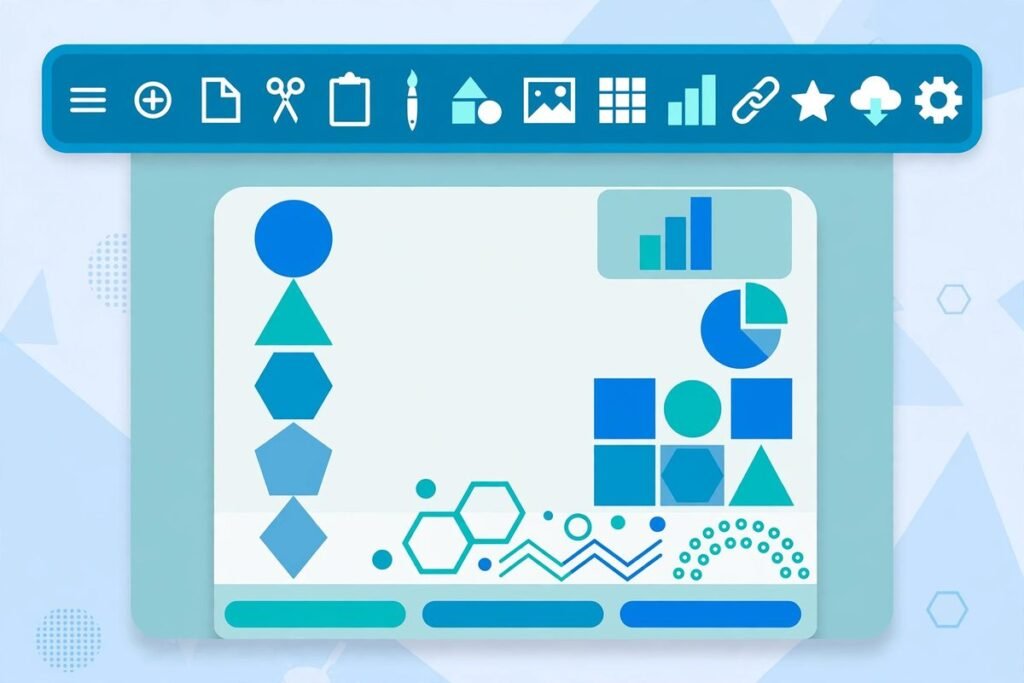
There is a reason the open source Word alternative 2026 conversation keeps circling back to one repo. WordCraft — an open-source, clean-room reimplementation of Microsoft Word in pure Rust — has gathered around 14,800 stars and nearly 4,000 forks on GitHub, making it one of the most-watched open source productivity projects of the year. It opens and writes .docx, ships the familiar ribbon interface, and runs natively on macOS, Windows, Linux, BSD and even in the browser via WebAssembly. In this deep-dive we cover what WordCraft does today, how to run it, why it is trending, and — speaking as an agency that builds document-heavy software for clients — where it genuinely fits and where you should hold back.
What WordCraft Actually Is
WordCraft is a modern word processor written entirely in Rust, built by the team behind ArtCraft (which we covered in an earlier deep-dive). Its headline claim is a big one: a clean-room reimplementation of Microsoft Word — built from public specifications and observation, with every asset original or openly licensed, under the MIT/Apache-2.0 dual licence.
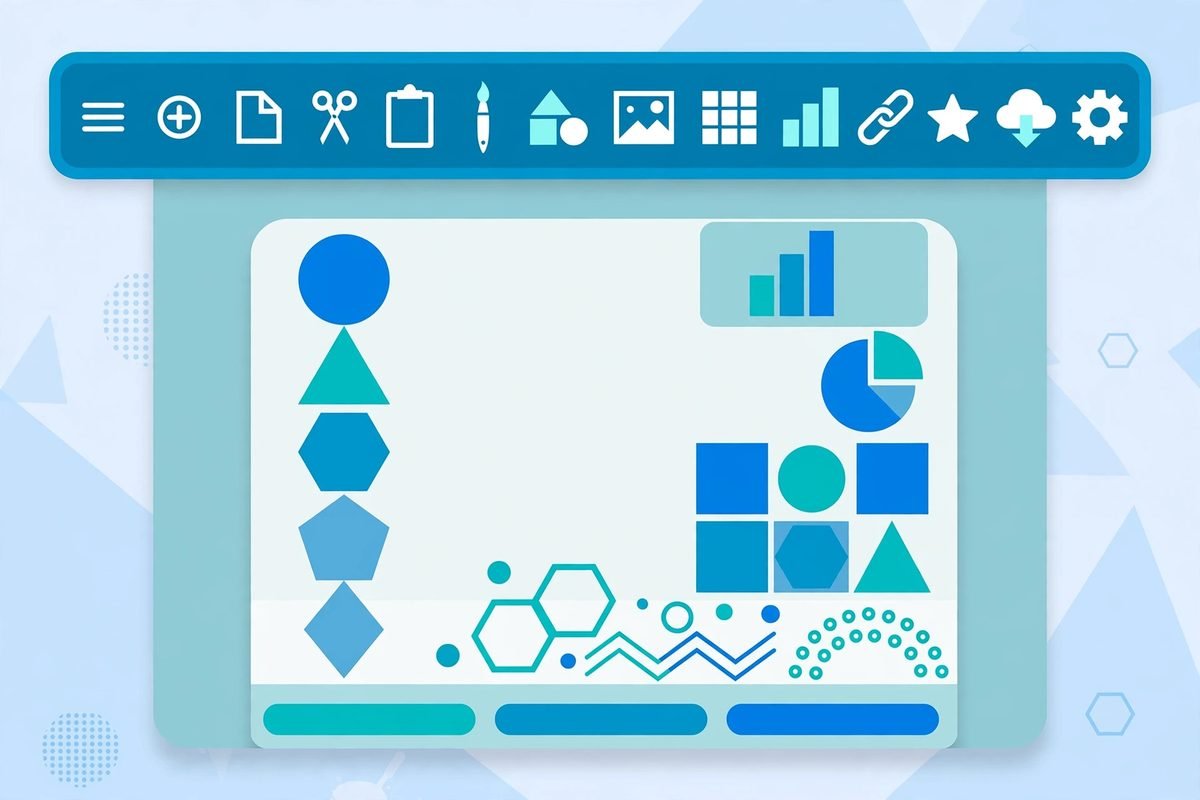
Concretely, that means a desktop word processor with the familiar workflow — ribbon tabs, styles gallery, track changes, mail merge, references — that reads and writes .docx (OOXML), and also handles .odt, .rtf, .html, .md, .tex (LaTeX) and .txt, opens legacy Word 97–2003 .doc files, and exports PDF with real selectable text, links and bookmarks. The rendering is native: one Rust codebase using egui on the GPU, so there is no Electron or Tauri runtime in sight. The project claims typing in a 188-page document re-lays the page in about 1.4 milliseconds because paragraph layout is cached.
The part that separates it from every other “open office suite” clone is its architecture: every action in the application is a command with an id. The same 422 commands that drive the ribbon and keyboard shortcuts also drive a command-line tool, a JSON control channel, and — notably — an MCP server. That makes WordCraft, deliberately, a word processor that AI agents can operate. The spelling and grammar checkers work fully offline, which the project positions as a privacy story: your documents never leave your machine.
What It Can Do
The project’s own feature table is unusually detailed for open source, and it reads like a genuine Word replacement checklist:
- Writing: fast typing with IME support, smart quotes, AutoCorrect, list autoformat, regex find-and-replace, undo/redo.
- Formatting: the full character and paragraph stack — fonts, styles, Format Painter, tabs with leaders, borders, shading, widow/orphan control.
- Tables: insert by grid, merge and split cells, banded-row styles, header rows repeated across pages, sorting, formulas, text-to-table conversion.
- Pages: margins, columns, section breaks, headers and footers (first-page and odd/even variants), page numbers, watermarks, drop caps, automatic hyphenation.
- Objects: pictures with crop, recolour and background removal, shapes, text boxes, floating positioning with text wrapping.
- References: tables of contents, footnotes and endnotes, citations and bibliography in APA, MLA, Chicago or IEEE, captions, cross-references and indexes.
- Review: track changes with accept/reject, comment balloons in the margin, compare documents, restrict editing, an accessibility checker and document inspector.
- Mailings: mail merge from CSV with merge fields, address blocks, greeting lines and preview.
- View: print, web, draft and read modes, Navigation pane, rulers, gridlines, dark mode — and an interface already localised into more than twenty languages.
That is an honest feature inventory, not a marketing page. Note the table is titled “What works today” — the maintainers are careful to describe current capability, which is exactly the posture you want from a project at this stage.
How It Works: Building and Running It
Because it is pure Rust, there is no runtime to install beyond what cargo handles. Cloning and running the desktop app looks like this:
git clone https://github.com/storytold/wordcraft
cd wordcraft
cargo run --release -p wordcraft -- --sample
The wordcraft-cli companion is where things get interesting for automation work:
wordcraft-cli convert report.docx report.pdf
wordcraft-cli text report.docx
wordcraft-cli inspect report.docx
You can also drive documents by command scripts: wordcraft-cli run --template sample --cmd format.bold --save out.docx, or the same from a JSON file. For the web build, cd apps/wordcraft-web && trunk serve gives you a browser build at a local address. And for agent workflows, the project ships an MCP server (claude mcp add wordcraft -- wordcraft-cli mcp) that lets a coding agent edit headless documents — confined to folders you specify — or drive a running instance over a local control port.
Why It Is Trending
Three currents are converging. First, the Rust desktop-app wave has reached productivity software: developers watched tools like this prove that a native Rust GUI can match Electron-era convenience without the memory bill, and a full word processor is the most ambitious demonstration yet. Second, document automation is having its moment — teams generating contracts, reports and proposals from structured data are discovering that every “docx library” in every language is a leaky abstraction over the OOXML format, and a real editor with a command API is a far more robust foundation. Third, the AI-agent angle: an editor where every action is already a command is trivially drivable by agents, and MCP support puts document generation directly into agentic workflows. A community that is already experimenting with agent-built software (we covered the agent-skills boom in recent posts) sees a word processor with a built-in MCP server as infrastructure, not just an app.
The project’s lineage helps too. WordCraft is the third or fourth “Craft” app from the same team — ArtCraft for artists, and the storytold organisation has also shipped slide, photo and PDF tools in the same Rust-first style. Each launch compounds the last: a developer who saw the art tool take off is primed to star the word processor.
Why an Open Source Word Alternative in 2026 Matters for Business
For most businesses the interesting question is not “can I replace Word on Monday” — it is what an open, scriptable document engine unlocks. A few angles we discuss with clients:
- Licence cost and control. Organisations that issue hundreds of seats to people who mainly read, lightly edit and print documents are paying full office-suite prices for a word processor they barely use. A capable free client changes that maths — especially where deployment on Linux fleets is involved.
- Document pipelines. If your business generates invoices, reports or compliance documents, a headless CLI that converts, inspects and rewrites .docx files — driven by scripts or agents — is a building block worth having in your stack. We build exactly this kind of AI integration and automation for clients.
- Offline and sovereignty requirements. Regulated teams that cannot let documents touch cloud spell-checkers get a fully offline editor with offline grammar checking.
- Agent-generated documentation. The MCP server means an agent can author, format and export a finished PDF without fragile templating hacks — genuinely useful for automated reporting pipelines built on top of workflow automation.
From Our Experience
We have spent nine years building document-heavy systems for clients — proposal generators, reporting pipelines, mail-merge operations — and the honest read is this. WordCraft’s strongest suit is as a developer tool, not yet as a drop-in Word replacement for your finance team. The CLI, the JSON command channel and the MCP server are the parts we would actually reach for in a client project today: converting uploads, normalising documents into clean .docx, scripting merges. That is real, billable work the project can already do.
The limitations are equally real, and the project’s own numbers tell the story: over 1,300 open issues against a repo that is barely months old. That is normal for this stage — it is a sign of attention, not failure — but it tells you where the edges are. Anything your organisation depends on should be tested against your actual documents first: complex templates with tracked changes, cross-references and embedded objects are exactly where clean-room compatibility shows its seams, because Word’s file format is defined as much by twenty-five years of quirks as by the published specification. Evaluate it like you would any young open source tool: pilot on non-critical workflows, pin a release, and keep your existing suite as the system of record until the pilot earns your trust.
When NOT to use it: if your team lives inside Word macros, collaborative real-time co-authoring or deep SharePoint/Teams integration, there is no open source project on earth that replicates that ecosystem — a clean-room editor is the wrong tool for that job, and the honest answer is to stay on the commercial stack. WordCraft’s sweet spot is the opposite: self-contained documents, scripted generation, offline fleets, and developers who want a document engine their agents can drive.
Getting Started in Five Steps
- Assess the fit. List the document features your team actually uses — if the list is “read, edit, track changes, export PDF”, you are in WordCraft territory. If it says “macros and real-time co-authoring”, stop here.
- Build it.
git clone https://github.com/storytold/wordcraft, thencargo run --release -p wordcraft -- --sampleto try the sample document. A release build takes a few minutes the first time. - Test your real documents. Open your ugliest template — the one with tracked changes, footnotes and embedded tables — and compare rendering against Word side by side. Check the exported PDF text selection.
- Try the CLI on your pipeline.
wordcraft-cli convertandwordcraft-cli inspecton a batch of your files; this is the fastest way to discover whether it fits your automation. - Pilot on one workflow. Pick one low-risk document flow, run WordCraft in parallel with the incumbent for a few weeks, and measure: layout fidelity, crash rate, and how long staff take to adapt to the ribbon.
Frequently Asked Questions
Is WordCraft really a full replacement for Microsoft Word?
Not yet, and the project does not pretend otherwise. It covers the core authoring stack — styles, tables, track changes, references, mail merge, .docx round-tripping — but it is months old with over a thousand open issues. Treat it as a strong candidate for straightforward documents and a powerful document engine, with the commercial suite remaining the system of record for complex workflows.
What licence is WordCraft released under?
MIT OR Apache-2.0 — a permissive dual licence, which means businesses can use, modify and distribute it, including in commercial products, without copyleft obligations. Clean-room means it was written from public specifications rather than copied code, which is the legally careful approach for cloning a proprietary interface.
Can WordCraft open my existing .docx files?
Yes — it reads and writes .docx (OOXML), opens legacy .doc files from Word 97–2003, and also handles .odt, .rtf, .html, .md, .tex and .txt, exporting to PDF. Simple documents round-trip cleanly; heavily formatted templates with macros or complex embedded objects should be tested file by file.
How do AI agents use WordCraft?
Every action in the editor is a command with an id, and the same commands are exposed through a CLI, a JSON control channel and an MCP server. An agent can therefore create, edit, format and export documents programmatically — for example generating a formatted report PDF from data — with folder-scoped permissions to keep it sandboxed.
Should my business switch to it?
Run the pilot described above before deciding. Organisations with simple document needs, Linux fleets, offline requirements or document-generation pipelines have the most to gain. If your workflows depend on Word macros, real-time co-authoring or deep Microsoft 365 integration, stay on the commercial stack. If you want help evaluating or integrating open source document tooling into your workflow, talk to us — this is the kind of build-vs-buy analysis we do every week.
WordCraft is the most serious attempt yet at an open source Word alternative in 2026 — not because it is finished, but because its architecture (pure Rust, every action a command, MCP-native) points at where document software is actually going. Star the storytold/wordcraft repo, try the CLI on your ugliest documents, and keep an eye on the sister projects — the team behind it is rebuilding the whole office suite, one clean-room app at a time. And if document automation is on your roadmap, browse our AI tools directory or get in touch — we build these pipelines for clients.