
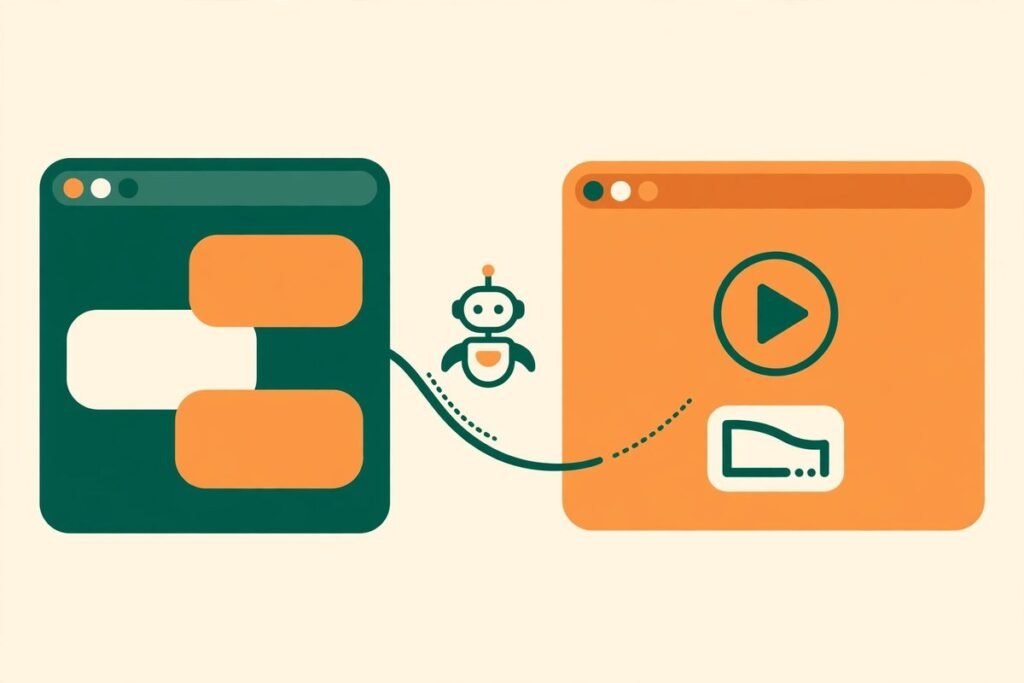
Trainn MCP create product videos from AI chat — that is the promise, and after checking the launch, the pricing page and the platform itself, the short verdict is this: it is a genuinely useful shortcut for SaaS teams that already record product walkthroughs, and a poor reason to buy Trainn if you do not. Trainn MCP connects Trainn, an AI product-video platform, to Claude, ChatGPT, Cursor or Notion through the Model Context Protocol, so you can turn a screen recording into a polished product video, write a help article or build a whole training course by describing what you want in plain language. It launched on Product Hunt on 13 November 2026, finished fifth on the daily leaderboard with more than 170 upvotes, and earned a perfect 5.00 out of 5 from its first nine reviews.
What Trainn MCP Actually Does
Trainn itself is not new. The company has sold AI-generated product videos since 2021: you record a workflow once with a Chrome extension or upload an existing recording, and its AI agent splits the footage into clips, writes a script from what happens on screen, generates a clean voiceover, and adds zooms and spotlights. The same video can then become a step-by-step guide with one click, or an interactive walkthrough embedded inside your product. Trainn MCP is the new control layer on top of that system: you connect it once as an MCP server in Claude, ChatGPT, Cursor or Notion — no code, no API keys — then describe what you want in plain language and the assistant picks the right Trainn tools.
Two details matter more than the demo suggests. First, answers and content are grounded in your own Library, so the output should describe your product as it actually works rather than inventing features — the usual failure mode of AI-generated help content. Second, Trainn is explicit that nothing ships without your permission. The assistant prepares and drafts; publication still goes through a human.

How the Chat-to-Video Workflow Runs in Practice
The workflow has four stages, and the first two are where most of the value sits. Recording is still a human job: you capture the workflow once, either silently or narrating as you go. If you narrate, Trainn rewrites your rough narration for clarity, strips filler words, removes background noise and voices it in the accent you choose. If you record silently, the AI writes the script from the on-screen actions. Either way, the raw material is a real recording of your real product — the AI polishes it, it does not invent it.
- Record or upload. Capture the workflow with the Trainn Chrome extension, or upload an existing recording such as a demo or webinar.
- Ask in chat. In Claude, ChatGPT, Cursor or Notion, describe the video, article or course you want. The assistant selects the Trainn tools and drafts the work.
- Review before anything ships. Nothing is published without your approval, so check the script, the voiceover and the steps against the current product before you sign off.
- Distribute. Share one link that updates wherever it lives, embed the video in your product or help centre, or deliver it through Trainn’s knowledge base, learning platform or in-app tutorials.
Translation is the quiet multiplier here. Trainn translates voiceover, subtitles and descriptions into any language in one click — more than 30 languages, per its pricing page. For a SaaS business with customers in several markets, that turns one recording into a localised onboarding set without a translation agency, though machine-translated narration still needs a native speaker to check product terminology.
Trainn MCP Create Product Videos From AI Chat: Pricing, Verified
Pricing is the one area where Trainn is less transparent than we would like. The company sells four plans — Creator, Launch, Scale and Enterprise — and its public pricing page confirms the trial structure but does not display headline prices for the upper tiers. What we can verify: the entry-level Creator plan costs $19 a month after a 3-day free trial, according to the independent beginner guide published at launch; the Launch plan carries a 14-day free trial; there is no free plan; and annual billing saves 20% compared with monthly. Higher tiers are quote-led, with user licences and content bundles sold as add-ons as you scale.
That structure tells you who the product is priced for. At $19 a month, Creator is cheap enough for a small SaaS team or a solo founder to try seriously — one polished onboarding video a month justifies it if it deflects even a handful of support tickets. But the features that make Trainn a training platform rather than a video tool — the learning management system, the knowledge hub, custom branding and custom domains — sit in the higher tiers, and their pricing is a sales conversation.
One cost that is easy to miss: when a trial ends without a card on file, you lose access to the videos and guides you created, including any you shared or embedded. That is stated plainly in Trainn’s own FAQ — treat the trial as a real evaluation with a decision date.
Who It Is For — and Who Should Skip It
Trainn MCP fits a specific shape of team. The ideal buyer is a SaaS company with a product that changes often, a support or success team that answers the same how-to questions every week, and at least one person willing to record workflows. For that team, the value is compounding: every feature release becomes a video, a guide and a course update through the same chat conversation, instead of a ticket in a video editor’s queue.
It is a weaker fit in three cases. If you rarely record your product, there is nothing for the AI to work from and the MCP layer adds nothing. If your product is a service rather than software, screen recordings are the wrong medium and a tool like ngram 2.0, which turns documents into branded explainer videos, may suit you better. And if you need cinematic marketing video rather than training content, this is the wrong category entirely — Trainn makes clear, instructional product videos, not ads.

Watch-Outs and Honest Limitations
Every new AI tool launch deserves the same sceptical questions, and Trainn MCP is no exception. First, it is days old at the time of writing. A perfect 5.00 rating from nine early reviews is encouraging, but nine reviews from launch-day supporters are not the same as a year of production use.
Second, the quality of the output is bounded by the quality of the recording. An AI script written from a confused, meandering screen recording will be a polished version of a confused walkthrough. The tool removes editing friction; it does not remove the need to plan what the video should teach.
Third, the MCP connection itself is a dependency. You are routing your training content through a third-party assistant — Claude, ChatGPT or Cursor — which means your product material passes through another service’s context. Trainn holds SOC 2 Type II verification, GDPR compliance and ISO 27001 certification, which is a solid baseline, but if your product handles sensitive data, check what your recordings actually show before they enter any AI pipeline. Mask credentials, customer data and internal URLs in recordings as a habit, not an afterthought.
Finally, the pricing opacity matters. A tool that will not publish its upper-tier prices forces a sales call before you can budget properly. Get the Launch or Scale quote before you commit your training workflow to it.
How It Compares to the Alternatives
The honest comparison is not against other video editors. It is against the status quo: a screen recording dumped in a shared drive, a help article nobody updates, and a support team answering the same question for the tenth time. Against that baseline, Trainn MCP wins easily for teams that already record. Against dedicated video tools, the picture is more nuanced. Traditional editors give you frame-level control; Trainn trades that control for speed and for the training-delivery layer — the knowledge base, the learning platform and the in-app tutorials — that an editor simply does not have.
The MCP angle is what separates it from older product-video tools. Most competitors still make you work inside their dashboard; Trainn lets the assistant you already use drive the whole system. A similar pattern is appearing across the AI tooling wave — our AI tools directory tracks several MCP-first launches from the same month — but Trainn is one of the first to apply it to customer training rather than to coding or writing.
From Our Experience
We build AI integrations and automation for clients, so we have seen this exact pattern from the other side: a team buys a content tool, produces twenty videos in the first month, and then the library quietly rots because nobody owns updates. Trainn MCP’s strongest idea is also its least flashy one — updating content through the same chat conversation when the product changes. If you adopt it, build the update habit on day one: every release note should end with the question, which Trainn video or guide does this change?
The other lesson from client work: voiceover quality is where AI video tools are judged, and Trainn’s approach — rewriting rough narration and voicing it cleanly — is the right one. A script written from on-screen actions will always sound slightly generic next to a human presenter who knows the product. For onboarding and how-to content, that trade is usually worth it. For anything that carries your brand voice, keep a human in the loop.
Our recommendation: trial the Creator plan on one real workflow — your most-asked support question — and measure the recording-to-published-video time, including your review, plus whether the video deflects tickets. If both numbers look good, the higher tiers are worth a sales conversation. If you want help wiring a tool like this into your onboarding or support workflow, our AI integration and automation team builds exactly these pipelines — talk to us about what your team records today and what it should be teaching instead.
Frequently Asked Questions
What is Trainn MCP?
Trainn MCP is a no-code Model Context Protocol integration that connects Trainn, an AI product-video and training platform, to your AI assistant. It lets you create product videos, help articles and training courses by describing what you want in plain language in Claude, ChatGPT, Cursor or Notion.
Which AI assistants does Trainn MCP work with?
Trainn MCP works with Claude, ChatGPT, Cursor and Notion. You connect it once as an MCP server, then create content and get answers from your Trainn Library through the chat you already use. There is no code to write and no API keys to manage by hand.
How much does Trainn cost?
The Creator plan costs $19 a month after a 3-day free trial. The Launch plan carries a 14-day free trial, and annual billing saves 20% over monthly. There is no free plan. Scale and Enterprise pricing is quote-led.
Do I need to know how to code to use Trainn MCP?
No. Trainn MCP is a no-code integration. If you can write a chat message, you can drive it — you record a screen workflow once, describe the video or course you want, review the result, and approve it before anything ships.
Can Trainn MCP publish videos without my approval?
No. Trainn states explicitly that nothing ships without your permission. The assistant prepares drafts and updates, and a human reviews and approves them before publication. That permission gate is what makes the tool safe to hand to a support or success team.
Trainn MCP is a small, well-aimed tool: it removes the friction between a screen recording and a finished piece of customer training, and it does it inside the chat window your team already uses. For SaaS teams that record their product anyway, that is worth a trial. For everyone else, it is a feature waiting for a workflow. Start with one real support question, measure the time saved and the tickets deflected, and let those two numbers decide.