

AI design skills for developers open source projects are changing how coding agents build interfaces, and elayadesign/ai-design-skills is one of the clearest examples of the trend. At the time of writing it holds more than 13,000 GitHub stars, carries an MIT licence, and ships a single, focused skill: a complete system for building high-converting landing pages that a coding agent can follow end to end. If you lead a development team, run an agency, or simply want your AI-assisted builds to stop looking generic, this repo deserves a proper look — not because it is magic, but because it turns design taste into a checkable set of instructions.
This deep-dive covers what the repository actually contains, how its one skill works, how to install it for Claude Code, Cursor, Codex and other tools, and — just as importantly — where it stops being useful. By the end you will know whether to install it today, fork it and adapt it, or wait until the collection grows.
AI design skills for developers open source: what this repo actually ships
The repository describes itself as a growing collection of design skills for AI coding tools — Claude Code, Cursor, Codex, Windsurf, and anything else that reads a markdown rules file. Each skill is a self-contained folder, and you install only the ones you need. Right now, that means exactly one skill: landing-page-design. The maintainers say more are on the way, and they point builders who want to upgrade an existing site, rather than build a new one, to a companion repository called redesign-skill.
That narrow scope is a feature, not an oversight. Most agent skill collections try to cover everything and end up saying nothing enforceable. This one picks a single, high-value job — the landing page — and writes down the whole job: what to ask before designing, how to structure the page, which layout to pick, how to write the copy, and which visual rules are non-negotiable. A skill that tries to do less, precisely, beats a skill that gestures at everything.
The numbers give useful context. The repository was created in late July 2026 and was last updated on 31 October 2026, so it is young but actively maintained. It has attracted roughly 13,100 stars and close to 1,000 forks, with only a couple of open issues at the time of writing. Star counts are not a quality certificate, but at this scale they do tell you something real: a lot of developers tried it, and enough of them liked the output to keep the repository in circulation.
What it can do
The landing-page-design skill has two halves, and the order matters. Part A decides what the page says and how it is structured. Part B is the visual system, and the skill treats it as non-negotiable: when a rule conflicts with a framework default, the skill file wins.
- Intake before design. The skill starts with questions, not pixels: what is the one primary action, who is the audience, what are the top three objections, where does traffic come from, and what proof exists. If you cannot answer, it makes a reasonable assumption, states it in one line, and keeps going rather than stalling the build.
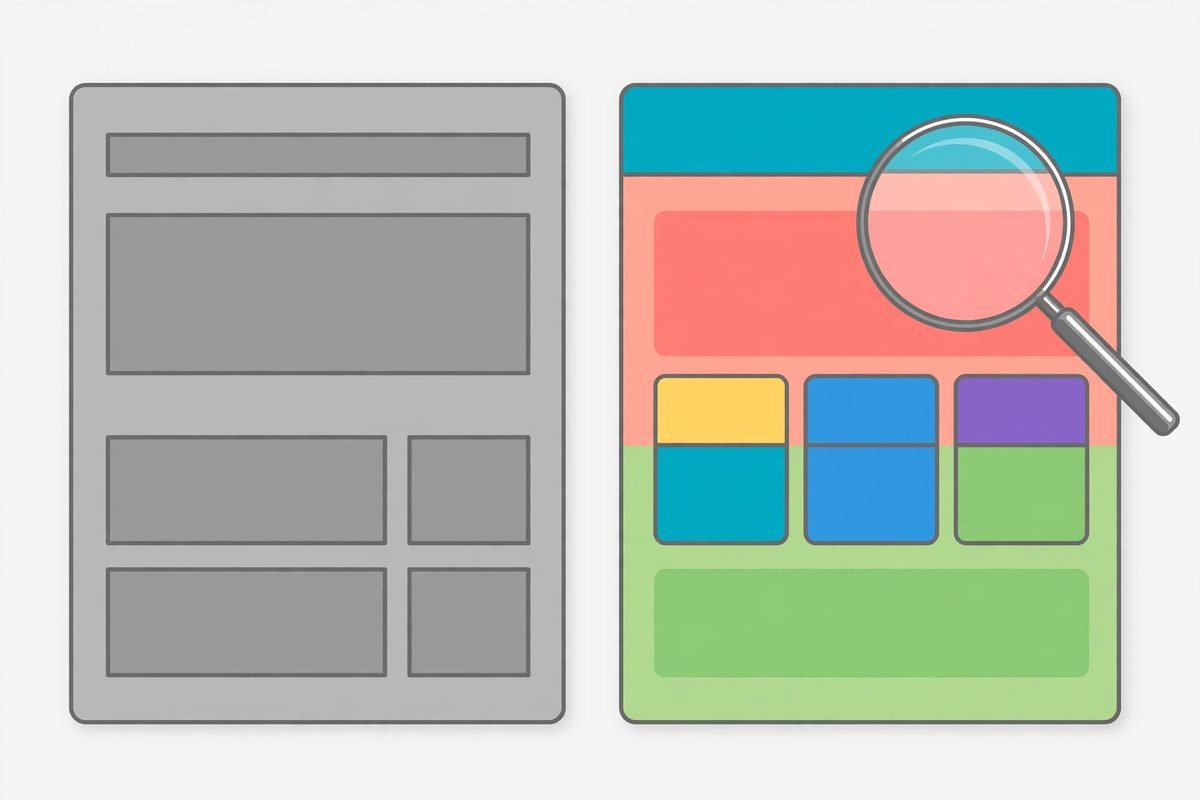
- A fixed page structure. Above the fold it requires a headline, a clarifying subheadline, one primary call to action, one proof signal, and a hero visual. The middle of the page argues the case — problem to solution, benefits, how it works, social proof — and the bottom handles objections with a FAQ, risk reversal, and a final call to action identical to the top one.
- Layout selection with reasons. It picks from four layout types — classic hero plus sections, long-form story, minimal conversion page, or comparison page — and says why. That reasoning step is what stops an agent from defaulting to the same hero-plus-three-cards layout for every brief.
- Conversion copywriting rules. Headlines follow outcome-led formulas, subheadlines add specificity, and calls to action name the verb plus what the visitor gets. Vague claims are replaced with specific ones, and objections are treated as a section, not a footnote.
- A strict visual system. Typography, spacing values, corner radius, backgrounds, hero layout, icons, and motion all get concrete values. This is the part that kills the generic look: an agent without it will pick safe, average values every time.
The skill also applies beyond landing pages. Its scope note says to use it when building, editing, styling, reviewing, or writing copy for any landing page, marketing site, web UI, page section, component, or prototype — even when the user does not mention design, conversion, or a design system. That broad trigger is deliberate: design decisions happen whether you ask for them or not, and this skill wants to be consulted before they are made by default.

How it works
Installation uses the skills CLI from skills.sh and needs Node.js. The standard install lists the skills in the repository and asks which ones to install and for which agents:
npx skills add elayadesign/ai-design-skills
Flags skip the prompts. Install just the one skill with --skill landing-page-design, pick agents with -a claude-code -a cursor, install at user level instead of project level with -g, preview what is available with --list, and skip confirmations with -y. Skills land in .claude/skills/ for Claude Code and .agents/skills/ for Cursor, Codex, and other agents, and npx skills update pulls later changes. After that, you simply ask in plain language for what the skill covers.
Manual installation is also documented. For Claude Code, clone the repository and copy the skill folder into .claude/skills/. For Cursor, download the SKILL.md file into .cursor/rules/ or paste it into Settings under Rules for AI. For Codex, Windsurf, Cline, or a generic tool, the same file goes into that tool rules file — AGENTS.md, .windsurfrules, .clinerules, or a system prompt. If you use Claude.ai without a terminal, you can download the SKILL.md file, upload it to a Project, or attach it to a chat and tell the model to follow it.
One design choice in the repository is worth copying in your own work: every skill design values — fonts, colours, spacing, motion — live in one section near the bottom of the file. Fork the repository, edit that section, and the rest of the skill follows automatically. That single point of customisation is what turns a generic skill into your house style, and it is the step most teams skip.
Why it is trending
The timing explains the star count. Coding agents got good at producing working code long before they got good at producing good-looking pages, and the gap became the most visible weakness in agent-built output. Teams started calling the result AI slop: technically valid, visually interchangeable, and instantly recognisable. A skill that encodes taste — specific spacing, real typography choices, honest copy rules — attacks exactly that weakness, and it does so in a format any agent can consume: a markdown file.
The repository also rides a second wave: skills themselves have become the distribution format for agent behaviour. Instead of writing a long prompt every time, you install a skill once and the agent applies it whenever the work matches. The skills.sh badge on the README, the per-agent install paths, and the update command all signal that this project understands it is shipping a product, not just a document. That polish is part of why it spread.
There is a third, quieter reason. Landing pages are the one artefact every business can judge instantly. A stakeholder may not be able to review an API design, but they can look at a landing page and know within seconds whether it feels professional. A tool that visibly improves that artefact earns its stars in demos and screenshots, which is exactly how repositories like this one travel.
From our experience
At MTD Technologies we have spent nine-plus years shipping client websites across more than 300 projects, and the pattern this skill formalises matches what we see in real work. The expensive design failures are rarely about a single bad colour choice. They come from skipping the intake: no agreed primary action, no named audience, no proof, and three competing calls to action above the fold. An agent handed that brief will produce a handsome page that converts nothing, and no visual system can rescue it. The skill insistence on one offer, one audience, and one primary action is the most valuable sentence in the whole file.
The honest limitations matter just as much. First, this is currently a one-skill collection, so it solves landing pages and nothing else; do not expect it to design a dashboard, a checkout flow, or a mobile app with the same authority. Second, its taste is opinionated by design, which means it will push your pages toward its house style unless you fork the design-values section and make it yours. Third, a skill cannot fix a weak offer, missing proof, or placeholder copy — if your testimonials, screenshots, and guarantees do not exist, the agent will either invent them or leave gaps, and both outcomes need a human check before anything ships. Finally, the repository is young, so expect the skill content to change; pin a version or a fork for client work rather than floating on the latest commit.
One more practical note: the skills CLI itself is a third-party installer. Before running any installer that writes into your agent configuration, it is worth reading what it installs and where, especially on a machine with access to client code. The manual install path exists for exactly that reason, and for agency work we would use it.
Getting started
- Pick one real landing page you already own — a service page, a product page, or a campaign page — rather than testing on a made-up brief. Real copy and real objections expose what a skill can and cannot do.
- Install just the landing-page-design skill for one agent, at project level, so you can compare output with and without it on the same brief.
- Fill in the intake answers yourself first: the one action, the audience, the top three objections, and the proof you actually have. Hand those to the agent with the skill active.
- Fork the repository and edit the design-values section to your brand fonts, colours, spacing, and motion before you use it on client work. That one edit is the difference between adopting a style and renting someone else.
- Review the output like a designer, not a bystander: check the headline promise against the real offer, verify every proof point, and confirm there is exactly one primary call to action above the fold.
- Only then roll it out team-wide, and keep the companion redesign-skill in mind for existing pages that need upgrading rather than rebuilding.
If you want help turning a skill like this into a repeatable part of your delivery process — a branded skill set your whole team uses, wired into your web development workflow — that is exactly the kind of practical AI adoption work we do. Browse the AI Tools Directory for more tools we have reviewed in this series, or contact us to talk through your project.
Frequently asked questions
What is elayadesign/ai-design-skills?
It is an open-source collection of design skills for AI coding tools, hosted on GitHub under the MIT licence. Each skill is a self-contained folder with a markdown file that tells a coding agent how to do a design job. At the time of writing it ships one skill, landing-page-design, with more promised.
Which coding agents does it work with?
Claude Code, Cursor, Codex, Windsurf, and any tool that reads a markdown rules file. Installed skills land in .claude/skills/ for Claude Code and .agents/skills/ for Cursor, Codex, and other agents, with manual install paths documented for each tool.
Is it really free to use?
Yes. The repository is MIT licensed, which means you can use it, fork it, and ship what you build with it without attribution. The only costs are your own agent and model usage, which are unchanged by installing a skill.
Will it make my AI-built pages look unique?
Not on its own. Out of the box it applies its own house style, which is better than the generic default but still shared with every other installer. Uniqueness comes from forking the repository and editing the design-values section — fonts, colours, spacing, and motion — to your brand before you ship.
Should I install it for client work today?
Yes, with two conditions: fork or pin a version so client work does not drift with upstream changes, and review the output before it ships, especially copy and proof points. Treat it as a senior design checklist for your agent, not as an autopilot.
AI design skills for developers open source collections will keep multiplying, and most of them will be forgettable. This one is worth your attention because it is narrow, specific, and honest about what it does: one job, done properly, with the customisation point clearly marked. Install it, fork it, make it yours — and judge it on the next landing page you actually ship.